Bad Password Habits: 5 Ways You Leave Accounts Vulnerable
Break these common password mistakes to shield your accounts, data, and finances from hackers and breaches.
In today’s digital world, passwords are the first line of defense for your online accounts, financial information, and personal data. Yet, many people unknowingly adopt bad password habits that make them easy targets for hackers. A single weak password can lead to identity theft, drained bank accounts, and hours spent recovering compromised accounts. According to cybersecurity experts, simple changes can dramatically reduce these risks without much effort.
This article breaks down the most dangerous password practices, backed by data from reliable sources, and provides actionable advice to fix them. By avoiding these pitfalls, you’ll save money on potential fraud recovery and sleep better knowing your digital life is secure.
Why Password Security Matters More Than Ever
Cybercriminals rely on stolen credentials for 81% of data breaches, as reported by Verizon’s 2023 Data Breach Investigations Report. Weak passwords amplify this threat, especially with rising credential-stuffing attacks where hackers test leaked logins across sites. The financial toll is staggering: average data breach costs hit $4.45 million per incident, per IBM’s 2023 report. Personal losses include unauthorized charges, frozen credit, and stolen savings.
For everyday users, poor habits like password reuse mean one breach—like the 2023 23andMe hack exposing millions—can cascade across email, banking, and shopping accounts. Government agencies like the U.S. Department of Homeland Security emphasize that strong passwords are a low-cost way to mitigate these risks.
1. Using the Same Password Across Multiple Accounts
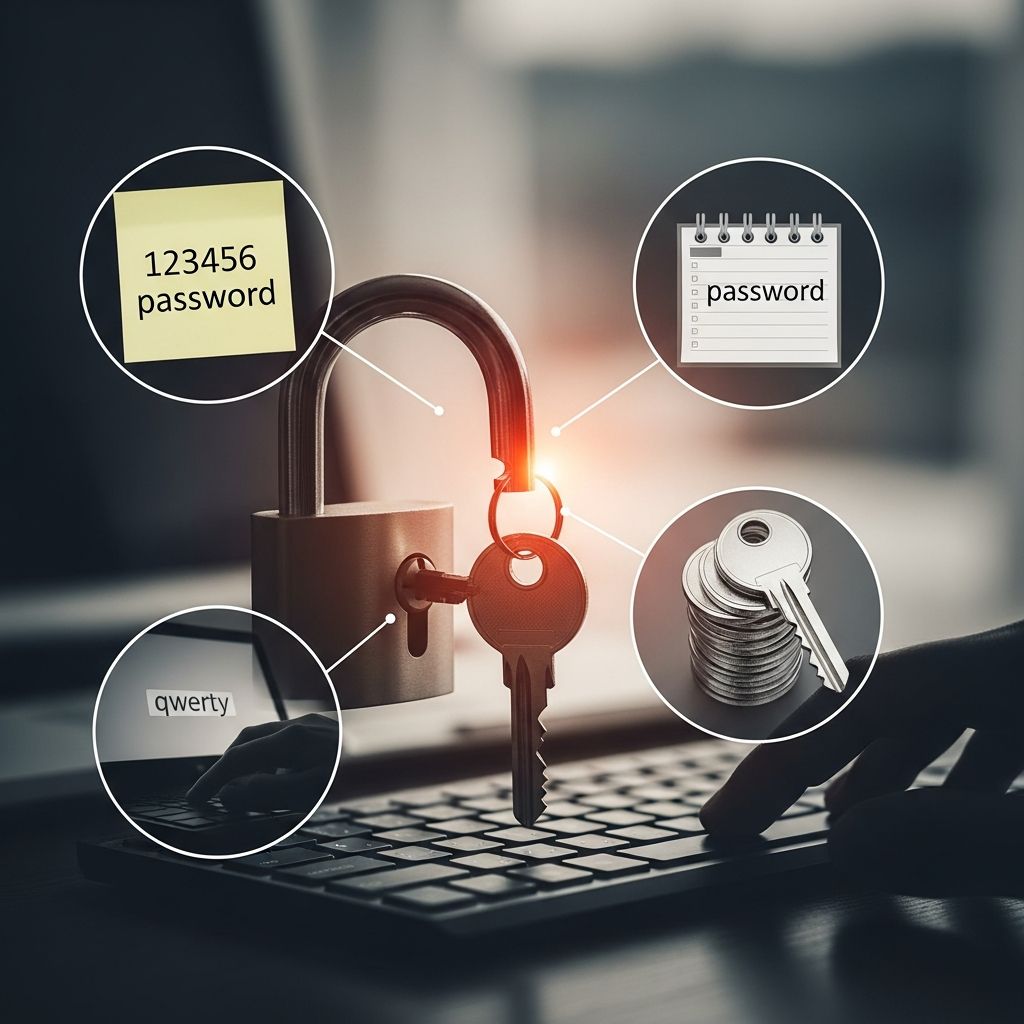
The most prevalent bad habit is reusing passwords. A 2024 survey found 78% of people recycle credentials across accounts, making credential-stuffing attacks devastatingly effective. Once hackers snag your login from a minor site, they try it everywhere—your bank, email, or investment apps.
This habit stems from memory overload: the average person juggles 100+ passwords. But convenience costs dearly. Dashlane reports that unique passwords per account reduce breach impact by 99%.
- Risk Example: If ‘Password123’ works for your forum account, it’s game over for your PayPal too.
- Real-World Impact: The 2020 LastPass breach led to widespread compromises because users reused passwords.
How to Fix It: Use a password manager like Bitwarden or LastPass to generate and store unique, complex passwords. Enable two-factor authentication (2FA) everywhere—it’s a second barrier even if passwords leak.
2. Creating Simple or Short Passwords
Short, guessable passwords like ‘123456’ or ‘password’ top breached lists. Specops Software analysis shows ‘123456’ used over 4.5 million times, crackable in seconds. Only 20% of people use passwords longer than 12 characters, per a 2021 survey.
Password strength hinges on length and complexity. NIST guidelines recommend at least 8 characters, but 14+ with mixed case, numbers, and symbols is ideal. Brute-force tools crack 8-character passwords in hours; 12+ take years.
| Password Length | Crack Time (Average GPU) | Common Examples |
|---|---|---|
| 6 characters | <1 second | 123456, qwerty |
| 8 characters | Hours | Password1 |
| 12+ characters | Centuries | Tr0ub4dor&3xcalibur! |
How to Fix It: Aim for passphrases: ‘BlueHorseBatteryStaple99!’ is memorable yet strong. Password managers auto-generate these.
3. Incorporating Personal Information
Using birthdays, pet names, or hometowns feels memorable but is risky. Over 50% include familiar details like children’s names, per Security.org. Social media broadcasts this info—hackers scrape Facebook for ‘Fluffy2025’ clues.
The Canadian Centre for Cyber Security warns these are low-hanging fruit for social engineering. DHS notes public profiles make guessing trivial.
- Common Culprits: Birth year (e.g., John1985), street names, family initials.
- Danger Zone: LinkedIn + pet Instagram = cracked password.
How to Fix It: Ditch personal ties. Use random generators or passphrase methods unrelated to your life, like song lyrics twisted: ‘YesterdayAllMyTroubles99!’
4. Iterating on Old Passwords
Forced changes lead to lazy tweaks: ‘TacoTuesday2025!’ becomes ‘TacoTuesday2026!’. The UK’s National Cyber Security Centre calls this predictable and risky. SANS Institute deems mandatory expiration outdated.
Attackers exploit patterns via dictionary attacks tuned to common variations.
How to Fix It: Change to entirely new passwords via manager. Update infrequently but substantially—every 1-2 years unless breached.
5. Sharing Passwords with Others
Sharing Netflix logins or even with spouses creates weak links. PC Mag notes 33% reuse streaming passwords, enabling chain-sharing. Wired warns you’re only as secure as your weakest sharer.
This bypasses your defenses—phishers target friends too.
- Household Risk: Spouse’s device malware accesses shared family accounts.
- Financial Peril: Shared banking logins lead to instant fraud.
How to Fix It: Use family plans or guest accounts. Never share master passwords; employ 2FA.
Bonus: Ignoring Password Managers and 2FA
Many skip tools due to ‘hassle,’ but managers encrypt storage and autofill. Google’s 2023 report shows 2FA blocks 100% of automated bots.
Adopt these for comprehensive protection:
- Password manager for uniqueness.
- 2FA/MFA everywhere.
- Check Have I Been Pwned for leaks.
Frequently Asked Questions (FAQs)
What is the worst password habit?
Reusing the same password across accounts, as it turns one breach into many.
How long should passwords be?
At least 12-16 characters for optimal security, per NIST.
Are password managers safe?
Yes, reputable ones like 1Password use end-to-end encryption and zero-knowledge architecture.
Should I change passwords regularly?
No, unless compromised. Forced changes breed weak iterations.
What’s a good passphrase example?
‘CorrectHorseBatteryStaple24!’—long, random words with numbers/symbols.
Take Action Today for Password Security
Audit your passwords now: list accounts, check for reuse, enable 2FA. Small efforts yield massive protection against cyber threats. Secure habits save money, time, and stress.
References
- 5 password habits that put you at risk — The Week. 2024. https://theweek.com/culture-life/personal-technology/password-habits-to-avoid-hackers
- Digital Identity Guidelines — NIST (National Institute of Standards and Technology). 2023-06-27. https://pages.nist.gov/800-63-3/sp800-63b.html
- 2023 Data Breach Investigations Report — Verizon. 2023-05-23. https://www.verizon.com/business/resources/reports/dbir/
- Cost of a Data Breach Report 2023 — IBM. 2023-07-24. https://www.ibm.com/reports/data-breach
- Password Guidance: Simplicity and Mistakes Made — NCSC (National Cyber Security Centre, UK). 2016-11-06 (authoritative, still current per 2024 citations). https://www.ncsc.gov.uk/collection/passwords/updating-your-approach
- Stop. Think. Connect Toolkit — Cybersecurity & Infrastructure Security Agency (CISA, DHS). 2024. https://www.cisa.gov/secure-our-world/stop-think-connect
- Password Managers — CISA. 2024-01-15. https://www.cisa.gov/resources-tools/resources/password-managers
Similar Articles








Read full bio of Sneha Tete