What Is a Password Manager and How Does It Work?
Secure your digital life with password managers: encryption, auto-fill, and peace of mind.
What Is a Password Manager?
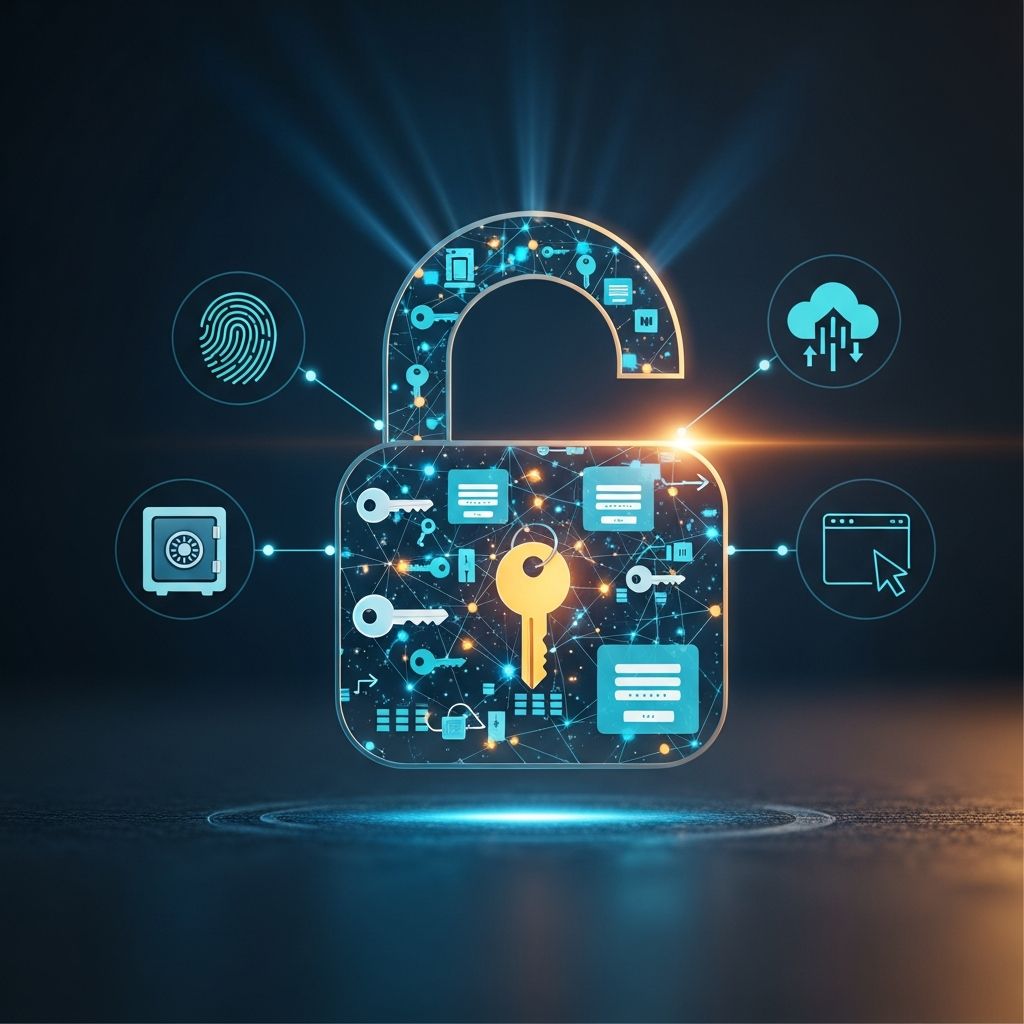
A password manager is a digital tool that securely stores, organizes, and protects all your login credentials in an encrypted digital vault. Rather than trying to remember dozens of complex passwords across different websites and applications, a password manager keeps all your credentials in one secure location that you access with a single master password.
In today’s digital world, the average person manages numerous online accounts—from email and social media to banking and shopping platforms. Each account ideally requires a unique, complex password to maintain security. However, remembering multiple strong passwords is practically impossible for most people, leading many to reuse passwords or choose weak, easy-to-remember options. This creates significant security vulnerabilities. A password manager solves this problem by handling password generation, storage, and retrieval automatically.
How Password Managers Work
Password managers operate through several integrated components working together to provide both security and convenience:
- Encrypted Vault: Your passwords are stored in an encrypted password vault, or password safe, protected from unauthorized access. The encryption typically uses AES-256 encryption, a military-grade standard that is virtually uncrackable by today’s technology.
- Master Password: To access your vault, you only need to remember a single master password. This one strong password protects all your other passwords, making it essential that your master password is unique and complex.
- Password Generator: The password generator creates strong, unique logins for every account, eliminating the risk of reused credentials. You can customize password parameters around length and complexity based on individual website requirements.
- Auto-Fill Technology: Password managers feature autofill for quick and convenient logins across websites and apps. When you visit a login page, the password manager automatically fills in your credentials with a single click or tap.
- Two-Factor Authentication (2FA): Many password managers provide an extra safeguard through two-factor authentication, requiring a code or device confirmation in addition to your master password, making it far harder for attackers to break in.
- Zero-Knowledge Architecture: Some advanced password managers use zero-knowledge architecture, meaning your data is encrypted on your device before it reaches the provider’s servers, so even the service provider cannot see your passwords.
Key Features of Password Managers
Modern password managers include a comprehensive range of features designed to enhance both security and user experience:
- Autofill for Quick Logins: Automatically fills in your login credentials on websites and apps, saving you from typing passwords manually each time you log in. This also reduces the likelihood of falling for phishing attacks since the password manager will only auto-fill credentials on legitimate sites.
- Password Generation: Creates unique, complex passwords with random combinations of characters, ensuring each account has a strong, unguessable password.
- Cross-Device Sync: Allows you to access your accounts securely from any device, ensuring your passwords are available whether you’re on your computer, tablet, or smartphone.
- Password Strength Auditing: Audits password strength and flags reused, weak, or breached passwords for immediate attention. Password managers validate credentials against databases of known password breaches like “Have I Been Pwned” to proactively catch compromised credentials.
- Breach Alerts: Notifies you when your passwords appear in known data breaches, even if your specific accounts haven’t been directly compromised, allowing immediate action.
- Secure Note Storage: Allows you to store additional sensitive information like security questions, Wi-Fi passwords, and software licenses beyond just login credentials.
- Credit Card Protection: Stores and encrypts credit card information for secure online shopping and transactions.
- Family or Team Sharing: Enables you to securely share passwords between team members or family members without revealing the actual password.
- Dark Web Monitoring: Monitors the dark web for your personal information and alerts you if your credentials appear in illegal marketplaces.
- Centralized Admin Dashboard: For businesses, provides oversight and policy enforcement across an entire organization.
Benefits of Using a Password Manager
Password managers offer numerous advantages for both individuals and organizations:
Stronger Overall Password Security
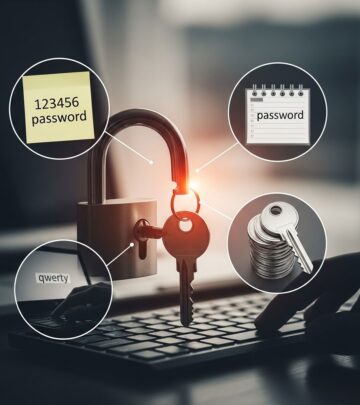
Password managers make it simple to follow password best practices without making excuses for weak credentials. Instead of using “123456” or the same password for multiple accounts, employees can auto-generate highly secure, random passwords for every login. The built-in auditing features flag weak or compromised credentials for immediate reset, ensuring your accounts remain protected. Since each account has a unique password, if one account is compromised, the damage is contained to that single account rather than affecting all your online presence.
Increased Productivity and Convenience
Password managers eliminate the time employees waste hunting down lost logins, manually typing in credentials, or responding to lockouts and reset requests. With secure auto-fill, self-service resets, and seamless sharing, productivity gains are substantial. When entering the master password into a password manager app, it unlocks your vault and automatically inserts saved passwords whenever needed. This convenience means you no longer need to memorize dozens of complex passwords, reducing the mental burden of password management.
Easier Access Management
From an IT perspective, password managers provide a central point of oversight and control for a company’s sprawling login footprint. Organizations can easily provision and deprovision access, set minimum password strength policies, and monitor password-related risks in real-time. Some solutions can even automate user lifecycle management by integrating with HR systems, making onboarding new employees seamless and secure.
Enhanced Organization
Password managers help keep your digital life organized by allowing you to categorize passwords, notes, and other sensitive information such as credit card numbers and security questions. You can create custom categories and tags, making it easier to locate specific credentials when needed. This centralized approach means you’ll never have to scramble to find important login information again.
Disadvantages and Drawbacks
While password managers offer substantial benefits, they do come with some potential drawbacks to consider:
- Master Password Risk: Forgetting your master password can lock you out of your entire vault, potentially making your accounts inaccessible. Additionally, if your master password is compromised, all your passwords are potentially exposed. This makes creating a strong, memorable master password critically important.
- Learning Curve: New users may experience a short learning curve when first adopting a password manager, though most modern solutions have intuitive interfaces that minimize this adjustment period.
- Autofill Inconsistency: Autofill behavior is not always consistent across different browsers and websites, and some older sites may not fully support the auto-fill feature.
- User Error Risk: User mistakes like reusing weak credentials or choosing a weak master password can still create security risks even when using a password manager.
- Setup Time: Initial setup can be time-consuming, particularly if you have many existing accounts to add to your password manager.
- Feature Costs: Some advanced features like dark web monitoring or premium support may require additional subscription fees.
- Website Compatibility: Not all websites support password manager auto-fill, requiring manual entry for some older or less common platforms.
Password Managers for Businesses
Organizations benefit tremendously from implementing dedicated password management solutions. Consider an HR manager at a growing SaaS startup: without a password manager, each new hire requires manually creating accounts across multiple systems, resulting in a maze of spreadsheets, passwords written on Post-its, and endless password reset emails.
Implementing a password manager transforms this process entirely. The IT team can quickly set up secure access for new employees across all necessary systems, while the HR manager can seamlessly manage permissions through a centralized dashboard—no more login runaround. The benefits extend far beyond smoother onboarding. With employees only needing to remember a single master password, they’re less likely to cut corners with weak, reused credentials. The password manager also alerts the company to any accounts compromised in data breaches, enabling immediate action.
For most organizations, there’s currently no easier way to facilitate good password hygiene throughout an entire company. When end users are no longer asked to memorize dozens of complex passwords, their compliance with security standards increases significantly.
Security Features That Matter
When evaluating password managers, understanding security features is essential:
Encryption Standards
Password managers secure your saved login details with strong encryption, typically AES-256, which scrambles your credentials into unreadable data using a unique encryption key. With an almost limitless number of possible combinations, AES-256 encryption keys are practically impossible to break through brute force attacks, where hackers systematically try every combination until they find the right one. Some solutions supplement AES-256 with additional encryption methods like PBKDF2 for enhanced security.
Multi-Factor Authentication
Users can maximize the security of their password manager by enabling multi-factor authentication (MFA) to their accounts. MFA means that unlocking your password manager requires something in addition to your master password, such as a fingerprint, facial recognition, a code sent to a mobile authenticator app, or a hardware security key. This additional layer of security significantly reduces the risk of unauthorized access even if your master password is somehow compromised.
Breach Detection and Monitoring
Advanced password managers continuously monitor for compromised credentials and alert users immediately. These systems validate credentials against databases of known password breaches to proactively catch exposed passwords before they can be used maliciously. Additionally, dark web monitoring capabilities alert users if their information appears in illegal marketplaces or hacker forums.
Best Practices for Using Password Managers
To maximize the benefits of a password manager while minimizing risks, follow these best practices:
- Create a strong, unique master password that combines uppercase and lowercase letters, numbers, and special characters—avoid dictionary words or personal information
- Enable multi-factor authentication on your password manager account for additional security
- Regularly review your stored passwords and delete accounts you no longer use
- Update your master password periodically, especially if you suspect any unauthorized access
- Keep your password manager software updated to ensure you have the latest security patches
- Never share your master password with anyone, including IT support staff
- Use the password generator feature to create unique passwords rather than reusing or modifying existing ones
- Pay attention to breach alerts and change compromised passwords immediately
- Verify you’re using legitimate websites before allowing your password manager to auto-fill credentials
Frequently Asked Questions
Q: Is it safe to use a password manager?
A: Yes, password managers are very safe when used properly. They employ military-grade AES-256 encryption and zero-knowledge architecture, meaning even the service provider cannot access your passwords. The biggest security risk is choosing a weak master password, so ensure your master password is strong and unique.
Q: What happens if I forget my master password?
A: If you forget your master password, you may lose access to your entire password vault. Most password managers cannot recover or reset your master password because they don’t store it. This is why it’s critical to create a strong master password you can remember, and consider securely storing a backup in a safe location.
Q: Can password managers work on all devices?
A: Most modern password managers offer cross-device sync, allowing you to access your passwords on computers, smartphones, and tablets. However, compatibility varies by password manager and device type. Check your specific password manager’s compatibility before subscribing to ensure it works on all your devices.
Q: Do password managers work with all websites?
A: Most password managers work with the vast majority of popular websites, but some older or less common sites may not fully support auto-fill functionality. In these cases, you can manually copy and paste your passwords from your password manager, or manually type them in while having them visible.
Q: Should I use a password manager for important accounts like banking?
A: Yes, password managers are actually ideal for protecting important accounts like banking. Using a strong, unique password generated by your password manager, combined with multi-factor authentication, provides excellent protection for sensitive financial accounts. Never use a simple or reused password for banking accounts.
Q: Are cloud-based or local password managers better?
A: Both have advantages. Cloud-based password managers offer convenience and cross-device syncing but rely on the provider’s security. Local password managers offer more control but are harder to sync across devices. Zero-knowledge architecture password managers offer a middle ground by encrypting data locally before uploading to the cloud.
Q: Can I share passwords with my family using a password manager?
A: Yes, many password managers offer secure family or team sharing features. These allow you to share specific passwords with family members without revealing the actual password. Instead, family members can access the shared credential directly through their own password manager account.
References
- What is a Password Manager & How It Works — NetGain Technologies. https://www.netgainit.com/blogs/what-is-a-password-manager-and-how-does-it-work/
- How Do Password Managers Work? Ultimate IT Guide — Rippling. https://www.rippling.com/blog/how-do-password-managers-work
- Why You Need a Password Manager: Benefits and Features Explained — mSecure. https://www.msecure.com/blog/why-you-need-a-password-manager-benefits-and-features-explained
- How password managers work and why you should use one — Norton. https://us.norton.com/blog/privacy-tips/how-do-password-managers-work
- Pros and Cons of Using a Password Manager — Password Boss. https://www.passwordboss.com/pros-and-cons-of-using-a-password-manager/
- Benefits of a password manager — Microbyte. https://www.microbyte.com/blog/benefits-of-a-password-manager/
- What is a Password Manager? How it Protects your Data Online — Kaspersky. https://usa.kaspersky.com/resource-center/preemptive-safety/protecting-your-data-online-password-manager
Similar Articles








Read full bio of medha deb