Venmo vs PayPal: Which Payment App Is Right for You?
Compare Venmo and PayPal to find the best payment app for your needs.
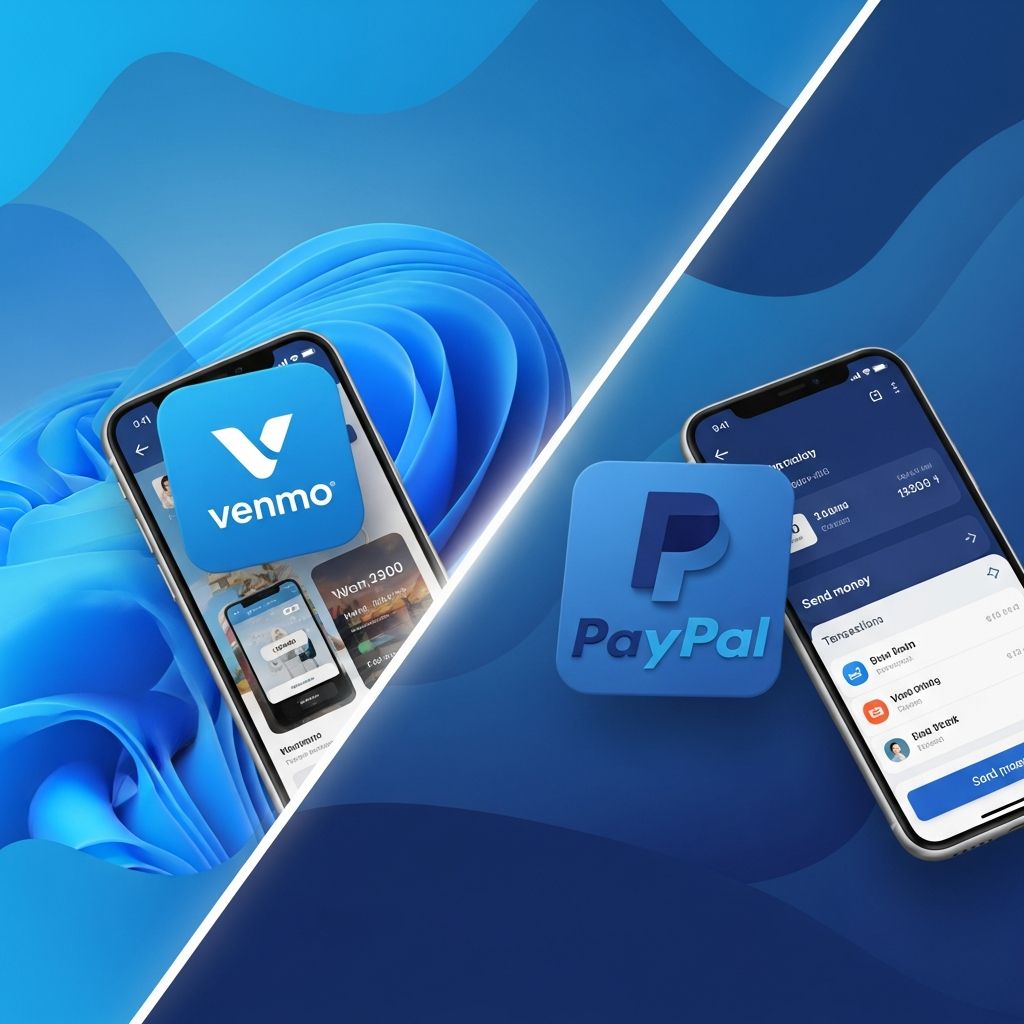
In today’s digital economy, peer-to-peer payment apps have become essential tools for managing money transfers. Two of the most popular platforms are Venmo and PayPal, both offering convenient ways to send and receive money online. However, they serve different purposes and audiences, making it important to understand their distinct features, fees, and capabilities before choosing which one to use. This comprehensive guide will help you navigate the differences between these two payment giants and determine which platform best suits your financial needs.
Overview of Venmo and PayPal
Venmo and PayPal are both digital payment platforms that enable users to transfer money quickly and easily, but they approach the task from different angles. Venmo is primarily designed for peer-to-peer payments, making it ideal for splitting bills with friends, paying roommates for rent, or handling everyday expenses among social circles. PayPal, on the other hand, is a more versatile platform that supports personal payments, online shopping, business transactions, and international money transfers.
Understanding the core purpose of each platform is crucial. Venmo emphasizes the social aspect of payments with its social feed and emoji-based transaction descriptions, while PayPal focuses on security, widespread acceptance, and comprehensive payment processing capabilities.
Key Features Comparison
Venmo Features
Venmo offers a range of unique features tailored for personal and social transactions:
- Social Integration: Users can share payment activities with friends through a social feed, adding a social dimension to financial transactions
- Multiple Payment Methods: The platform allows linking multiple bank accounts and cards for seamless transactions
- Venmo Debit Card: Users can make purchases directly from their Venmo balance at various merchants
- Instant Transfers: The option to transfer funds instantly to a bank account, though this service includes a fee
- Crypto Transactions: Venmo supports buying, tracking, transferring, and selling cryptocurrency within the app
- QR Code Payments: Users can pay by scanning QR codes, making in-store and peer-to-peer payments simpler
- Business Profiles: Small businesses can create business profiles to accept payments from customers
PayPal Features
PayPal provides a more comprehensive suite of features designed for both personal and business use:
- Pay in 4: Allows users to split purchases into four interest-free payments, providing greater financial flexibility
- Widespread Acceptance: Accepted by numerous online merchants, providing flexibility and convenience for online shopping
- Robust Security Measures: Employs advanced encryption and fraud detection to protect user information and transactions
- Apple Pay Integration: Enables seamless in-person transactions using Apple devices, enhancing payment flexibility
- Global Reach: PayPal supports transactions in more than 200 countries and 25 currencies
- Merchant Tools: The PayPal Commerce Platform enables businesses to accept multiple payment types, including point-of-sale systems, virtual terminals, subscriptions, billing agreements, and invoicing
- Invoicing and Recurring Billing: Comprehensive tools for businesses to manage payments and subscriptions
Fee Structure Analysis
Venmo Fees
Venmo’s fee structure is generally favorable for personal transactions, particularly when using bank accounts or debit cards:
- Free transfers: No fees for sending or receiving money from bank accounts or debit cards
- Credit card payments: 3% fee charged when funding transactions with credit cards
- Instant transfers: 1.75% fee for instant transfer from Venmo Balance to bank account
- Withdrawal options: Bank transfer only (standard processing takes 1-3 business days)
PayPal Fees
PayPal’s fee structure accommodates various transaction types but can be higher for certain payments:
- Free personal payments: No fees for sending money to friends and family using a PayPal balance or linked bank account
- Goods and services: Free for purchasing goods or services online
- Credit card payments: 2.9% plus $0.30 fee for credit card transactions
- International transactions: Fees charged for international transfers and currency conversions
- Withdrawal options: Bank transfer or PayPal Cash Card
- Merchant processing: Transaction fees vary based on sales volume and payment method
Features Comparison Table
| Feature | Venmo | PayPal |
|---|---|---|
| Peer-to-peer payments | ✅ | ✅ |
| Mobile app availability | ✅ | ✅ |
| International transactions | ❌ | ✅ |
| Linking bank accounts and cards | ✅ | ✅ |
| Merchant payments | Limited | ✅ |
| Debit card offered | Venmo Debit Card | PayPal Cash Card |
| Social features | Friends list, transaction feed | ❌ |
| Crypto support | ✅ | Limited |
| Invoicing capabilities | Limited | ✅ |
| Global currency support | Limited | 25+ currencies |
Security and Fraud Protection
PayPal Security Advantages
PayPal offers robust security measures that make it particularly attractive for users concerned about financial safety. The platform employs encryption for banking and credit card information, keeping transactions secure with significant fraud prevention capabilities. PayPal users appreciate the platform’s reliable and secure payment processing, with the ability to link various funding sources without sharing financial information directly with merchants.
Venmo Security Features
Venmo implements two-factor authentication and transaction data management to protect user accounts. However, some users report concerns about unauthorized charges and privacy due to Venmo’s social feed feature, which displays transaction information publicly by default.
International Transactions
One of the most significant differences between these platforms is their international capabilities. PayPal is a global powerhouse, supporting transactions in more than 200 countries and 25 currencies, making it ideal for international payments and business operations. The platform charges fees for international transactions and currency conversions, but the ability to conduct cross-border payments is a major advantage.
Venmo, conversely, does not support international transactions, limiting its usefulness to domestic payments only. This makes Venmo unsuitable for users who frequently need to send money internationally or conduct business outside the United States.
Use Cases: When to Use Each Platform
When to Use Venmo
Venmo is the ideal choice for specific personal finance scenarios:
- Splitting bills with friends at restaurants or social events
- Paying roommates for rent or shared expenses
- Quick money transfers between individuals in your social circle
- Users who prefer the social aspect of payment sharing
- Those seeking to avoid credit card fees for domestic payments
- Individuals who want to buy and sell cryptocurrency
- Small businesses looking for a casual way to accept peer payments
When to Use PayPal
PayPal is the better choice for broader financial needs:
- Online shopping with widespread merchant acceptance
- International money transfers and cross-border payments
- Business transactions and professional invoicing
- Customers who need robust security and fraud protection
- Users requiring subscription and recurring billing management
- Merchants accepting payments through their Commerce Platform
- Users who need flexible payment options like Pay in 4
Platform Integrations
Venmo Integrations
Venmo offers integrations designed for peer-to-peer transactions and social commerce. Merchants can integrate Venmo into their checkout process through PayPal’s Braintree payment platform. Additionally, Venmo integrates with social media apps such as Facebook Messenger, allowing users to send and receive payments while chatting.
PayPal Integrations
PayPal provides a comprehensive integration ecosystem for e-commerce and business operations. The platform offers integrations with a wide range of e-commerce platforms, including Shopify, WooCommerce, and Magento. PayPal also integrates with Apple Pay, enabling seamless in-person transactions using Apple devices.
User Experience and Interface
Both platforms prioritize user-friendly interfaces, but with different emphases. Venmo users highlight the ease and speed of payment processing, including instant transfers and real-time notifications. The platform’s social feed and emoji-based transaction descriptions provide a fun, customizable user experience.
PayPal users appreciate the platform’s reliability and comprehensive toolkit, noting that it allows for quick and efficient transactions both locally and internationally. The interface is designed for ease of use, making it simple for users to navigate and complete transactions efficiently.
Pros and Cons Summary
Venmo Pros
- Instant payment capabilities without cash or checks
- Maintain a Venmo Balance account for convenient payments
- Multiple linking options (bank accounts, debit cards, credit cards)
- Fun, customizable user experience with emojis
- Lower fees for domestic transfers using debit cards or bank accounts
- Social integration for sharing payment information
- Cryptocurrency support within the app
Venmo Cons
- 1.75% fee for instant transfers from Venmo Balance to bank account
- No international transaction support
- Limited merchant payment capabilities
- Privacy concerns due to public transaction feed
- Less suitable for business operations
PayPal Pros
- Global availability supporting transactions in 200+ countries and 25 currencies
- Advanced encryption and fraud prevention for secure transactions
- Instant payment capabilities to individuals and businesses
- Multiple currency support for international commerce
- Widespread acceptance among online merchants
- Comprehensive business tools and invoicing capabilities
- Pay in 4 feature for flexible payment options
PayPal Cons
- 1.75% fee for instant transfers to bank account
- Fees charged for certain transactions and international transfers
- Some users report high fees and occasional delays
- Account restrictions for certain users
- Less social integration compared to Venmo
Pricing Comparison: Value for Money
Venmo generally offers better pricing for personal transactions, particularly when using bank accounts or debit cards, making it the more economical choice for casual peer-to-peer payments. PayPal’s fee structure can be more advantageous for international and business transactions, despite potentially higher costs for domestic payments.
PayPal reviewers see it as offering a wide range of user-friendly payment options and robust security features, while Venmo reviewers comment on its free and low-cost transactions for everyday use. Overall, PayPal offers good value for money due to its comprehensive toolkit for businesses and non-profits, competitive transaction rates, and various payment options.
Frequently Asked Questions (FAQs)
Q: Can I use Venmo internationally?
A: No, Venmo does not support international transactions. It is designed exclusively for domestic peer-to-peer payments within the United States.
Q: Which platform is more secure for online shopping?
A: PayPal is more secure for online shopping, offering robust encryption, fraud prevention, and the ability to complete transactions without sharing your financial information directly with merchants.
Q: Does Venmo charge fees for all transactions?
A: No, Venmo charges no fees when sending or receiving money from bank accounts or debit cards. However, credit card transactions incur a 3% fee, and instant transfers to your bank account cost 1.75%.
Q: Can I use PayPal for business transactions?
A: Yes, PayPal is well-suited for business transactions. It offers a comprehensive Commerce Platform with invoicing, recurring billing, point-of-sale systems, and integration with major e-commerce platforms.
Q: Which app should I choose for splitting dinner bills?
A: Venmo is ideal for splitting dinner bills and social expenses due to its peer-to-peer focus, social feed, and lower fees for bank and debit card transfers.
Q: Does PayPal support cryptocurrency?
A: PayPal has limited cryptocurrency support, whereas Venmo offers more robust crypto features, allowing users to buy, track, transfer, and sell cryptocurrency within the app.
Conclusion: Making Your Choice
Choosing between Venmo and PayPal ultimately depends on your individual needs and preferences. If you are primarily looking for a convenient way to send and receive money between friends and family, Venmo’s mobile app integrations and lower domestic fees may be the right choice for you. However, if you run an e-commerce business, need to conduct international transactions, or require a more robust payment solution for your organization, PayPal’s wider range of integrations with payment gateways, e-commerce platforms, and point-of-sale systems may be a better fit.
Consider your primary use case: casual social payments and domestic transfers favor Venmo, while international transactions, business operations, and online shopping favor PayPal. Many users find value in maintaining accounts on both platforms to leverage their respective strengths for different financial scenarios.
References
- Venmo vs PayPal: Which One Is Right for You? – A Comparison Guide — Appy Pie Automate. 2025. https://www.appypieautomate.ai/blog/comparison/venmo-vs-paypal
- Compare Venmo vs Paypal — SoftwareSuggest. November 2025. https://www.softwaresuggest.com/compare/venmo-vs-paypal
- Venmo vs PayPal: Compare on Fees, Features & Benefits — OneSafe. 2025. https://www.onesafe.io/blog/venmo-vs-paypal
- PayPal vs Venmo: Features and Cost Comparison 2025 — Capterra. 2025. https://www.capterra.com/compare/207944-222572/PayPal-vs-Venmo
- Venmo vs PayPal: Which Payment Service is Better? (2025) — YouTube. 2025. https://www.youtube.com/watch?v=VKw8KQFVVhc
Similar Articles








Read full bio of medha deb