Venmo Explained: Complete Guide
Master Venmo's features for seamless money transfers, payments, and social sharing in this in-depth guide.
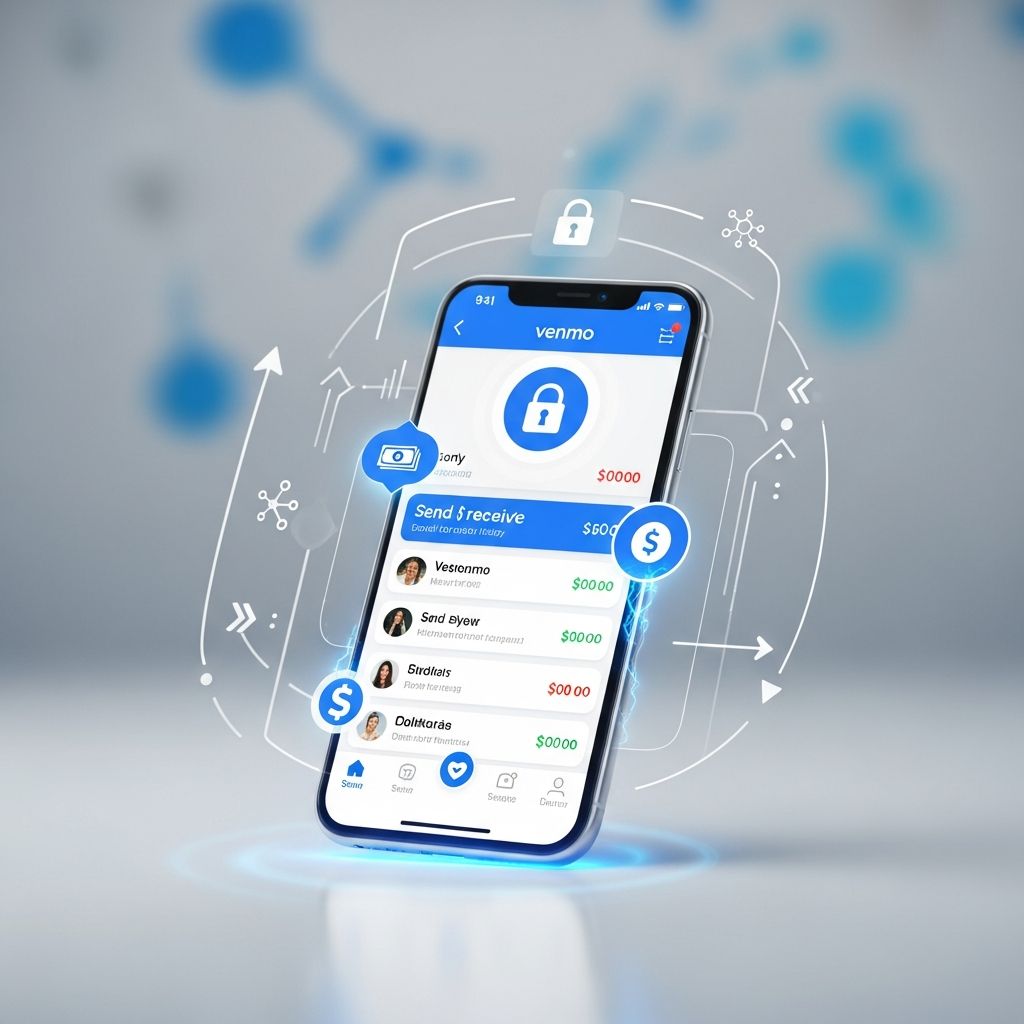
Venmo revolutionizes everyday money exchanges by offering a user-friendly platform for sending, receiving, and requesting funds among friends, family, and businesses. Owned by PayPal, this app combines financial transactions with optional social sharing, making it a staple for splitting bills or reimbursing expenses instantly.
Understanding Venmo’s Core Functionality
At its heart, Venmo functions as a peer-to-peer (P2P) payment system accessible via mobile app. Users link bank accounts, debit cards, or credit cards to facilitate transfers without physical cash. Transactions appear in a personalized feed, where participants can add emojis or notes for context, like “pizza split” or “gas money,” enhancing transparency among close contacts.
This social layer sets Venmo apart from traditional banking apps. Privacy controls allow setting posts to public, friends-only, or private, giving users command over visibility. Payments process nearly instantly to the recipient’s balance, though bank-linked transfers may take 1-3 days to settle externally.
Step-by-Step Account Creation Process
Getting started requires downloading the Venmo app from app stores and signing up with a phone number, email, or Facebook login. Identity verification follows, often involving a Social Security number for full access, enabling higher transaction limits and features like instant transfers.
Next, add funding sources: select “Add a way to pay” to input bank details via routing and account numbers or link cards. Multiple methods can be stored, with the option to switch during transactions. A Venmo balance emerges from received funds, usable directly for payments.
- Download and install the app.
- Register with contact info.
- Verify identity for enhanced limits.
- Link bank/debit/credit cards.
- Build balance through incoming payments.
Sending and Requesting Payments Effortlessly
To send money, tap the “Pay/Request” icon, search for the recipient by username, phone, or email, enter the amount, add a memo, and confirm. Funds deduct from balance first, then linked sources. Requests work similarly: choose “Request” to prompt payment, ideal for owed amounts like shared rides.
Group features simplify shared expenses. Create or join groups via the “Me” tab, log costs, and Venmo calculates splits automatically. Settle with a single tap, perfect for trips or dinners. QR code scanning speeds up in-person payments by instantly pulling up profiles.
| Action | Steps | Time to Process |
|---|---|---|
| Send Payment | Pay/Request > Username > Amount > Pay | Instant to balance |
| Request Money | Pay/Request > Username > Amount > Request | Awaits sender action |
| Group Split | Create Group > Add Expenses > Settle | Instant splits |
Venmo for Business and Merchant Transactions
Beyond personal use, Venmo supports purchases at millions of partners. Online, it’s available at sites like Amazon, Uber Eats, Grubhub, Poshmark, and Hulu. In-store, scan QR codes or use the Venmo Debit Card (Mastercard-powered) at retailers like CVS or Abercrombie & Fitch.
Funds pull from balance or backup methods seamlessly. For businesses without app integration, the Venmo Mastercard debit or Visa credit cards extend usability anywhere these networks are accepted. Local shops increasingly adopt Venmo via QR for contactless payments.
Managing Your Venmo Balance Effectively
The Venmo balance holds received funds ready for spending or transfer. Add money manually from linked banks, though instant transfers incur a 1.75% fee (minimum $0.25). Cash checks via app for payroll (1%, min $5) or others (5%, min $5), crediting balance promptly.
Withdraw to banks standardly (1-3 days, free) or instantly (fee applies). Track via the “Me” tab’s transaction feed. Cannot transfer between own accounts or self-pay, enforcing P2P intent.
Navigating Venmo’s Fee Structure
Personal P2P transfers are free with bank/debit; credit card use costs 3%. Merchant payments typically fee-free for users. Crypto trades range 0.49%-1.8%. No fees for receiving or balance spending.
- Bank/debit P2P: Free
- Credit card P2P: 3%
- Instant transfer: 1.75% (min $0.25)
- Check cashing: 1-5% (min $5)
- Crypto: Variable 0.49-1.8%
Security Measures and Account Protection
Venmo employs bank-grade encryption, multi-factor authentication, and purchase protection for eligible buys. Monitor activity in real-time feeds. Report issues via app support. PIN or biometrics secure access; freeze cards if lost.
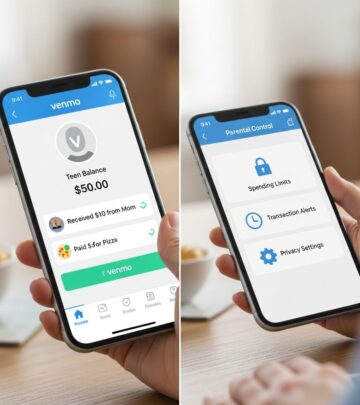
Teens get supervised accounts. Limits start low, rising post-verification. Disputes handled like card transactions. U.S.-only due to regulations.
Advanced Tips for Optimal Venmo Usage
Customize privacy per transaction. Use emojis for quick notes. Split bills proactively. Integrate with PayPal for broader reach. Track taxes on business payments (1099-K for $600+ yearly).
For groups, assign categories like travel. Avoid credit for P2P to dodge fees. Set default payment methods. Enable notifications for requests.
Frequently Asked Questions
Is Venmo safe for transactions?
Yes, with encryption and protections, but verify recipients and use privacy settings.
Can I use Venmo internationally?
No, limited to U.S. users and banks.
How long do transfers take?
Instant to balance; 1-3 days to/from banks.
What if a payment is wrong?
Contact recipient or dispute via app; cannot edit post-send.
Does Venmo report to IRS?
Yes, for goods/services over $600 annually.
Venmo’s Role in Modern Finance
Venmo streamlines cashless interactions, fostering financial inclusion via mobile. Its blend of utility and social fun drives adoption among millennials and Gen Z. As digital wallets evolve, Venmo’s expansions—like crypto and cards—position it centrally in fintech.
Users benefit from no cash hassles, precise splits, and broad acceptance. Responsible use maximizes perks while minimizing fees and risks.
References
- What Is Venmo: How It Works — Money.com. 2023. https://money.com/what-is-venmo-how-it-works/
- What is Venmo and how does it work? — Wise. 2023. https://wise.com/us/blog/what-is-venmo
- Tech Tutorial: How to Use Venmo — YouTube (Money.com). 2023. https://www.youtube.com/watch?v=-Tk4vbMHyoc
- Send and Receive Money with Venmo — Venmo.com (Official). 2026. https://venmo.com/send-receive/start
- What is Venmo and how does it work? — PayPal Help (Official). 2026. https://www.paypal.com/us/cshelp/article/what-is-venmo-and-how-does-it-work-help231
- Payments & Requests FAQ — Venmo Help (Official). 2026. https://help.venmo.com/cs/articles/payments-requests-faq-vhel149
- What is Venmo? — Venmo Help (Official). 2026. https://help.venmo.com/cs/articles/what-is-venmo-vhel150
Similar Articles








Read full bio of medha deb