Top Mobile Banking Apps
Discover the leading mobile banking apps that combine convenience, security, and powerful features for seamless financial management on the go.
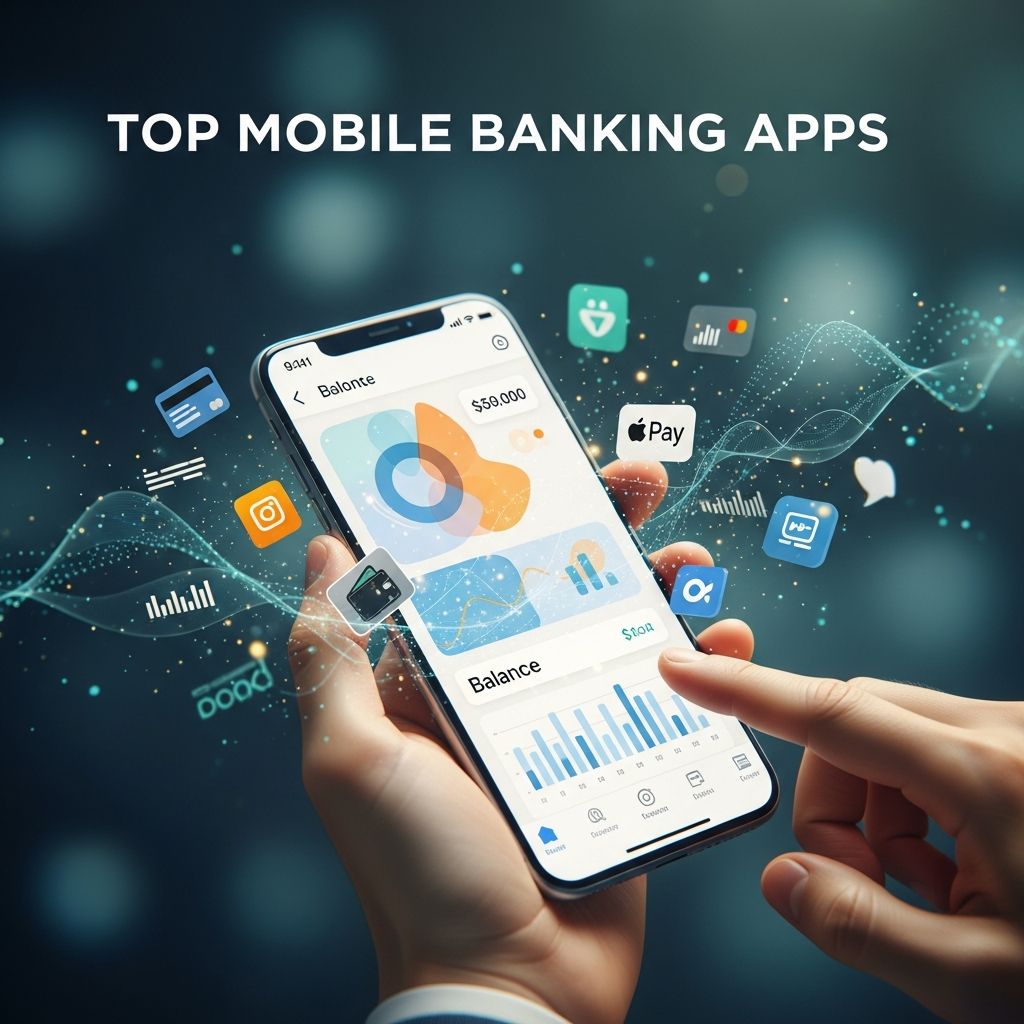
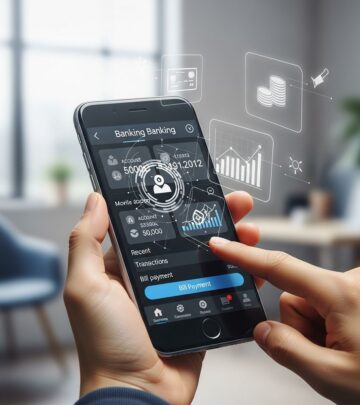
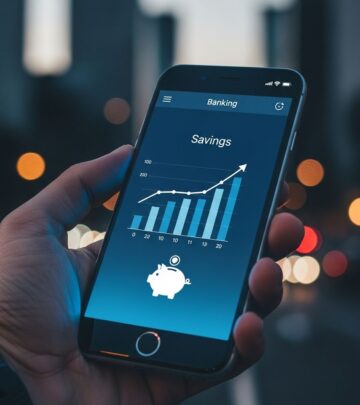
Mobile banking apps have transformed how individuals handle their finances, providing instant access to accounts, transfers, bill payments, and investment tracking right from smartphones. These apps prioritize user-friendly designs alongside advanced security protocols to ensure safe transactions in an era of rising cyber threats. This guide evaluates standout options based on functionality, reliability, and protective measures, helping you select the ideal digital companion for your financial needs.
Why Choose Mobile Banking in 2026
The shift to digital banking accelerates with over 70% of Americans relying on mobile apps for primary financial tasks. These platforms offer unmatched convenience, allowing users to deposit checks remotely, monitor spending patterns, and receive instant notifications without visiting branches. Key advantages include 24/7 availability, reduced fees for digital transactions, and integration with budgeting tools that promote financial wellness. However, selecting an app demands focus on security, as vulnerabilities like malware and phishing remain prevalent.
Banks invest heavily in cybersecurity, with features such as end-to-end encryption and biometric verification making apps safer than traditional online banking in many cases. Mobile environments benefit from device-level protections like sandboxing, which limits malware spread compared to desktop browsers. Still, user vigilance is crucial to maximize these benefits.
Essential Security Features in Leading Apps
Robust security defines the best mobile banking apps. Here’s what to prioritize:
- Multi-Factor Authentication (MFA): Combines passwords with biometrics or one-time codes, blocking 99% of account takeover attempts.
- End-to-End Encryption: Secures data in transit and at rest, thwarting interception on unsecured networks.
- Biometric Logins: Fingerprint and facial recognition provide seamless, passwordless access while enhancing protection.
- Real-Time Alerts: Push notifications for transactions, logins, or suspicious activity enable immediate response.
- Continuous Monitoring: AI-driven anomaly detection flags unusual behavior without user intervention.
Apps incorporating these elements comply with standards like PCI DSS and GDPR, ensuring regulatory adherence and user trust. Regular updates patch emerging vulnerabilities, a practice top apps enforce automatically.
Comparing Top Mobile Banking Apps
Below is a comparison table of leading apps, evaluated on security, usability, and features. Ratings are aggregated from user reviews and expert analyses as of 2026.
| App | Security Score (out of 10) | Key Features | User Rating | Best For |
|---|---|---|---|---|
| Chase Mobile | 9.8 | MFA, biometrics, Zelle integration, credit score tracking | 4.8/5 | Everyday banking & investments |
| Bank of America Mobile | 9.7 | Encryption, real-time alerts, Erica AI assistant, AR check deposit | 4.7/5 | Budgeting & rewards |
| Capital One Mobile | 9.6 | Freeze card instantly, Eno virtual assistant, credit monitoring | 4.9/5 | Security-conscious users |
| Ally Mobile | 9.5 | Voice banking, buckets for savings, no-fee ATM finder | 4.8/5 | Online-only banking |
| Chime Mobile | 9.4 | SpotMe overdraft, early paycheck, fee-free transfers | 4.7/5 | Fee-averse millennials |
This table highlights apps excelling in balanced performance. Chase leads with comprehensive tools, while Capital One shines in proactive security like instant card controls.
Chase Mobile: The All-Rounder
Chase Mobile stands out for its intuitive interface and vast feature set. Users enjoy seamless Zelle peer-to-peer payments, real-time balance updates, and built-in credit journey tools. Security is paramount with MFA, device binding, and fraud guarantees covering unauthorized transactions. The app’s quick balance view and card lock features provide peace of mind. Available for iOS and Android, it supports over 15 million active users with minimal downtime.
Bank of America Mobile: AI-Powered Insights
Bank of America’s app leverages the Erica virtual assistant for personalized spending analysis and bill reminders. It offers AR-enabled check deposits and robust spending trackers categorized by merchant. Security includes end-to-end encryption and behavioral biometrics that monitor login patterns. Real-time alerts cover all transactions, helping users spot issues instantly. Ideal for those seeking smart financial coaching alongside banking basics.
Capital One Mobile: Security First
Capital One emphasizes defense with Eno, an AI chatbot that texts suspicious activity alerts and auto-blocks risky merchants. Features like virtual card numbers for online shopping add layers of anonymity. The app’s dashboard displays credit score changes and simulates loan impacts. Biometrics and MFA are standard, with a unique auto-logout after inactivity. It’s particularly favored by privacy-focused individuals.
Ally Mobile: Innovation for Digital Natives
As a pioneer in online banking, Ally’s app introduces savings buckets for goal-based allocating and voice commands for hands-free navigation. It locates fee-free ATMs nationwide and supports surprise-free overdraft transfers. Security employs continuous authentication and encrypted sessions. The clean design and no hidden fees appeal to cost-conscious users managing high-yield savings.
Chime Mobile: Modern Neobank Experience
Chime disrupts traditional banking with no monthly fees, early direct deposit, and SpotMe for overdrafts up to $200. The app’s simplicity shines in instant transfers and rounded-up savings. Security features MFA and real-time transaction pushes, backed by FDIC insurance through partners. It’s a hit among gig workers needing flexible, fee-free access.
Step-by-Step Guide to Secure App Usage
To harness these apps safely:
- Download from Official Stores: Access via your bank’s site or verified app stores to avoid fakes.
- Enable All Security Options: Activate MFA, biometrics, and alerts immediately upon setup.
- Use Strong Passwords: Employ 12+ character passphrases with mixed cases, numbers, and symbols; avoid reuse.
- Update Regularly: Enable auto-updates for OS and app to counter new threats.
- Avoid Public Wi-Fi: Opt for cellular data or VPNs to prevent MITM attacks.
- Monitor Actively: Review statements weekly and report anomalies promptly.
These habits reduce fraud risk by up to 95%, per industry data.
Common Pitfalls and How to Avoid Them
Users often fall for phishing via fake login screens or malware-laden sideloaded apps. Verify app developers match your bank’s official name and cross-check reviews. Banking Trojans mimic interfaces to harvest credentials—legitimate apps never request full login details via email. Public networks expose data to eavesdroppers; always encrypt connections. Finally, neglecting updates leaves exploits open—set reminders if auto-updates fail.
Future Trends in Mobile Banking
Looking ahead, expect deeper AI integration for predictive fraud detection, blockchain for faster cross-border transfers, and wearables for tap-to-pay authentication. Voice and gesture controls will enhance accessibility, while zero-knowledge proofs bolster privacy. Regulatory pushes for open banking will expand app interoperability without compromising security.
Frequently Asked Questions
Are mobile banking apps safer than online banking?
Yes, apps often exceed browser security due to sandboxed environments and biometrics, reducing malware risks.
How do I know if an app is legitimate?
Download only from official stores after visiting your bank’s website; confirm developer credentials and high ratings.
What if I suspect fraud?
Contact your bank immediately, freeze your card via the app, and enable transaction alerts for future prevention.
Do these apps charge fees?
Most core functions are free, but watch for optional premium features; neobanks like Chime emphasize no-fee models.
Can I use mobile banking abroad?
Yes, with international settings enabled, though notify your bank to avoid fraud flags on foreign transactions.
References
- How to secure mobile banking applications: Best practices — Quokka.io. 2024. https://www.quokka.io/blog/how-to-secure-mobile-banking-app
- Tips for Securing Your Mobile Banking App — Central Bank. 2024. https://www.centralbank.net/learning-center/tips-for-securing-your-mobile-banking-app/
- How Safe Are Mobile Banking Apps, Really? — Centier Bank. 2024. https://www.centier.com/resources/articles/article-details/how-safe-are-mobile-banking-apps–really
- Is mobile banking safe? How to actually protect your money — Bankrate. 2025-03-15. https://www.bankrate.com/banking/best-security-practices-for-mobile-banking/
- 9 Best Practices for Online & Mobile Banking Security — South Bay Credit Union. 2024-09. https://www.southbaycu.com/impact/blog/2024/9-best-practices-for-online-mobile-banking-security/
Similar Articles








Read full bio of Sneha Tete