Stop Robocalls: Remove Yourself from Spam Lists
Discover proven strategies to eliminate robocalls and protect your phone from unwanted spam calls forever.
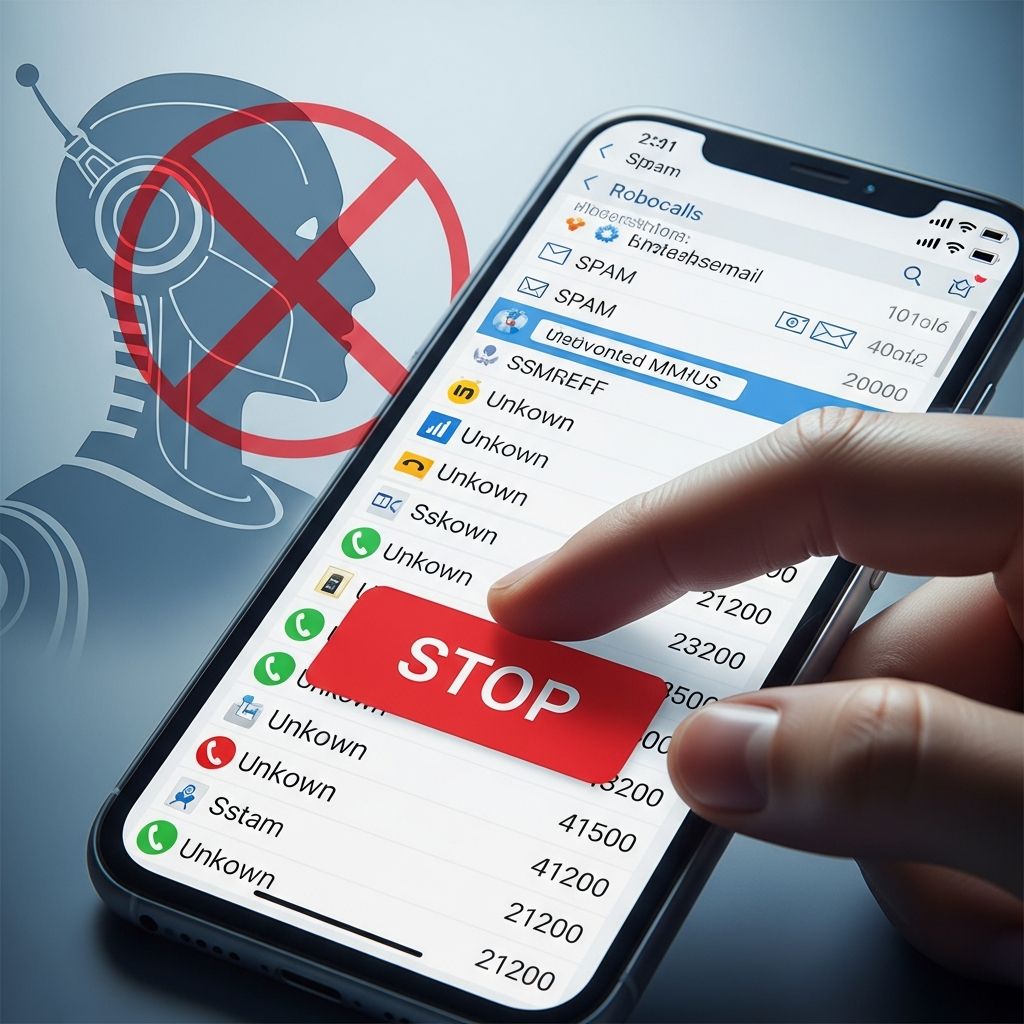
Robocalls plague millions of phones daily, disrupting lives with relentless spam. These automated nuisance calls often promote scams, debts, or fake offers, costing consumers time and money. Fortunately, targeted actions can significantly cut these intrusions by removing your number from spam databases and leveraging built-in defenses.
Understanding the Robocall Epidemic
Automated dialing systems fuel robocalls, allowing scammers to blast millions of numbers cheaply. They acquire phone lists from data brokers, public records, and breaches. Unlike legitimate telemarketers, illegal robocallers ignore regulations, making personal defenses essential. The Federal Trade Commission receives billions in complaints yearly, highlighting the scale.
Common culprits include debt relief pitches, extended warranties, and impostor alerts pretending to be from banks or government agencies. Pressing buttons to “opt out” often confirms active numbers, worsening the problem. Awareness empowers proactive steps to break this cycle.
Register for Federal Protections
The cornerstone of defense starts with official registries that deter legitimate marketers and aid enforcement.
- National Do Not Call Registry: Add your number at donotcall.gov or call 1-888-382-1222. It blocks most sales calls within 31 days. Exemptions apply to charities, surveys, and prior business contacts, but illegal robocalls must stop.
- Prescreened Credit Offers Opt-Out: Stop junk mail offers at optoutprescreen.com, which indirectly reduces phone spam since lists overlap. Choose 5-year or permanent removal.
Registration is free and covers cell, home, and VoIP lines. Verify annually, as numbers change. Reporting violations strengthens enforcement.
Leverage Carrier-Specific Tools
Major providers offer free or low-cost features mandated by the FCC to combat robocalls.
| Carrier | Mobile Features | Landline Features |
|---|---|---|
| AT&T | ActiveArmor app blocks spam; star codes like *61 | *60 for landlines |
| Verizon | Call Filter (free/basic, Plus upgrade); Silence Unknown; STIR/SHAKEN tech | Spam Alerts, Nomorobo integration |
Activate via app stores or carrier portals. Verizon’s Call Filter auto-routes high-risk calls to voicemail, while AT&T’s tools use network-level filtering. Contact your provider to enable; steps vary by device.
Device-Level Blocking Techniques
Built-in phone settings provide immediate control without apps.
For iPhone Users
- Open Phone app > Recents.
- Tap info icon (i) next to spam number.
- Select “Block this Caller.”
- Enable Silence Unknown Callers: Settings > Phone > Toggle on.
This sends unrecognized calls straight to voicemail, preserving contacts.
For Android Devices
- Phone app > Recents tab.
- Tap number > Info icon > Block.
- Settings > Block Numbers > Unknown Callers toggle.
Customization allows whitelisting favorites. Update OS for latest protections.
Third-Party Apps and Services
Apps enhance native tools with crowd-sourced databases.
- Nomorobo: Free for landlines, blocks first ring of known robocalls. Integrates with Verizon Fios.
- Scam Blocker Apps: Check reviews; read privacy policies before installing. They may sell data, so prioritize reputable ones.
- Carrier Apps: Like Verizon Call Filter Plus for name lookup and custom lists.
Test free trials. Combine with device settings for layered defense.
Landline and VoIP Defenses
Home phones need separate strategies.
- Use star codes: *60 (Verizon/AT&T landline block), *61 for digital lines.
- Caller ID with Spam Labels: Verizon flags “SPAM?” on suspect calls.
- Nomorobo or similar: Prevents ringing on known robocallers.
VoIP services like Google Voice offer built-in screening.
Report and Fight Back
Reporting disrupts scammers long-term.
- Forward spam texts to 7726 (SPAM) for carrier action.
- Report calls to FTC at donotcall.gov or 1-888-382-1222.
- Contact state AG, FCC, or consumer offices for patterns.
- Avoid prompts: Never press buttons or reply to texts.
Feedback helps refine filters; Verizon has a spam feedback site.
Advanced Privacy Measures
Prevent future list contamination.
Limit Data Sharing: Avoid entering numbers on unsecured sites. Use secondary numbers for sign-ups. Enable privacy settings on apps and browsers.
Caller ID Authentication: STIR/SHAKEN verifies legitimate calls, reducing spoofing. Providers implement network-wide.
Whitelist Mode: Route all non-contacts to voicemail for maximum peace.
Common Pitfalls to Avoid
- Don’t engage: Answering or responding validates your number.
- Ignore “win” prizes or urgent alerts; they’re hooks.
- Verify apps: Poor ones risk data theft.
- Update regularly: Carriers evolve tools against new tactics.
Expected Results and Timeline
Expect 70-90% reduction post-registry (30 days). Carrier tools cut more. Persistence pays; full silence may take weeks as lists purge. Monitor and adjust.
Frequently Asked Questions
Does the Do Not Call Registry stop all robocalls?
No, it targets legitimate telemarketers. Scammers ignore it; use blocking alongside.
Can I block all unknown callers?
Yes, via phone settings, but add exceptions for new contacts.
Are third-party apps safe?
Many are, but review permissions and policies to avoid data sales.
What if robocalls continue after opt-out?
Report immediately; combine methods for better results.
Do these steps work for texts too?
Partially; forward to 7726 and block senders.
Long-Term Phone Security Habits
Integrate habits like regular registry checks, OS updates, and feedback reporting. Educate family on risks. As tech advances, STIR/SHAKEN promises fewer spoofed calls. Stay vigilant; your phone is reclaimable.
References
- Block Robocalls and other Unwanted Calls — AT&T. 2026-02-06. https://www.att.com/support/how-to/robocalling
- How to Block Spam Calls & Robocalls — Verizon. 2026-02-06. http://www.verizon.com/about/account-security/robocalls
- Here’s how to stop receiving so many robocalls — KVUE (YouTube). 2025-02-18. https://www.youtube.com/watch?v=-31g0GFUTu4
- How to Stop Unwanted Calls — Federal Trade Commission. 2026-02-06. https://consumer.ftc.gov/features/how-stop-unwanted-calls
- National Do Not Call Registry — FTC. 2026-02-06. https://www.donotcall.gov
- OptOutPrescreen.com — OptOutPrescreen. 2026-02-06. https://www.optoutprescreen.com
Similar Articles








Read full bio of Sneha Tete