Pending Transactions: 4 Quick Steps To Cancel Holds
Discover proven steps to halt pending charges on debit or credit cards before they hit your balance and drain your funds.
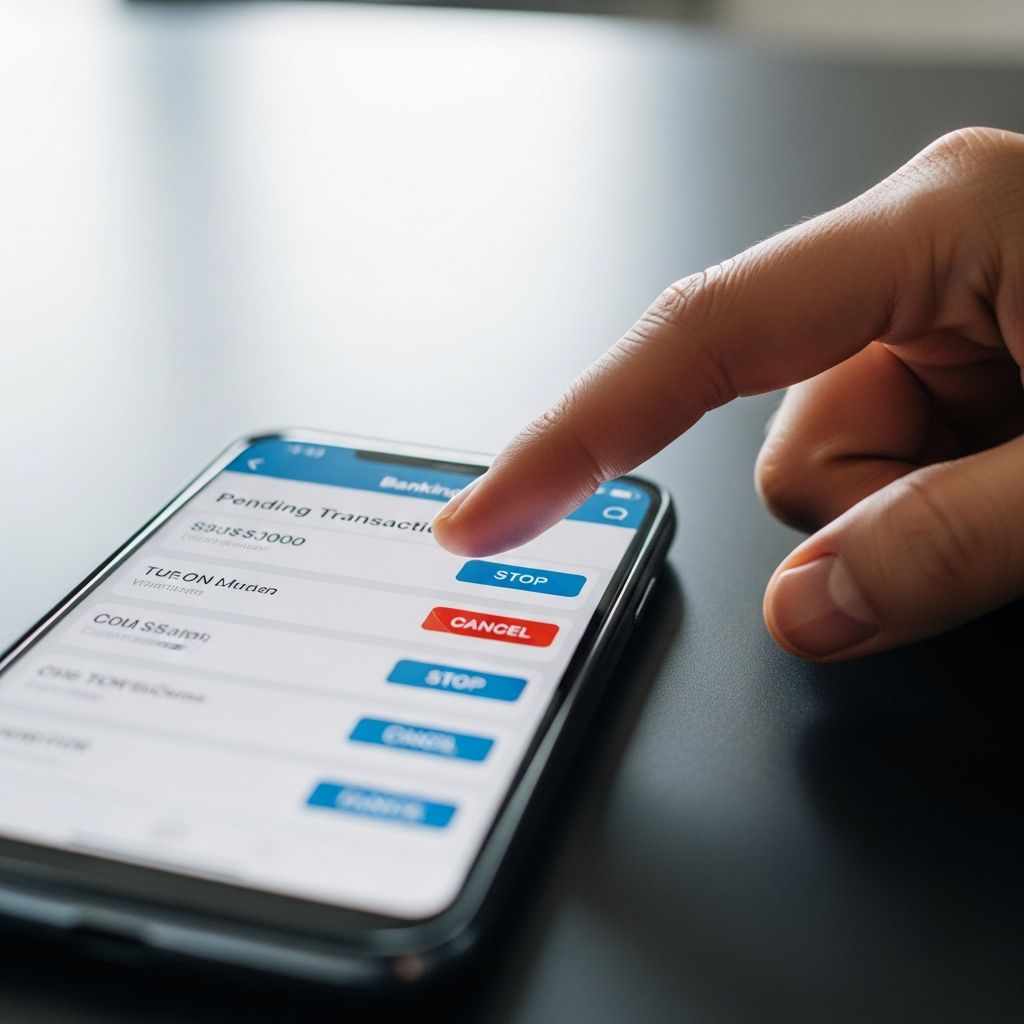
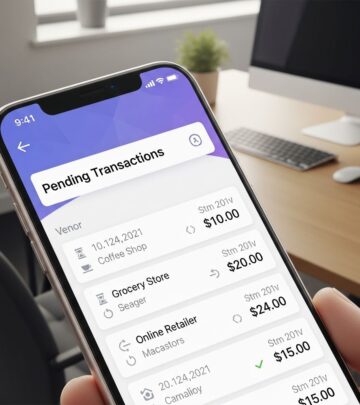
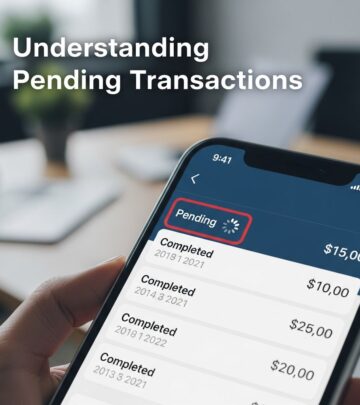
Pending transactions represent temporary authorizations that merchants place on your debit or credit card accounts to verify available funds. These holds do not immediately deduct money but can tie up your spending limit until the charge posts or expires, typically within 1-7 days depending on the card type and merchant practices. Acting swiftly is crucial because once a transaction batches and settles, cancellation becomes far more challenging, often requiring a formal dispute process.
Understanding Authorization Holds and Pending Charges
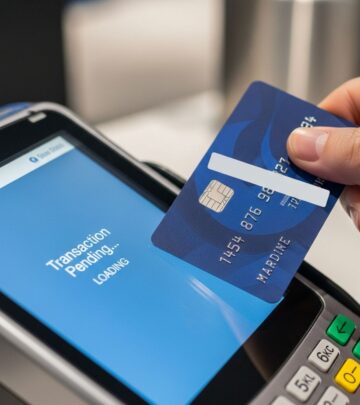
When you swipe, tap, or enter card details for a purchase, the merchant sends an authorization request to your card issuer. The issuer reserves the funds by placing a
pending transaction
hold, confirming you have sufficient balance or credit. This hold appears on your account statement but does not yet count as a final charge. For example, gas stations or hotels often authorize higher amounts than the actual cost to cover potential extras, releasing the difference later.Key differences between transaction types:
| Type | Description | Typical Duration | Cancellation Window |
|---|---|---|---|
| Debit Card Pending | Funds reserved from checking account | 1-3 days | Before batching (end of day) |
| Credit Card Pending | Hold on credit limit, no cash impact | 3-7 days | Merchant void before settlement |
| ACH/Electronic Transfer | Bank-to-bank pending payment | 1-5 business days | Limited, often via stop payment |
| Digital Wallet (e.g., PayPal) | Hold in app account | Varies by platform | Via app dashboard if unaccepted |
These holds protect merchants from insufficient funds while giving consumers time to address issues. However, they can surprise users by reducing available balance unexpectedly. Monitor via mobile apps or online banking for real-time alerts.
Immediate Steps to Cancel a Pending Charge
Speed is everything: merchants batch transactions daily, often at midnight, making pre-settlement cancellation possible only within hours. Follow this prioritized action plan:
- Locate details: Note the merchant name, amount, date, time, and reference number from your account app or statement.
- Contact merchant first: Call or email using info from your receipt or their website. Request a ‘void’—not a refund—as voids erase the authorization before posting. Provide transaction ID for faster processing.
- Confirm with issuer: If merchant voids, verify the hold lifts via your bank app within 24 hours.
- Escalate if needed: Unresponsive merchants? Notify your bank or card issuer immediately.
For online purchases, check order history portals; many allow self-cancellation if unshipped. Document every interaction with screenshots, timestamps, and rep names.
Contacting Merchants: Best Practices and Timing
Merchants control the authorization release, so they are your primary target. Success rates drop after batching, emphasizing urgency. Common scenarios include:
- Buyer’s remorse: Recent impulse buy? Merchants often void if no inventory shipped.
- Duplicate charges: Two identical pending holds? Request void on one.
- Over-authorizations: Gas pumps holding $100+ for $20 fill-ups release automatically but can be expedited.
Prepare your pitch: ‘I made an error on order #123; please void the pending auth of $45 from 2/5/26.’ Follow up in writing. If unreachable (e.g., pop-up shops), proceed to issuer.
Working with Your Bank or Card Issuer
Banks cannot unilaterally cancel merchant-initiated holds but can flag issues, block cards, or prepare disputes. Contact methods vary:
- Phone: Use numbers on card back or app; expect transfers to fraud/dispute teams.
- App/Chat: Many (e.g., Chase) offer in-app ‘report pending charge’ tools.
- Online Portal: Submit via secure message with details.
For debit cards, request a stop payment if ACH-involved, though fees apply ($25-35 typically). Credit cards provide stronger protections under FCBA, allowing 60-day disputes post-posting. Report fraud suspicions to lock the card instantly.
Handling Digital Payments and Apps
Platforms like PayPal complicate pendings due to intermediary holds. For PayPal:
- Log in > Activity > Find pending > Select ‘Cancel’ if recipient unverified.
- Holds for new sellers lift after acceptance or 21 days.
Other apps (Venmo, Cash App): Check notifications for ‘cancel’ options before funding clears. For wire/ACH pendings, banks may recall if under 24 hours.
Fraud Detection and Prevention Strategies
Suspicious pendings (unrecognized merchant, odd amounts) signal fraud. Act now:
- Freeze card via app.
- Report to issuer for investigation; expect provisional credit.
- Enable transaction alerts and two-factor authentication.
Pro tip: Use virtual card numbers for online shops to limit exposure. Regularly review statements to catch patterns early.
What Happens After Posting?
If unsuccessful, posted charges trigger disputes:
| Scenario | Timeline | Process | Outcome |
|---|---|---|---|
| Billing Error | 60 days (credit), 30 days (debit) | File dispute online/phone | Chargeback if valid |
| Fraud/Unauthorized | $0 liability (credit), 60 days (debit) | Police report + bank claim | Full reversal |
| Non-Delivery | Post-receipt | Merchant refund or dispute | Provisional credit |
Issuers investigate (10-45 days); you keep credits during review.
Common Pitfalls and Pro Tips
Avoid these errors:
- Waiting >24 hours: Batch cutoff passed.
- Ignoring small holds: They add up, signaling breaches.
- Not documenting: Essential for escalations.
Enhance security: Set low daily limits, use EMV/chip cards, avoid public Wi-Fi.
Frequently Asked Questions
Can I cancel a pending debit card transaction?
Yes, contact the merchant for a void or your bank if fraud suspected. Success depends on pre-batching action.
How long do pending transactions last?
Debit: 1-3 days; credit: up to 7 days. Drops off automatically if not settled.
Will canceling affect my credit score?
No, pendings don’t report to bureaus; only posted delinquencies do.
What if the merchant refuses?
Escalate to issuer for dispute prep or fraud block.
Can apps like Venmo cancel pendings?
Often yes via in-app menus if unfunded.
References
- Guide to Canceling a Pending Transaction — SoFi. 2024. https://www.sofi.com/learn/content/how-to-cancel-a-pending-transaction/
- Pending Transaction: What It Means & How It Works — Ramp. 2024. https://ramp.com/blog/pending-credit-card-charges
- How To Cancel A Pending Credit Card Transaction — Bankrate. 2024-10-15. https://www.bankrate.com/credit-cards/advice/how-to-cancel-a-pending-credit-card-transaction/
- Canceling Pending Transaction — Liberty Savings Bank. 2024. https://www.libertysavingsbank.com/help/business-banking/canceling-pending-transaction/
- How to Cancel a Pending Transaction — Qonto. 2024. https://qonto.com/en/blog/business-management/banking/cancel-pending-transaction
- How to Cancel a Pending Transaction — The Muse. 2024. https://www.themuse.com/advice/how-to-cancel-a-pending-transaction
- How to Cancel a Pending Credit Card Transaction — NerdWallet. 2024. https://www.nerdwallet.com/credit-cards/learn/how-to-cancel-a-pending-credit-card-transaction
Similar Articles








Read full bio of medha deb