Stop Auto Payments: How To Cancel Recurring Charges
Master the steps to halt recurring charges and regain control over your bank account without hassle or hidden fees.
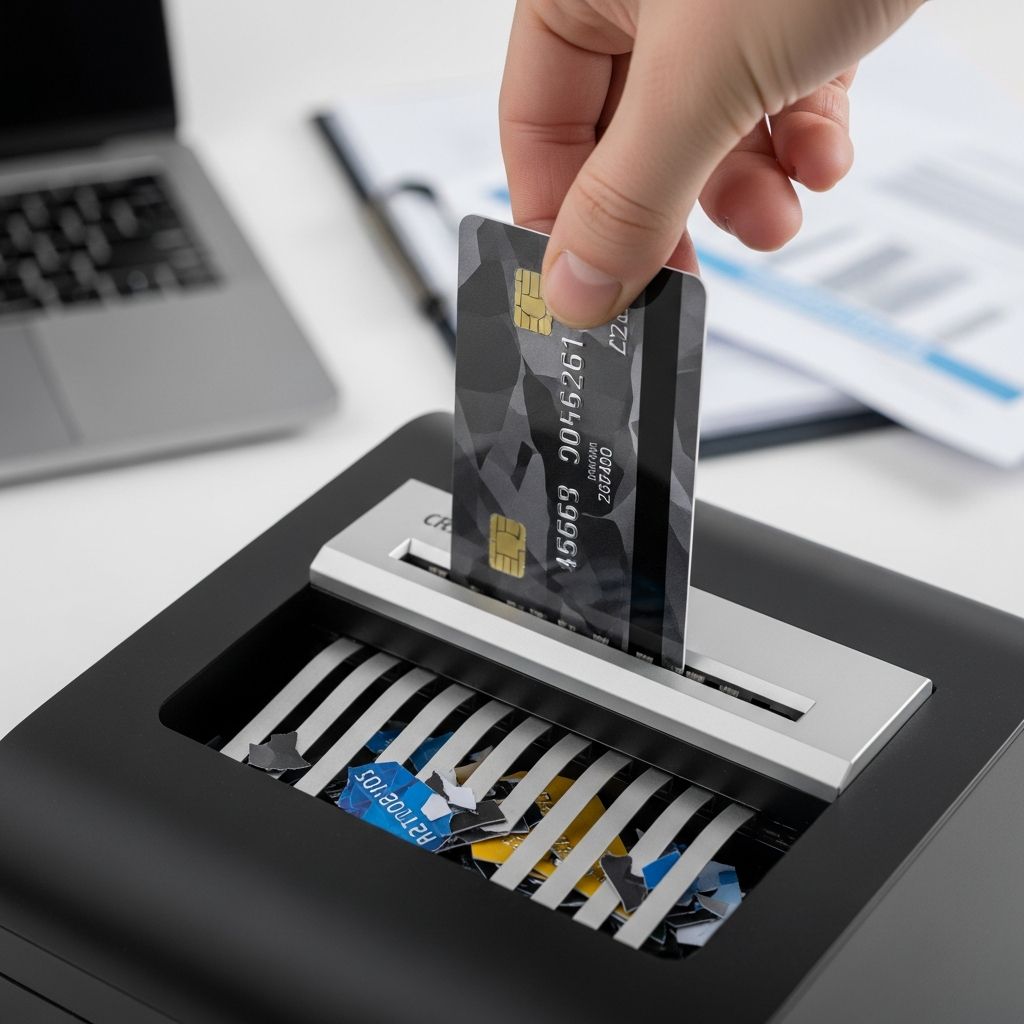
Automatic payments offer convenience for bills and subscriptions, but they can drain finances unexpectedly when needs change. This guide provides detailed, actionable steps to terminate recurring charges securely, drawing from official financial guidelines to ensure compliance and success.
Understanding Recurring Charges and Their Impact
Recurring payments, often called autopay, authorize merchants to withdraw funds directly from your bank or card account on a schedule. While useful for utilities or streaming services, forgotten subscriptions accumulate, with U.S. consumers averaging $219 yearly on unused ones according to federal estimates. Ending them requires revoking authorization promptly to prevent further debits.
Common sources include gym memberships, software trials, charity donations, and e-commerce sites. Digital wallets like PayPal or Google Pay also host these, complicating tracking without vigilance. Regular bank statement reviews reveal these, empowering proactive management.
Primary Method: Direct Merchant Cancellation
The most reliable approach starts with the charging company, as it addresses the root agreement. Federal regulations under the Electronic Fund Transfer Act (EFTA) mandate merchants honor revocation requests.
Online Account Management
- Log into the merchant’s portal using your credentials.
- Navigate to billing, payments, or subscription sections—search ‘autopay’ or ‘recurring’ if hidden.
- Select ‘disable’, ‘end’, or ‘cancel autopay’, then confirm via email or two-factor authentication.
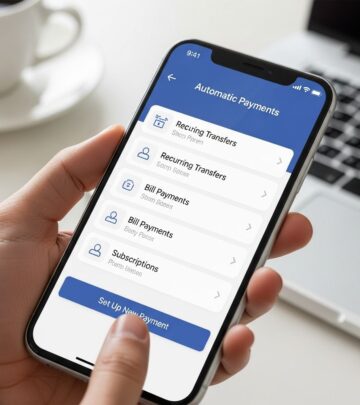
For platforms like PayPal, access Settings > Payments > Automatic Payments, choose the merchant, and cancel. Google Pay users tap profile > AutoPay > Stop for UPI-linked services.
Customer Support Interaction
- Prepare account number, recent charge details, and authorization date.
- Call, email, or chat, stating: “I revoke authorization for future automatic debits.”
- Request written confirmation; retain records for disputes.
Phone calls yield reference numbers; emails create paper trails. If fees arise for early termination, demand itemized breakdowns.
In-Person or Mail Options
For physical locations like fitness centers, visit with ID and contract copy. Obtain signed receipts. Mail certified letters for documentation, using templates from CFPB.
| Method | Pros | Cons | Best For |
|---|---|---|---|
| Online | Fast, 24/7 access | May be buried in menus | Digital services |
| Phone/Chat | Immediate clarification | Wait times, persuasion tactics | Complex accounts |
| In-Person/Mail | Irrefutable proof | Time-consuming | Local businesses |
Bank or Credit Union Intervention
If merchant unresponsive, banks must stop debits upon notification per EFTA rules. This revokes ACH authorization effectively.
Revoke Authorization Process
- Call bank: “Revoke authorization for [merchant] autopayments.”
- Follow with written letter/email, including merchant details and effective date.
- Some banks offer online forms under ‘recurring payments’ or ‘stop payment’.
Stop payment orders block specific transactions but incur fees ($25-35 typically) and last 6-12 months. Monitor statements post-action; erroneous debits qualify for refunds within 60 days. Clear balances first to avoid collections.
Examples: Chase app—Account > Manage Autopay > Edit/Cancel. Spectrum—Billing > Manage Auto Pay > Cancel.
Leveraging Technology and Apps
Modern tools simplify tracking and cancellation, reducing manual effort.
- Bank Apps: Centralized views of recurring debits with one-tap stops.
- Subscription Managers: Apps like Rocket Money or Truebill scan statements, negotiate cancellations.
- Wallet Integrations: Apple Wallet or Google Play Subscriptions list and end autopay seamlessly.
Set alerts for trials converting to paid plans. Browser extensions highlight subscription pages during sign-ups.
Handling Resistance and Legal Protections
Merchants may offer discounts or claim ‘no cancel’ policies—persist, as EFTA supersedes. Document everything; escalate to CFPB if ignored.
For debts owed, negotiate settlements before stopping payments. Unauthorized post-revocation charges? Dispute via bank for full reversal. State attorneys general handle persistent violators.
Preventing Future Issues
Adopt habits like calendar reminders for trials, virtual cards for one-offs (e.g., Privacy.com limits recurring access), and quarterly audits. Use privacy-focused browsers blocking trackers that enable hidden subs.
Frequently Asked Questions
How long until autopay stops after requesting?
Immediate for future cycles; current billing period may process. Confirm via confirmation and statements.
What if the merchant ignores my request?
Notify bank in writing; they must block. File CFPB complaint if needed.
Can I get refunds for recent charges?
Yes, within 60 days of unauthorized debit via bank dispute.
Does canceling autopay end my subscription?
Not always—pay manually or risk service cutoff. Clarify with merchant.
Are there fees for banks to stop payments?
Stop orders yes ($20-40); revocation often free.
References
- How to Stop Automatic Payments From My Bank Account (Guide for Any Bank) — YouTube/How to Simple. 2023. https://www.youtube.com/watch?v=ORell6-osdM
- How do I stop automatic payments from my bank account? — Consumer Financial Protection Bureau (CFPB). 2023-10-01. https://www.consumerfinance.gov/ask-cfpb/how-do-i-stop-automatic-payments-from-my-bank-account-en-2023/
- What is an automatic payment and how do I update or cancel one? — PayPal. 2024. https://www.paypal.com/us/cshelp/article/what-is-an-automatic-payment-and-how-do-i-update-or-cancel-one-help240
- Manage recurring payments & subscriptions – Android — Google Help. 2024. https://support.google.com/googlepay/answer/7644008?hl=en&co=GENIE.Platform%3DAndroid
- How to Change or Cancel Automatic Payments — Chase Bank. 2024. https://www.chase.com/digital/customer-service/helpful-tips/credit-cards/mobile/change-autopay
- Cancel or Change Payment Method for Auto Pay — Spectrum Support. 2024. https://www.spectrum.net/support/account-and-billing/cancel-auto-pay-automatic-payment
Similar Articles








Read full bio of Sneha Tete