Stock Order Types Explained
Master the essential stock order types to execute trades with precision, manage risks, and optimize your investment strategy effectively.
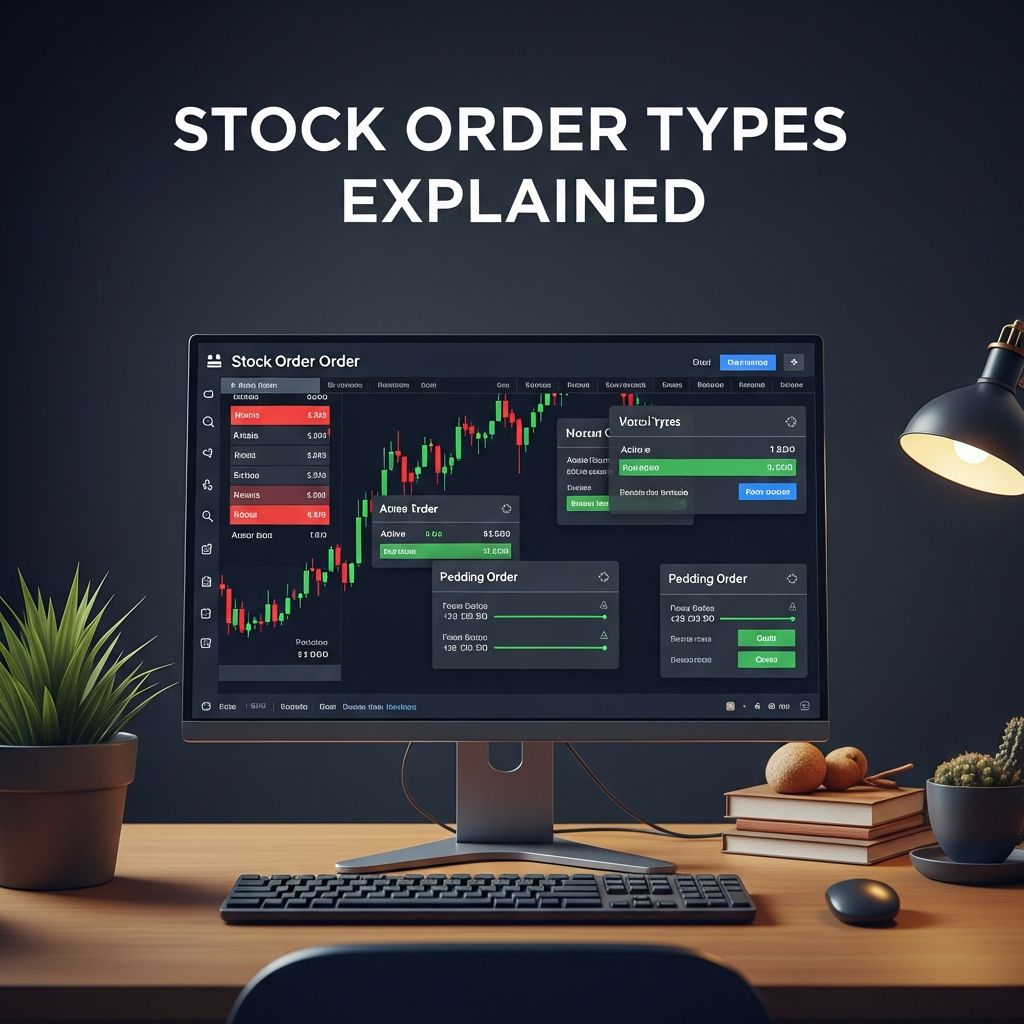
Navigating the stock market requires understanding the tools that control how your trades are executed. Stock orders are instructions you give to your broker to buy or sell securities under specific conditions. Choosing the right order type can mean the difference between a profitable trade and an unexpected loss, especially in fluctuating markets.
Why Order Types Matter in Trading
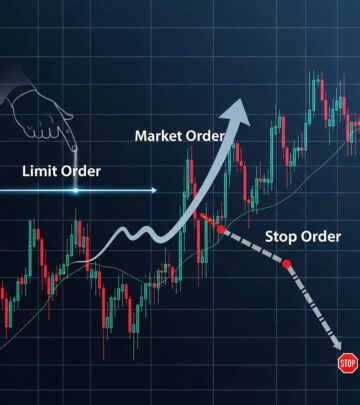
Each order type balances speed, price control, and execution certainty differently. Market orders prioritize immediacy, while limit orders emphasize price precision. Stop orders add protection against adverse price movements. Mastering these allows investors to align trades with their goals, whether seeking quick entry, value buys, or risk mitigation.
Brokerage platforms default to market orders for simplicity, but informed traders select based on market conditions, volatility, and strategy. High-liquidity stocks suit market orders, whereas illiquid or volatile ones demand limits or stops.
Market Orders: Speed Over Price
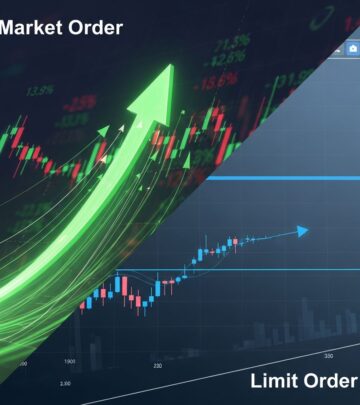
A market order instructs your broker to execute the trade immediately at the best available current price. For buyers, this means the lowest ask price; for sellers, the highest bid price. Execution is virtually guaranteed during regular trading hours (9:30 a.m. to 4 p.m. ET), making it ideal for liquid markets.
Advantages:
- High execution probability.
- Fast fulfillment, often in seconds.
- Suitable for stable, high-volume stocks.
Drawbacks:
- No price guarantee; slippage possible in volatile conditions.
- Less control in fast-moving markets.
Example: If a stock trades at $50 bid/$50.05 ask, a market buy fills near $50.05, a sell near $50. Use when timing trumps exact price.
Limit Orders: Precision Pricing Control
Limit orders specify a maximum buy price or minimum sell price, executing only at that price or better. Buy limits fill at or below your set price; sell limits at or above. They wait in the order book until conditions match.
This type offers superior price discipline but risks non-execution if the market doesn’t reach your target. Partial fills occur if insufficient volume exists at the limit.
| Scenario | Buy Limit Example | Sell Limit Example |
|---|---|---|
| Current Price | $100 | $100 |
| Your Limit | $98 or lower | $102 or higher |
| Outcome | Fills if drops to $98 | Fills if rises to $102 |
Ideal for value investing or taking profits at peaks.
Stop Orders: Safeguarding Your Portfolio
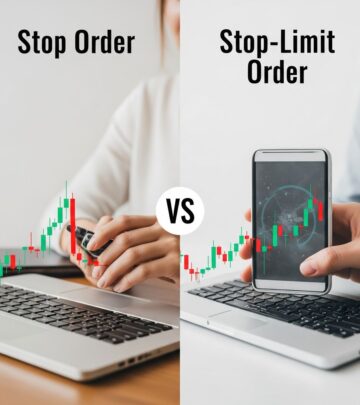
Stop orders, or stop-loss orders, activate when a stock hits a trigger price, converting to a market order. Sell stops protect long positions by selling if prices fall; buy stops (less common) enter shorts or chase breakouts.
Triggering doesn’t guarantee your desired price, as it becomes a market order prone to slippage. Set sell stops below current price, buy stops above.
Key Uses:
- Limit downside risk on holdings.
- Lock in gains after rallies.
- Automate discipline without constant monitoring.
Example: Own stock at $50, set sell stop at $45. If it drops to $45, sells at prevailing market (possibly $44.90).
Stop-Limit Orders: Enhanced Protection with Limits
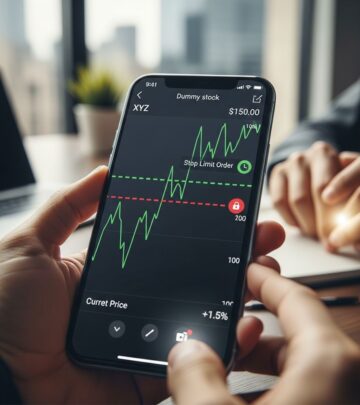
Stop-limit orders combine stop and limit features. Upon trigger, they become limit orders, executing only at the limit price or better. This adds price control but heightens non-execution risk in gappy markets.
Set a stop price (trigger) and limit price (execution range). For sells: stop at $45, limit $44.50—triggers at $45, sells $44.50 or higher.
Pros vs. Cons:
| Feature | Benefit | Risk |
|---|---|---|
| Trigger + Limit | Precise control | May miss fill if gap |
| Vs. Stop Only | Avoids slippage | Complex setup |
Best for moderately volatile stocks where gaps are rare.
Advanced Order Variations
Beyond basics, trailing stops adjust dynamically. A trailing stop sets a stop price at a fixed percentage or dollar amount below the market peak. If stock rises from $50 with 5% trail, stop moves to $47.50; further rises adjust up, falls trigger at trail.
Other types include:
- Day Orders: Expire end-of-day if unfilled.
- Good-Til-Canceled (GTC): Remain active until executed or canceled.
- Immediate-or-Cancel (IOC): Fill what’s available instantly, cancel rest.
Time-in-force options tailor longevity to strategy.
Strategic Applications Across Market Conditions
Volatile Markets: Favor stop-limits or wide limits to avoid whipsaws.
Bull Trends: Trailing stops capture upside while protecting gains.
Range-Bound: Limits exploit support/resistance levels.
Combine with technical analysis: Place limits at moving averages, stops below trends.
For ETFs/stocks, same principles apply, but ETFs’ diversification reduces single-stock risk.
Risks and Common Pitfalls
Over-reliance on market orders in low-volume scenarios causes slippage. Limits may expire unfulfilled in trends. Stops fail in overnight gaps (e.g., earnings surprises). Always consider bid-ask spreads, liquidity, and news events.
Mitigate by:
- Using level 2 quotes for depth insight.
- Scaling into positions with multiple small orders.
- Reviewing broker execution quality.
Platform Features and Broker Differences
Brokers like Vanguard, Schwab vary in supported orders, fees, and tools. Most offer mobile apps for real-time placement. Advanced platforms provide order type previews simulating fills.
Check for bracket orders (attach limit sell to buy) or OCO (one-cancels-other) for automation.
Building a Trading Plan with Orders
Incorporate orders into rules: Never risk >2% per trade via stops. Use limits for entries. Review journal for order effectiveness. Paper trade new types first.
Education evolves with markets; stay updated via FINRA/SEC resources.
Frequently Asked Questions
What happens to unfilled limit orders?
Depends on time-in-force: Day expires EOD; GTC persists.
Can stops protect against after-hours gaps?
No, stops trigger only during market hours on last trade.
Are order types free?
Most brokers offer commission-free, but premium features may cost.
Best order for beginners?
Start with market for liquidity, graduate to limits/stops.
Do ETFs use same orders as stocks?
Yes, identical mechanics apply.
Conclusion: Empower Your Trades
Selecting the optimal stock order type empowers precise, risk-managed trading. Practice across scenarios to internalize nuances. Consistent application builds confidence and performance.
References
- Order Types — FINRA. Accessed 2026. https://www.finra.org/investors/investing/investment-products/stocks/order-types
- Stock & ETF Orders: Limit, Market, Stop, & Stop-Limit — Vanguard. Accessed 2026. https://investor.vanguard.com/investor-resources-education/online-trading/stock-order-types
- Types of Orders — Investor.gov. Accessed 2026. https://www.investor.gov/introduction-investing/investing-basics/how-stock-markets-work/types-orders
- Stock Order Types: When to Use Market, Limit and Stop Orders — Navy Federal Credit Union. Accessed 2026. https://www.navyfederal.org/makingcents/investing/stock-order-types-market-limit-stop.html
- Understanding the Different Stock Order Types — SoFi. Accessed 2026. https://www.sofi.com/learn/content/stock-order-types/
- 3 Order Types: Market, Limit, and Stop Orders — Charles Schwab. Accessed 2026. https://www.schwab.com/learn/story/3-order-types-market-limit-and-stop-orders
Similar Articles








Read full bio of medha deb