SIM Swap Defense Guide: Essential Steps To Prevent Hijacks
Master proven strategies to block SIM swap attacks and secure your digital identity from phone hijackers.
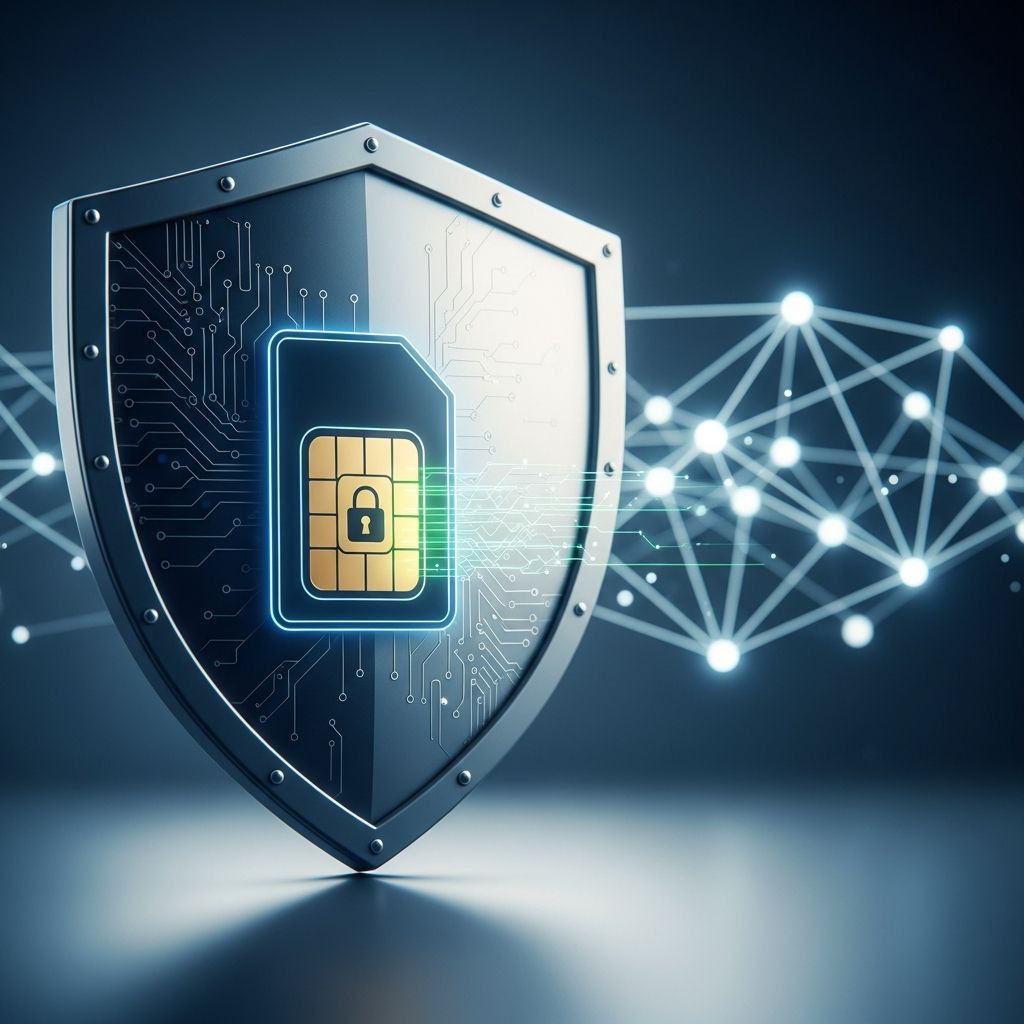
SIM swapping represents a critical threat to mobile users worldwide, enabling attackers to hijack phone numbers and bypass common security measures like SMS-based two-factor authentication. This guide equips you with essential knowledge and actionable defenses to neutralize this risk.
The Mechanics of Phone Number Hijacking
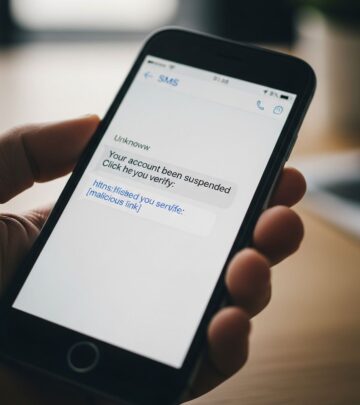
In a SIM swap attack, criminals deceive mobile carriers into reassigning a victim’s phone number to a SIM card they control. This process exploits carrier policies designed for legitimate customer service, such as replacing lost or damaged SIMs. Attackers gather personal details from data breaches, social media, or phishing to impersonate victims convincingly during support calls.
Once the swap occurs, the victim’s device loses service abruptly, while the attacker’s receives all calls, texts, and verification codes. This grants immediate access to any account relying on SMS for login or recovery, including banks, emails, and cryptocurrency exchanges. The attack’s speed—often completing in minutes—leaves little time for intervention.
Why Attackers Target Your Mobile Line
Mobile numbers serve as gateways to digital lives, linked to countless services for identity verification. Cybercriminals prioritize high-value targets like crypto holders or executives but strike indiscriminately due to scalable social engineering tactics.
- Cryptocurrency Theft: Victims lose millions as attackers intercept wallet 2FA codes, exploiting irreversible blockchain transactions.
- Social Media Hijacks: Profiles of influencers or celebrities get repurposed for scams or misinformation campaigns.
- Financial Fraud: Bank logins and credit resets enable direct fund transfers and identity theft.
- Corporate Espionage: Executives face account compromises revealing sensitive business data.
Statistics underscore the surge: SIM swaps have escalated with SMS 2FA’s prevalence, affecting everyday users alongside VIPs.
Spotting the Warning Signals
Recognize an ongoing or imminent SIM swap through these red flags:
| Sign | Description | Action |
|---|---|---|
| Sudden Service Loss | Phone loses signal without explanation; calls/texts fail. | Contact carrier immediately via alternate method. |
| Unexpected Carrier Texts | Messages about SIM changes or account updates you didn’t request. | Verify directly; do not reply. |
| Account Lockouts | Emails or banks report failed logins from unknown devices. | Secure accounts via app or hardware keys. |
| Unfamiliar Activity | Stranger calls claiming carrier issues or offers. | Hang up and call official support. |
Proactive monitoring via carrier apps or credit alerts can provide early heads-up.
Fortifying Your Carrier Account
Strengthen defenses at the source—your mobile provider:
- Enable Account PIN or Passcode: Require a unique code for all changes, swaps, or ports. Most carriers like Verizon mandate this; confirm yours does.
- Request Port-Out Freeze: Block number transfers entirely until manually lifted—a feature now standard at major U.S. carriers.
- Designate Trusted Contacts: Limit support interactions to pre-approved emails or numbers.
- Avoid Verbal Verifications: Insist on in-person ID or secure app-based proofs for sensitive requests.
Review your account security settings today; many carriers updated policies post high-profile incidents.
Upgrading Beyond SMS Security
SMS 2FA’s vulnerability to SIM swaps necessitates stronger alternatives:
- Authenticator Apps: Generate codes offline via Google Authenticator or Authy—no phone number needed.
- Hardware Security Keys: Devices like YubiKey plug into USB or use NFC for phishing-resistant logins.
- Passkeys and Biometrics: Passwordless options from Apple, Google leverage device-bound encryption.
- Backup Codes: Print and store one-time codes from services like Microsoft or GitHub.
Transition all critical accounts: Prioritize email (as it’s often the reset hub), then banking and investments. Services supporting FIDO2 standards offer optimal protection.
Proactive Habits to Minimize Exposure
Daily practices reduce attack surfaces:
- Minimize public sharing of phone numbers on social profiles or forums.
- Use virtual numbers or burners for non-essential sign-ups.
- Enable full-device encryption and remote wipe via Find My tools.
- Monitor credit reports weekly for unauthorized inquiries (free via AnnualCreditReport.com).
- Employ password managers to detect breaches early.
For businesses, implement zero-trust models avoiding SMS entirely.
Immediate Response if Compromised
If service drops unexpectedly:
- Call Carrier from Landline: Use a friend’s phone or *611 alternate to report fraud and reverse the swap.
- Notify Banks/Email: Freeze accounts; use backup recovery options.
- Change Passwords: From a secure device, update all linked accounts.
- Police Report: Document for insurance and carrier escalation.
- FTC Complaint: File at IdentityTheft.gov for federal tracking.
Recovery timelines vary; swift action limits damage, but full restoration may take days.
Future-Proofing Against Evolving Threats
As 5G and eSIMs proliferate, carriers enhance fraud detection with AI monitoring and biometric gates. Users must adapt: eSIM swaps mirror physical ones, demanding same PIN protections. Regulatory pressures, like FCC mandates, push industry-wide port freezes.
Stay informed via official carrier blogs and cybersecurity advisories. Test your setup: Simulate a lockout to verify recovery paths work.
Frequently Asked Questions
What if my phone loses service suddenly?
Contact your carrier using a landline or another device right away to check for unauthorized swaps. Do not use online chats, as attackers may control email.
Is SIM swapping only for high-profile targets?
No—anyone with SMS-linked accounts is at risk. Attacks scale via automated social engineering.
Can VPNs or antivirus stop SIM swaps?
No; these protect data in transit, not carrier-level hijacks. Focus on auth upgrades and carrier locks.
How long does a SIM swap take?
From minutes to hours, depending on carrier verification rigor.
Are eSIMs safer?
Not inherently; eSIM transfers face similar social engineering risks without added PINs.
Key Takeaways Table
| Threat Level | Defense Priority | Impact Reduction |
|---|---|---|
| High (SMS Reliance) | Switch to app/hardware 2FA | 90%+ |
| Medium (Weak Carrier PIN) | Add PIN/port freeze | 80% |
| Low (Info Exposure) | Limit phone sharing | 50% |
References
- SIM Swapping Attacks: A Growing Danger to Your Digital Life — VikingCloud. 2023. https://www.vikingcloud.com/blog/sim-swapping-attacks-a-growing-danger-to-your-digital-life
- What is SIM Swapping? — SentinelOne. 2024-01-15. https://www.sentinelone.com/cybersecurity-101/threat-intelligence/what-is-sim-swapping/
- What is a SIM Swapping Scam? Protect Your Device — Verizon. 2025. https://www.verizon.com/about/account-security/sim-swapping
- What is a Sim Swap? Definition and Related FAQs — Yubico. 2024. https://www.yubico.com/resources/glossary/sim-swap/
- SIM Swapping: How Hackers Beat Multi-Factor Authentication — DOT Security. 2024-06-10. https://dotsecurity.com/insights/blog-sim-swapping-attacks
- SIM Swapping — Montgomery County Government (.gov). 2025. https://www.montgomerycountymd.gov/pol/fraud/sim-swapping.html
- Protecting Your Wireless Account Against SIM Swap Fraud — CTIA. 2024. https://www.ctia.org/protecting-against-sim-swap-fraud
Similar Articles








Read full bio of medha deb