Signs Your Email Has Been Hacked
Discover critical indicators that your email account is compromised and learn immediate steps to secure it before damage spreads.
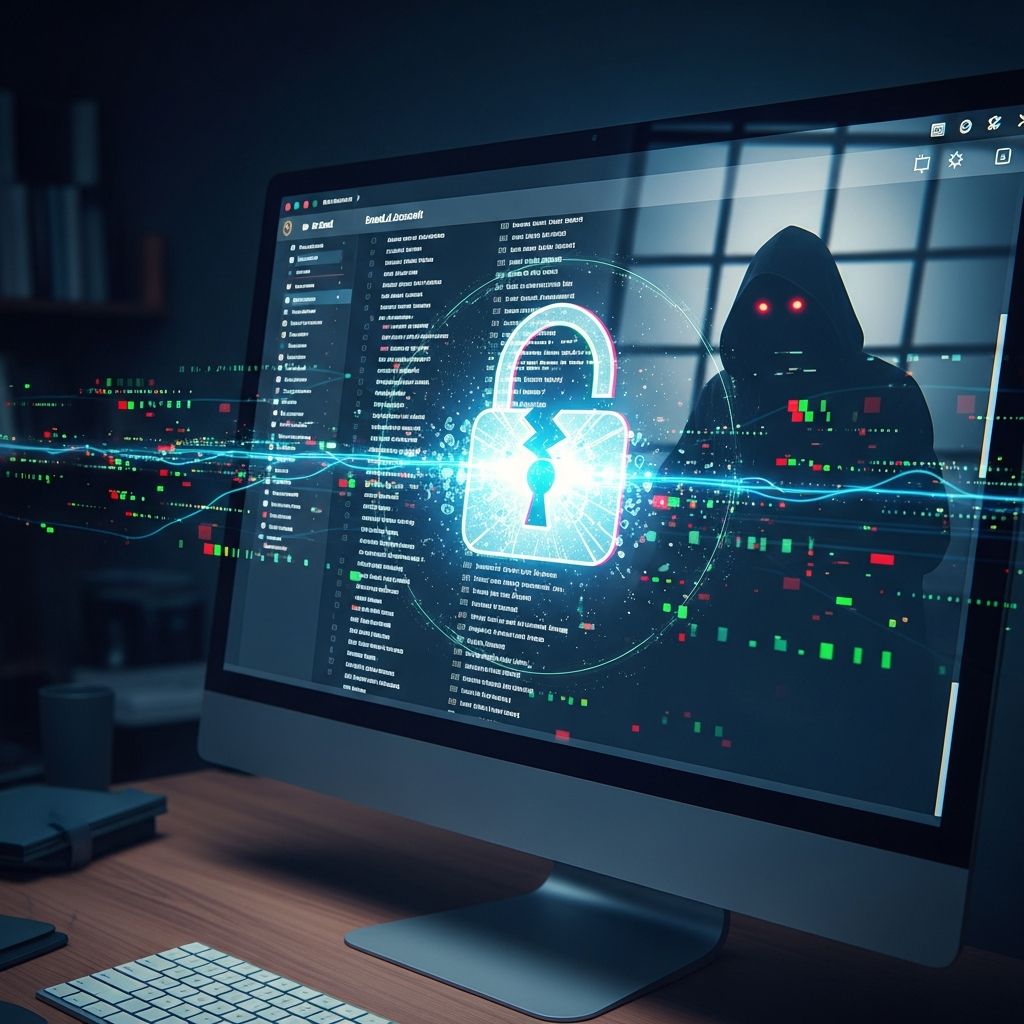
Your email serves as a gateway to personal and financial information, making it a prime target for cybercriminals. When hackers gain access, they can steal data, send spam, or worse. Recognizing the warning signs early allows you to act swiftly and minimize harm. This guide explores key indicators of a compromised email account, recovery strategies, and long-term protection measures.
Unusual Login Activity and Notifications
One of the most direct signals of a hack is unexpected login alerts. Legitimate services like Gmail or Outlook send notifications for new device logins or location changes. If you receive messages about activity from unfamiliar locations, such as a login from Russia when you’re in the US, treat it as a red flag.
- Check your account’s recent activity log: Most providers display last login times, IP addresses, and devices used.
- Review security event history for patterns like multiple failed attempts followed by a success.
- Enable two-factor authentication (2FA) immediately if not already active, as it blocks unauthorized access even with stolen passwords.
According to cybersecurity experts, suspicious logins often precede broader attacks, where hackers use your account to target contacts.
Sent Emails You Didn’t Create
Discovering messages in your Sent folder that you never drafted is a clear breach indicator. Hackers frequently use compromised accounts to broadcast phishing links or malware to your contacts, exploiting trust within your network.
Inspect these rogue emails for common traits:
| Phishing Clue | Description |
|---|---|
| Sender Domain Mismatch | Email claims to be from a bank but uses @gmail.com or altered domains like paypa1.com. |
| Urgent Language | Phrases like “Act now or lose access” pressure quick clicks without verification. |
| Generic Greetings | Avoids your name, using “Dear Customer” instead. |
Forward suspicious sent emails to your provider’s abuse team and warn recipients not to engage.
Unexpected Inbox Changes and Bounces
Hackers may alter settings, such as forwarding rules that pipe your emails to external addresses. Check your filters, forwarding options, and auto-replies for unauthorized modifications. Bounce notifications from undeliverable spam sent via your account also signal compromise.
- Open settings > Forwarding and POP/IMAP > Review added rules.
- Search inbox for bounce-back emails mentioning your address as sender.
- Monitor for password reset requests you didn’t initiate.
Financial and Account Anomalies
A hacked email often leads to linked service breaches. Watch for unauthorized charges on payment methods tied to your email, mystery subscriptions, or login attempts on banks and shopping sites. Change passwords across all associated accounts promptly.
Pro tip: Use a password manager to generate unique, strong credentials and track changes systematically.
Advanced Detection Techniques
Beyond manual checks, leverage built-in tools and third-party solutions. AI-driven email scanners analyze content for phishing patterns, such as misspelled domains or coercive tones. URL filtering inspects links before you click, blocking malicious redirects.
Email providers employ machine learning to flag anomalies based on your behavior graph—deviations like unusual send volumes trigger alerts.
Step-by-Step Recovery Process
If signs point to a hack, follow this protocol:
- Secure the Account: Log in from a trusted device, enable 2FA, and change your password to a 16+ character passphrase.
- Scan Devices: Run antivirus software to remove keyloggers or malware.
- Revoke App Permissions: Disconnect third-party apps under security settings.
- Notify Contacts: Send a group advisory about potential spam from your address.
- Report the Incident: Inform your provider and authorities like CISA at phishing-report@us-cert.gov.
- Monitor Credit: Freeze credit reports and watch for identity theft.
Preventing Future Email Breaches
Proactive defenses reduce risk significantly. Implement these best practices:
- Avoid public Wi-Fi for sensitive logins; use VPNs instead.
- Verify sender legitimacy by contacting via official channels, not reply links.
- Scrutinize attachments and hover over links to reveal true destinations.
- Regularly update software and enable automatic security patches.
MFA remains the gold standard, thwarting 99% of account takeover attempts per industry reports.
Email Security Tools Comparison
| Tool Type | Key Features | Best For |
|---|---|---|
| Built-in Provider Tools | Activity logs, 2FA, spam filters | Basic users |
| AI Scanners | Behavioral analysis, URL blocking | Advanced threat detection |
| Antivirus Suites | Device scans, real-time protection | Full ecosystem coverage |
Frequently Asked Questions (FAQs)
What should I do first if I suspect a hack?
Change your password and enable 2FA immediately, then review recent activity.
Can hackers access my email without changing the password?
Yes, via phishing, malware, or session hijacking—always check for forwarding rules.
How do I know if it’s phishing or a real hack?
Phishing prompts action; a hack shows ongoing unauthorized use like sent emails.
Is my data safe after recovery?
Not fully—assume stolen data is circulating; update all linked passwords and monitor accounts.
Should I close my email account?
Only as last resort; recover first, then transfer important data to a new secure account.
Long-Term Cybersecurity Habits
Building resilience involves ongoing vigilance. Conduct monthly security audits, educate family on threats, and stay informed via trusted sources like FTC consumer guides. Remember, one compromised email can cascade into full identity theft—act decisively on any anomaly.
References
- How to Spot a Phishing Email – with Real Examples and Red Flags — GRC Solutions. 2025. https://grcsolutions.io/5-ways-to-detect-a-phishing-email/
- Phishing Detection Techniques — Check Point Software. 2025. https://www.checkpoint.com/cyber-hub/threat-prevention/what-is-phishing/phishing-detection-techniques/
- Top 13 Email Threat Types — Barracuda Networks. 2025. https://www.barracuda.com/solutions/13-email-threat-types
- What is Phishing? Techniques and Prevention — CrowdStrike. 2025. https://www.crowdstrike.com/en-us/cybersecurity-101/social-engineering/phishing-attack/
- Don’t take the bait: Recognize and avoid phishing attacks — Canadian Centre for Cyber Security (.gov). 2024-10-01. https://www.cyber.gc.ca/en/guidance/dont-take-bait-recognize-and-avoid-phishing-attacks
- How To Recognize and Avoid Phishing Scams — Federal Trade Commission (.gov). 2025. https://consumer.ftc.gov/articles/how-recognize-avoid-phishing-scams
Similar Articles








Read full bio of Sneha Tete