Undefined Secure Online Shopping Guide: Expert Tips For 2025
Master essential strategies to shop online safely, protect your data, and avoid scams in today's digital marketplace.
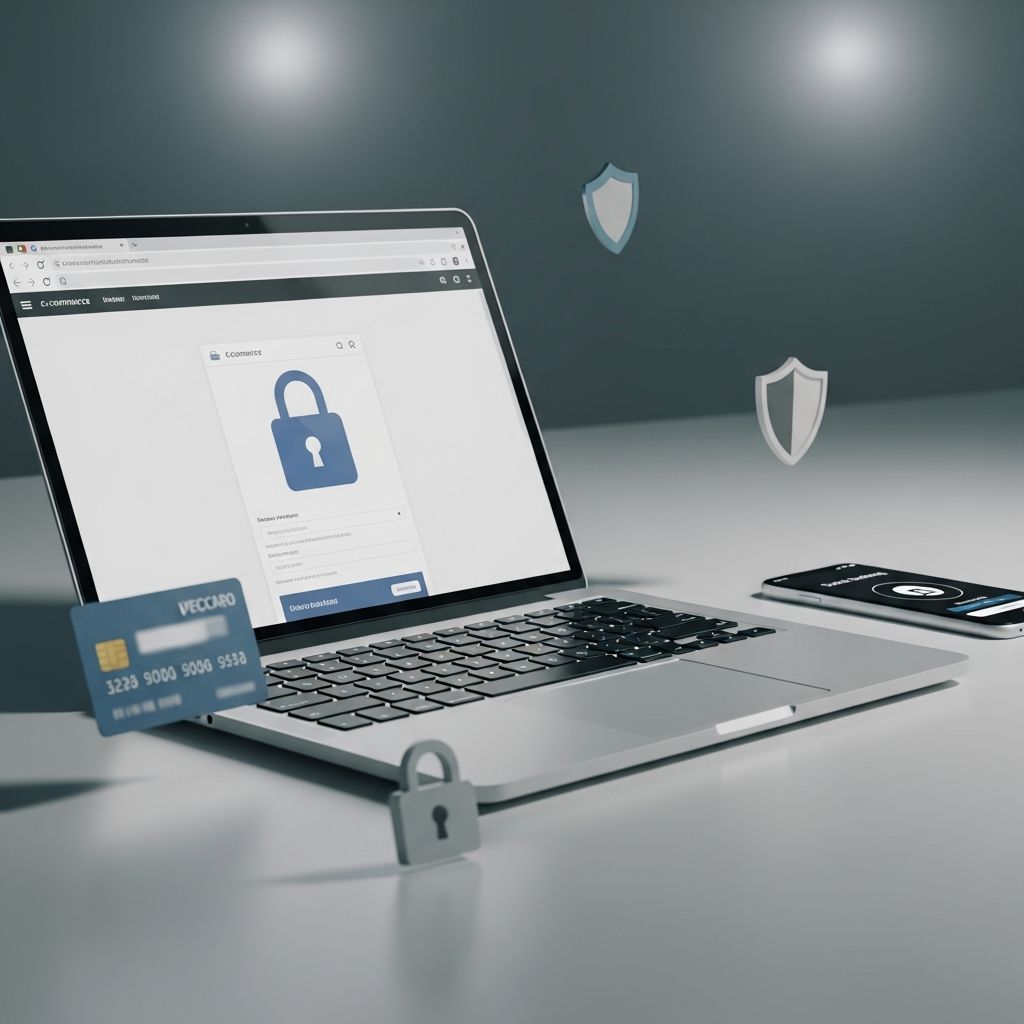
Online shopping has transformed retail, offering unmatched convenience and variety. However, rising cyber threats demand vigilance to protect personal and financial data. This guide equips you with actionable steps to shop confidently, drawing from expert recommendations to minimize risks like fraud, identity theft, and scams.
Preparing Your Digital Environment for Safe Browsing
Before entering any online store, optimize your setup for security. Start by ensuring your browser and antivirus software are current, as updates patch vulnerabilities exploited by hackers. Outdated systems leave doors open to malware that steals credentials during checkout.
Use a secure, private connection. Avoid public Wi-Fi for transactions, as it exposes data to interception; opt for home networks with firewalls or mobile hotspots. Enable VPNs on unfamiliar networks to encrypt traffic, adding a layer against eavesdroppers.
- Update software regularly: Browsers like Chrome or Firefox release security fixes frequently.
- Install reputable antivirus: Tools with real-time scanning detect phishing attempts.
- Clear caches and cookies: Prevents tracking and reduces targeted ads that lead to scams.
Identifying Legitimate Retailers and Avoiding Fakes
Stick to established platforms like Amazon or official brand sites, which offer buyer protections such as guarantees against faulty goods. Research unknown sellers via the Better Business Bureau (BBB) or by searching “company name + scam” to uncover complaints.
Scrutinize URLs for legitimacy. Legitimate sites use HTTPS (look for the padlock icon) and match the brand exactly—no typos like “amaz0n-deals.com.” Compare prices across sites; deals far below market scream counterfeit or bait-and-switch.
| Red Flag | Verification Step | Safe Alternative |
|---|---|---|
| Too-good-to-be-true prices | Check average pricing on Google Shopping | Trusted retailers with return policies |
| Social media pop-up ads | Visit official site directly | App stores or verified marketplaces |
| No contact info or policies | Search BBB profile | Sites with clear support pages |
Spotting and Sidestepping Counterfeits and Fake Reviews
Counterfeit goods flood marketplaces, often from third-party sellers. Prioritize items “sold by” the main retailer or fulfilled by them for accountability. On platforms like eBay, confirm seller ratings above 98% and verified purchase reviews.
Reviews can mislead; fake ones inflate ratings. Look for patterns: consistent details, verified buyer badges, and balanced feedback. Amazon removed over 200 million suspicious reviews last year, highlighting the issue.
- Examine photo quality: Blurry or stock images signal fakes.
- Read recent reviews: Older positives may predate quality drops.
- Report suspicious listings: Platforms like Etsy have reporting tools.
Mastering Secure Payment Methods
Credit cards top the list for safety, offering zero liability for unauthorized charges and streamlined disputes—unlike debit cards linked directly to your bank. Federal guidelines reinforce this, as credit issuers must investigate fraud promptly.
Steer clear of untraceable options like wire transfers, gift cards, or crypto demands—these scream scams. Use virtual cards or one-time numbers from services like Apple Pay or Privacy.com for extra shielding.
| Payment Type | Pros | Cons | Recommendation |
|---|---|---|---|
| Credit Card | Fraud protection, easy disputes | Interest if unpaid | Preferred |
| Debit Card | Direct from checking | Funds at risk during disputes | Avoid for large buys |
| PayPal/Virtual Wallets | Masked bank info | Account hacks possible | Good secondary |
| Crypto/Gift Cards | Fast | Irreversible, scam-prone | Never use |
Fortifying Accounts with Advanced Security
Strong, unique passwords—at least 16 characters with mixes of letters, numbers, and symbols—are non-negotiable. Manage them via password managers like LastPass. Enable multi-factor authentication (MFA) everywhere, adding a phone code or app approval to logins.
Log out after sessions, especially on shared devices, and monitor statements weekly for anomalies. Freeze credit reports via Equifax if suspicious activity arises.
Navigating Social Media and Mobile Shopping Pitfalls
Social platforms teem with scam ads. Verify sellers by checking profiles for history, authentic reviews, and legitimate websites. Never click links; type URLs manually.
On mobile, ensure apps from official stores and sites show HTTPS. Disable Wi-Fi/Bluetooth in public to dodge rogue networks. Use biometric logins like Face ID for apps.
Reviewing Policies for Buyer Confidence
Legit sites detail privacy, returns, shipping, and complaints handling. Scan for data-sharing clauses and generous return windows (30+ days). Mismatched policies from third-parties warrant caution.
- Privacy: No selling data to third parties.
- Returns: Clear process, free labels.
- Shipping: Transparent rates, tracking.
Responding to Potential Issues Post-Purchase
Act fast on problems: Contact the seller first, then escalate to the platform. For fraud, notify your card issuer within 60 days and file FTC reports. Change passwords and scan for malware if compromised.
Frequently Asked Questions
What if I spot a suspicious site mid-checkout?
Abandon the cart, close the tab, and report to the platform or FTC. Never complete the purchase.
Is shopping via app safer than websites?
Apps can be secure if from official sources, but verify HTTPS and permissions. Websites with HTTPS are equally safe.
How do I know if a review is fake?
Check for verified purchases, generic language, or review bursts. Tools like Fakespot analyze authenticity.
Should I use the same card for all shopping?
No—dedicate one card or use virtual numbers to limit exposure.
What’s the best antivirus for shopping?
Reputable ones like Norton or Bitdefender with web protection; free options like Avast suffice for basics.
Key Takeaways for Everyday Shoppers
Combine habits: Trusted sites, credit payments, MFA, and vigilance yield safe experiences. Stay informed via FTC alerts and cybersecurity sites for evolving threats.
References
- How to Protect Yourself When Shopping Online: Tips for Older Adults — NCOA. 2023. https://www.ncoa.org/article/10-tips-for-safe-and-secure-online-shopping/
- Safe Online Holiday Shopping — National Cybersecurity Alliance. 2023-12-01. https://www.staysafeonline.org/articles/safe-online-holiday-shopping
- Shop Smart: Tips for Making Safe Online Purchases — Mass.gov. 2024-11-15. https://www.mass.gov/news/shop-smart-tips-for-making-safe-online-purchases
- 11 Online Safety Tips For Making Purchases on the Internet — Providence CU. 2024. https://www.providencecu.org/blog/11-online-safety-tips-for-making-purchases-on-the-internet
- Best Practices for Shopping Online — Mississippi State University Extension. 2023. https://extension.msstate.edu/publications/best-practices-for-shopping-online
- Online Shopping – Security Tips — Federal Trade Commission. 2023. https://consumer.ftc.gov/media/79929
Similar Articles








Read full bio of medha deb