Email Checks Safely: Complete Guide To Secure Digital Checks
Learn secure methods to email checks and protect your financial transactions from fraud.
Safely Email Checks: A Complete Guide to Secure Digital Payments
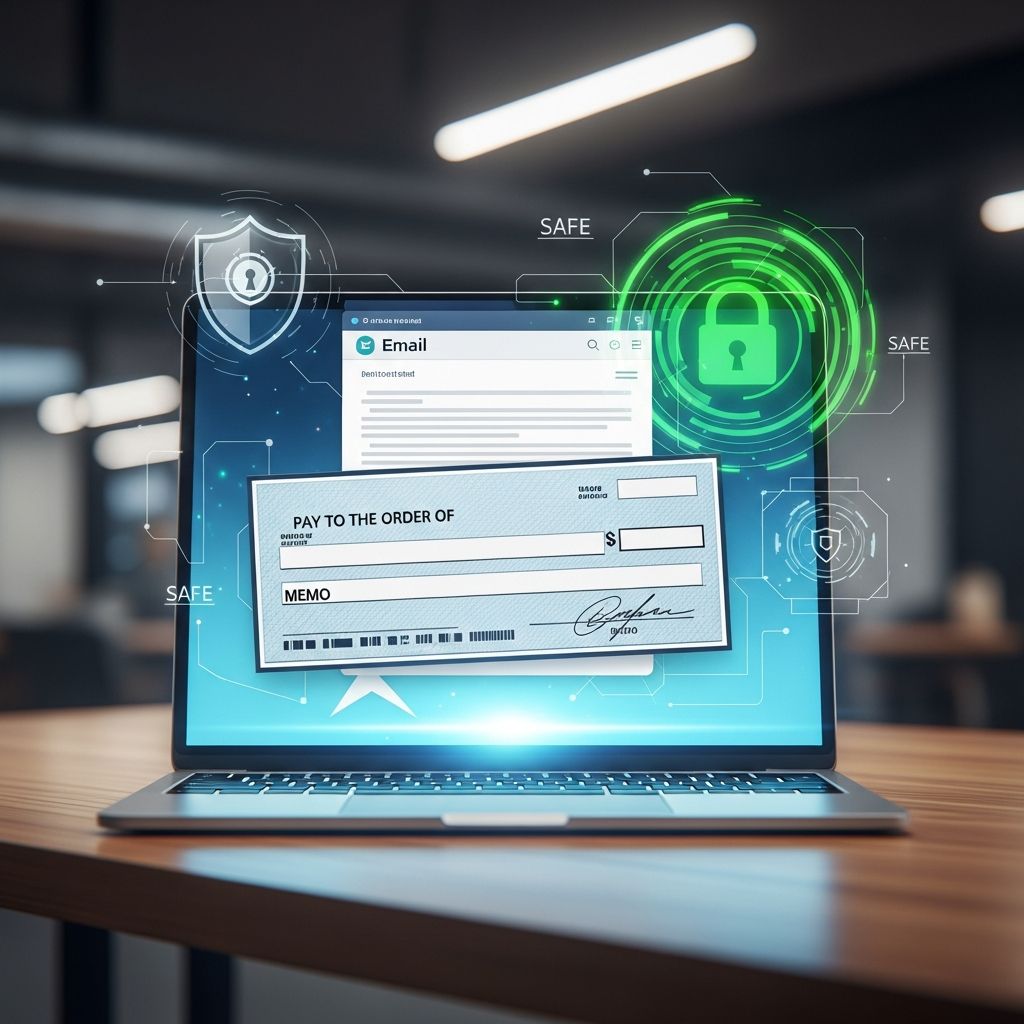
Sending checks through email has become increasingly common in our digital world, but it comes with significant security risks. Unlike traditional mail, where a physical check travels in an envelope, emailed checks exist in a digital format that can be intercepted, copied, or fraudulently altered. Understanding how to safely email checks is essential for both individuals and businesses looking to streamline their payment processes while maintaining robust security measures.
The good news is that multiple secure methods exist to email checks without putting your financial information at risk. Whether you’re paying a vendor, sending money to a family member, or managing business accounts payable, this guide will walk you through the safest approaches to emailing checks and the precautions you should take.
Understanding eChecks and Digital Checks
The most secure way to email checks is through electronic checks, commonly known as eChecks. These are digital versions of traditional paper checks that can be transmitted via email without the inherent risks of mailing physical documents. eChecks function similarly to paper checks but exist entirely in digital format, making them faster and more convenient to process.
eChecks are processed through the Automated Clearing House (ACH) network, which allows funds to be transferred directly from the sender’s bank account to the recipient’s account. This system has built-in security measures and verification protocols that protect both parties from fraud. The ACH network is regulated by financial institutions and operates under strict guidelines to ensure transaction security and accuracy.
Digital checks operate slightly differently from eChecks. Recipients of digital checks can either print them out and deposit them like regular paper checks or deposit them electronically using mobile banking applications. This flexibility makes digital checks an excellent option for various payment scenarios, whether you need immediate processing or prefer traditional deposit methods.
Key Benefits of Emailing Checks Securely
Sending checks via email offers numerous advantages over traditional mail and even some advantages over in-person payment methods:
- Speed: eChecks and digital checks are processed much faster than physical checks sent through mail. Traditional mail can take several days or even weeks to arrive, while electronic checks can be processed within 1-3 business days.
- Cost Savings: You eliminate postage costs and reduce administrative overhead associated with processing physical checks.
- Convenience: Send checks from anywhere at any time without visiting a bank or post office.
- Documentation: Digital records of all transactions are automatically maintained, making accounting and auditing easier.
- Reduced Fraud Risk: When using legitimate eCheck services, your transactions are encrypted and authenticated, reducing the risk of check fraud.
- Confirmation: You receive immediate confirmation when checks are sent and can track when recipients deposit them.
Choosing a Secure eCheck Service Platform
The first and most crucial step in safely emailing checks is selecting a reputable eCheck service provider. Not all platforms offer the same level of security, so it’s important to evaluate your options carefully.
When evaluating eCheck services, look for these essential security features:
- Bank Connection: The service should connect directly to your bank account or allow secure bank authentication.
- Encryption: Your financial data should be encrypted during transmission and storage.
- Authentication Protocols: The platform should use multi-factor authentication to verify user identity.
- Compliance: The service should be compliant with banking regulations and industry security standards.
- Fraud Prevention: Look for services that include fraud detection and prevention tools.
- Customer Support: Reliable customer support is essential if issues arise during transactions.
Once you’ve identified secure platforms that meet your needs, set up an account by providing the necessary information. Most legitimate services make account setup straightforward and intuitive. If the platform doesn’t connect directly to your bank, ensure you have your banking information available and that the connection process is secure and encrypted.
Step-by-Step Process for Sending eChecks Safely
Once you’ve selected and set up your eCheck service, the actual process of sending checks is remarkably simple. Most platforms follow a basic three-step process:
Step 1: Add Recipient Information
Enter the recipient’s name and email address. Double-check this information carefully to ensure accuracy. A common mistake is allowing your email client to autocomplete addresses, which can result in sending checks to the wrong recipient. Take extra time to verify that you’ve entered the correct email address, especially if you have multiple contacts with similar names or addresses.
Step 2: Enter Check Details
Specify the check amount and provide a description of the payment purpose. This description helps both you and the recipient understand what the payment is for, which is particularly helpful for business transactions and accounting purposes. Some platforms may require additional information depending on the transaction type.
Step 3: Send and Confirm
Review all information one final time before sending. Once you click send, you’ll receive a confirmation email. The recipient will receive their check details via email, and they can then either deposit it through their bank’s mobile app or print it for traditional deposit.
Essential Security Best Practices
Beyond using a secure platform, there are several practices you should implement to maximize the safety of your emailed checks:
Verify Recipient Email Addresses
Before sending any check via email, verify the recipient’s email address through an independent method. Call the recipient, check your previous correspondence, or verify through official company directories. This prevents accidentally sending checks to fraudulent email addresses that closely resemble legitimate ones.
Use Secure Email Practices
If your eCheck service allows you to send checks through email with additional attachments, ensure your email account itself is secure. Use strong, unique passwords for your email account, enable two-factor authentication, and keep your devices updated with the latest security patches.
Require Signatures Upon Receipt
Many secure platforms allow you to require electronic signatures from recipients before they can access or deposit the check. This adds an additional layer of security by confirming the recipient’s identity and creating a record of who received the check.
Enable Bank Alerts and Notifications
Set up email or text alerts with your bank to notify you of any deposits or account activity. This allows you to verify that checks were deposited by the intended recipient and identify any suspicious activity immediately.
Review Check Details Before Sending
Always review the following before clicking send:
- Recipient name and email address
- Check amount (verify numbers match the intended payment)
- Payment purpose description
- Any special instructions or notes
Email Encryption and Authentication Methods
Modern email security relies on several technical protocols to protect your communications and financial information. Understanding these methods can help you evaluate the security of different platforms:
SPF (Sender Policy Framework) helps verify that emails are actually sent from the organization they claim to represent, preventing email spoofing.
DKIM (DomainKeys Identified Mail) adds a digital signature to emails, allowing recipients to verify the email hasn’t been altered in transit.
DMARC (Domain-based Message Authentication, Reporting & Conformance) works alongside SPF and DKIM to provide comprehensive email authentication and reporting.
Additionally, reputable eCheck services encrypt check information during transmission using SSL/TLS protocols, which scramble data so it cannot be read if intercepted. This encryption ensures that sensitive information like bank account numbers and routing numbers are protected throughout the transmission process.
Tracking and Confirming Check Deposits
One significant advantage of emailing checks through secure platforms is the ability to track their status and confirm deposits:
Receiving Confirmation Emails: After sending a check, you’ll receive a confirmation email showing it was successfully sent. This serves as your record of the transaction.
Recipient Acceptance: When the recipient accesses and accepts the check, you’ll typically receive another notification.
Deposit Confirmation: Many platforms and banks send notifications when checks are deposited, allowing you to verify successful receipt and processing.
Online Checkbook Features: Some eCheck services offer online checkbook features that maintain comprehensive records of all checks sent and received, making it easy to track payment history and reconcile accounts.
Protecting Yourself from Check Fraud
While emailing checks through secure platforms significantly reduces fraud risk, it’s important to know what signs might indicate fraudulent activity:
- Unexpected bounced checks or returned payments
- Bank account withdrawals you don’t recognize
- Emails from recipients claiming they never received checks you sent
- Unusual login attempts on your email or banking accounts
- Notifications from your bank about suspicious activity
If you suspect fraud, contact your bank immediately and stop payment on the check if possible. Move quickly, as delays can allow fraudsters to process stolen checks. Your bank can guide you through the process and help recover funds if fraud has occurred.
Comparison: eChecks vs. Traditional Mail vs. Other Payment Methods
| Payment Method | Speed | Cost | Security | Convenience | Documentation |
|---|---|---|---|---|---|
| eChecks/Digital Checks | 1-3 business days | Low/Free | High (encrypted, authenticated) | Very High | Excellent |
| Physical Mail (Certified) | 3-7 business days | Higher (postage) | Moderate (requires signature) | Low | Good |
| Physical Mail (Standard) | 5-14 business days | Low (basic postage) | Low (easily stolen) | Low | Limited |
| Bank Transfers | Same or next day | Variable | High | High | Excellent |
| Wire Transfers | Same day | High (fees) | High | Moderate | Excellent |
Integration with Accounting Software
Many modern eCheck services integrate with popular accounting software like QuickBooks, making it simple to send checks directly from your accounting system. This integration streamlines the payment process and automatically records transactions, reducing manual data entry and the potential for errors. You can send single checks or batch multiple payments, all while maintaining accurate accounting records.
International eCheck Considerations
If you need to send checks internationally, be aware that processing times may be significantly longer than domestic transfers. International eChecks can take several weeks to process and may involve additional fees. For international payments, you might want to consider alternative methods like international wire transfers or specialized international payment services, depending on the recipient’s location and banking system.
Frequently Asked Questions
Q: Is it safe to email a check as an attachment?
A: No, emailing a check image or PDF as an attachment is not safe and not recommended. Instead, use official eCheck services or secure digital payment platforms that encrypt and authenticate your transaction.
Q: What if the recipient claims they never received my emailed check?
A: This is why tracking is important. Check with your eCheck service for delivery confirmation and transaction records. Contact your bank if necessary, and consider resending through a different method if the recipient truly didn’t receive it.
Q: Can I stop payment on an eCheck I sent?
A: Yes, in most cases you can stop payment on an eCheck before it’s deposited. Contact your bank or the eCheck service immediately if you need to cancel a transaction.
Q: Are there limits on the amount I can send via eCheck?
A: Most eCheck services and ACH transfers have daily and monthly limits. These limits vary by financial institution and service provider, so check with your bank or service for specific thresholds.
Q: How long does it take for an eCheck to clear?
A: Most eChecks clear within 1-3 business days, though some may take longer depending on the recipient’s bank and time of submission.
References
- Safest Way to Send a Check Through the Mail — PostGrid. 2024. https://www.postgrid.com/safest-way-to-send-check-through-mail/
- The Typical Email Flow: How Emails Are Processed — Abusix. 2024. https://abusix.com/blog/the-typical-email-flow-how-emails-are-processed/
- Can you send a check through email — CreditNinja. 2024. https://www.creditninja.com/blog/can-you-send-a-check-through-email/
- How to Securely Send Documents via Email: Tips & Best Practices — MailSuite. 2024. https://mailsuite.com/blog/how-to-securely-send-documents-via-email/
- How To Send Electronic Checks in 3 Easy Steps — SeamlessChex. 2024. https://www.seamlesschex.com/blog/how-to-send-an-echeck-in-3-easy-steps
- Electronic Check Deposit: What You Need to Know — TechChecks. 2024. https://www.techchecks.net/resources/emailed-checks
- How do eChecks Work? — Deluxe Payment Exchange. 2024. https://www.deluxe.com/accounts-payable/digital-payments/echecks/how-it-works/
Similar Articles








Read full bio of Sneha Tete