Protect Your Online Identity: 5 Essential Security Steps
Essential strategies to safeguard your digital footprint, prevent identity theft, and maintain financial security in an increasingly connected world.
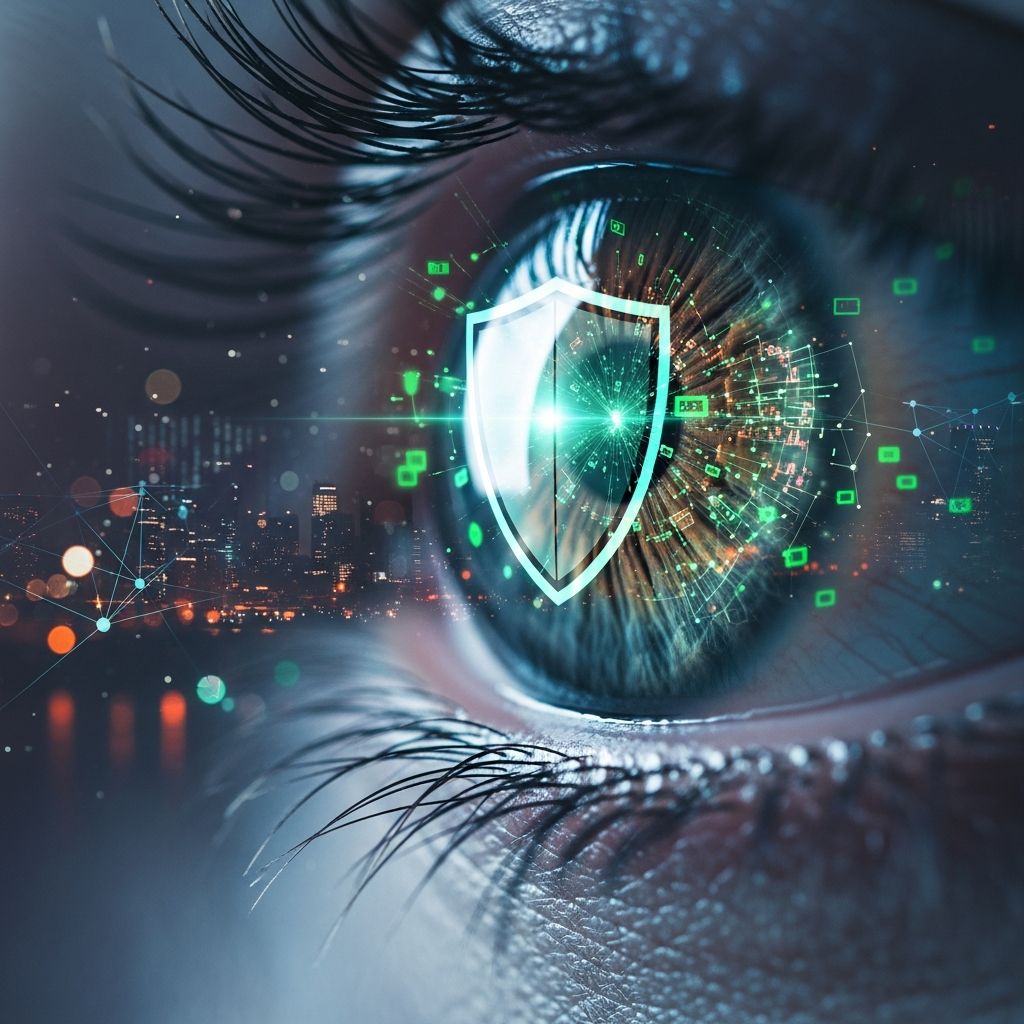
Your
online identity
is one of your most valuable assets in the digital age. With every login, purchase, and social media post, you leave a trail of personal data that cybercriminals eagerly target. Identity theft can devastate your finances, credit score, and peace of mind, leading to drained bank accounts, fraudulent loans, and years of recovery efforts. According to the Federal Trade Commission (FTC), identity theft affected over 1.1 million Americans in 2023 alone, with losses exceeding $8.8 billion. This article provides actionable steps to fortify your defenses, monitor vulnerabilities, and respond swiftly if compromised.What Is an Online Identity and Why Does It Matter?
An
online identity
encompasses all digital traces linked to you: email addresses, social security numbers, bank details, passwords, and browsing history. It’s the virtual version of yourself that websites, apps, and hackers interact with daily. Why does it matter? A single breach can cascade into massive problems. Thieves use stolen data to open credit cards, file fake tax returns, or even commit crimes in your name.Consider real-world impacts: Victims often spend an average of 100 hours resolving issues, per a Javelin Strategy & Research report citing FTC data. Financial repercussions include lowered credit scores, denied loans, and employment hurdles. Protecting it isn’t optional—it’s essential for financial stability.
Common Threats to Your Online Identity
Cyber threats evolve rapidly. Key dangers include:
- Phishing Attacks: Fraudulent emails or texts mimicking trusted entities like banks or the IRS, tricking you into revealing info. A Penny Hoarder staffer fell victim by entering card details on a fake postal site.
- Data Breaches: Hacks at major companies expose millions of records. Equifax’s 2017 breach affected 147 million people.
- Malware and Ransomware: Malicious software steals data or locks files for ransom.
- Public Wi-Fi Sniffing: Unsecured networks allow eavesdroppers to intercept data.
- Social Engineering: Manipulating people via phone or social media to divulge secrets.
Recognizing these helps you stay proactive. FTC reports show phishing as the top vector for identity theft complaints.
Steps to Secure Your Online Identity
Building robust protection starts with foundational habits. Implement these layered defenses:
Use Strong, Unique Passwords
Weak passwords like ‘password123’ are hacker magnets. Create complex ones: at least 12 characters, mixing uppercase, lowercase, numbers, and symbols. Use a
password manager
like LastPass or Bitwarden to generate and store them securely.- Avoid reusing passwords across sites.
- Enable two-factor authentication (2FA) everywhere possible—adds a second verification step via app or SMS.
Google’s security team recommends passphrases over complex passwords for memorability without sacrificing strength.
Monitor Your Credit and Accounts Regularly
Early detection is key. Sign up for free credit reports from AnnualCreditReport.com (weekly access mandated by law post-COVID).
| Service | Frequency | Cost | Features |
|---|---|---|---|
| Credit Karma | Daily | Free | Alerts, score tracking |
| IdentityForce | Real-time | $17+/mo | SSN monitoring, insurance |
| LifeLock | Daily | $10+/mo | Dark web scans, restoration |
Review bank statements weekly and set transaction alerts. The FTC advises freezing your credit with Equifax, Experian, and TransUnion to block unauthorized accounts.
Be Vigilant Against Phishing and Scams
Hover over links before clicking—verify URLs. Never share info via unsolicited contacts. Use antivirus software like Norton or Malwarebytes for real-time protection.
Pro tip: Official sites use HTTPS (padlock icon). Forward suspicious messages to reportphishing@apwg.org.
Secure Your Devices and Networks
Keep software updated to patch vulnerabilities. Use a VPN on public Wi-Fi (e.g., ExpressVPN). Encrypt hard drives and enable device locks with biometrics.
- Install firewall and anti-malware.
- Avoid clicking pop-ups or downloads from untrusted sources.
Limit Data Sharing
Opt out of data broker collections via sites like OptOutPrescreen.com. Use privacy-focused browsers like DuckDuckGo. On social media, lock profiles to friends-only and avoid posting sensitive details like birthdays or addresses.
Tools and Services for Identity Protection
Leverage technology for automated safeguards:
- Free Tools: Have I Been Pwned? checks email breaches; FTC’s IdentityTheft.gov guides recovery.
- Paid Monitors: Aura or Identity Guard offer $1M insurance, dark web scans, and 24/7 support.
- Bank Features: Many provide free identity monitoring post-breach.
Compare via table:
| Tool | Key Benefit | Price |
|---|---|---|
| AnnualCreditReport.com | Free reports | $0 |
| Norton 360 | VPN + antivirus | $50/year |
| Privacy.com | Virtual cards | Free basic |
What to Do If Your Identity Is Stolen
Act fast—time is critical. Follow FTC’s 1-2-3-4-5-6 Recovery Plan:
- File a Report: Contact FTC at IdentityTheft.gov; get a recovery plan and pre-filled forms.
- Contact Companies: Notify banks/creditors of fraud.
- Freeze Credit: Place free freezes with bureaus.
- Alert Authorities: File police report for official record.
- Fix Credit: Dispute errors via Equifax etc.; consider repair services.
- Monitor Ongoing: Watch for 1-2 years post-incident.
One victim’s story: After phishing, they disputed charges, froze accounts, and restored FICO score via validation letters. Average resolution: 6 months.
Best Practices for Long-Term Protection
Make security habitual:
- Shred documents with personal info.
- Use virtual credit cards for online shopping (e.g., Privacy.com generates burners).
- Educate family—kids’ SSNs are prime targets.
- Review privacy settings annually.
Financial sites like The Penny Hoarder emphasize vigilance: “Smart choices online reduce risks dramatically”.
Frequently Asked Questions (FAQs)
What is the first step if I suspect identity theft?
Visit IdentityTheft.gov to file a report and get a personalized recovery plan.
Is free credit monitoring enough?
It’s a start, but paid services offer insurance and faster alerts. Combine with freezes.
How can I tell if an email is phishing?
Check sender, hover links, avoid urgency. Verify independently.
Should I use the same password everywhere?
No—use a manager for unique ones per site.
Does VPN protect against all threats?
No, it hides IP/location; pair with antivirus and 2FA.
Conclusion: Stay One Step Ahead
Protecting your online identity demands diligence, but the payoff is priceless security. Implement these strategies today to minimize risks and enjoy digital life confidently.
References
- Consumer Sentinel Network Data Book 2023 — Federal Trade Commission. 2024-03-07. https://www.ftc.gov/system/files/ftc_gov/pdf/sentinel-data-book-2023.pdf
- 2024 Identity Fraud Study — Javelin Strategy & Research. 2024-02-15. https://www.javelinstrategy.com/research/2024-identity-fraud-study
- Password Checkup — Google Safety Center. 2023-11-20. https://safety.google/passwords/
- Don’t Fall for Phishing Scam I Fell For — iCIMS via The Penny Hoarder. 2023-01-27. https://iconectiv.com/news-events/penny-hoarder-im-idiot-dont-fall-phishing-scam-i-just-fell
- Identity Theft Recovery Steps — FTC.gov. 2024-01-10. https://www.identitytheft.gov/
- Credit Freeze Guide — Consumer Financial Protection Bureau. 2023-09-05. https://www.consumerfinance.gov/consumer-tools/credit-reports-and-scores/credit-freeze/
Similar Articles








Read full bio of Sneha Tete