Phishing Attacks: Detection & Defense Strategies
Master the art of identifying phishing threats across email, text, and voice channels.
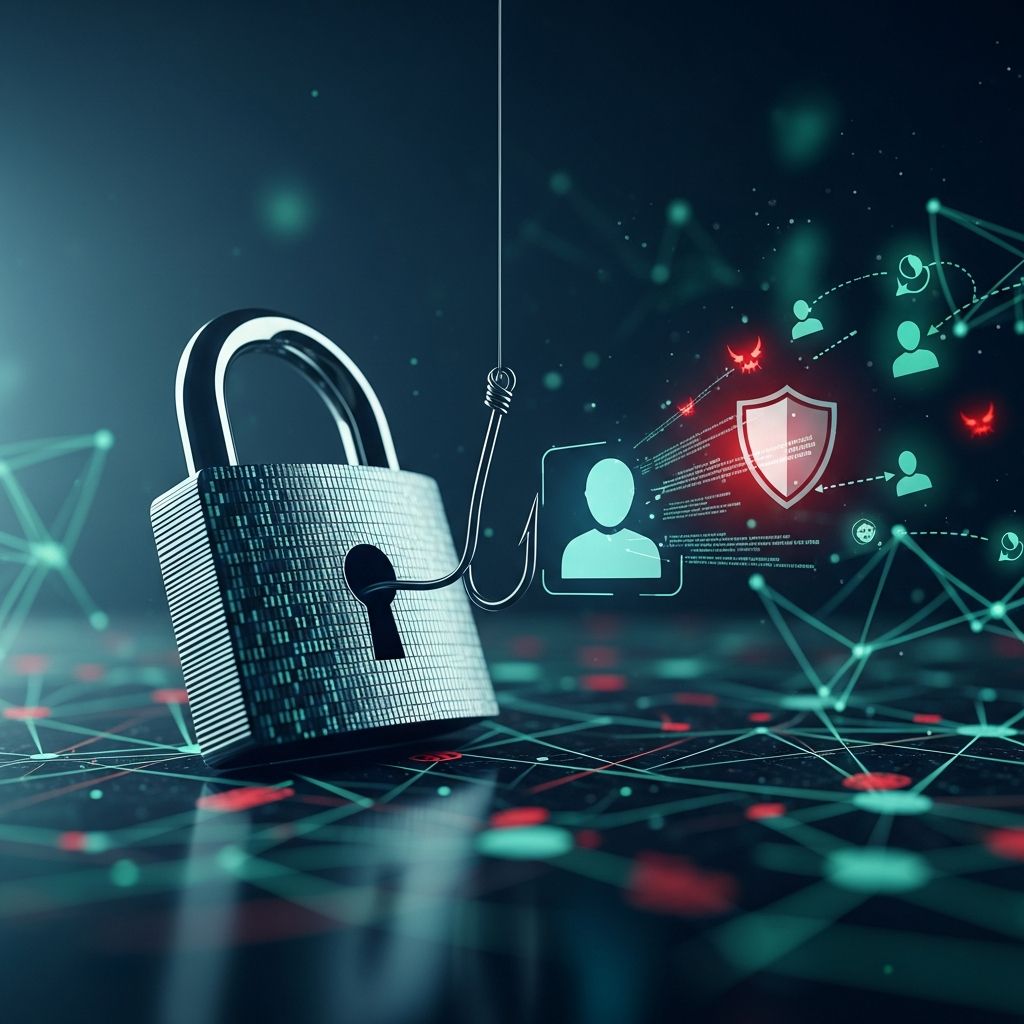
In an era where digital communication dominates both personal and professional landscapes, fraudulent schemes have evolved to exploit human psychology and technological vulnerabilities. One of the most persistent threats to cybersecurity is phishing, a technique that cybercriminals use to deceive individuals into compromising their security. Understanding the mechanics of these attacks and developing robust detection skills is essential for anyone using digital platforms.
Defining the Threat Landscape
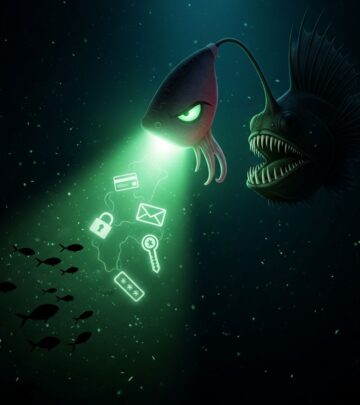
Phishing represents a broad category of fraudulent attempts designed to manipulate victims into revealing sensitive information, downloading malicious software, or transferring funds. The term, which emerged in the mid-1990s, describes the attacker’s strategy of “fishing” for valuable data from unsuspecting users through deceptive communications. What began as relatively simple email scams has evolved into a sophisticated ecosystem of attack vectors, each tailored to exploit specific vulnerabilities in human behavior and technical systems.
The fundamental objective remains consistent across all phishing variants: circumventing security measures by manipulating trust and decision-making processes. Rather than attacking robust technical defenses directly, threat actors focus on the weakest link in any security chain—human judgment.
The Evolution and Prevalence of Email-Based Attacks
Email phishing constitutes the most widespread attack methodology, with an estimated 3.4 billion malicious emails circulating daily as of 2025. This ubiquity stems from several factors: email remains a primary communication channel in both business and personal contexts, the cost of sending mass emails is negligible, and success rates remain profitable despite low conversion percentages.
Traditional email phishing campaigns typically employ one of three primary delivery mechanisms:
- Malicious web links that direct users to fraudulent websites or malware-infected servers, often disguised within seemingly legitimate content
- Malicious attachments containing ransomware, keyloggers, or banking trojans that execute when opened
- Fraudulent data-entry forms embedded in emails or on spoofed landing pages that harvest credentials and personal information
Attackers frequently impersonate recognizable brands such as Microsoft, Google, Amazon, and financial institutions, leveraging brand recognition to lower user skepticism. These communications often employ urgency tactics, claiming account compromises, pending transactions, or required verifications to pressure recipients into rapid action without careful consideration.
Specialized Attack Vectors Beyond Email
Targeted Campaigns Against Specific Individuals
Spear phishing represents a more sophisticated evolution of basic email attacks, where threat actors conduct preliminary research on specific targets to craft highly personalized messages. Rather than broadcasting generic appeals to thousands of recipients, spear phishing concentrates resources on high-value targets such as executives, system administrators, or individuals with access to sensitive systems.
These campaigns demonstrate significantly higher success rates because they incorporate legitimate details about the target’s organization, industry, job function, and professional relationships. A spear phishing email targeting a finance department employee might reference recent acquisitions, legitimate vendors, or internal processes that appear authentic to the recipient. The psychological credibility created through this personalization makes these attacks substantially more effective than untargeted variations.
Voice-Based Deception Tactics
Vishing, or voice phishing, exploits the perceived authenticity of direct voice communication. Attackers employ voice-changing technology and social engineering scripts to impersonate IT support representatives, banking officials, or government agents. A common scenario involves callers claiming to have detected malware or fraudulent activity, then requesting credit card details or remote access credentials under the guise of remediation.
The psychological power of voice communication—the assumption that speaking directly with someone confers legitimacy—makes vishing particularly effective against populations that might detect written phishing attempts. Elderly individuals and those less digitally native are frequently targeted through this vector.
Text Message and Mobile-Based Threats
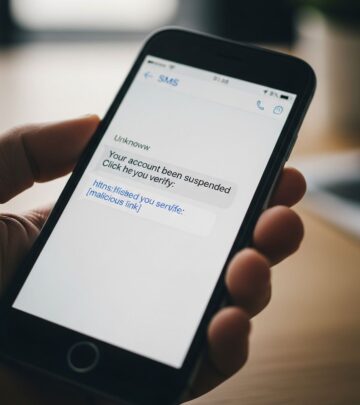
Smishing combines SMS messaging with phishing tactics, exploiting the casual manner in which people interact with text messages compared to email. These attacks typically employ URL shorteners that obscure the actual destination, paired with urgent messaging about package delivery delays, account verification requirements, or fine payment deadlines.
The mobile context creates additional vulnerabilities: users access text messages in varied environments without corporate security filters, screens are smaller making full URL inspection difficult, and the expectation of brevity in text communication reduces scrutiny of message authenticity.
QR Code Exploitation
Quishing, the newest phishing variant, leverages the increasing ubiquity of QR code scanning by embedding malicious links within codes. These codes can appear in emails, on physical stickers placed over legitimate codes in public spaces, or on fabricated materials claiming to provide convenient access to services like voicemail or multi-factor authentication setups.
The attack exploits the gap between the scanning device and the destination: users see a QR code on their computer but scan it with their phone, which typically exists outside corporate security perimeters and protective systems.
Advanced Exploitation Techniques
Business Email Compromise Campaigns
Business Email Compromise (BEC) attacks target organizational infrastructure by impersonating executives, vendors, or human resources departments. Unlike mass phishing campaigns, BEC involves significant reconnaissance and social engineering to create seemingly legitimate requests for fund transfers, data access, or credential sharing.
These campaigns typically feature thoroughly researched organizational details, accurate email addresses (sometimes spoofed variations), and requests aligned with normal business operations. Finance departments represent primary targets due to their authority over fund transfers and access to sensitive financial information.
Infrastructure-Level Attacks
Pharming represents a two-phase attack that combines malware installation with DNS manipulation. The attack first compromises a victim’s device or network infrastructure, then redirects legitimate website requests to fraudulent alternatives. Users attempting to visit their bank’s website might unknowingly access a perfect replica controlled by attackers, creating an opportunity to harvest credentials without the user’s awareness of compromise.
Content injection attacks similarly exploit compromised legitimate websites by inserting malicious popups or redirects, leveraging the user’s trust in the original site to lower defenses against the injected malicious content.
Social Media-Based Deception
Angler phishing involves attackers responding to legitimate social media posts while impersonating official organizational accounts. Users attempting to contact customer service through social media might unknowingly interact with fraudulent accounts, providing account credentials or personal information under the assumption they are communicating with legitimate support representatives.
Recognizing Deceptive Indicators
Structural Analysis of Suspicious Communications
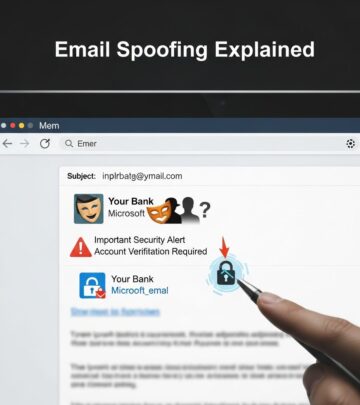
Email phishing messages frequently contain identifiable red flags that careful examination can reveal. Spelling and grammatical errors, while common in basic attacks, persist because many targets remain insufficiently attentive to catch them. More sophisticated indicators include sender address mismatches—where the displayed name differs from the actual email domain—and requests for sensitive information that legitimate organizations would never solicit through unsecured channels.
Shortened URLs and unexpected attachments warrant particular scrutiny. When hovering over links in email clients, users can view the actual destination before clicking, revealing whether URLs actually direct to claimed legitimate sites. Legitimate organizations rarely request password resets, account verification, or credential confirmation via email.
Contextual Red Flags
Messages creating artificial urgency—claiming accounts will be closed, fines must be paid within 24 hours, or suspicious activity requires immediate verification—represent a primary psychological manipulation tactic. Legitimate organizations typically allow reasonable timeframes for responses to account issues.
Similarly, unexpected requests for personal information including Social Security numbers, credit card details, passwords, or answers to security questions should trigger immediate skepticism. The context of the request matters significantly: legitimate password reset requests should route users through official accounts or direct them to websites where they can independently verify the request, not through email links.
Protective Implementation Strategies
Technical Safeguards
Modern email systems incorporate filtering technologies designed to identify and quarantine suspicious messages before reaching user inboxes. Multi-factor authentication provides a crucial secondary defense: even if credentials are compromised through phishing, attackers cannot access accounts without the second authentication factor.
Operating system and application security updates address vulnerabilities that malicious attachments or links might exploit. Maintaining current software versions substantially reduces the risk that clicking malicious links or opening attachments will result in successful malware installation.
Behavioral and Awareness Measures
Developing habits of verification represents the most reliable defense against evolving phishing techniques. Before clicking links in emails, users should verify sender addresses against known legitimate addresses, access accounts directly through known official websites rather than clicking email links, and contact organizations through known phone numbers or websites if suspicious messages raise concerns.
Organizational environments benefit from regular security awareness training that educates employees about current phishing tactics, provides opportunity to practice identification in simulated scenarios, and establishes clear protocols for reporting suspected phishing attempts to security teams.
Comparative Overview of Attack Types
| Attack Type | Primary Channel | Target Selection | Key Characteristics |
|---|---|---|---|
| Email Phishing | Mass audiences | High volume, low personalization, 3.4B daily messages | |
| Spear Phishing | Specific individuals | Personalized research, higher success rates | |
| Smishing | SMS/Text | Mobile users | Shortened URLs, urgency tactics, less scrutiny |
| Vishing | Voice calls | Vulnerable populations | Voice spoofing, impersonation, perceived legitimacy |
| Quishing | QR codes | Any QR scanner | Device isolation, hidden destinations, increasing prevalence |
| BEC | Finance personnel | Extensive research, legitimate-appearing requests, high-value transfers |
Frequently Asked Questions
- What distinguishes phishing from other cybersecurity threats?
- Phishing specifically relies on social engineering and deception to manipulate human behavior, rather than exploiting unpatched technical vulnerabilities. While malware, ransomware, and other threats might result from phishing attacks, phishing itself represents the initial fraudulent communication designed to compromise user judgment.
- Can phishing attacks succeed against security-conscious individuals?
- Yes. Modern spear phishing campaigns incorporate sufficient legitimate research and contextual details that even security professionals can be deceived. Additionally, sophisticated variants like pharming can redirect users to fraudulent sites without their awareness of compromise, bypassing user judgment entirely.
- Are there industries or roles at higher risk?
- Finance professionals, executives with fund transfer authority, system administrators, and healthcare workers typically face elevated phishing risk due to their access to valuable assets or sensitive information. However, phishing affects all sectors and professional levels.
- How do organizations measure phishing awareness program effectiveness?
- Organizations typically conduct simulated phishing exercises where employees receive training emails designed to test awareness. Metrics including click-through rates, credential submission rates, and reporting rates indicate program effectiveness and guide targeted remediation efforts.
Moving Forward: Building Resilient Security Cultures
Phishing attacks will continue evolving as threat actors experiment with new channels, technologies, and social engineering approaches. The emergence of quishing and increasingly sophisticated spear phishing demonstrates this ongoing adaptation. However, the fundamental attack mechanisms—exploiting human psychology and trust—remain constant.
Effective defense requires sustained attention to recognition skills, healthy skepticism toward unexpected communications, verification practices before clicking links or downloading attachments, and organizational cultures where reporting suspected phishing strengthens collective security rather than creating punitive consequences for mistake-prone employees.
By understanding the diverse phishing ecosystem, recognizing common indicators, and implementing consistent verification practices, individuals and organizations substantially reduce their exposure to these pervasive threats.
References
- Recognize Phishing Attacks: Types, Examples & Defense — BR Side Academy. January 7, 2026. https://www.brside.com/academy/recognize-phishing-attacks-types-examples-defense
- What Is Phishing? – Meaning, Attack Types & More — Proofpoint US. https://www.proofpoint.com/us/threat-reference/phishing
- What Are the Different Types of Phishing? — Trend Micro. https://www.trendmicro.com/en_us/what-is/phishing/types-of-phishing.html
- What Is Phishing? Examples and Phishing Quiz — Cisco. https://www.cisco.com/site/us/en/learn/topics/security/what-is-phishing.html
- Protect Yourself from Phishing — Microsoft Support. https://support.microsoft.com/en-us/windows/protect-yourself-from-phishing-0c7ea947-ba98-3bd9-7184-430e1f860a44
- What is Phishing? | Phishing Attack Prevention — Cloudflare. https://www.cloudflare.com/learning/access-management/phishing-attack/
- How To Recognize and Avoid Phishing Scams — Consumer Advice, Federal Trade Commission. https://consumer.ftc.gov/articles/how-recognize-avoid-phishing-scams
Similar Articles








Read full bio of Sneha Tete