Passkeys vs Security Keys
Discover how passkeys and security keys revolutionize authentication, comparing their security, usability, and ideal use cases for modern digital protection.
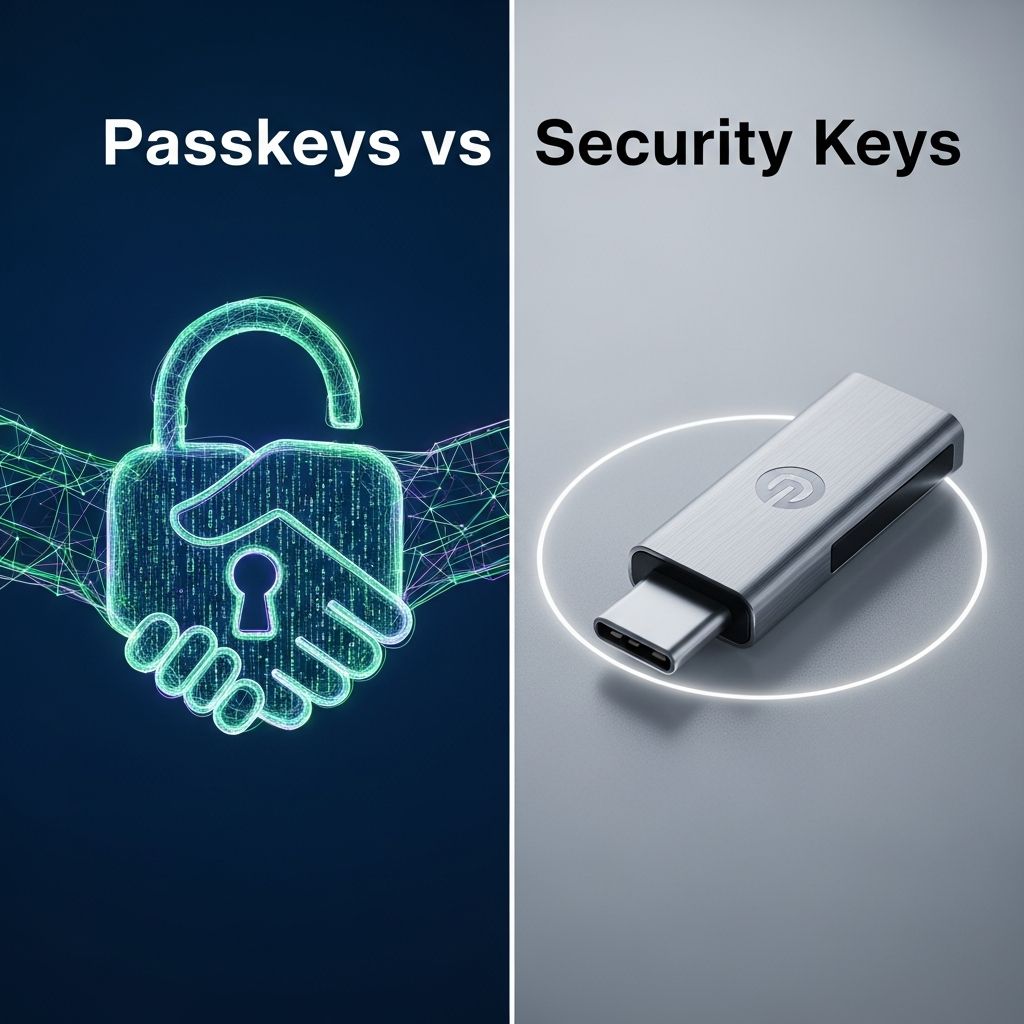
Modern digital security demands alternatives to traditional passwords, which are prone to breaches and phishing. Passkeys and security keys emerge as leading solutions, both leveraging FIDO2 and WebAuthn standards for robust, user-friendly verification. This article delves into their mechanics, strengths, drawbacks, and practical applications to help you choose the right fit.
Understanding Passkeys: Digital Keys for Seamless Access
Passkeys represent a shift to cryptographic authentication where a unique key pair is generated for each account. The private key remains securely on your device, while the public key is shared with the service provider. Authentication occurs via device biometrics or PIN, eliminating password entry.
Bound to specific domains, passkeys resist phishing since they won’t activate on fake sites. Cloud syncing via end-to-end encryption allows access across devices, enhancing convenience without compromising security.
- Phishing Resistance: Domain-specific binding prevents misuse on impostor sites.
- Ease of Use: Integrates with fingerprint, face ID, or PIN for one-touch login.
- No Server Storage Risk: Services store only public keys, reducing breach impact.
However, reliance on device security introduces risks if the device is compromised or biometrics spoofed.
Security Keys: Hardware Guardians of Your Accounts
Security keys are physical USB or NFC devices storing private keys in tamper-resistant hardware. Users insert or tap the key during login, often combined with a PIN or touch for verification. Compliant with FIDO U2F and FIDO2, they work across platforms.
Independent of host device security, these keys offer superior protection against remote attacks, as credentials never leave the hardware. They support both discoverable (passwordless) and non-discoverable credentials.
- Physical Possession Proof: Requires the key’s presence, thwarting remote hacks.
- Versatility: Functions as WebAuthn authenticator and passkey store.
- Attack Resistance: Immune to credential stuffing and man-in-the-middle exploits.
Drawbacks include the need to carry the device and purchase costs, typically $20–$50 per key. Loss requires backups or recovery plans.
Core Differences: A Side-by-Side Analysis
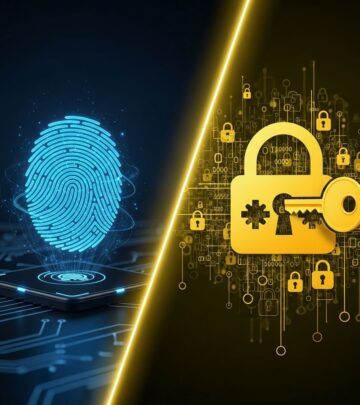
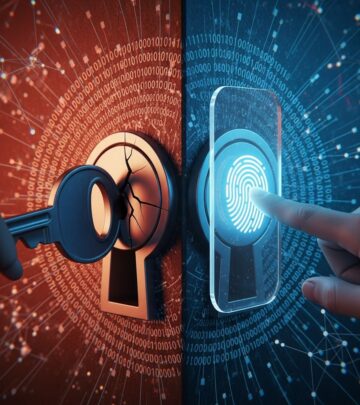
Passkeys prioritize convenience with software-based, syncable credentials, while security keys emphasize hardware isolation for maximum security. The table below highlights key distinctions.
| Feature | Passkeys | Security Keys |
|---|---|---|
| Form Factor | Digital (device/cloud-stored) | Physical hardware (USB/NFC) |
| Storage | Device or encrypted cloud sync | Tamper-resistant chip |
| Cost | Free (uses existing devices) | $20–$50 purchase |
| Portability | Syncs across devices | Must carry physically |
| Phishing Resistance | High (domain-bound) | Very high (hardware proof) |
| Device Dependency | High (needs unlocked device) | Low (independent) |
This comparison shows passkeys excel in everyday usability, whereas security keys provide enterprise-grade isolation.
Security Strengths and Potential Vulnerabilities
Both outperform passwords by using public-key cryptography, but their profiles differ. Passkeys reduce server-side risks since private keys stay local, making breaches less valuable to attackers. They are “strongly recommended” by Microsoft for phishing protection.
Security keys shine in remote attack mitigation; without physical access, credentials are inaccessible. However, passkeys face device theft risks, mitigated by strong unlock methods, while key theft demands user verification.
In corporate settings, security keys avoid cloud dependencies, appealing for compliance. Passkeys’ syncing introduces theoretical cloud breach vectors, though end-to-end encryption minimizes this.
Usability and Adoption Trends
User experience drives adoption. Passkeys feel native, using familiar biometrics for frictionless logins—no extra hardware needed. Security keys add a step but integrate well with multi-factor setups.
Browser and OS support grows: Chrome, Firefox, Safari, iOS, Android all back passkeys. Security keys enjoy broader legacy compatibility via U2F. Enterprises favor keys for control, consumers lean toward passkeys’ convenience.
Implementation Best Practices
For passkeys:
- Enable on supported services like Google, Microsoft, Apple.
- Use password managers for cross-device sync.
- Combine with account recovery options.
For security keys:
- Purchase from reputable vendors (YubiKey, Nitrokey).
- Register multiples as backups.
- Pair with PIN for added security.
Hybrid approaches—passkeys for daily use, keys for high-value accounts—maximize benefits.
When to Choose Passkeys Over Security Keys
Opt for passkeys if you value seamless, cost-free access across devices. Ideal for individuals with modern smartphones or laptops. They cut authentication friction by 50–70% in lifecycle costs.
When Security Keys Are the Superior Choice
Select security keys for sensitive environments needing physical separation, like finance or government. Their independence from device OS vulnerabilities provides peace of mind.
Real-World Use Cases and Examples
Individuals use passkeys for email and social media, enjoying one-tap logins. Enterprises deploy security keys for VPNs and admin portals, ensuring compliance. Platforms like GitHub and Dropbox support both, allowing tailored strategies.
Future Outlook: Convergence of Technologies
As standards evolve, security keys increasingly store passkeys, blurring lines. Widespread adoption promises a passwordless web, with passkeys leading consumer shift and keys anchoring enterprise security.
Frequently Asked Questions (FAQs)
What is a passkey?
A passkey is a digital credential using public-key crypto for passwordless login via device biometrics.
Are passkeys safer than passwords?
Yes, they resist phishing and server breaches since private keys never leave your device.
Can security keys store passkeys?
Yes, FIDO2-compliant keys act as hardware-bound passkey providers.
Do I need to buy a security key?
No for basic use; passkeys suffice on compatible devices. Keys enhance protection for critical accounts.
Are passkeys supported everywhere?
Adoption grows; major platforms support them, but legacy sites may not.
References
- Passkeys vs Security Keys: Which One Offers Better Protection? — BIO-key Blog. 2023. https://blog.bio-key.com/passkeys-vs-security-keys
- Passkeys vs. Security Keys: What’s the Difference? — Rublon Blog. 2023. https://rublon.com/blog/passkeys-vs-security-keys-difference/
- Passkey vs Password: Key Differences — Passkeys.com. 2023. https://www.passkeys.com/passkey-vs-password
- Why Passkeys Are Better Than Passwords — Microsoft Learn. 2023. https://learn.microsoft.com/en-us/answers/questions/3847581/why-passkeys-are-better-than-passwords-and-why-wel
- Passkeys vs. Security Keys: How Do They Work? — Experian Blogs. 2023. https://www.experian.com/blogs/ask-experian/passkeys-vs-security-keys/
Similar Articles








Read full bio of Sneha Tete