Parts of a Debit or Credit Card: Front and Back
Complete guide to understanding debit and credit card components and security features.
Understanding Your Card: A Complete Guide to Debit and Credit Card Components
Every time you swipe, insert, or tap your debit or credit card, you’re using a sophisticated piece of technology designed with multiple security features and functional elements. Whether you’re making an online purchase or withdrawing cash at an ATM, your card contains numerous components that work together to process transactions safely and efficiently. Understanding what each part does can help you use your card more securely and recognize potential fraud risks.
The Front of Your Card: Key Components Explained
The front of your debit or credit card displays the most visible and frequently referenced information. This side of the card contains elements that identify you as the cardholder and establish the legitimacy of your card within the financial system.
Card Issuer Name
At the top of your card, you’ll find the name of the financial institution that issued it. This could be your bank, a credit union, a building society, or another financial organization such as Barclays, HSBC, Lloyds Bank, or American Express. The issuer name identifies which institution is responsible for managing your account and processing your transactions.
EMV Chip
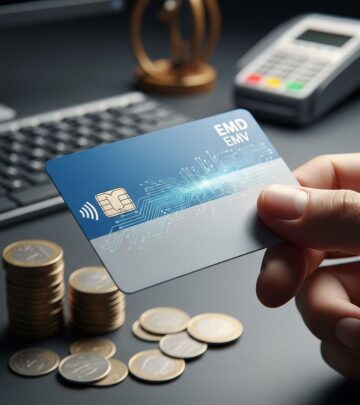
One of the most important security features on modern cards is the EMV chip, typically located in the upper left corner of the card’s front side. EMV stands for Europay, Mastercard, and Visa—the three companies that created this technology. Unlike older magnetic stripe technology, the EMV chip generates a unique transaction code for every purchase you make, making it significantly more difficult for fraudsters to clone your card or steal your information. This microprocessor-based technology has become the international standard for credit and debit card security.
Card Number (PAN)
The 16-digit number prominently displayed on the front of your card is known as the Primary Account Number or PAN. This number serves multiple purposes: it identifies the financial institution that issued the card, indicates the card network (Visa, Mastercard, etc.), and uniquely identifies your account. The card number is typically divided into sections, with the first six digits representing your bank’s identification number and the remaining digits relating to your specific account and a checksum digit that validates the card’s authenticity.
Valid From and Expiration Dates
Most cards display an expiration date on the front, showing when your card will no longer be valid for transactions. Some cards also include a “valid from” date, though this is less common on newer cards. These dates are important for both you and merchants—expired cards cannot be used for purchases, and financial institutions typically send replacement cards before the expiration date approaches.
Cardholder Name
Your name appears on the front of the card, either printed or embossed into the card itself. This personal identifier helps prevent unauthorized use, as the name on the card should match the name on official identification presented during in-person transactions.
Contactless Symbol
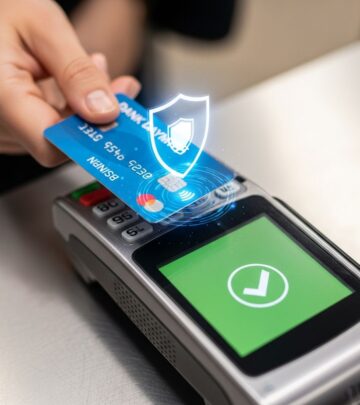
Modern cards increasingly feature a contactless symbol—typically a small curved wave icon—indicating that your card supports contactless payments. This technology allows you to complete transactions by simply holding your card near a compatible payment terminal without inserting or swiping it.
Payment Network Logo
Your card displays the logo of the payment network it belongs to, such as Visa, Mastercard, American Express, or Discover. This logo indicates which network processes your transactions and which merchants accept your card.
The Back of Your Card: Security and Verification Features
The back of your card contains several critical security features designed to protect your account from unauthorized access and fraud. These elements are essential for card verification, especially during online transactions.
Magnetic Stripe
The black or brown stripe running horizontally across the back of your card is the magnetic stripe, sometimes called the “magic stripe.” This component stores encoded information about your account that card readers can access when you swipe your card. The magnetic stripe contains millions of tiny magnetic particles arranged to encode your account data in distinct tracks. While older technology compared to the EMV chip, the magnetic stripe remains on cards for backward compatibility with older payment terminals that haven’t upgraded to chip readers.
Signature Strip
Located just below the magnetic stripe on most cards is the signature panel—a gray or white strip designed to hold ink. By signing this panel with a permanent marker or pen, you activate your card and help prevent unauthorized use. The signature panel serves as a verification method for in-person transactions, allowing merchants to compare your signature on the receipt with the signature on your card. While signature verification has become less common with the rise of PIN-based and contactless payments, the signature panel remains on most cards as an optional security measure.
CVV or CVC Number
The CVV (Card Verification Value) or CVC (Card Verification Code) is a three-digit security code located on the back of your card, typically printed to the right of the signature strip near the end of your card number. This number is essential for online transactions and phone purchases—situations known as “card not present” transactions. Merchants request the CVV to verify that you physically possess the card, as this number is never transmitted when you swipe or insert your card at a physical terminal. American Express differs slightly, placing its four-digit security code on the front of the card instead of the back.
Hologram
Many credit and debit cards include a hologram on the back as an additional security measure. Holograms are extremely difficult to replicate, making them an effective anti-counterfeiting feature. If you examine a hologram under light, you’ll notice it produces a three-dimensional effect or changes appearance from different angles—characteristics that fraudsters struggle to duplicate.
Customer Service Number
The back of your card displays the financial institution’s customer service number, which you should call if your card is lost or stolen. It’s wise to note this number separately and store it securely in case you need to report a problem with your card. Many cards also include a website address or other contact information for additional account support.
Card Design Innovations and Modern Variations
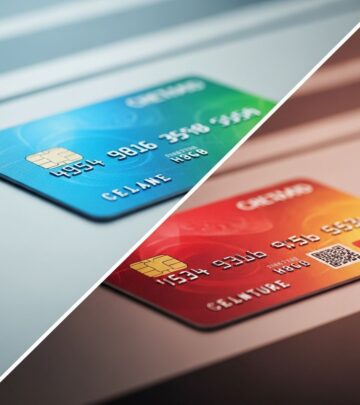
As financial technology evolves, card designs continue to change. Some banks have redesigned their cards to enhance security and user experience, moving all card details to the back of the card instead of the front. This design approach offers several advantages: it makes cards easier to identify in digital wallets, reduces the visibility of sensitive information during in-person transactions, and potentially improves security by minimizing exposure of your card details to onlookers.
Additionally, some cards now feature raised dots at the end opposite the chip to help users insert their cards correctly into card readers. Credit cards typically have four dots arranged in a line, while debit cards have six dots arranged in a rectangular pattern. These tactile indicators are particularly helpful for visually impaired users and improve the overall card usability.
Understanding Card Security Layers
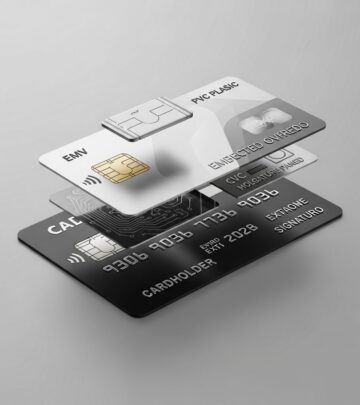
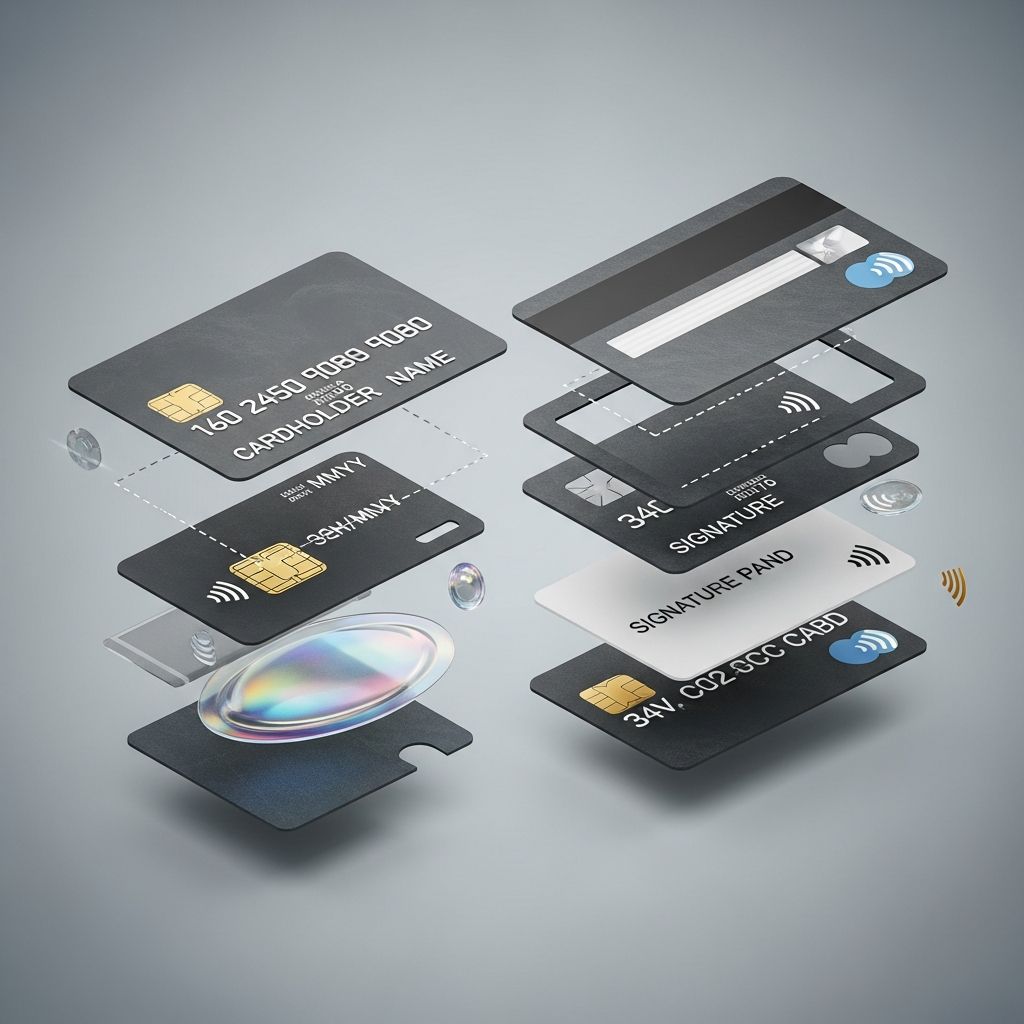
Modern payment cards incorporate multiple physical and technological layers to protect your account information. The card’s core is typically made from PVC or plastic alternatives, providing rigidity and durability. Contactless-enabled cards contain an antenna made of copper or aluminum within this core, enabling near-field communication (NFC) with payment terminals for contactless transactions.
The front and back surfaces undergo printing processes to add branding, account information, and design elements. These printed surfaces are then protected by transparent overlays applied through a lamination process using heat and pressure. This protective barrier shields your card from abrasion, moisture, bending, and tampering, extending the card’s lifespan and maintaining the integrity of printed information.
How Each Component Works Together
Your debit or credit card functions as an integrated system where each component plays a specific role in processing transactions securely. When you swipe your card at a physical terminal, the magnetic stripe provides account information to the reader. When you insert your card into a chip reader, the EMV chip creates a unique transaction code. For contactless payments, the embedded antenna communicates wirelessly with the terminal. For online purchases, you provide the CVV code for verification.
This multi-layered approach to card design means that compromising your card requires bypassing multiple security measures, making fraud significantly more difficult than it was with older card technology.
Modern Card Innovations: Beyond Traditional Design
Financial institutions continue to innovate card design to enhance security and convenience. Numberless credit cards eliminate the card number from the card face entirely, storing it in a secure digital wallet instead. Dynamic CVV technology generates a new security code at regular intervals, making static CVV numbers obsolete for online fraudsters. Virtual cards create temporary card numbers for single transactions or limited use periods, further protecting your primary account from unauthorized access.
Frequently Asked Questions About Card Components
Q: Why does my card have both a chip and a magnetic stripe?
A: The magnetic stripe remains for backward compatibility with older payment terminals that haven’t upgraded to chip readers. The chip provides superior security for modern transactions, but the magnetic stripe ensures your card works everywhere until all terminals are updated.
Q: Is it safe to provide my CVV number online?
A: It’s relatively safe to provide your CVV to legitimate merchants on secure websites, as this number is required for card-not-present transactions. However, never provide your CVV to unknown parties or over unsecured connections, and be wary of requests for your CVV in unusual situations.
Q: What should I do if my card doesn’t have a signature strip?
A: Many modern cards omit the signature strip entirely, as signature verification has become less common with pin-based and contactless payments. If your card lacks a signature strip, it’s still fully functional and secure—you simply cannot add a signature for additional verification.
Q: Can I still use my card after the expiration date?
A: No, your card becomes invalid after the expiration date. However, your account remains active, and your financial institution will typically issue a replacement card before expiration. If you haven’t received a replacement card within two weeks of expiration, contact your bank immediately.
Q: What do the raised dots on my card indicate?
A: These tactile indicators help users insert the card correctly into readers and distinguish between card types. Credit cards have four dots in a line, while debit cards have six dots in a rectangular arrangement. These dots are particularly helpful for visually impaired individuals.
Q: Why might a bank move card details to the back of the card?
A: Moving card details to the back enhances security by reducing visibility to onlookers during transactions, makes cards easier to identify in digital wallets, and allows for cleaner front-side branding. This design innovation improves both security and user experience.
Protecting Your Card’s Components
To maintain the functionality and security of your card’s various components, follow these best practices:
- Store your card in a protective wallet to prevent physical damage to the chip and magnetic stripe
- Avoid exposing your card to extreme heat, moisture, or magnetic fields that could damage the chip or magnetic stripe
- Never share your CVV number, PIN, or full card number with anyone except legitimate merchants
- Regularly monitor your account statements for unauthorized transactions
- Sign the signature strip immediately upon receiving your card
- Keep your card issuer’s customer service number accessible for reporting lost or stolen cards
Conclusion
Every element of your debit or credit card serves a specific purpose in facilitating secure transactions and protecting your financial information. From the EMV chip that creates unique transaction codes to the CVV number that verifies card-not-present transactions, each component contributes to a comprehensive security system. Understanding these features helps you use your card more effectively, recognize potential risks, and take appropriate steps to protect your account from fraud. As financial technology continues to evolve, card designs will continue to incorporate new security measures while maintaining the fundamental components that make modern payment systems reliable and secure.
References
- Credit And Debit Card Parts — Compare the Market. Accessed November 29, 2025. https://www.comparethemarket.com/credit-cards/content/parts-of-a-credit-card/
- Payment Card Manufacturing: Peeling Back the Layers — ABCorp. Accessed November 29, 2025. https://abcorp.com/card-resources/payment-card-manufacturing-layers/
- What are the parts of a credit card? — Banco Santander. Accessed November 29, 2025. https://www.santander.com/en/stories/anatomy-of-a-credit-card-what-does-each-part-mean
- Anatomy of a Debit Card – Decoding the Various Components — MoneyView. Accessed November 29, 2025. https://moneyview.in/blog/anatomy-of-a-debit-card-decoding-the-various-components
- Parts of a credit card: CVV, EMV chip and more — Citizens Bank. Accessed November 29, 2025. https://www.citizensbank.com/learning/credit-card-innovation-design.aspx
- What Are the Parts of a Debit or Credit Card and How Do They Work? — PCI DSS Guide. Accessed November 29, 2025. https://pcidssguide.com/parts-of-a-debit-or-credit-card-and-how-they-work/
- Credit Card Anatomy: Explaining the PAN, BIN, CVV, & Others — Basis Theory Blog. Accessed November 29, 2025. https://blog.basistheory.com/credit-card-anatomy
Similar Articles








Read full bio of Sneha Tete