Open Checking Account Online: 10-15 Minute Setup Guide
Discover the simplest way to launch your digital banking journey with a checking account from home in under 15 minutes.
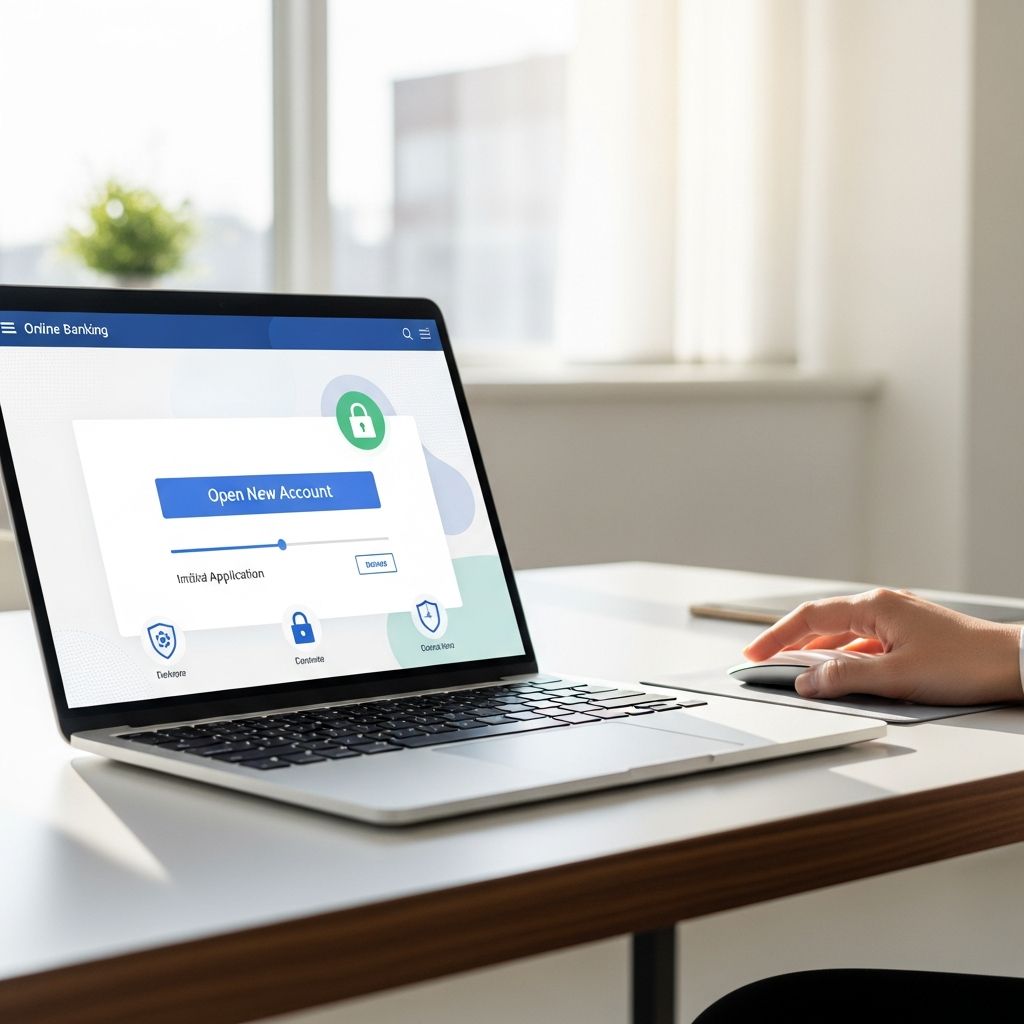
Launching a checking account digitally transforms how you handle everyday finances, offering instant access to payments, transfers, and budgeting tools without stepping into a branch. This process typically spans 10-15 minutes for prepared applicants, enabling immediate use via mobile apps and debit cards.
Why Choose Digital Over Traditional Branch Openings?
Online account creation provides unmatched flexibility, allowing applications anytime from any location with internet access. Banks like those highlighted in recent guides emphasize speed and reduced paperwork, with most approvals occurring instantly for standard cases. Unlike in-person visits, digital methods eliminate wait times and travel, while features like instant notifications and app integration enhance user control. Statistics from banking resources indicate that over 70% of new accounts now originate online due to these efficiencies.
Eligibility Essentials for New Account Holders
To qualify, applicants must generally be at least 18 years old and U.S. residents with a valid Social Security number. Minors under 18 often require in-branch openings with a guardian, while joint accounts demand info from all parties. Legal residency and a clean financial profile aid approvals, though some institutions accommodate ITIN holders for non-citizens.
- Age Requirement: 18+ for solo online applications; under 18 needs branch or co-signer.
- Residency: U.S. legal resident status mandatory.
- Credit/ChexSystems Check: Mild issues may not block approval; severe cases prompt branch reviews.
Required Documents: Prepare in Advance
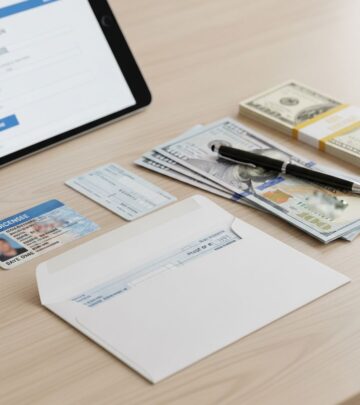
Gathering identification upfront prevents delays. Core items include government-issued photo ID (driver’s license, passport, or state ID), Social Security number, proof of address (utility bill or lease), and contact details. Digital uploads via phone photos streamline verification under federal Know Your Customer rules.
| Document Type | Examples | Purpose |
|---|---|---|
| Photo ID | Driver’s license, passport | Identity verification |
| Tax ID | SSN or ITIN | Federal compliance |
| Address Proof | Recent utility bill, bank statement | Residency confirmation |
| Contact Info | Phone, email | Account notifications |
| Funding Source | Existing account/routing numbers | Initial deposit |
Photograph documents beforehand; many platforms accept mobile uploads for faster processing.
Step-by-Step Process to Activate Your Account
Follow these structured steps for a smooth experience, applicable across major banks like Capital One, Wells Fargo, and U.S. Bank.
- Select Your Bank and Account Type: Compare options for fees, rewards, and perks via websites. Checking suits daily transactions; opt for no-fee versions if balance maintenance is challenging.
- Launch the Application: Navigate to ‘Open Account’ on the bank’s site. Input personal data, upload docs, and select features like overdraft protection.
- Submit and Await Approval: Expect instant decisions for most; 1-3 days if verification needed. Receive account/routing numbers immediately upon success.
- Fund the Account: Deposit $0-$100 minimum via ACH, check, or wire. Instant options include linked transfers or digital wallets.
- Access Tools: Download the app, order debit card (arrives in 7-10 days), and set up alerts/bill pay.
The full timeline: application (10 mins), approval (instant-3 days), funding (1-3 days), card delivery (1 week).
Funding Your New Checking Account Securely
Post-approval, activate with an opening deposit, often $25 minimum. Methods vary for speed and cost:
- ACH Transfer: Free, links external accounts (1-3 days).
- Mobile Deposit: Snap check photos via app (instant eligibility).
- Debit/Cash: Branch-only for immediacy; wires faster but fee-based ($15-30).
- Digital Services: Venmo/PayPal where supported.
Maintain minimum balances to waive fees; many offer easy waivers via direct deposit.
Joint Accounts: Sharing Finances Digitally
Co-owned accounts simplify shared budgeting. Online processes require both parties’ details; some mandate simultaneous logins or sequential verifications. Provide names, SSNs, and IDs for all; branches demand presence. Ideal for couples or families managing joint expenses.
Common Pitfalls and Quick Fixes
Avoid errors by double-checking entries. Typos in SSN/address trigger reviews; contact support pre-submission. Unverified identities may need branch follow-up. If denied due to ChexSystems, inquire about alternatives or dispute flags.
- Mismatched info: Edit before submit or call service.
- No instant approval: Monitor status online.
- Forgot deposit: Link accounts promptly post-approval.
Post-Opening: Maximizing Your Checking Account
Once live, leverage free tools: mobile banking for transfers, Zelle for P2P, bill pay schedulers. Set overdraft options, enable alerts for low balances, and track spending. Many provide rewards like cashback on debit use.
Comparing Popular Online Checking Options
| Bank | Min Deposit | Fee Waiver | Key Perk |
|---|---|---|---|
| U.S. Bank | $25 | Direct deposit | Mobile app rewards |
| Wells Fargo | $25 | Min balance | 11,000+ ATMs |
| TD Bank | Varies | Easy conditions | Free online banking |
| Capital One | $0 | None | Quick setup |
Select based on lifestyle: high ATM needs favor extensive networks; fee-averse pick no-minimums.
Frequently Asked Questions (FAQs)
Can I open a checking account with bad credit?
Yes, many focus on identity over credit; ChexSystems checks banking history instead.
How long until I get my debit card?
Typically 7-10 business days by mail; digital cards available instantly on some apps.
Is there a fee for online applications?
No, applications are free; watch monthly maintenance waivers.
Can non-U.S. citizens apply?
ITIN holders qualify at select banks; passport required.
What if I’m under 18?
Branch opening with parent/guardian needed.
Digital checking empowers proactive finance management. With preparation, anyone can secure one swiftly, unlocking seamless transactions and growth tools.
References
- How To Open a Checking Account Online — Capital Credit Union. 2023. https://www.capitalcu.com/article/how-to-open-a-checking-account-online
- How To Open A Bank Account Online — Bankrate. 2025-01-15. https://www.bankrate.com/banking/how-to-open-a-bank-account-online/
- Open a Checking Account Online — TD Bank. 2025. https://www.td.com/us/en/personal-banking/checking-accounts
- Opening a bank account online — Capital One. 2024. https://www.capitalone.com/bank/money-management/banking-basics/opening-a-bank-account-online/
- Checking Accounts: Open Online Today — Wells Fargo. 2025. https://www.wellsfargo.com/checking/
- Checking accounts – Open online — U.S. Bank. 2025-02-01. https://www.usbank.com/bank-accounts/checking-accounts.html
Similar Articles








Read full bio of Sneha Tete