Netflix Password Sharing: How to Transfer Profile
Learn how to transfer your Netflix profile amid password sharing crackdown and save money with official options.
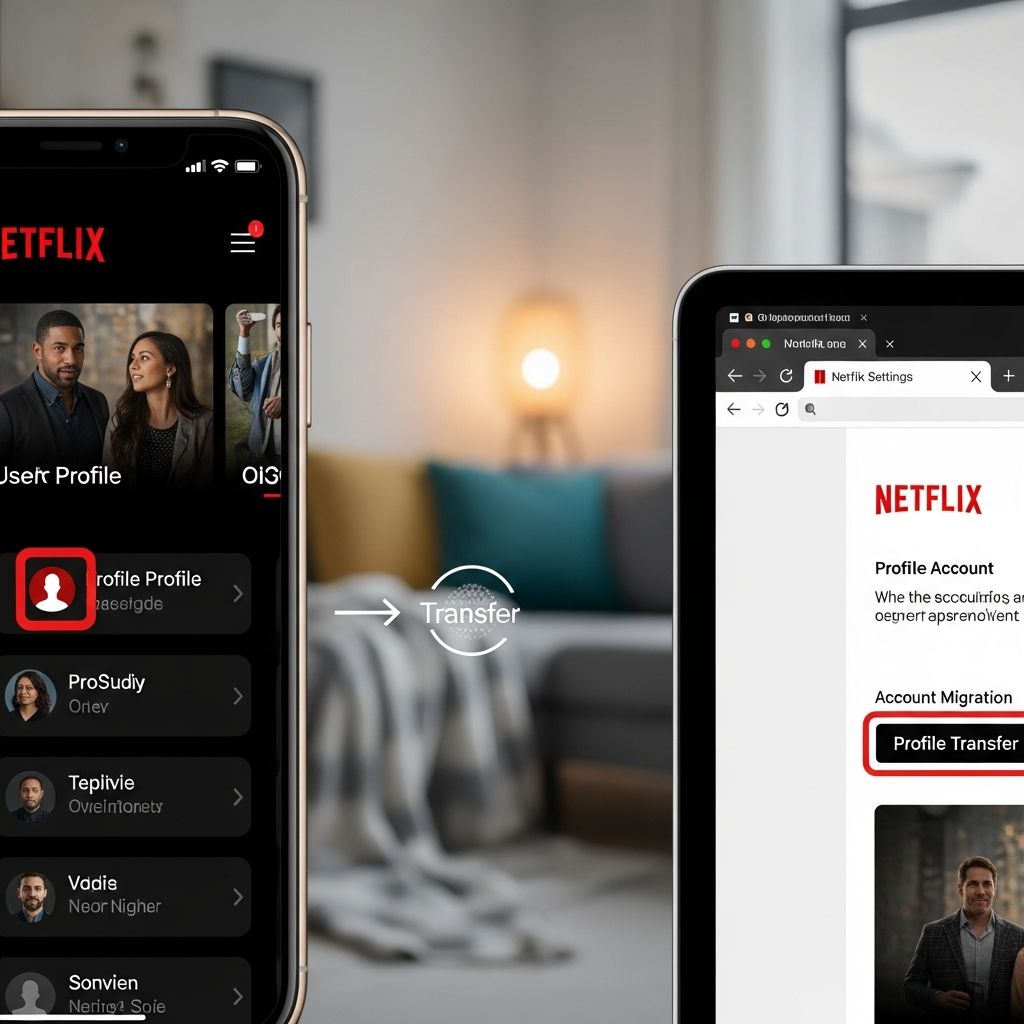
Netflix’s crackdown on password sharing has changed how subscribers share accounts, limiting use to one household while introducing tools like profile transfers and paid sharing. This guide covers the rules, transfer process, and money-saving strategies.
What Is Netflix’s Password Sharing Policy?
Netflix defines a household as the collection of devices connected to the internet at the main place where you watch Netflix, typically tied to a single IP address and primary location. Accounts are for one household only, but members can watch anywhere—home, travel, or holidays—using features like profile transfer and device management.
Pre-crackdown estimates showed over 100 million households sharing passwords globally, impacting revenue for content like Stranger Things. Now, sharing outside the household triggers verification or prompts to sign up separately.
- Key Rules: Set a primary location for household access.
- Manage devices via a new dashboard.
- Paid sharing allows up to two extra members outside the home for $7.99/month (as of 2026 updates).
Netflix tracks IP addresses, device IDs, account activity, and location to enforce this. Frequent logins from outside locations may require a verification code sent to the account owner.
Why Did Netflix Crack Down on Password Sharing?
The policy shift, starting in 2023 and expanding globally by 2026, addresses revenue loss estimated at $500 million annually from unauthorized sharing. It applies in over 100 countries, including the US, UK, Canada, Australia, and parts of Europe and Latin America.
Before enforcement, about 25% of UK subscribers (over 4 million homes) shared accounts. Netflix introduced paid options to monetize sharing legitimately, boosting subscriber growth post-crackdown.
| Plan | Streams | Extra Members Cost | HD/4K |
|---|---|---|---|
| Standard | 2 | $7.99/mo per extra | HD |
| Premium | 4 | $7.99/mo per extra | 4K |
Extra members get their own login but no profile transfer to their new account; viewing history stays with the primary plan.
How Does Netflix Detect Password Sharing?
Netflix uses viewing data, IP addresses, device IDs, and household activity patterns. If a device logs in regularly from a different IP, it flags as outside the household and prompts re-verification.
- IP address monitoring for primary household.
- Device ID tracking across logins.
- Activity patterns, like watch times and locations.
- Home address verification for disputes.
Users outside the home must connect to the primary Wi-Fi monthly or face blocks. VPNs may temporarily mask IPs but risk content mismatches or future blocks.
What Is Transfer Profile and How Does It Work?
Transfer Profile lets you move your entire profile—including watch history, recommendations, My List, and settings—to a new Netflix account. This preserves personalized experience when leaving a shared household.
Steps to Transfer Profile:
- Log into Netflix on the device with the profile.
- Go to your profile icon > Account.
- Select Transfer Profile under the profile menu.
- Choose the profile and confirm—Netflix creates a temporary exit profile.
- Log into the new account on the same or different device.
- Paste the transfer code or link from email/notification.
- Complete transfer; history and settings migrate instantly.
Limitations: Can’t transfer to the same account or if the profile is extra member. Works on web, mobile, TV apps.
Benefits of Transferring Your Netflix Profile
Retain personalized recommendations based on years of viewing data, avoiding a fresh start. Ideal for college students, movers, or ending shared access without losing progress on shows.
- Full history: Continue Continue Watching seamlessly.
- Lists and preferences preserved.
- No data loss during household changes.
In 2026, with stricter enforcement, transferring is essential for ex-household members to maintain continuity.
Netflix Paid Sharing: How to Add Extra Members
For Standard/Premium plans, add up to two extra members outside your household for $7.99 each/month. They get sub-accounts with separate logins but tied to your billing.
Add Extra Member:
- Account > Manage Extra Members.
- Select Add Extra Member.
- Enter their email; they create a password.
- They access Netflix independently.
Extra members can’t share further or transfer profiles back. Remove anytime via dashboard. Saves money vs. full subscriptions ($15.49+).
Manage Access and Devices on Netflix
New dashboard under Account > Manage Access and Devices lists all signed-in devices, locations, and recent activity. Sign out remotely from unknowns.
- View household devices.
- Revoke access instantly.
- Set primary location.
Regular checks prevent unauthorized use, especially post-travel.
Alternatives to Password Sharing in 2026
Besides official options, some use VPN Meshnet tools to simulate household IPs across devices, though Netflix discourages VPNs and may block them.
- Household Wi-Fi check-ins monthly.
- Portable devices over smart TVs.
- Family plans or bundles with other services.
Paid sharing remains safest, avoiding bans.
Common Netflix Password Sharing Issues and Fixes
Verification Prompts: Share code quickly or add as extra member.
Profile Locked: Transfer before changes.
IP Flags: Verify primary location.
Frequently Asked Questions (FAQs)
What counts as a Netflix household?
A Netflix household is devices at your primary watch location, defined by IP and activity. Everyone living together can use it anywhere.
Can I share Netflix with family in another city?
Yes, via paid extra members ($7.99/mo) or profile transfer to their new account.
Does profile transfer keep my watch history?
Yes, it moves history, lists, and preferences to the new account fully.
How much does Netflix extra member cost?
$7.99 per month for Standard/Premium plans, up to two extras.
Will VPN bypass Netflix sharing rules?
Temporarily possible but risks blocks and wrong content; not recommended.
Save Money Tips Post-Crackdown
Combine households strategically, use transfers for moves, opt for paid sharing over multiples subs. Monitor for promos—Netflix occasionally bundles.
With enforcement mature by 2026, compliance avoids disruptions while features like transfers enhance flexibility.
References
- Netflix password sharing crackdown: what to do about the steaming services crackdown — Stuff.tv. 2023-05-23. https://www.stuff.tv/features/netflix-password-sharing-what-to-do-about-the-steaming-services-crackdown/
- Bypass Netflix Password Sharing Ban in January 2026 — Cybernews. 2026-01-01. https://cybernews.com/how-to-use-vpn/bypass-netflix-password-sharing-restrictions/
- Netflix’s Password Sharing Crackdown Is My Own Special Trolley — Aftermath. 2023-05-30. https://aftermath.site/netflix-password-sharing/
- Netflix Help: Transfer Profile and Paid Sharing — Netflix.com (official). 2025-11-15. https://help.netflix.com/en/node/124925
- Netflix Household and Sharing Policy — Netflix Blog (official). 2023-05-23. https://about.netflix.com/en/news/netflix-ends-password-sharing
Similar Articles








Read full bio of medha deb