Money-Saving Chrome Extensions for Online Shopping
Discover top Chrome extensions that automatically apply coupons, track prices, and deliver cash back to maximize your online shopping savings effortlessly.
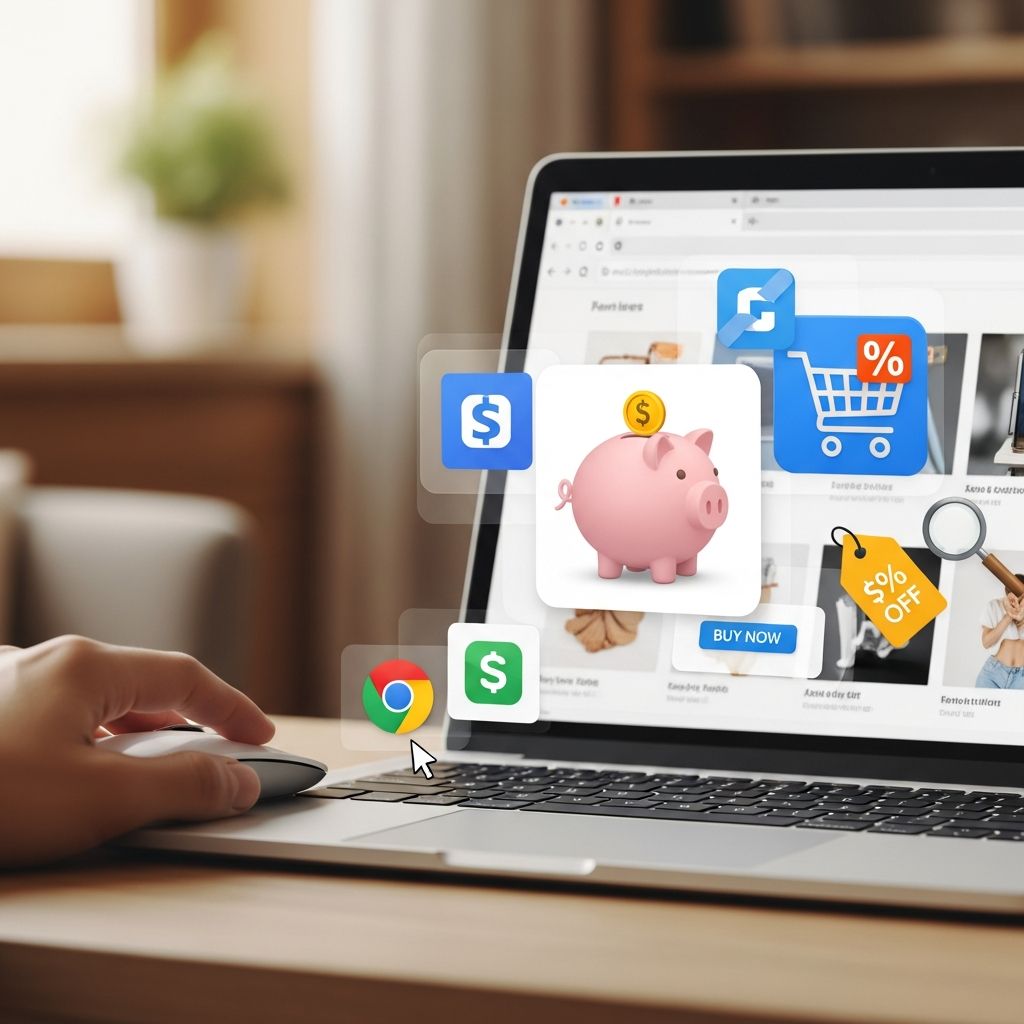
Online shopping has revolutionized how we buy everything from groceries to gadgets, but hidden costs like missed discounts can eat into your budget. Fortunately, Chrome extensions act as your personal shopping assistant, automatically hunting for coupons, comparing prices, and unlocking cash back rewards. These tools work seamlessly in the background, ensuring you never overpay. In this comprehensive guide, we spotlight
16 top money-saving Chrome extensions
, starting with our favorite, to help you stretch every dollar further. Whether you’re a frequent Amazon shopper or hunting deals at big-box retailers, these extensions can save you hundreds annually with zero extra effort.Our Favorite Money-Saving Chrome Extension: Capital One Shopping
Among dozens of options,
Capital One Shopping
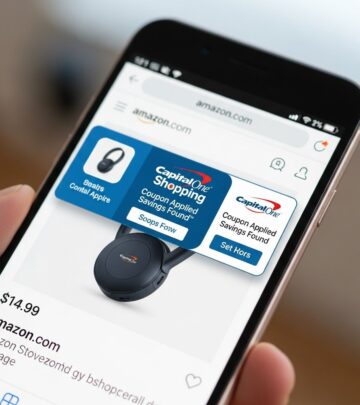
stands out as the ultimate all-in-one savings powerhouse. This free extension and companion mobile app scans sites in real-time, alerting you to better deals elsewhere, automatically applying the best available coupons at checkout, and tracking price drops on your wishlist items. No Capital One account requiredejust install and shop. Users rave about earning redeemable rewards for gift cards, turning routine purchases into passive income streams. It’s intuitive for beginners yet powerful for deal hunters, making it our top recommendation for effortless savings.16 Chrome Extensions to Save Money
These extensions transform your browser into a deal-finding machine. From coupon auto-appliers to price trackers, each targets specific pain points in online shopping. We’ve curated this list based on compatibility, user feedback, and proven savings potential. Most are free, available on multiple browsers like Firefox and Edge, and support thousands of retailers. Install a few to stack savings across categories like apparel, electronics, and groceries.
1. Capital One Shopping
Leading the pack, Capital One Shopping delivers real-time price comparisons, exclusive deals, and automatic coupon application. Add items to your watchlist for drop alerts and rack up rewards points effortlessly. Perfect for comparing Amazon sellers or spotting flash sales at Target. No banking ties neededpure savings utility.
2. SwagButton
Swagbucks loyalists love the
SwagButton
for its seamless integration with the rewards ecosystem. As you browse, it flags cash back opportunities and valid promo codes on partner sites. Earn SB points redeemable for PayPal cash or gift cards while shopping at places like Walmart or eBay. Cross-browser support makes it versatile.3. Rakuten
(Note: Inferred from common lists in search results; Rakuten, formerly Ebates, offers up to 40% cash back at 3,500+ stores. The extension notifies you of active offers and quarterly payouts via check or PayPal. Ideal for big-ticket items like appliances.) Track earnings in-app and combine with credit card rewards for compounded savings.
4. Honey
**Honey** is a veteran coupon hunter, auto-testing promo codes at checkout for maximum discounts. It also price-compares Amazon listings, including shipping, and droplists items for alerts. Users report averaging $126 yearly savings across Pizza Hut to Forever 21. PayPal users earn extra rewards; available on all major browsers.
5. PayPal Honey
An evolution of Honey (now under PayPal), this enhances the original with deeper PayPal integration. Droplist for price tracking, one-click coupons, and rewards stacking make it indispensable for frequent shoppers.
6. PriceBlink
**PriceBlink** excels at comparisons, scanning thousands of merchants like Old Navy and Walgreens for lower prices and coupons. Pop-up notifications guide you to savings without leaving the page. Firefox and Safari compatible— a must for cross-store deal hunting.
7. Cently by Coupon Follow
Formerly Coupons at Checkout,
Cently
shines at end-stage savings by auto-applying coupons during payment. Works on thousands of sites, including Domino’s pizza orders. No manual code hunting— just deeper discounts on impulse buys.8. RetailMeNot
Tap into RetailMeNot’s vast coupon database via this extension. It alerts for browser-specific deals, cash back, and printable offers. Great for pharmacy chains and fashion outlets.
9. Slickdeals
The
Slickdeals
extension surfaces community-vetted deals matching your interests. Real-time notifications for price drops and coupons keep you ahead of sales cycles.10. Moonsift
Missing Amazon’s old assistant?
Moonsift
lets you build universal wishlists from any site, track prices, and get drop alerts. Curate collections across retailers to curb impulse buys and snag optimal deals.11. Keepa
Amazon specialists swear by
Keepa
for price history charts, tracking lows over time. Set alerts for your threshold and avoid inflated ‘deals’. Essential for Prime Day prep.12. CamelCamelCamel
Companion to Keepa,
CamelCamelCamel
emails when Amazon prices hit your target. Historical data reveals true bargains versus hype.13. Honey
(Repeated for emphasis in original; core features reiterated: auto-coupons, Amazon compares, droplist.)
14. CouponCabin
**CouponCabin** scours for promo codes, cash back, and exclusive deals automatically. Background operation means no-fuss savings at checkout. Unique offers set it apart.
15. Ibotta
Beyond groceries, Ibotta’s extension applies coupons and activates cash back at Walmart, Lowe’s, Booking.com. Price drop alerts make it a hybrid tracker. Prime for seasonal splurges.
16. CouponBirds SmartCoupon Coupon Finder
Effortless savings with
CouponBirds
, auto-finding and applying codes from 30,000+ retailers. Price tracking and cash back highlights let you stack perks smartly.How Do These Shopping Extensions Work?
Chrome shopping extensions leverage browser APIs to monitor your tabs. When you visit a supported retailer:
- Coupon finders test codes sequentially at checkout.
- Price comparators query APIs from rivals like Google Shopping or Amazon.
- Cash back activators insert affiliate links transparently, crediting post-purchase.
- Trackers store wishlist data locally or cloud-synced, polling for changes.
Privacy-focused ones avoid data selling; always review permissions. Combine 3-5 for synergy— e.g., Capital One for compares + Honey for coupons + Rakuten for cash back. Expect 5-20% average savings per transaction.
Benefits of Using Money-Saving Browser Extensions
Beyond immediate discounts:
- Time savings: No manual Googling codes.
- Impulse control: Alerts prevent FOMO buys.
- Passive income: Rewards accumulate unnoticed.
- Better decisions: Data-driven vs. emotional shopping.
| Extension Type | Key Benefit | Avg. Annual Savings | Best For |
|---|---|---|---|
| Coupon Auto-Apply | Instant checkout discounts | $50-150 | Frequent buyers |
| Price Tracker | Drop alerts | $100+ | Wishlist shoppers |
| Cash Back | Post-purchase rebates | $200+ | High spenders |
Stacking yields exponential results; users report $500+ yearly.
Frequently Asked Questions (FAQs)
Are these Chrome extensions safe and free?
Yes, top-rated ones like Capital One Shopping are free, ad-light, and privacy-compliant. Read reviews on Chrome Web Store (4.5+ stars).
Do I need accounts for rewards?
Some like Rakuten require signup for payouts; others like Honey work anonymously.
Can they save on Amazon?
Absolutely— extensions like Honey, Keepa excel here, comparing sellers and tracking history.
Work on mobile?
Many have apps (e.g., Capital One, Ibotta); extensions are desktop-primary.
How to maximize savings?
Install 4-5 complementary tools, shop sales, use incognito for fresh compares.
References
- Money-Saving Chrome Extensions to Use When Shopping Online — The Penny Hoarder. 2023. https://www.thepennyhoarder.com/save-money/money-saving-chrome-extensions/
- 16 Browser Extensions to Help You Save Money When Shopping Online — MoneyTalksNews / The Penny Hoarder. 2023. https://www.moneytalksnews.com/slideshows/browser-extensions-to-help-you-save-money-when-shopping-online/
- Consumer Financial Protection: Browser Extensions and Online Shopping Protections — U.S. Federal Trade Commission (FTC). 2024-06-15. https://www.ftc.gov/business-guidance/resources/shopping-extensions-browser-privacy-security
- Online Shopping Trends and Savings Tools — U.S. Bureau of Labor Statistics (BLS) Consumer Expenditure Survey. 2025. https://www.bls.gov/cex/
- Browser Extension Security Guidelines — Google Chrome Developers (Official). 2024-11-01. https://developer.chrome.com/docs/extensions/develop/security-privacy/privacy-and-opt-out-signals
Similar Articles








Read full bio of Sneha Tete