Mobile Payments With Digital Wallets: 3 Types & Setup Guide
Unlock the future of seamless transactions by mastering digital wallets on your smartphone for everyday convenience and top-tier security.
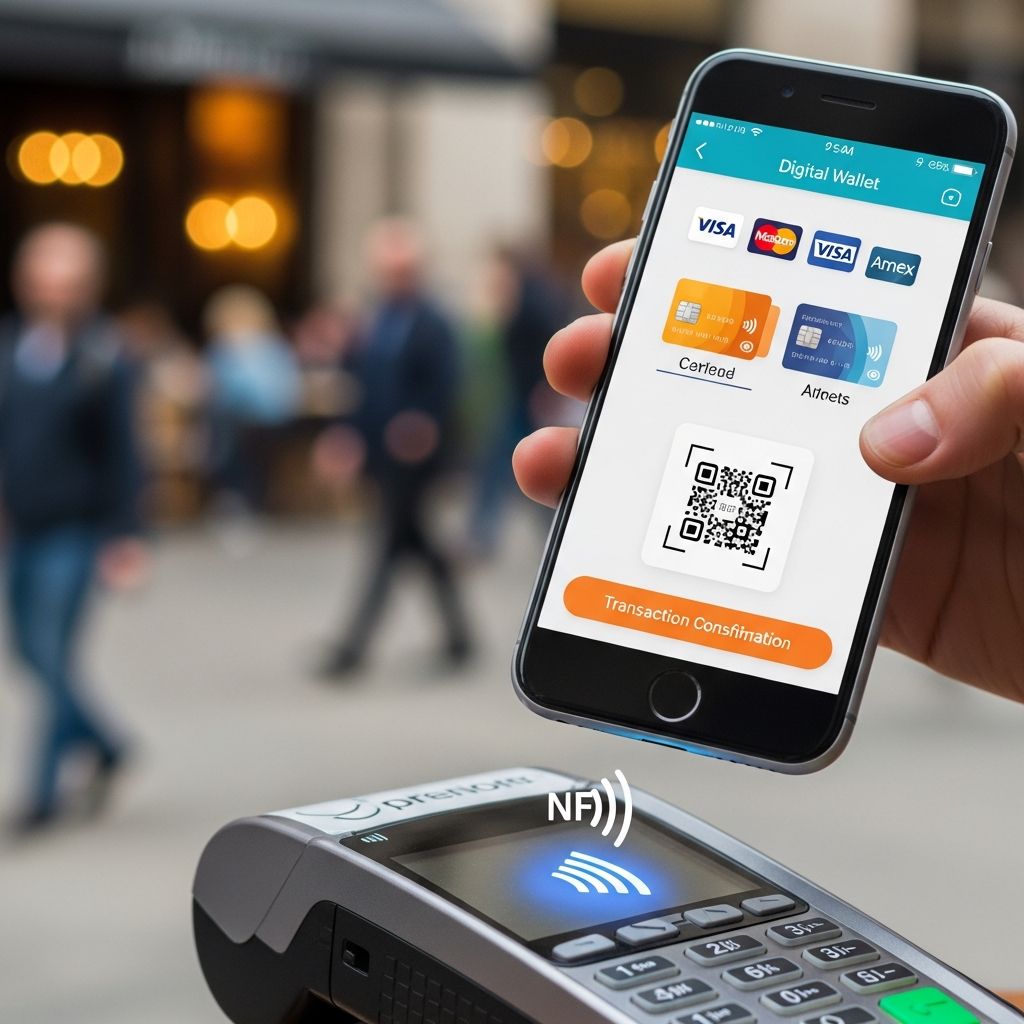
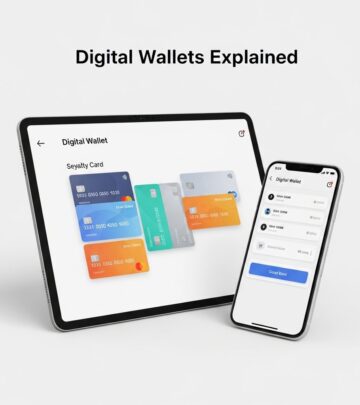
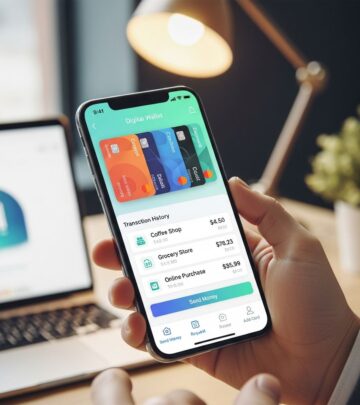
Digital wallets have transformed how people handle everyday purchases, allowing users to leave physical cards at home while tapping their phones for quick transactions. These apps store payment information securely and enable contactless payments both online and in stores, offering speed and enhanced protection through encryption and biometrics.
Why Switch to Phone-Based Payments?
Convenience drives the shift to mobile payments, as users can complete transactions in seconds without fumbling for cards. Digital wallets support a wide range of cards, including credit, debit, and loyalty options, making them versatile for shopping, transit, and peer-to-peer transfers. In 2025, digital wallets like Apple Pay and Google Pay became the leading payment method globally, surpassing traditional cards in online and mobile scenarios due to their ease and speed.
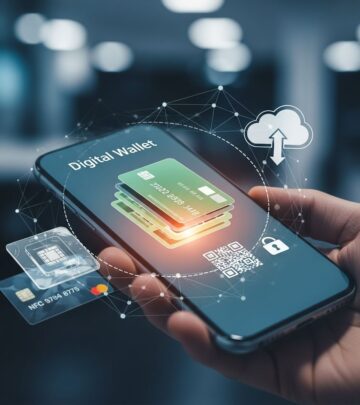
Security stands out as a major benefit. Unlike physical cards, digital wallets use tokenization, replacing actual card details with unique codes for each transaction, reducing fraud risk. Biometric verification, such as fingerprint or face scans, adds another layer, ensuring only the owner authorizes payments.
- Faster checkouts: Skip typing card info online or swiping at stores.
- Better rewards: Link to cards that earn points or cashback seamlessly.
- Global reach: Works wherever contactless payments are accepted, including transit systems.
Types of Digital Wallets Explained
Digital wallets fall into three categories based on usability: closed, semi-closed, and open. Closed wallets limit use to one retailer, like Amazon Pay for its platform. Semi-closed options, such as Venmo, work with partner merchants. Open wallets from banks, like Apple Pay, function anywhere cards are accepted.
| Type | Examples | Use Cases | Flexibility |
|---|---|---|---|
| Closed | Amazon Pay | Specific online stores | Low |
| Semi-closed | Venmo, Cash App | Partners and P2P | Medium |
| Open | Apple Pay, Google Pay | Anywhere contactless | High |
Open wallets dominate for everyday use due to their broad acceptance.
Top Digital Wallets for Everyday Use
Apple Pay: Seamless for iOS Users
Apple Pay leads as the most widespread contactless solution, built into iPhones and supporting credit, debit, and gift cards. Setup involves adding cards via the Wallet app, verified by banks instantly. Payments use Face ID or Touch ID, with data stored only on-device for privacy. It’s ideal for in-store taps and online autofill.
Google Pay: Cross-Platform Versatility
Google Pay works on Android and some iOS apps, storing encrypted data on-device and servers. Users add cards, select defaults, and pay via NFC or QR codes without fees for consumers. Features like expense splitting enhance its utility for groups.
Samsung Pay: Galaxy Exclusive Power
For Samsung users, this wallet supports MST for older terminals alongside NFC. Add cards to Samsung Wallet, authenticate with biometrics, and earn rewards. It’s strong for loyalty integrations.
Other Notable Options
- PayPal: Ubiquitous online, now with in-app mobile support; holds 45% global share.
- Cash App: P2P focus with merchant QR payments; 50 million users.
- Amazon Pay: Ecommerce specialist with low fees and currency conversion.
Step-by-Step Setup Guide
Getting started is straightforward across platforms.
- Download the app: Use App Store or Google Play for official versions.
- Add payment methods: Scan or enter card details; banks verify via code or call.
- Set biometrics: Enable fingerprint, face, or PIN.
- Test a small purchase: Confirm at a supported merchant.
For Apple Pay: Open Wallet, tap +, follow prompts. Google Pay: Launch app, tap payment, add card. Samsung mirrors this in its Wallet app.
In-Store vs. Online Payments
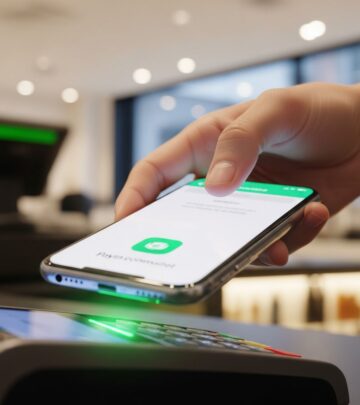
In stores, hold phone near terminals; NFC handles the rest post-authentication. Online, select wallet at checkout for one-tap approval. Digital wallets bridge both worlds better than cards alone, with global adoption rising—especially in Asia-Pacific via Alipay and WeChat, influencing Western trends.
| Scenario | How to Pay | Time Saved |
|---|---|---|
| In-Store | Unlock, tap terminal | Seconds |
| Online | Select wallet icon | No form filling |
| P2P | Scan QR or username | Instant transfers |
Robust Security Measures
Tokenization generates unique codes per transaction, useless if intercepted. Biometrics prevent unauthorized access, and device locks add protection. Unlike cards, no CVV sharing occurs. Google and Apple exceed standards with on-device storage options.
- Never share full card details.
- Remote wipe if phone lost.
- Monitor transactions via app alerts.
Pros and Cons Compared to Traditional Cards
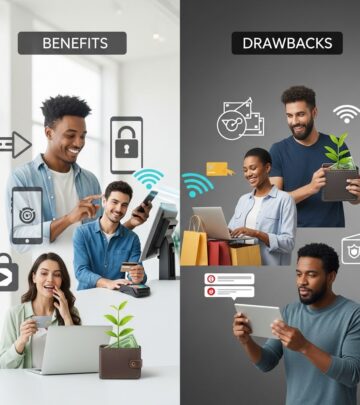
Digital wallets excel in speed and security but require charged devices and NFC terminals.
| Aspect | Digital Wallets | Credit Cards |
|---|---|---|
| Security | Tokenization + biometrics | Chip + PIN |
| Convenience | Phone tap/autofill | Swipe/insert |
| Fees | Similar 2-3% | 1.5-3.5% |
| Accessibility | Smartphone needed | Universal |
Wallets win for tech-savvy users; cards for backups.
Real-World Applications and Trends
Beyond retail, use for transit fares, vending, and subscriptions. In 2025, BNPL integrations and crypto options emerged, but core wallets focus on cards. North America favors Apple/Google; Europe mixes with bank transfers.
Troubleshooting Common Issues
- Payment fails: Check NFC on, update app, verify card.
- Not accepted: Look for contactless symbol.
- Card declined: Contact bank for mobile approval.
Frequently Asked Questions
Are digital wallets safe?
Yes, with tokenization and biometrics outperforming physical cards in fraud prevention.
Do they work internationally?
Most open wallets do, where NFC is supported; check merchant icons.
Can I use multiple cards?
Yes, switch defaults easily in apps.
What if my phone dies?
Use linked cards as backup; wallets don’t replace them.
Fees for users?
Typically none for consumers; merchants pay 2-3%.
Future of Phone Payments
Expect deeper BNPL ties, wearables expansion, and central bank digital currencies integration. Adoption surges among younger users, with 56% using Google Pay per surveys.
References
- Digital Wallets vs. Physical Credit Cards: Which Is Best? — Ramp. 2024. https://ramp.com/blog/digital-wallets-vs-credit-cards
- 8 Top Online Payment Methods: A Comprehensive Guide — Salesforce. 2025. https://www.salesforce.com/commerce/online-payment-solution/online-payment-methods/
- What are the Most Popular Payment Methods in 2025? — Clearly Payments. 2025-01-15. https://www.clearlypayments.com/blog/what-are-the-most-popular-payment-methods-in-2025/
- Top 10: Digital Wallets — FinTech Magazine. 2024. https://www.fintechmagazine.com/articles/top-10-digital-wallets
- Samsung Pay vs. Google Pay vs. Apple Pay: Which Is Best? — Business.com. 2024. https://www.business.com/articles/google-pay-vs-apple-pay-vs-samsung-pay/
- Mobile Payments vs. Digital Wallets: Key Differences & Benefits — Access Pay Suite. 2024. https://www.accesspaysuite.com/blog/mobile-payments-and-digital-wallets-what-s-the-difference/
- Top Global Payment Methods and Trends 2025 — PaymentsCMI. 2025. https://paymentscmi.com/insights/top-global-payment-methods/
Similar Articles








Read full bio of Sneha Tete