Safeguarding Your Mobile Banking: Essential Security Practices
Master the fundamentals of protecting your financial accounts on mobile platforms
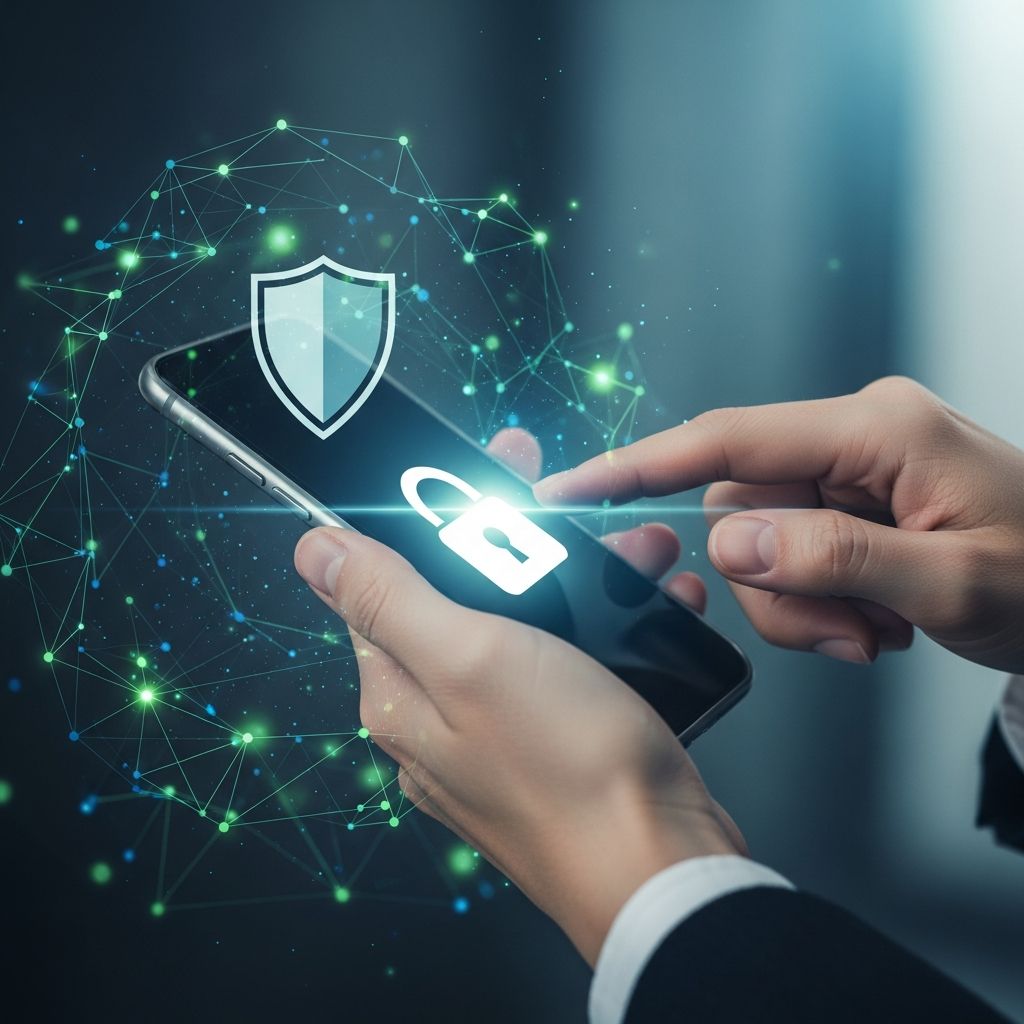
Mobile banking has transformed how millions of people manage their finances, offering convenience and instant access to accounts from virtually anywhere. However, this accessibility also introduces security challenges that require careful attention and proactive measures. Understanding the technology behind mobile banking security and implementing practical protection strategies can significantly reduce your vulnerability to financial fraud and unauthorized account access.
Understanding Mobile Banking Security Architecture
Modern mobile banking platforms employ sophisticated security mechanisms designed to protect your financial information throughout every transaction. These systems work in layers, each contributing to an overall defense strategy that financial institutions have refined over years of technological advancement.
Encryption foundations form the backbone of mobile banking security. When you access your banking application, data traveling between your device and the bank’s servers is encoded using advanced algorithms that render intercepted information unreadable to unauthorized parties. This encryption ensures that sensitive details like account numbers, transaction amounts, and personal identification remain protected during transmission across networks.
Authentication mechanisms serve as digital gatekeepers, verifying that you are indeed the authorized account holder before granting access. These systems have evolved significantly, moving beyond simple passwords to include biometric verification, security keys, and multi-factor authentication approaches. Each method adds distinct layers of protection, making unauthorized access exponentially more difficult for potential attackers.
Automatic session management represents another critical security feature. When you close your banking app or remain inactive for a specified period, the system automatically logs you out. This protective measure prevents unauthorized access if your device is lost, stolen, or temporarily accessed by another person while still in your possession.
Establishing Robust Authentication Practices
Your authentication credentials represent the primary barrier between your accounts and potential threats. Establishing strong practices in this area provides foundational protection that supports all other security measures.
Password strength and uniqueness remain fundamental to account security. Creating passwords that combine uppercase letters, lowercase letters, numbers, and special characters significantly increases the computational effort required for attackers to guess or crack your credentials. Equally important is avoiding password reuse across multiple platforms—if one service experiences a data breach, attackers cannot use the same credentials to access your banking account.
Biometric authentication options including fingerprint recognition and facial identification provide enhanced protection superior to traditional passwords alone. These biological identifiers cannot be easily shared, guessed, or transferred between individuals. If your banking application offers biometric login options, enabling them adds substantial security without requiring you to remember additional codes or credentials.
Two-factor authentication (2FA) mandates a second verification step beyond your password, dramatically reducing unauthorized access risk. This second factor might include a time-limited code delivered via text message, an authenticator application on your phone, or a security key you physically possess. The FTC and Cybersecurity and Infrastructure Security Agency specifically recommend enabling 2FA for online banking.
Consider implementing 2FA systematically across your most sensitive accounts. If resource constraints prevent immediate universal adoption, prioritize this protection for banking, investment platforms, and email accounts that can reset passwords for other services.
Device Security and Software Management
Your mobile device serves as the primary interface for banking activities, making its security directly relevant to your account protection. An insecure device undermines even sophisticated banking platform security measures.
Operating system and application updates deliver security patches addressing newly discovered vulnerabilities. Delaying updates leaves your device exposed to known threats that hackers actively exploit. Set your device to install critical security updates automatically, ensuring you benefit from the latest protections without relying on manual intervention.
Your mobile banking application itself requires regular updates beyond your device’s operating system patches. Application developers continuously improve security features and address emerging threats. Keeping your banking app current ensures you access the latest protective technologies deployed by your financial institution.
Device locking mechanisms provide essential protection if your phone is lost or temporarily accessed by others. A strong unlock method—whether PIN, pattern, password, or biometric—makes casual access nearly impossible. Even sophisticated attackers often find it easier to target devices without strong locking mechanisms rather than attempting to bypass modern biometric security.
Avoiding outdated devices prevents exposure to deprecated security standards and unpatched vulnerabilities that attackers target specifically because they remain unfixed. While newer devices can be expensive, older smartphones increasingly lack support for the latest security protocols. If your current device cannot receive security updates, consider upgrade timelines that balance cost with risk management.
Network Security Considerations
The networks you use for banking activities significantly impact your security. Different connection types offer varying levels of protection, and understanding these differences helps you make safer choices about when and where to access your accounts.
Public Wi-Fi networks present substantial security risks for financial transactions. These open networks lack encryption and authentication, allowing attackers to monitor network traffic easily. Even encrypted banking connections become vulnerable on poorly secured networks if attackers can compromise the network infrastructure itself. Avoid conducting financial transactions on public Wi-Fi at cafes, libraries, airports, and other shared spaces.
Cellular networks offer significantly better security than open Wi-Fi for mobile banking. Your carrier’s infrastructure includes authentication protocols and encryption that protect your connection more thoroughly than typical public networks. When mobile banking is necessary while away from your home network, cellular connections provide superior protection compared to any public Wi-Fi option.
Home network security requires attention as well, particularly if you share your Wi-Fi network with multiple devices or frequent visitors. Ensure your home Wi-Fi uses strong encryption (WPA3 or WPA2), a complex network password, and a secure administrative password for your router. Regular firmware updates for your router address security vulnerabilities in the same manner as device updates.
Monitoring and Fraud Detection Strategies
Even with comprehensive preventive measures, monitoring your accounts for suspicious activity enables rapid response to potential threats. Early detection often prevents significant financial losses.
Regular account activity review helps identify unauthorized transactions before they escalate. Mobile banking applications make reviewing activity convenient—check your transaction history at least weekly, noting any unfamiliar deposits, withdrawals, or merchant transactions. Familiarize yourself with your typical transaction patterns so anomalies become obvious immediately.
Account alerts and notifications provide real-time awareness of account activity that deviates from your established patterns. Set up alerts for large purchases, ATM withdrawals, low account balances, and transfers. These notifications enable immediate response if someone gains unauthorized access to your account, potentially preventing additional fraudulent transactions.
Card controls and spending restrictions offer preventive fraud protection complementing detection strategies. Many financial institutions allow you to temporarily disable your debit card, establish spending limits, restrict transaction types, and block specific merchant categories. These controls prevent fraudulent charges even if attackers obtain your card information.
Your financial institution implements institutional-level fraud monitoring, analyzing transaction patterns across customer populations to identify suspicious behavior. However, your personal vigilance provides the most immediate detection mechanism for fraudulent activity targeting your specific accounts.
Response Protocols for Suspected Compromise
Despite implementing comprehensive security measures, compromise remains a possibility. Understanding appropriate response procedures minimizes potential damage if your account is compromised.
Immediate contact with your financial institution should be your first action if you suspect unauthorized access. Banks maintain specialized fraud departments equipped to investigate suspicious activity, freeze compromised accounts, and initiate recovery procedures. The faster you report suspected fraud, the more effectively these teams can limit the financial impact.
Password changes should follow any suspected compromise, using a new, unique password different from previously used credentials. Perform this change from a secure device using a cellular connection or your home network rather than public Wi-Fi.
Credit monitoring activation helps detect identity theft extending beyond your banking account. If your personal information was compromised, attackers might attempt to open accounts in your name or make fraudulent charges using your identity. Many financial institutions offer complimentary credit monitoring services following security incidents.
Document all suspicious activity, including transaction details, dates, and communications with your bank. This documentation supports fraud investigations and protects your rights during dispute processes.
Frequently Asked Questions About Mobile Banking Security
Are mobile banking applications more secure than banking websites?
Mobile applications typically incorporate security features designed specifically for smartphone environments, often exceeding website security. Apps operate in controlled environments with restricted permissions, while websites depend on browser security which can vary significantly. Both can be secure when properly implemented and used, but mobile applications generally offer superior protection for on-the-go banking when combined with proper device security measures.
What should I do if my phone is lost or stolen?
Contact your wireless carrier immediately to suspend service, preventing attackers from intercepting calls or text messages used for authentication. Then contact your bank to discuss account security. A locked device with strong authentication requirements provides substantial protection even when lost, but prompt action prevents worst-case scenarios. Consider enabling remote wipe features on your device that erase data if the phone remains missing after a specified period.
Can I use mobile banking on public Wi-Fi safely?
Public Wi-Fi networks present unacceptable security risks for financial transactions. Even encrypted banking connections face potential compromise on networks controlled by unknown parties. Restrict mobile banking to cellular connections or your home network rather than accepting the risks of public Wi-Fi.
How often should I change my banking password?
Rather than implementing arbitrary password change schedules, focus on creating strong, unique passwords changed whenever you suspect potential compromise. Frequent password changes without corresponding strength requirements can paradoxically reduce security as people create weaker passwords they can more easily remember. Modern security practices prioritize password strength and uniqueness over frequent changes.
What practices should I absolutely avoid with mobile banking?
Never share your login credentials with anyone, including bank employees or family members. Avoid clicking links in unsolicited text messages or emails claiming to be from your bank—instead navigate directly to your banking app or your bank’s official website. Do not enable remote access applications on your banking device, avoid downloading apps from unofficial sources, and never conduct financial transactions on public Wi-Fi.
Building Sustainable Security Habits
Effective mobile banking security ultimately depends on consistent behaviors rather than one-time actions. Viewing security as an ongoing practice rather than a destination encourages the vigilance necessary to protect your accounts long-term.
Establish a monthly routine for reviewing account activity, updating applications and your device, and assessing your authentication methods. This regular maintenance prevents security measures from degrading over time as new threats emerge and technology evolves.
Educate yourself continuously about emerging threats and updated security recommendations. Financial institutions regularly publish guidance addressing newly discovered vulnerabilities and best practices. Subscribing to security updates from your bank and staying informed about emerging mobile banking threats enables proactive adjustment of your security practices.
Remember that financial institutions share responsibility for account security alongside account holders. However, your vigilance often provides the first and most effective detection mechanism for compromised accounts. By implementing these comprehensive practices and maintaining security awareness, you significantly reduce your vulnerability to mobile banking threats while preserving the convenience that makes mobile banking attractive.
References
- Is Mobile Banking Safe? What To Know About Security and Protection — MIDFLORIDA Credit Union. 2026. https://www.midflorida.com/resources/insights-and-blogs/insights/consumer-education/is-mobile-banking-safe-security-tips-and-what-to-know
- Cybersecurity in Banking: Challenges and Protection — Fidelis Security. 2026. https://fidelissecurity.com/threatgeek/threat-detection-response/cybersecurity-in-banking/
- Protect Your Data in a Digital World: Simple Steps for a Safer 2026 — American Heritage Credit Union. 2026. https://blog.americanheritagecu.org/protect-your-data-in-a-digital-world-simple-steps-for-a-safer-2026
- Top 10 Cybersecurity Tips to Protect Your Finances in 2026 — Ozark Federal Credit Union. 2026. https://www.ozarkfcu.com/blogDetail.php?Top-10-Cybersecurity-Tips-to-Protect-Your-Finances-in-2026-64
- How Strong Is Digital Banking Security: 2026 Best Practices — Meniga. 2026. https://www.meniga.com/resources/digital-banking-security/
Similar Articles








Read full bio of Sneha Tete