Expense Reports: Complete Guide To Accuracy And Efficiency
Unlock the secrets to flawless expense reporting for swift reimbursements and full compliance in your organization.
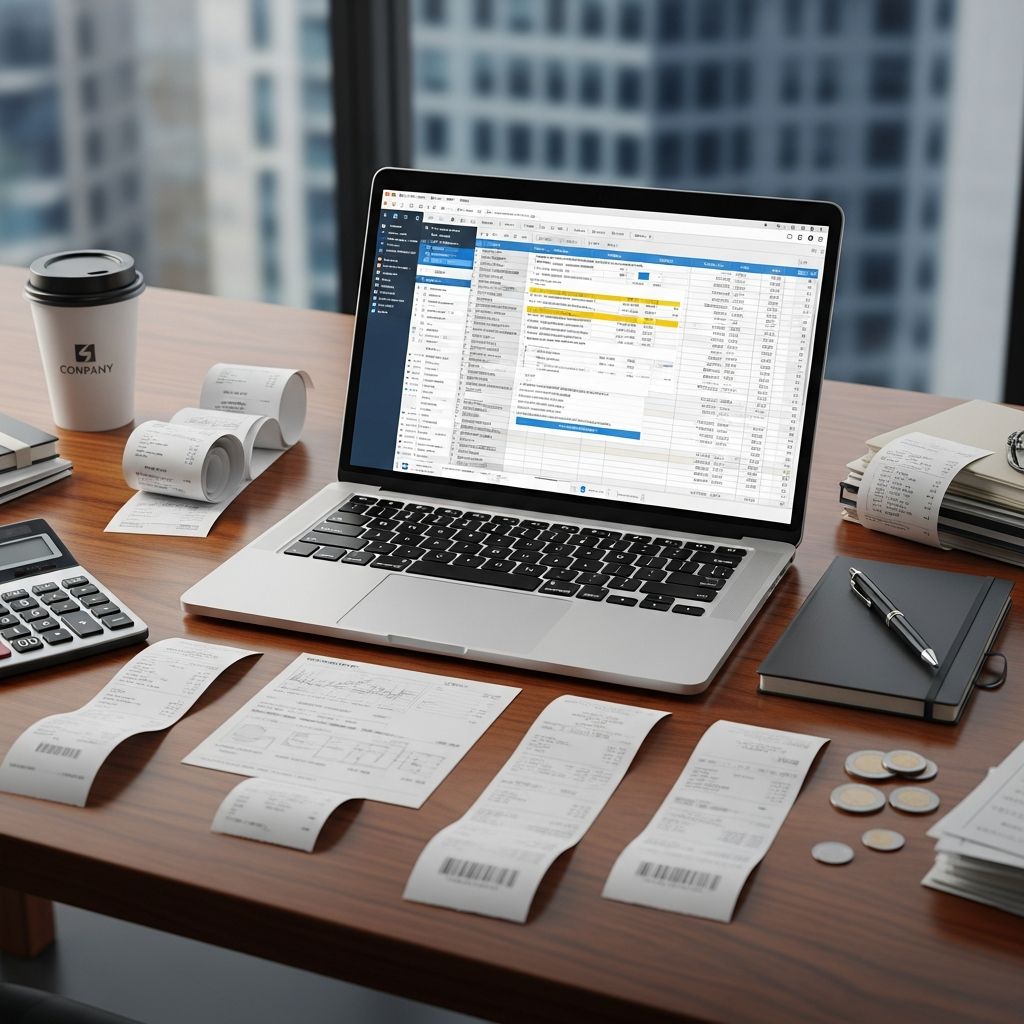
Expense reports are vital tools for tracking business spending, securing reimbursements, and maintaining financial transparency. Properly prepared reports prevent delays, reduce errors, and support organizational audits. This guide outlines key strategies to build reliable expense documentation from start to finish.
Understanding the Fundamentals of Expense Reporting
At its core, an expense report records business-related costs incurred by employees. It serves multiple purposes: reimbursing personal funds, categorizing expenditures for accounting, and ensuring adherence to company rules. Common elements include dates, vendors, amounts, categories, and justifications, all backed by receipts.
Organizations rely on these reports for budgeting, tax compliance, and spend analysis. Inaccurate submissions can lead to rejected claims or compliance issues. Modern systems automate much of this, but human oversight remains essential.
Developing a Robust Expense Policy Foundation
A clear policy sets expectations for what qualifies as reimbursable. It should define allowable categories like travel, meals, and supplies, while specifying limits and documentation needs.
- Define Scope: Outline covered expenses and exclusions, such as personal entertainment.
- Set Limits: Cap meal costs or daily allowances to control spending.
- Detail Approval Flows: Specify who reviews submissions and timelines.
- Mandate Documentation: Require receipts for all claims over a threshold.
Distribute the policy during onboarding and update it annually to reflect changes. Signed acknowledgments ensure accountability.
Assembling Essential Information for Headers
Begin every report with a detailed header capturing context. This includes employee details, period covered, and allocation codes.
| Header Field | Purpose | Example |
|---|---|---|
| Employee Name/ID | Identifies submitter | Jane Doe, ID: 12345 |
| Department/Cost Center | Routes to budget | Sales / CC-200 |
| Reporting Period | Defines scope | 2026-01-01 to 2026-01-31 |
| Total Amount | Summarizes claim | $1,250.75 |
Auto-population in software minimizes errors. Cross-check against payroll data for consistency.
Documenting Individual Transactions Precisely
Each line item must detail the who, what, when, where, why, and how of spending. Chronological order aids review.
- Date and Time: Match receipt exactly for verification.
- Vendor/Merchant: Full name as on receipt.
- Amount: Include tax, tip, currency; split if needed.
- Category: Align with policy (e.g., lodging, transportation).
- Purpose: Specific rationale, like “Q1 strategy session with Vendor X team.”
- Payment Method: Corporate card or personal.
For group expenses, list attendees and affiliations. AI tools suggest categories from merchant data.
Organizing and Calculating Totals Effectively
Group similar items for subtotals, then compute grand total. This reveals spending patterns.
Sample Calculation:
- Meals: $450.00
- Travel: $650.00
- Supplies: $150.75
- Total: $1,250.75
Double-verify math; software handles this automatically. Allocate across projects if multi-purpose.
Handling Receipts and Supporting Evidence
Receipts prove legitimacy. Scan or photograph clearly, linking digitally to entries.
- Retain originals per policy (e.g., 30 days).
- Annotate faded ones.
- Note missing receipts with explanations.
Digital platforms OCR receipts for auto-fill, boosting accuracy. IRS requires records for seven years.
Ensuring Policy Compliance and Justifications
Review against guidelines before submission. Flag exceptions with notes, e.g., “Exceeded meal limit due to client negotiation; justified by $50K deal closed.”.
Use checklists:
- Categories match policy?
- Limits observed?
- Purposes business-related?
- Receipts attached?
Conducting Pre-Submission Reviews
A final audit catches issues. Verify matches, totals, and completeness.
- Compare each line to receipt.
- Recalculate sums.
- Check for duplicates.
- Confirm approvals if needed.
Software flags anomalies like outliers.
Leveraging Technology for Streamlined Processes
Move beyond spreadsheets to apps that capture data in real-time via mobile.
- Auto-Categorize: Merchant-based suggestions.
- Receipt Scanning: Extracts details instantly.
- Compliance Checks: Real-time policy validation.
- Approval Workflows: Digital routing.
This cuts processing time by 70% per studies.
Navigating Common Mistakes and Solutions
Avoid pitfalls that delay reimbursements.
| Mistake | Impact | Solution |
|---|---|---|
| Vague descriptions | Rejection | Add specifics |
| Missing receipts | Non-payment | Attach always |
| Math errors | Disputes | Use calculators/tools |
| Late submission | Cash flow issues | Set reminders |
Streamlining Approvals and Reimbursements
Submit promptly per deadlines. Track status via portals. Expect 5-10 business days for processing. Direct deposit accelerates payouts.
Best Practices for Ongoing Success
Train teams regularly. Audit samples quarterly to refine processes. Encourage timely logging to preserve memory of purposes.
Frequently Asked Questions (FAQs)
What makes an expense reimbursable?
It must directly support business goals, per policy, with proof.
How soon should I submit reports?
Within 30 days typically, to ensure accuracy.
What if I lose a receipt?
Provide credit card statement and affidavit.
Can I combine personal and business expenses?
No; separate clearly to avoid disallowance.
How does automation help?
It reduces errors, speeds approvals, and ensures compliance.
References
- Expense Report: Best Practices to Get It Right — Artsyl. 2025. https://www.artsyltech.com/expense-report
- How to Write a Great Business Expense Report — Databox. 2024-10-15. https://databox.com/business-expense-report
- Expense Reporting 101 — Brex. 2025. https://www.brex.com/spend-trends/expense-management/expense-reporting
- How to Create an Expense Report — Paylocity. 2024-11-01. https://www.paylocity.com/resources/learn/articles/expense-reports/
- Expense Policy Best Practices — Ramp. 2025-01-20. https://ramp.com/blog/expense-policy-best-practices
- Best Practices for Expense Reporting — Brinker Simpson. 2024. https://www.brinkersimpson.com/blog/best-practices-for-expense-reporting
- 6 Expense Management Best Practices — NetSuite. 2025-02-01. https://www.netsuite.com/portal/resource/articles/financial-management/expense-management-best-practices.shtml
Similar Articles








Read full bio of Sneha Tete