Mastering Expense Reports: A Complete Guide
Unlock the secrets to flawless expense reporting: streamline submissions, ensure compliance, and accelerate reimbursements with our expert strategies.
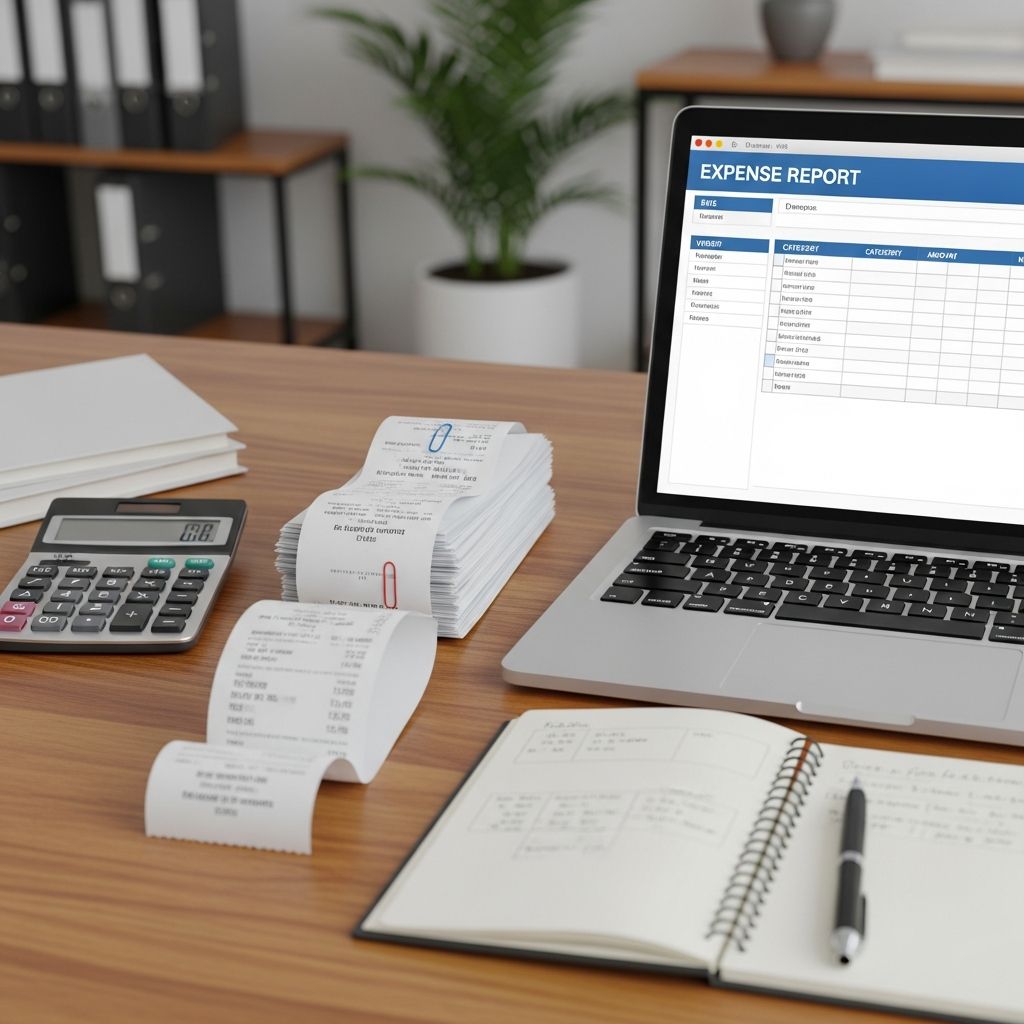
Expense reports are vital tools for tracking business spending, ensuring accountability, and facilitating timely reimbursements. Whether you’re a freelancer submitting travel costs or a manager overseeing team expenditures, understanding how to prepare these documents correctly saves time and reduces errors. This guide explores the fundamentals, step-by-step processes, and advanced strategies to make expense reporting seamless.
Understanding the Role of Expense Reports in Business
At its core, an expense report documents money spent on behalf of a company, providing a clear audit trail for financial oversight. These reports help organizations categorize costs, enforce policies, and prepare for tax season. For employees, they mean faster access to funds spent from personal pockets; for finance teams, they deliver accurate data for budgeting and forecasting.
Businesses rely on these reports to differentiate legitimate costs from personal ones. Common uses include reimbursing travel, meals, supplies, and client entertainment. Without proper documentation, claims can be rejected, leading to delays or compliance issues during audits.
Key Elements Every Expense Report Must Contain
A robust expense report includes specific details to withstand scrutiny. Essential components ensure transparency and verifiability.
- Employee Details: Name, department, ID, and contact information for identification.
- Expense Details: Date incurred, vendor name, location, amount (with currency and taxes), and payment method.
- Business Justification: Clear description of the purpose, including project codes, client names, or attendees for group expenses.
- Receipts and Proof: Scanned images or attachments matching every line item.
- Categorization: Labels like travel, meals, or supplies aligned with company charts of accounts.
- Totals and Adjustments: Subtotals by category, deductions for advances, and grand total for reimbursement.
These elements answer critical questions: Who spent the money? What was it for? How much? And can it be verified?
Step-by-Step Process to Build an Expense Report
Follow this structured approach to create reports that get approved on the first submission.
Step 1: Gather and Organize Documentation
Start immediately after expenses occur. Collect all receipts, invoices, and tickets. Sort them chronologically and by type—travel first, then meals, supplies. Digitize paper receipts using a scanner app to prevent loss. Note project codes or cost centers from your accounting system early to avoid mismatches.
Step 2: Select Your Reporting Tool or Template
Choose between spreadsheets, dedicated software, or company portals. For small teams, Excel templates with columns for date, description, amount, and category work well. Larger organizations benefit from integrated platforms like Workday or QuickBooks that auto-populate data. Customize columns to match your needs, adding fields for mileage rates or per diem allowances.
| Standard Column | Purpose | Example |
|---|---|---|
| Date | Tracks when expense occurred | 2026-02-01 |
| Vendor/Description | Identifies merchant and purpose | Hotel stay for client meeting |
| Amount | Records total cost | $250.00 USD |
| Category | Groups for accounting | Travel |
| Receipt Attached | Confirms proof | Yes |
Step 3: Input and Categorize Expenses
Enter data meticulously. For each item, specify the business purpose—vague entries like ‘lunch’ invite rejection; ‘Lunch with Prospect X to discuss Q1 contract’ is ideal. Categorize accurately: airfare under Travel, software under Subscriptions. Calculate subtotals and deduct any advances. Double-check math and policy limits, such as $75 per meal.
Step 4: Review, Submit, and Track
Proofread for completeness. Submit via your company’s system, which often routes to managers for approval. Expect 2-5 days per level, with reimbursements in 5-10 days post-approval. If rejected, edit flagged items without duplicating reports.
Frequently Made Mistakes and How to Avoid Them
Errors derail processes and frustrate teams. Top pitfalls include:
- Missing or illegible receipts—always attach clear scans.
- Incorrect categorization leading to budget issues.
- Vague purposes that fail to prove business need.
- Late submissions outside policy windows.
- Math discrepancies between totals and receipts.
Prevention tip: Use checklists before submission and train teams on policies.
Best Practices for Efficient Expense Management
Elevate your process with these proven tactics:
- Automate Where Possible: Tools that scan receipts via OCR and integrate with accounting cut manual entry by 80%.
- Clear Policies: Publish simple rules on limits, categories, and timelines; update yearly.
- Training: Onboard new hires with demos and FAQs.
- Mobile Apps: Snap photos on-the-go for instant logging.
- Regular Audits: Spot-check reports to maintain standards.
For scaling businesses, prioritize integrations with GL systems to slash month-end close times.
Tailoring Reports for Different Business Scales
Small Businesses/Freelancers: Simple spreadsheets suffice. Focus on IRS-compliant categories for tax deductions.
Mid-Size Teams: Adopt software like Expensify for approvals and mileage tracking.
Enterprises: Implement multi-tier approvals and AI-driven compliance checks in platforms like SAP Concur.
Leveraging Technology for Modern Expense Tracking
Automation transforms drudgery into efficiency. Receipt-scanning apps extract data automatically. Corporate cards link transactions directly to reports. AI flags anomalies, like duplicate claims. Companies with full automation process expenses 4x faster than manual methods. Explore options based on volume: low for basics, high for enterprise needs.
FAQs on Expense Reporting
What makes an expense eligible for reimbursement?
It must be business-related, policy-compliant, and receipt-backed. Personal expenses don’t qualify.
How long to keep receipts?
At least 3-7 years for tax audits, per IRS guidelines.
What’s the best free template?
QuickBooks or Google Sheets versions with auto-sum formulas.
Can I submit partial reports?
Yes, but consolidate to avoid multiples; add to existing if possible.
How to handle international expenses?
Convert to base currency, note exchange rates, and include VAT details.
Sample Expense Report Template
Here’s a basic HTML table for quick use:
| Employee Name | Date | Description | Category | Amount | Receipt |
|---|---|---|---|---|---|
| John Doe | 2026-02-01 | Client dinner | Meals | $85 | Attached |
| John Doe | 2026-02-02 | Airfare | Travel | $450 | Attached |
| Total | $535 | ||||
Adapt this for your needs.
References
- How to Create an Expense Report in 4 Easy to Follow Steps — Brex. 2024. https://www.brex.com/spend-trends/expense-management/how-to-create-an-expense-report
- Creating an Expense Report — Baylor University Ignite. 2023-09. https://ignite.web.baylor.edu/sites/g/files/ecbvkj1136/files/2023-09/Creating%20an%20Expense%20Report.pdf
- What is an Expense Report? How to Create One (Template Example) — Tipalti. 2024. https://tipalti.com/resources/learn/expense-report/
- How to create a business expense report in 7 simple steps — Extend. 2024. https://www.paywithextend.com/resource/how-to-create-a-business-expense-report-in-7-simple-steps
- Expense Report: Meaning, Need, and How to Create — QuickBooks Intuit. 2024. https://quickbooks.intuit.com/global/resources/expenses/expense-report-template/
Similar Articles








Read full bio of Sneha Tete