Budget Spreadsheets: Step-By-Step Guide For Financial Clarity
Unlock financial control with customizable budget spreadsheets for every lifestyle and goal.
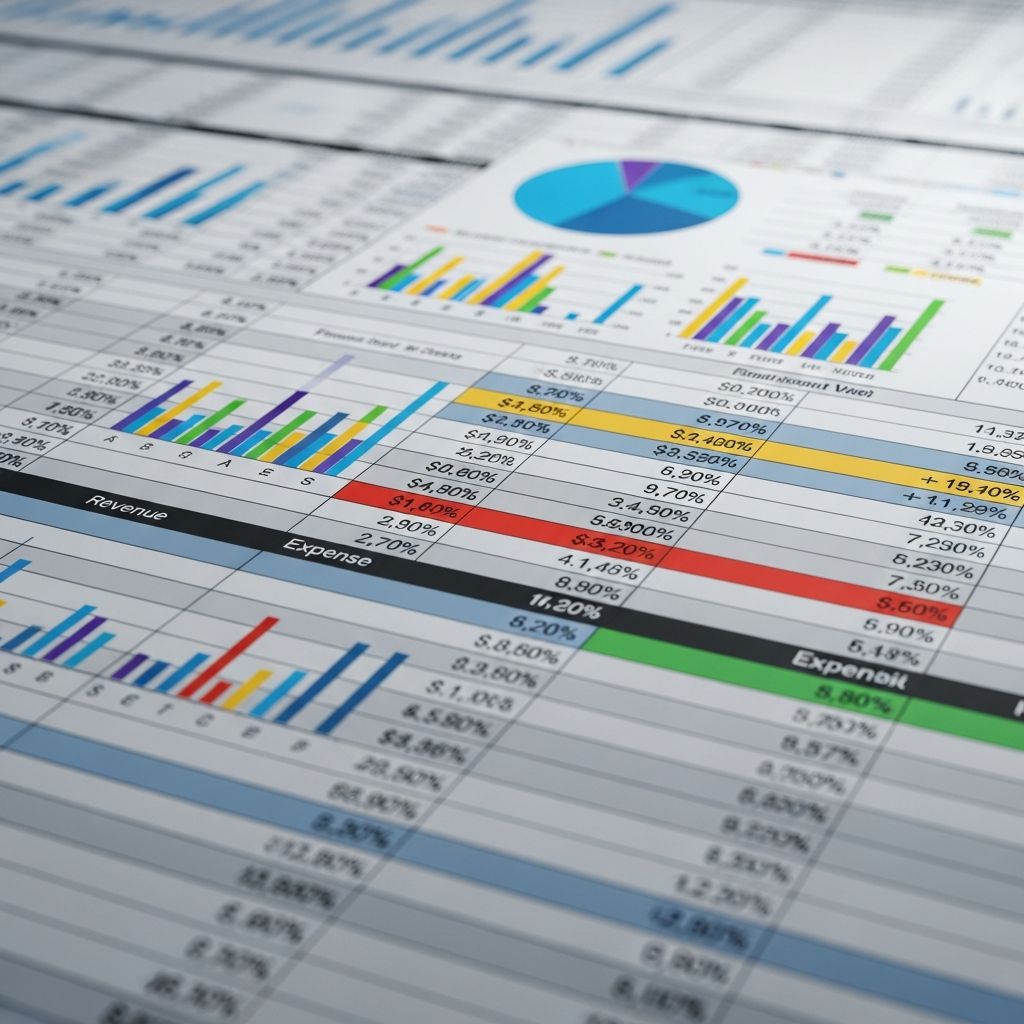
Budget spreadsheets serve as powerful tools for organizing finances, monitoring spending patterns, and aligning daily habits with long-term objectives. These digital worksheets allow users to input income sources, categorize expenditures, and visualize progress toward savings or debt reduction goals. By leveraging pre-designed templates, individuals can bypass the complexity of manual calculations and focus on informed decision-making.
Why Budget Spreadsheets Transform Money Management
Traditional pen-and-paper methods often lead to errors and inconsistency, but spreadsheets automate sums, generate charts, and update balances in real-time. They accommodate various life stages, from students juggling tuition to families planning vacations. Key advantages include customizable categories for housing, groceries, and entertainment; automated variance calculations showing planned versus actual spending; and visual aids like pie charts for quick insights.
For households, these tools reveal hidden leaks such as excessive dining out or unused subscriptions. Businesses benefit from departmental breakdowns tracking project costs against allocations. Overall, consistent use fosters discipline, reduces financial stress, and builds wealth incrementally.
Popular Budgeting Frameworks to Implement
Several proven methodologies structure spreadsheets effectively. The 50/30/20 rule allocates 50% to needs, 30% to wants, and 20% to savings or debt—ideal for beginners seeking balance. Zero-based budgeting assigns every dollar a purpose, ensuring income minus expenses equals zero. Envelope systems digitally mimic cash allocation by capping categories.
- 50/30/20: Prioritizes essentials while allowing flexibility for lifestyle.
- Zero-Based: Maximizes savings by eliminating unassigned funds.
- Pay Yourself First: Deducts savings upfront before other spending.
Essential Categories for Comprehensive Tracking
A robust spreadsheet divides finances into clear segments. Income sections list salaries, freelancing, or investments. Fixed expenses cover rent, utilities, and loans; variable ones include groceries and fuel. Savings goals specify emergency funds, retirement, or vacations.
| Category | Examples | Typical Percentage |
|---|---|---|
| Income | Wages, Side Gigs | 100% |
| Needs | Housing, Food, Transport | 50% |
| Wants | Dining, Hobbies | 30% |
| Savings/Debt | Emergency Fund, Loans | 20% |
Customize further for specifics like childcare or pet care to ensure completeness.
Top Free Excel Budget Templates Reviewed
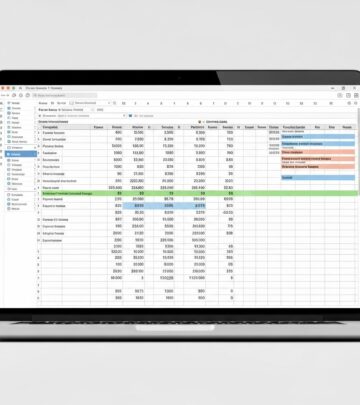
Excel’s versatility shines in templates with built-in formulas and charts. Household versions feature monthly columns for income, expenses, and net balances, plus visuals summarizing overspending risks.
Student templates estimate tuition, books, and meals, flagging parent-covered items. Business ones analyze variances across departments with yearly projections. Debt payoff sheets compare snowball (smallest balance first) versus avalanche (highest interest first) strategies, projecting timelines and interest savings.
- Monthly trackers compare projected vs. actuals, highlighting discrepancies early.
- Yearly summaries aggregate data for trend analysis.
- Project budgets monitor labor, materials, and overruns per task.
Google Sheets Alternatives for Seamless Collaboration
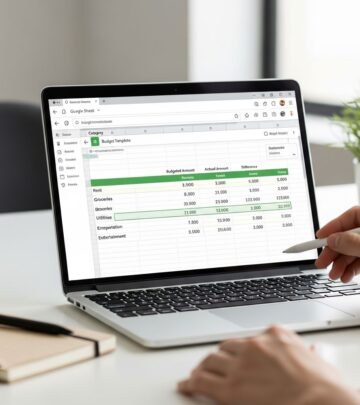
Cloud-based Google Sheets templates enable real-time sharing for couples or teams. The Foundation Template auto-imports transactions, categorizes spending, and updates balances daily. Monthly dashboards display progress bars toward category limits.
Annual overviews pull from monthly sheets, ideal for irregular incomes. Expense trackers log daily totals with remaining-to-spend alerts. Viral templates simplify for novices, separating fixed from variable costs.
Step-by-Step Guide to Building Your Spreadsheet
Start with a blank sheet or template. Column A lists categories; B planned amounts; C actuals; D variance (=B-C). Use SUM functions for totals and conditional formatting for red flags on overspends.
- List all income sources in a dedicated row.
- Populate expense categories with realistic estimates from past statements.
- Set savings targets first, then allocate remainder.
- Input weekly transactions to maintain accuracy.
- Review monthly: Adjust categories based on patterns.
Advanced users add pivot tables for yearly trends or scripts for auto-categorization.
Customizing for Life Stages and Goals
Tailor templates to circumstances. Newlyweds track joint accounts and wedding debt. Parents include daycare and education funds. Retirees emphasize healthcare and travel.
Freelancers use weekly views for fluctuating paychecks. Students budget semester-long with part-time job projections. Incorporate one-off events like holidays via separate tabs.
Overcoming Common Spreadsheet Pitfalls
Avoid overload by limiting categories to 10-15. Update religiously—daily entries prevent backlog. Ignore sunk costs; focus on future adjustments. Link to bank feeds where possible for automation.
For motivation, add progress charts showing net worth growth. Backup files regularly to cloud storage.
Integrating Debt Reduction Strategies
Dedicated tabs calculate minimum payments, extra contributions, and payoff dates. Snowball builds momentum with quick wins; avalanche minimizes interest. Track progress with visual bars filling as balances drop.
Visualizing Data for Better Insights
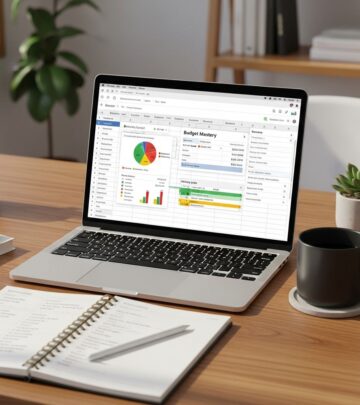
Charts turn numbers into stories: Pie charts show spending distribution; line graphs track savings growth; bar comparisons reveal seasonal spikes. Excel’s dynamic charts update automatically.
FAQs
What is the best free budget spreadsheet?
Excel and Google Sheets offer versatile options like monthly trackers with auto-calculations. Choose based on collaboration needs.
How do I start a budget spreadsheet from scratch?
Enter income, categorize expenses, use formulas for totals, and review variances monthly.
What’s the 50/30/20 budget rule?
50% needs, 30% wants, 20% savings/debt—templates visualize adherence.
Can couples use shared budget sheets?
Yes, Google Sheets enables real-time edits for joint tracking.
Are there templates for debt payoff?
Snowball and avalanche calculators project timelines and savings.
Advanced Tips for Power Users
Incorporate macros for recurring entries or IF statements for alerts (e.g., if variance <0, highlight). Export to PDF for printing envelope systems. Analyze YTD trends to forecast taxes.
Combine with apps like Tiller for bank syncing, reducing manual input.
References
- Free Excel Budget Templates – Smartsheet — Smartsheet. 2023. https://www.smartsheet.com/top-excel-budget-templates
- Free budget template spreadsheets to customize | Microsoft Excel — Microsoft. 2024. https://excel.cloud.microsoft/create/en/budget-templates/
- Our 11 Favorite Free Google Sheets Budget Templates For 2026 — Tiller. 2026-01-01. https://tiller.com/free-google-sheets-budget-templates/
- 20+ Budget Templates for Excel – Vertex42.com — Vertex42. 2024. https://www.vertex42.com/ExcelTemplates/budgets.html
- Free Budget Spreadsheets and Tools – NerdWallet — NerdWallet. 2024. https://www.nerdwallet.com/finance/learn/free-budget-spreadsheets-templates
Similar Articles








Read full bio of Sneha Tete