iWallet & Google Wallet: Manage Credit Cards
Discover how iWallet and Google Wallet simplify credit card management, payments, and digital storage for seamless everyday use.
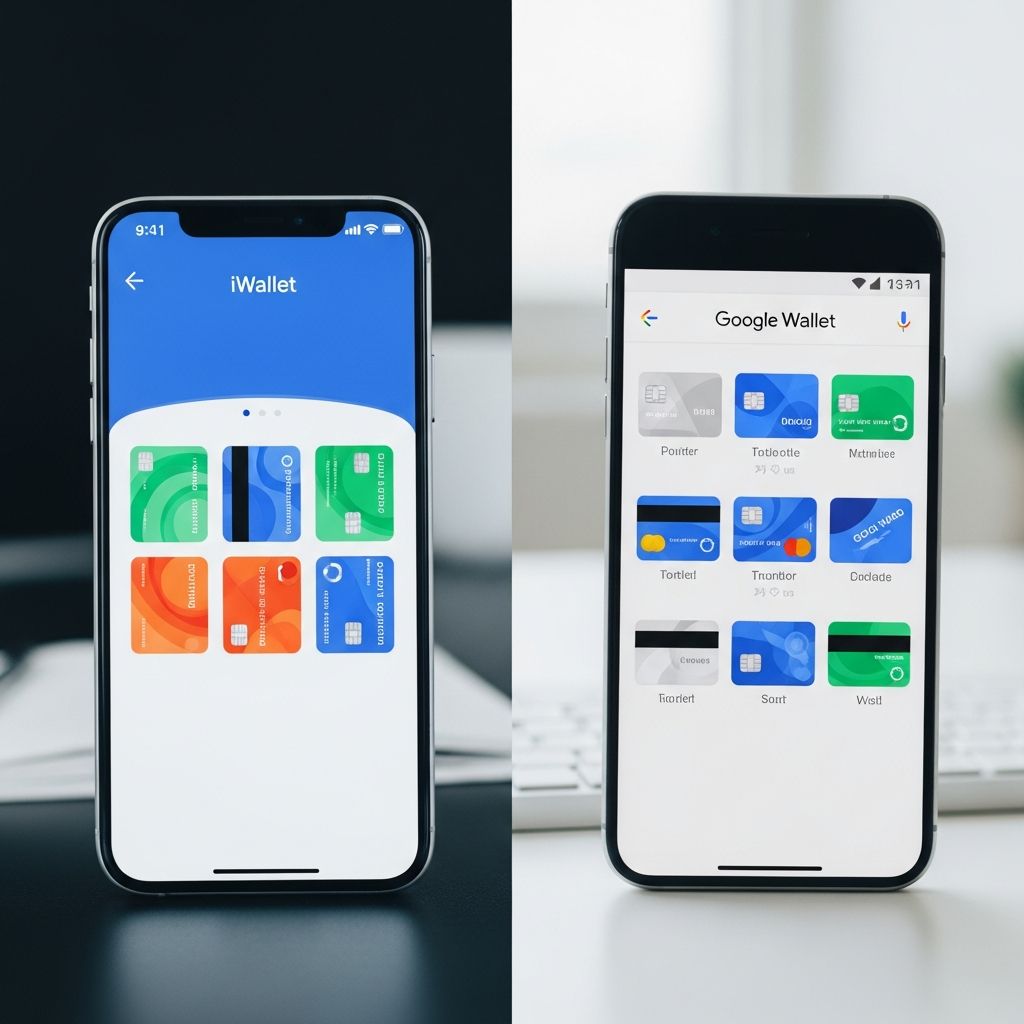
Digital wallets have transformed how we handle credit cards, replacing bulky physical wallets with secure, convenient apps. iWallet and Google Wallet stand out by allowing users to store credit cards, loyalty programs, tickets, and more in one place. These tools enable contactless payments, online checkouts, and easy management of financial details, all while prioritizing security through encryption and biometric verification. Available primarily on Android devices with expanding iOS support, they integrate seamlessly with major card issuers like Visa, Mastercard, and American Express.
What is iWallet?
iWallet is a versatile digital wallet app designed for iOS users, offering robust credit card management features. It allows adding multiple credit and debit cards, scanning them via camera for quick setup, and organizing them for instant access during purchases. Beyond payments, iWallet stores loyalty cards, coupons, and event tickets, making it a comprehensive replacement for physical cards. Security features include PIN protection, Face ID, and Touch ID, ensuring cards remain safe even if the device is lost.
Users appreciate iWallet’s intuitive interface, which categorizes cards by type—credit, debit, or prepaid—and displays balances or recent transactions when supported by the issuer. For credit card management, it sends reminders for bill due dates and tracks spending categories to help users stay within budgets. Integration with Apple Pay extends its utility for in-store tap-to-pay at NFC terminals.
What is Google Wallet?
Google Wallet, formerly part of Google Pay, is a full-featured digital wallet for Android users (version 5.0+), with limited iOS compatibility on iPhone XS or higher running iOS 17+. It stores credit cards, debit cards, loyalty cards, boarding passes, transit passes, movie tickets, and even digital IDs or keys. Available in 88 countries, it supports cards from thousands of banks and networks like Visa, Mastercard, and Amex.
Google Wallet’s strength lies in its ecosystem integration. It pulls flight updates from Google Search, manages family cards via Family Link, and offers privacy controls to limit data sharing. On Pixel devices, it benefits from advanced security like multiple encryption layers, Find My Device, and seven years of updates. Users can add cards manually, scan them, or import from Chrome autofill for effortless setup.
Key Features of iWallet and Google Wallet
Secure Card Storage
Both apps use tokenization: instead of sharing actual card numbers, they generate virtual account numbers for transactions, reducing fraud risk. Google Wallet employs device-specific tokens, while iWallet leverages Apple’s Secure Element.
Contactless Payments
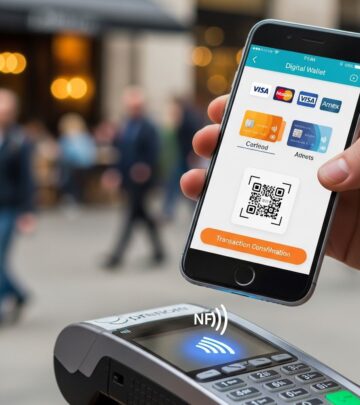
Tap your phone at NFC readers for instant payments—no swiping or PIN entry needed for small amounts. Enable screen lock (PIN, pattern, or biometrics) first for security.
Online Checkout
Select the app at checkout on supported sites; saved cards autofill securely. Google Wallet highlights credit card rewards (e.g., cashback on dining) from issuers like Amex and Capital One during Chrome checkout.
Loyalty and Passes Management
- Store loyalty cards from retailers like Starbucks or airlines, auto-presenting them at checkout.
- Add boarding passes, event tickets, or transit cards; get real-time updates on gates or delays.
- Family sharing: Supervise kids’ cards with spending alerts.
Rewards Optimization
Google Wallet displays card benefits at checkout, helping choose the best card for rewards—e.g., travel perks vs. everyday cashback. This maximizes value without manual tracking.
How to Add Credit Cards to iWallet
- Download iWallet from the App Store and sign in with your Apple ID.
- Tap “Add Card” and scan your credit card or enter details manually.
- Verify via issuer’s code (SMS, email, or app push).
- Set a default card and enable biometrics.
Supported cards include most Visa, Mastercard, Amex, and Discover. Prepaid cards work too, but check issuer compatibility.
How to Add Credit Cards to Google Wallet
- Open Google Wallet app (pre-installed on many Androids) or download from Play Store.
- Sign in with Google account; tap “Add to Wallet.”
- Scan card, enter details, or import from payments.google.com.
- Verify with issuer code; enable screen lock.
Works on wearables like Pixel Watch for on-the-go payments.
Managing Credit Cards in Digital Wallets
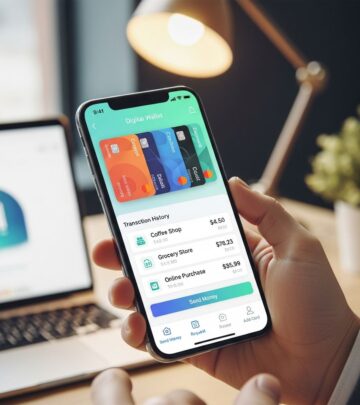
View transaction history, set spending limits, and remove cards anytime. Both apps notify of low balances on linked transit cards. For multiple cards, reorder defaults or categorize by rewards type.
| Feature | iWallet (iOS) | Google Wallet (Android) |
|---|---|---|
| Card Limit | Up to 16 | Unlimited |
| Biometrics | Face/Touch ID | Fingerprint/PIN |
| Rewards View | Basic | Advanced (Amex/Capital One) |
| Family Sharing | Via Family Sharing | Family Link |
| ID Storage | Limited | Digital IDs/Keys |
Security and Privacy Features
Tokenization hides real card numbers; transactions encrypt end-to-end. Biometrics prevent unauthorized access. Google offers 2-step verification, remote wipe, and no data sharing without consent. If lost, lock via Find My Device. No transaction data is sold; privacy settings control sharing.
Compatibility and Availability
Google Wallet: Android 5.0+, select iOS; 88 countries. iWallet: iOS 13+. Cards must be from supported issuers—check via app. Not available on iPads.
Benefits of Using Digital Wallets for Credit Cards
- Convenience: One tap for payments; no wallet needed.
- Rewards Maximization: See perks instantly.
- Organization: All cards/passes in one app.
- Security: Safer than physical cards.
- Eco-Friendly: Reduces plastic waste.
Limitations and Troubleshooting
Not all cards/banks supported; verify first. NFC required for tap-to-pay. If add fails, update app or contact issuer. Older devices may lack full features.
Frequently Asked Questions (FAQs)
Q: Can I use Google Wallet on iPhone?
A: Yes, on iPhone XS+ with iOS 17+, but features are limited compared to Android.
Q: Is it safe to store credit cards in these wallets?
A: Yes, with tokenization, encryption, and biometrics—safer than physical cards.
Q: How do I remove a card?
A: Open app, select card, tap remove; confirm. It doesn’t affect your physical card.
Q: Does Google Wallet show credit card rewards?
A: Yes, for select cards like Amex and Capital One at Chrome checkout.
Q: Can I add family members’ cards?
A: Google Wallet yes via Family Link; iWallet via Apple Family Sharing.
Conclusion
iWallet and Google Wallet revolutionize credit card management with secure storage, easy payments, and smart features. Switch today for a clutter-free, efficient experience.
References
- Google Wallet & Google Pay: What you need to know — Anptom Knowledge Base. 2024. https://knowledge.antom.com/google-wallet-google-pay-what-you-need-to-know
- Google Wallet: Securely Store Cards and Digital Keys — Google Store. 2024. https://store.google.com/intl/en/ideas/articles/from-wallet-to-google-wallet/
- Google Pay helps customers maximize credit card rewards — eMarketer. 2024. https://www.emarketer.com/content/google-pay-maximize-credit-card-rewards-removes-checkout-friction
- Manage your Google payment info — Google Wallet Help. 2024. https://support.google.com/wallet/answer/9244912?hl=en
- Google Wallet – Your Fast and Secure Digital Wallet — Google Wallet. 2024. https://wallet.google
- 3 new Google Pay features to help you easily check out online — Google Blog. 2024. https://blog.google/products-and-platforms/platforms/google-pay/google-pay-online-checkout-features/
- Google Wallet FAQs & Additional Information — Google Wallet. 2024. https://wallet.google/intl/en_us/faq/
Similar Articles








Read full bio of Sneha Tete