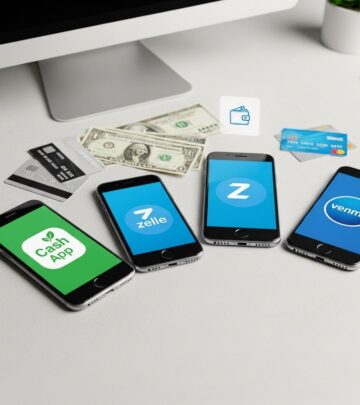
Is Venmo Secure in 2026?
Discover essential strategies to protect your money on Venmo amid rising scams and evolving threats in 2026.
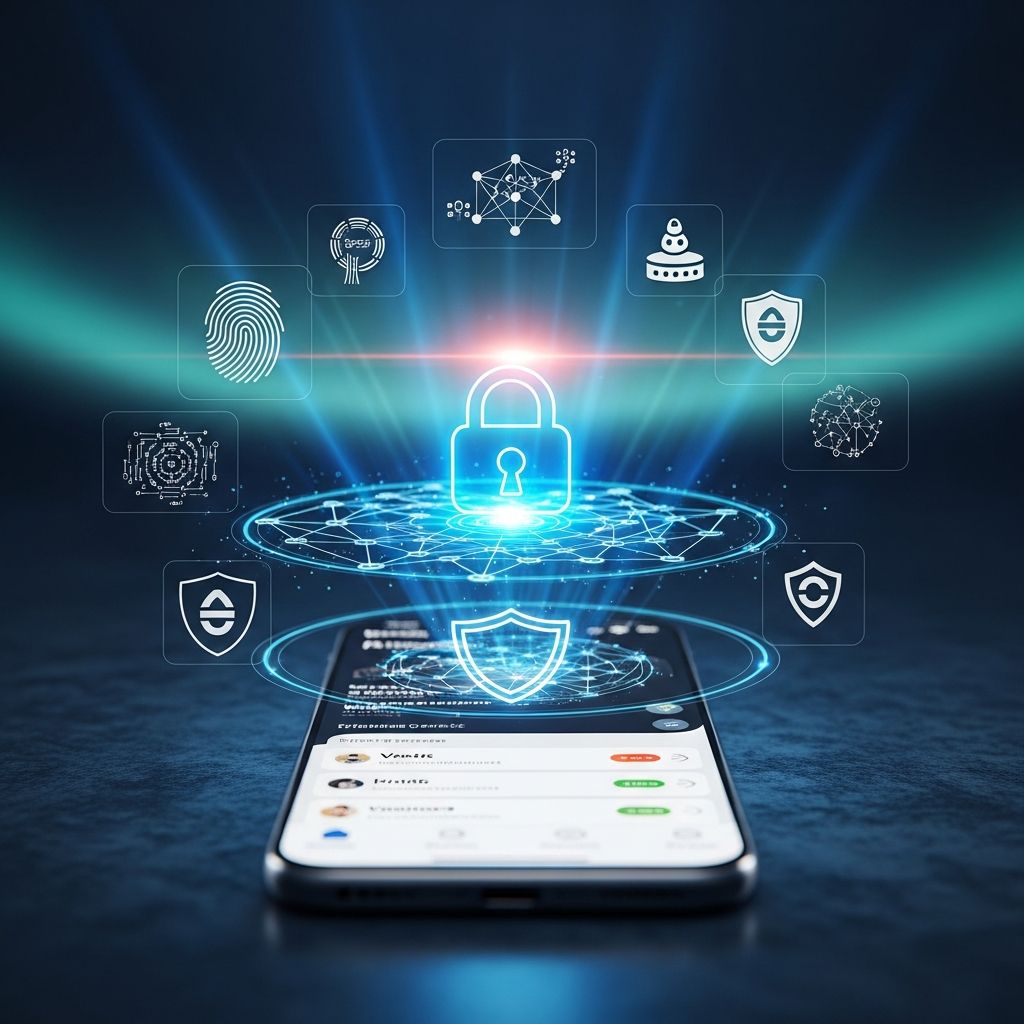
Venmo remains a popular choice for quick peer-to-peer payments in 2026, but its convenience invites scammers. When used with proper precautions, it offers robust security through regulatory oversight and built-in tools. This article examines its safety landscape, drawing from official guidelines and recent fraud trends.
Understanding Venmo’s Security Foundation
Venmo operates under U.S. Treasury Department regulations, ensuring compliance with federal financial standards. The platform employs advanced monitoring for unusual activities, such as IP changes or irregular access patterns. Features like dynamic alerts now flag high-risk “Friends and Family” transactions, potentially blocking them outright since these payments lack purchase protections.
Biometric locks, including Face ID on iOS and fingerprint or PIN on Android, add device-level barriers. Users access these via Settings > Security > Passcode Lock. Multi-factor authentication (2FA) requires verification codes for new devices, further hardening accounts.
Prevalent Venmo Scams to Watch in 2026
Fraud on payment apps surged, with the Federal Trade Commission reporting $391 million in U.S. losses. Scammers exploit Venmo’s speed across several tactics:
- Accidental Overpayments: Fraudsters send money from stolen cards, then request refunds. When the original payment reverses, victims lose funds.
- Impersonation Scams: Posing as friends or officials, attackers request urgent payments via fake profiles.
- Phishing Attempts: Bogus emails or texts mimic Venmo, tricking users into sharing credentials. Forward suspects to phishing@venmo.com.
- Stranger Phone Access: Borrowing devices to make unauthorized transfers, bypassing app locks.
- Fake Giveaways: Promises of prizes in exchange for upfront fees or details.
Only send to verified contacts; block suspicious users through the app.
Step-by-Step Guide to Fortifying Your Venmo Account
Proactive setup minimizes risks. Follow these steps:
- Enable Passcode and Biometrics: Navigate to Settings > Security > Passcode Lock (iOS: Face ID & Passcode; Android: Passcode & Biometric Unlock).
- Activate 2FA: Link a phone number or authenticator app for login codes on unfamiliar devices.
- Use Strong, Unique Passwords: Avoid reuse; consider a manager for complexity.
- Turn On Transaction Alerts: Receive notifications for all activity to spot issues early.
- Verify Identity Safely: Venmo may request SSN for reporting via app only (Settings > Identity Verification)—never email or text.
| Feature | Location in App | Benefit |
|---|---|---|
| Passcode Lock | Settings > Security | Prevents unauthorized app access |
| 2FA | Settings > Security | Blocks logins from new devices |
| Dynamic Alerts | Automatic for P2P | Flags risky sends |
| Privacy Settings | Settings > Privacy | Hides transactions from public |
Best Practices for Everyday Venmo Use
Adopt habits that enhance safety:
- Reserve Venmo for trusted contacts; verify identities before paying strangers.
- Select “Goods and Services” for purchases—it enables refunds unlike personal transfers.
- Review feed privacy: Set to Private or Friends Only to conceal transactions.
- Avoid sharing login details; Venmo support never requests them via text/email.
- Monitor statements weekly for discrepancies.
For businesses, note prohibitions: No commercial use without authorization, gambling, or high-risk items like drugs or weapons.
What to Do If You’ve Fallen Victim
Act swiftly:
- Contact Venmo Support: Report via app; provide details for “accidental” claims.
- Secure Accounts: Change password, enable 2FA, review linked banks/cards.
- Alert Banks: Dispute unauthorized charges; freeze cards if needed.
- Report to Authorities: File with FTC at ReportFraud.ftc.gov; local police for large losses.
- Forward Phish: Email screenshots to support@venmo.com.
Quick response improves recovery odds, though personal payments offer no guarantees.
Venmo vs. Alternatives: Safety Comparison
| Platform | Key Safety Feature | Refund Policy | 2026 Scam Reports |
|---|---|---|---|
| Venmo | Dynamic alerts, biometrics | Goods/Services only | High (FTC data) |
| Zelle | Bank-integrated | No refunds | Similar volume |
| Cash App | PIN locks | Limited disputes | Rising phishing |
Venmo excels in social features but matches peers in scam vulnerability—prioritize verified sends across all.
Advanced Protections Beyond the App
Layer external tools:
- Antivirus with scam detection blocks phishing links.
- Identity monitoring tracks unusual activity.
- Credit freezes prevent new account fraud.
These complement Venmo’s controls for comprehensive defense.
Frequently Asked Questions (FAQs)
Does Venmo require my SSN?
Only for verified accounts or tax reporting, entered solely in-app.
Can I get money back from a scam?
Possible for Goods/Services; personal transfers are final—contact support immediately.
Is Venmo FDIC-insured?
Yes, up to $250,000 for eligible balances via partner banks.
How do I make transactions private?
Settings > Privacy > Private for future and past feeds.
What if I receive a suspicious Venmo message?
Ignore, block sender, report to Venmo—never click links.
Venmo’s safety hinges on user vigilance paired with its tools. By implementing these measures, you can transact confidently in 2026’s digital landscape.
References
- Venmo 101: Making Safer Payments with the App — McAfee Blog. 2024. https://www.mcafee.com/blogs/tips-tricks/is-venmo-safe-how-to-prevent-scams/
- How To Avoid the 12 Latest Venmo Scams in 2026 — Aura. 2026. https://www.aura.com/learn/venmo-scams
- Helpful Information — Venmo (Official). Accessed 2026. https://venmo.com/legal/us-helpful-information/
Similar Articles








Read full bio of Sneha Tete