How To Write A Resume: Step-By-Step Guide For Success
Master resume writing with our comprehensive guide covering structure, formatting, and proven strategies.
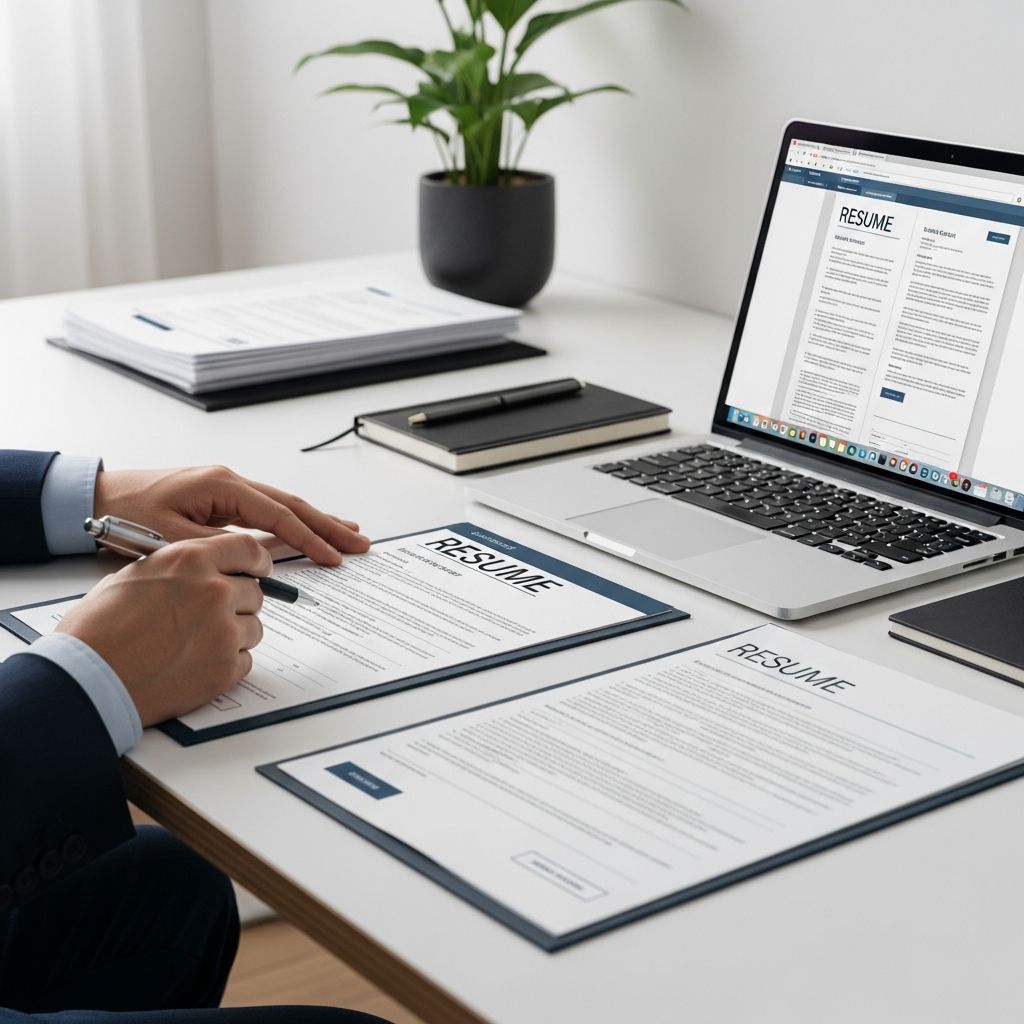
How to Write a Resume: A Complete Guide for Success
A resume is more than just a document listing your work history—it’s a strategic marketing tool that showcases your qualifications, skills, and accomplishments to potential employers. Whether you’re a seasoned professional or entering the job market for the first time, knowing how to write an effective resume is crucial for landing interviews and securing the job you want. This comprehensive guide will walk you through every step of creating a resume that stands out and gets results.
Understanding the Purpose of Your Resume
Before diving into the mechanics of resume writing, it’s important to understand what your resume should accomplish. A resume serves as a concise summary of your academic, employment, and personal experiences, carefully tailored to highlight your relevance to a specific position. Your resume should focus on your career interests and organize your qualifications in direct support of your career goals and objectives. The ultimate aim is to convince prospective employers that you are the ideal candidate for the role and compel them to invite you for an interview.
Think of your resume as an advertisement of yourself. Unlike a detailed life narrative, your resume should be focused, strategic, and concisely written. It should lead interviewers to ask questions that allow you to emphasize your accomplishments and demonstrate the specific skills and experiences that make you valuable to the organization.
Step 1: Create an Outline and Define Your Format
Getting started is often the hardest part of resume writing, but creating an outline will give you a solid foundation to work from. Before opening a blank document or settling on a final design, take time to brainstorm and organize your thoughts.
Begin by gathering your complete professional history. Write down all the jobs you have held, volunteer positions, internships, and relevant activities. For each position, list the work you performed using descriptive, action-oriented language that accurately reflects your duties, tasks, and responsibilities. Move from general descriptions to specific accomplishments. For example, instead of writing “Responsible for office management,” try “Responsible for office management, including scheduling meetings, coordinating with multiple departments, and maintaining filing systems.”
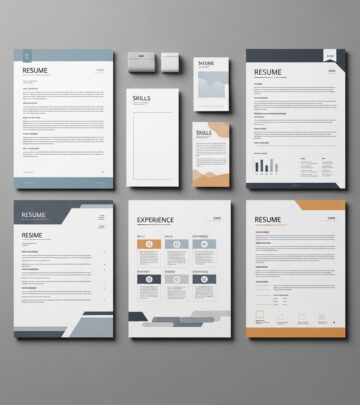
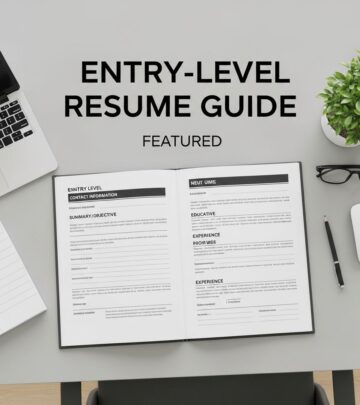
You can either create an outline from scratch or use resume templates available through various job boards and career websites. Templates are particularly helpful if you’re writing a resume for the first time, as they guide you through each necessary section and provide visual structure.
Step 2: Use the Upper Third of Your Resume to Display Your Highlights
The top portion of your resume is prime real estate—this is where recruiters focus their attention first. Research shows that hiring managers often spend just seconds scanning a resume, so it’s critical to capture their attention immediately with your most compelling qualifications.
Structure the upper third of your resume as follows:
Your Name and Contact Information: Place these at the very top. Include your full name, phone number, email address, city and state (or full address if preferred), and professional social media profiles like LinkedIn. Do not include irrelevant personal information such as height, weight, age, marital status, or a photo unless specifically requested for certain industries.
Your Objective Statement: Below your contact information, create a compelling objective statement in one to two sentences that explains your core offering to an employer. This is your opportunity to answer the question: “If an employer were to only read this part of my resume, what would I really want them to know?” A strong objective statement should be specific to the position you’re seeking and demonstrate how you can add value to the organization.
Step 3: Include Your Education
Your education section should follow your objective statement. This section is particularly important if you are early in your career or if your educational credentials are relevant to the position you’re pursuing.
When listing your education, include the following information:
– Name of the college or university attended- City and state where the institution is located- Degree earned and field of study- Month and year of graduation (or expected graduation)- Relevant coursework, honors, or academic achievements
For example: “BA in Communication Studies, University of Nebraska, May 2020. Relevant coursework: Business Communication, Organizational Leadership, Professional Writing.”
If you attended multiple colleges or are still pursuing a degree, list them in reverse chronological order, starting with the most recent or highest degree earned. If you have advanced degrees or certifications relevant to your field, these should be prominently featured.
Step 4: Think Beyond Professional Experience
Not all valuable experience comes from traditional employment. As you build your resume, consider all the ways you’ve developed relevant skills and knowledge. This might include:
– Volunteer work and community service- Internships and apprenticeships- Leadership roles in clubs or organizations- Project-based work or freelance assignments- Professional development and training- Certifications and licenses- Speaking engagements or presentations- Research projects or academic work
These alternative experiences demonstrate initiative, commitment, and the ability to develop skills outside traditional employment. They’re particularly valuable if you’re changing careers, re-entering the workforce, or have limited formal work experience. Present these experiences with the same professionalism and attention to detail as you would traditional employment.
Step 5: Craft Your Professional Experience Section
The professional experience section is typically the longest and most detailed part of your resume. This is where you demonstrate your career progression and provide concrete evidence of your capabilities and accomplishments.
For each position, include the following elements in this format:
– Job title- Company name and location (city and state)- Dates of employment (month and year of start and end)- Three to five bullet points describing key accomplishments and responsibilities
For example: “Spanish Tutor, Self-employed, June 2021 to Present”
When writing your bullet points, use strong action verbs to begin each statement, conveying that you are active and productive. Avoid passive phrases such as “My duties included” or “Responsible for.” Instead, lead with dynamic verbs like “Managed,” “Developed,” “Created,” “Coordinated,” or “Implemented.”
Most importantly, focus on accomplishments rather than mere duties. Use numbers and quantifiable results whenever possible to demonstrate your impact. For instance, instead of “Managed social media accounts,” write “Increased social media engagement by 45% through targeted content strategy, resulting in 2,000 new followers over six months.” This approach shows employers not just what you did, but the value you created.
List your experience in reverse chronological order, starting with your most recent position. This format is widely preferred because it immediately shows employers your current level of responsibility and experience.
Step 6: Highlight Your Skills and Certifications
Your skills section should showcase both hard skills and soft skills that are relevant to your target position. Hard skills are technical or job-specific abilities, such as proficiency in software programs, languages spoken, or certifications held. Soft skills include qualities like communication, leadership, problem-solving, and teamwork.
When creating your skills section, match keywords from the job description to those in your skill set. This not only demonstrates that you’re a strong fit for the position but also helps your resume pass through automated applicant tracking systems (ATS) that many employers use to screen resumes.
Consider including subsections within your skills section to organize them by category. For example:
– Technical Skills: Proficient in Microsoft Office Suite, Adobe Creative Cloud, Project Management Software- Languages: Fluent in Spanish and Mandarin Chinese- Certifications: Certified Business Office Manager, Certified Meeting Planner- Professional Skills: Strategic planning, team leadership, event coordination
Optional Sections to Enhance Your Resume
Depending on your background and the position you’re seeking, you may want to include additional sections that provide a more complete picture of your qualifications:
– Professional Development: List relevant training courses, workshops, or seminars you’ve completed- Publications: Include articles, research papers, or other written work you’ve published- Awards and Recognition: Highlight honors, awards, or special recognition you’ve received- Volunteer Work: Describe volunteer positions and the impact you made- Languages: List languages you speak and your proficiency level- References: Include names, titles, and contact information for professional references who can speak to your qualifications
Resume Formatting and Design Best Practices
How your resume looks is just as important as what it says. Poor formatting can cause hiring managers to overlook valuable information, while professional, clean formatting makes your qualifications easy to scan and remember.
Font and Typography: Use an easily readable standard font such as Arial, Calibri, or Times New Roman in 10-12 point size. Avoid decorative or unusual fonts that may be difficult to read or that don’t print clearly. Use bold, italics, and underlining strategically to highlight section headers and key information, but avoid overusing these formatting tools, which can make your resume look cluttered.
White Space and Spacing: Your resume should have adequate white space to make it visually appealing and easy to read. Use 0.5-inch margins on all sides as a minimum. Include spacing between sections and use bullet points to break up dense blocks of text. Proper spacing improves readability and allows recruiters to quickly find the information they’re looking for.
Length: Keep your resume to one page if possible, especially if you have fewer than ten years of experience. For more experienced professionals, a two-page resume is acceptable, but three or more pages is rarely justified. Be ruthless about eliminating less important information and focus on what’s most relevant to the position you’re seeking.
Consistency: Use consistent formatting throughout your document. If you bold job titles in one section, bold them in all sections. Use the same date format, spacing, and font styling throughout. Consistency demonstrates attention to detail and professionalism.
Writing Tips for a Resume That Stands Out
Use Action Verbs: Begin each bullet point with a strong action verb that demonstrates your impact and initiative. Examples include: Achieved, Built, Coordinated, Created, Delivered, Developed, Enhanced, Expanded, Facilitated, Implemented, Improved, Increased, Led, Launched, Managed, Negotiated, Organized, Overcame, Pioneered, Resolved, Streamlined, and Transformed.
Quantify Your Results: Whenever possible, use numbers to demonstrate the scale of your accomplishments. Instead of “Improved customer satisfaction,” write “Improved customer satisfaction scores by 28%.” Numbers make your achievements concrete and memorable.
Tailor Your Resume: Customize your resume for each position you apply for. Review the job description and identify the key qualifications and skills the employer is seeking. Incorporate relevant keywords and rearrange sections to highlight the experiences most aligned with the specific role. This targeted approach significantly increases your chances of getting noticed.
Proofread Thoroughly: Spelling and grammatical errors can immediately disqualify you from consideration. Proofread your resume multiple times, ideally having someone else review it as well. Read it aloud to catch errors you might otherwise miss. Ensure your content is written clearly and concisely, using the minimum number of words necessary to communicate your message.
Use Descriptive Language: Replace generic descriptions with specific, descriptive language that accurately reflects your duties and accomplishments. Move from broad statements to detailed information that helps recruiters understand the scope and impact of your work.
Common Resume Mistakes to Avoid
– Including irrelevant information: Don’t include personal details like age, marital status, or photo unless specifically required- Using first-person pronouns: Avoid “I,” “me,” and “my.” Resumes are understood to be about you- Listing duties instead of accomplishments: Focus on what you achieved, not just what you were responsible for- Inconsistent formatting: Maintain uniform fonts, spacing, and styling throughout- Gaps in dates: Account for all time periods, explaining any gaps if they’re significant- Unprofessional email address: Use a professional email that includes your name, not something like partygirl@email.com- Outdated information: Remove old certifications or skills that are no longer relevant- Too much information: Remember that hiring managers scan resumes quickly; prioritize the most important information
Frequently Asked Questions
Q: Should I include an objective statement on my resume?
A: While objective statements are optional, a well-crafted objective can help you stand out by immediately telling employers what you’re seeking and how you can contribute. However, ensure it’s specific to the position and company you’re applying to, not generic.
Q: How far back should my work history go?
A: Generally, include the last 10-15 years of relevant experience. For early-career professionals, include all positions. For experienced professionals, focus on the most recent and relevant roles, and you can exclude dates for positions held more than 15 years ago.
Q: Should I include references on my resume?
A: It’s generally better to provide references upon request rather than listing them on your resume. This saves valuable space and allows you to tailor your references to each position. However, some industries have different conventions, so research your field.
Q: What’s the best file format for submitting my resume?
A: PDF is typically the safest choice as it preserves your formatting across all devices and operating systems. However, check the job posting for specific requirements, as some companies prefer Word documents or other formats.
Q: How should I handle employment gaps?
A: Brief gaps don’t require explanation, but longer gaps should be addressed. You can note them as “Career Break” or briefly explain the reason (e.g., education, family care, relocation). Focus on how you’ve used the time productively.
Q: Should I customize my resume for different jobs?
A: Yes, absolutely. Tailoring your resume for each position significantly improves your chances of getting an interview. Adjust the order of skills, highlight relevant experience, and use keywords from the job description.
References
- Resume Writing 101: Tips for Creating a Resume — Indeed Career Advice. https://www.indeed.com/career-advice/resumes-cover-letters/resume-writing-101
- Résumé Writing Guide — Cornell School of Hotel Administration. 2013. https://sha.cornell.edu/academic-affairs/career-management/
Similar Articles








Read full bio of Sneha Tete