Set Up Online Bill Pay: 5 Easy Steps For 2025
Master online bill payment: A complete guide to enrolling, adding payees, and managing payments.
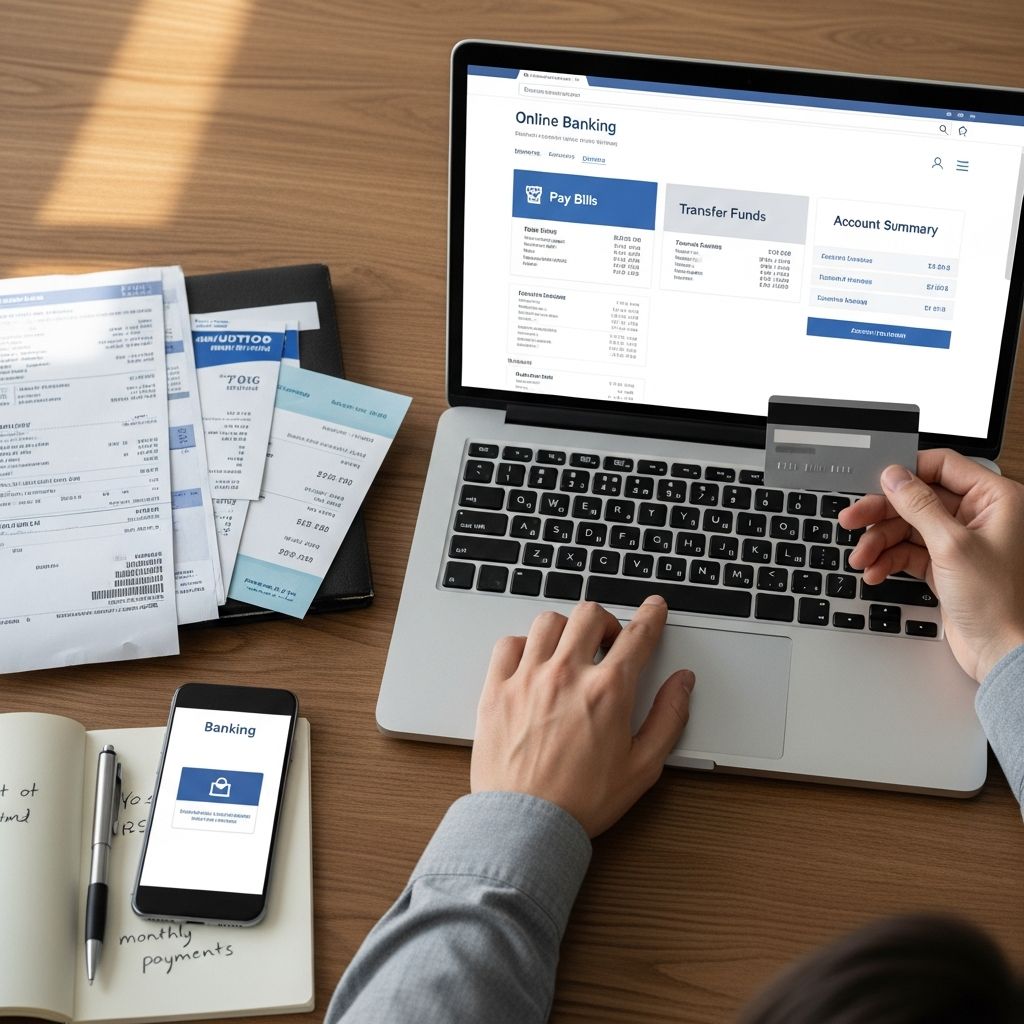
How to Set Up Online Bill Pay: A Complete Guide
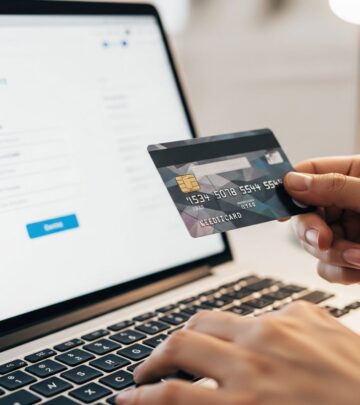
Online bill pay has revolutionized the way people manage their finances, eliminating the need for writing checks, purchasing stamps, and waiting for payments to arrive in the mail. Whether you’re paying utilities, credit cards, rent, or other recurring expenses, online bill pay offers convenience, security, and peace of mind. Setting up online bill pay through your bank or financial institution is straightforward and typically takes just a few minutes. This guide will walk you through every step of the process, from initial enrollment to making your first payment.
What Is Online Bill Pay?
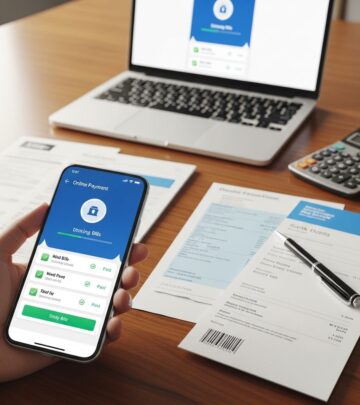
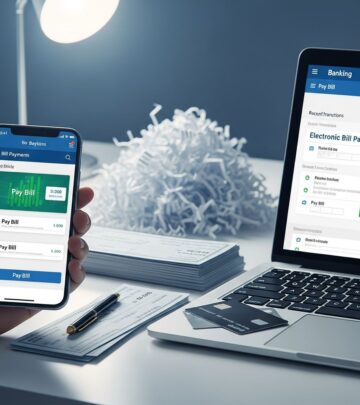
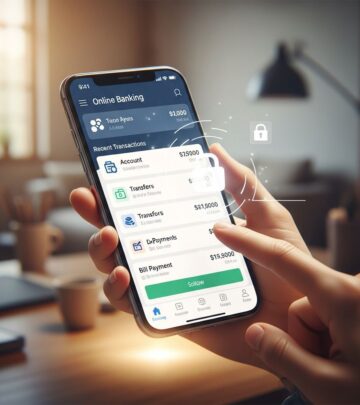
Online bill pay is a digital service offered by most banks and financial institutions that allows you to pay your bills electronically from your checking account. Instead of writing checks and mailing them, you can schedule payments to arrive on specific dates, manage multiple payees, and track payment history all from one secure platform. This service is particularly useful for managing both one-time payments and recurring bills.
The primary advantages of online bill pay include:
– Convenience: Pay bills anytime, anywhere from your computer or mobile device- Time-saving: No need to write checks or purchase postage- Organization: Keep all your payments in one place with detailed records- On-time payments: Schedule payments in advance to ensure bills are paid punctually- Cost-effective: Typically free or low-cost compared to traditional payment methods- Security: Encrypted connections protect your financial information
Step 1: Enroll in Online Banking
Before you can use online bill pay, you must first enroll in your bank’s online banking service. This typically involves creating a username and password and verifying your identity. Most banks require you to accept their online banking terms and conditions during the enrollment process.
To enroll:
– Visit your bank’s website and select the “Enroll” or “Register” option- Provide your account number and other identifying information- Create a unique username and strong password- Set up security questions or enable two-factor authentication- Review and accept the terms and conditions- Verify your identity through the methods your bank offers
Once you’ve successfully enrolled in online banking, you’ll receive confirmation via email or through your bank’s portal. Your account will typically be activated immediately or within one business day.
Step 2: Activate Online Bill Pay Service
After enrolling in online banking, you’ll need to specifically activate the bill pay feature. This is usually a separate step from general online banking enrollment. Log into your online banking account and look for the bill pay option in the main menu.
To activate bill pay:
– Log into your online banking account- Navigate to the bill pay section or look for a “Bill Pay” tab- Select “Enroll Now” or “Activate Bill Pay”- Review the bill pay service agreement- Select the checking account you want to use for bill payments- Accept the terms and conditions specific to bill pay- Complete any additional verification steps required by your bank
Some banks may require a waiting period of one to three business days before bill pay is fully activated on your account. During this time, your bank may verify your information to prevent fraudulent account access.
Step 3: Add Your Payees
Once bill pay is activated, you’ll need to add the companies or individuals you want to pay. A payee is anyone who receives payments from you through the bill pay system. This can include utilities, insurance companies, mortgage lenders, credit card companies, landlords, or any other billing entity.
To add a payee:
– Log into online banking and open the bill pay section- Select “Add Payee,” “Add a Biller,” or similar option- Enter the payee’s information, which may include: – Payee name (exactly as it appears on your bill) – Payee address – Account number (if applicable) – Payment type (electronic or check)- Verify that all information is correct before confirming- Click “Add Payee” or “Confirm”
When entering payee information, accuracy is crucial. Any errors in the payee name or address could result in payment delays or misdirected funds. If you have a recent bill from the payee, use the information exactly as it appears on that statement. Most banks display a confirmation message once the payee has been successfully added to your list.
Step 4: Make Your First Payment
Now that you have payees set up, you’re ready to make your first payment. The process is intuitive and typically involves just a few clicks or taps on your mobile device.
To make a payment:
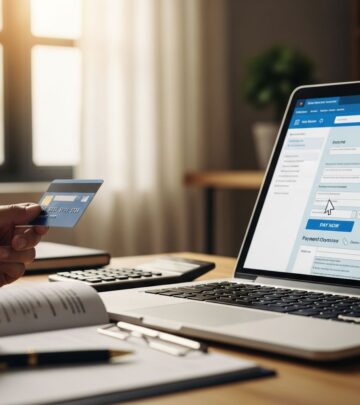
– Log into online banking and select bill pay- Choose the payee you want to pay from your payee list- Enter the payment amount- Select the payment date (when you want the money to be deducted from your account)- Choose the delivery date (when you want the payee to receive the payment)- Review all details for accuracy- Click “Pay Now” or “Schedule Payment”- Confirm the payment with any additional verification your bank requires
After you’ve submitted your payment, you should receive a confirmation number and a confirmation message. Keep this confirmation number for your records. Your bank will display the payment status in your bill pay history, typically showing whether it’s pending, processed, or delivered.
Step 5: Schedule Recurring Payments
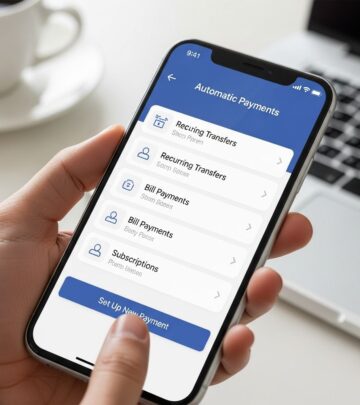
If you have bills that are due at the same time each month, such as a mortgage, rent, or insurance premium, you can set up automatic recurring payments. This feature saves time and helps ensure you never miss a payment deadline.
To set up automatic payments:
– Log into online banking and navigate to bill pay- Select the payee you want to set up for automatic payments- Choose “Make It Recurring” or “Set Up Automatic Payment”- Enter the payment amount (or select “Pay full amount due” if applicable)- Choose the frequency (monthly, weekly, bi-weekly, etc.)- Select the date payments should be made- Set an end date for the recurring payments (if applicable)- Add any notes or memos about the payment- Review and confirm the recurring payment setup
Once you’ve set up a recurring payment, it will automatically process on the schedule you’ve chosen. Most banks allow you to modify or cancel recurring payments at any time if your circumstances change.
Understanding Payment Timing
One important aspect of online bill pay is understanding the difference between when money leaves your account and when your payee receives it. Most banks distinguish between two dates:
| Send Date | Delivery Date |
|---|---|
| The date the payment is initiated from your account | The date the payee receives the payment |
| Your account is debited on this date | The payee’s account is credited on this date |
| Typically available for payment immediately | Usually 1-3 business days after send date |
When scheduling payments, remember that delivery usually takes one to three business days. To ensure your payment arrives on time, schedule it several days before the due date. For bills with tight deadlines, consider making the payment a week in advance.
Managing Your Bill Pay Account
After you’ve set up bill pay and made several payments, you’ll want to familiarize yourself with the management features available. Most online banking platforms offer tools to help you stay organized and in control of your payments.
Viewing Payment History
Your bank maintains a complete record of all bill pay transactions. You can typically view:
– Recent payments and their status- Pending payments scheduled for future dates- Historical payment records from past months or years- Payment details including amount, payee, and dates
Most banks allow you to filter this information by date range, payee, or payment status. You can also typically export or download payment history for your personal records or for use with accounting software.
Canceling Payments
If you need to cancel a payment before it’s been processed, most banks allow you to do so through your online banking platform. Typically, you can cancel payments that haven’t yet been sent or are still pending. Once a payment has been delivered to the payee, you generally cannot cancel it through bill pay.
Setting Up Payment Alerts
Many banking platforms offer alert services that notify you when specific events occur. You can set up alerts to:
– Receive reminders before upcoming bill due dates- Get notifications when e-bills arrive from your payees- Receive confirmations when payments are successfully processed- Alert you to payment delivery confirmations
These alerts can be delivered via email, text message, or within your online banking portal, depending on your bank’s offerings.
Security Considerations for Online Bill Pay
While online bill pay is generally secure, it’s important to take steps to protect your account and financial information.
Follow these security best practices:
– Use a strong, unique password for your online banking account- Enable two-factor authentication if your bank offers it- Never share your login credentials with anyone- Access bill pay only through your bank’s official website or app- Verify payee information carefully before making payments- Regularly monitor your account for unauthorized transactions- Log out of your account when finished- Use a secure internet connection (avoid public Wi-Fi for financial transactions)- Update your computer’s security software regularly
If you notice any unauthorized payments or suspicious activity in your bill pay history, contact your bank immediately. Most banks have fraud protection policies that can help protect you from unauthorized transactions.
Frequently Asked Questions
Q: Is online bill pay free?
A: Most banks offer online bill pay for free to their customers with checking accounts. However, it’s always worth confirming with your specific bank, as fees may apply in some cases or for premium accounts.
Q: How long does it take for a payment to reach my payee?
A: Delivery typically takes one to three business days from the send date. For time-sensitive payments, schedule them at least one week before the due date to ensure timely delivery.
Q: Can I pay anyone with bill pay, or only businesses?
A: You can pay both businesses and individuals through online bill pay. If paying an individual, you’ll typically need their name and address. For electronic ACH transfers, you may also need their bank account information.
Q: What happens if I accidentally enter the wrong amount or payee?
A: Most banks provide a review step before you confirm payment, allowing you to catch errors. If you catch an error before the payment is sent, you can cancel and resend it correctly. If the payment has already been sent, contact your bank immediately for assistance.
Q: Can I use bill pay to pay credit cards?
A: Yes, most bill pay services allow you to pay credit cards. You can pay your credit card issuer using your bank account through bill pay, similar to paying other billers.
Q: Is my information secure when using online bill pay?
A: Bank-provided bill pay services use encryption and security protocols to protect your financial information. However, you should still practice good security habits, such as using strong passwords and avoiding public Wi-Fi when accessing your account.
Q: Can I access bill pay from my mobile device?
A: Most banks offer bill pay access through both their website and mobile app. Mobile bill pay offers the same functionality as the web version, allowing you to manage payments on the go.
Q: What if my bank doesn’t offer bill pay?
A: If your bank doesn’t offer bill pay, you can use third-party bill pay services or payment platforms. However, it’s worth switching to a bank that offers this service, as it’s a standard feature at most financial institutions today.
Conclusion
Setting up online bill pay is a simple yet powerful step toward managing your finances more efficiently. By following the steps outlined in this guide—enrolling in online banking, activating bill pay, adding payees, scheduling payments, and utilizing available management tools—you can streamline your bill payment process and ensure your bills are always paid on time. With online bill pay, you’ll gain convenience, security, and better control over your financial obligations. Most people find that once they’ve set up online bill pay, they wonder how they ever managed bills without it.
References
- Online Bill Pay: Enroll, add payee and make a payment — Chase Bank. 2025. https://www.chase.com/digital/customer-service/helpful-tips/business-banking/payments/bill-pay-enroll-add-pay
- How Online and Mobile Bill Pay Works — Bank of America. 2025. https://info.bankofamerica.com/en/digital-banking/online-bill-pay
- Online Bill Pay: What It Is, How It Works & Why It Matters — Ramp. 2024. https://ramp.com/blog/what-is-bill-pay
- Bill Pay – Paying bills online is easy and secure — U.S. Bank. 2025. https://www.usbank.com/online-mobile-banking/bill-pay.html
- QuickBooks Bill Pay explained: How it works, benefits, and setup — Intuit QuickBooks. 2024. https://quickbooks.intuit.com/r/innovation/bill-pay/
Similar Articles








Read full bio of medha deb