How to Set Up Automatic Payments
Streamline your finances by automating bill payments to save time, avoid late fees, and maintain better cash flow control.
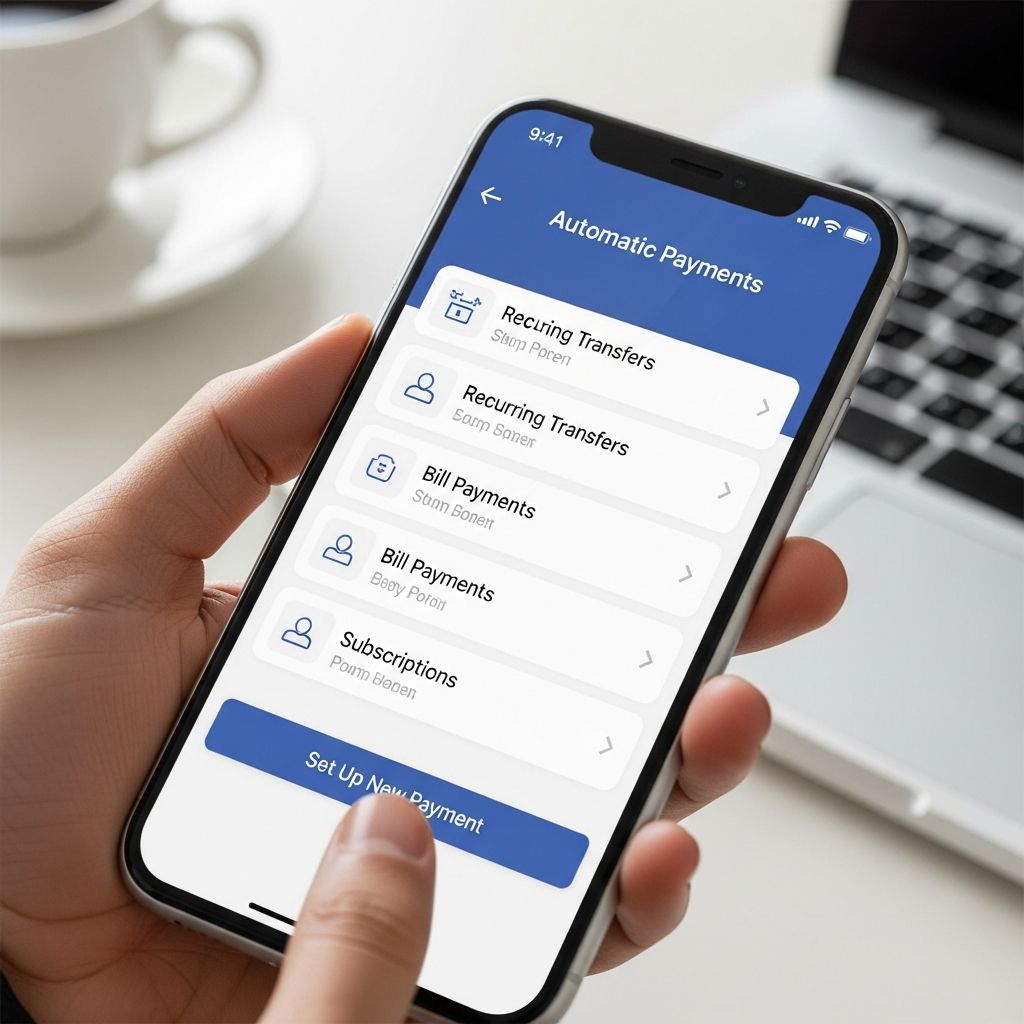
Automatic payments, also known as autopay or recurring payments, allow bills to be deducted directly from your bank account or charged to your credit card on a scheduled basis. This method eliminates manual payments, reduces the risk of late fees, and helps maintain a strong payment history for better credit scores. By automating routine expenses like utilities, subscriptions, and loans, you free up time for more important financial planning.
According to financial experts, automating payments is one of the simplest ways to achieve financial discipline. It ensures timely payments even if you forget, but requires careful monitoring to avoid overdrafts or unauthorized charges. This guide covers all major methods, pros and cons, and best practices drawn from reliable banking and payment resources.
Benefits of Automatic Payments
Setting up automatic payments offers multiple advantages for busy individuals and households. First, it prevents late fees, which can average $30-$40 per incident for credit cards and utilities, according to Consumer Financial Protection Bureau data. Timely payments also boost your credit score by demonstrating reliability to lenders.
- Time Savings: No need to log in monthly or write checks; payments happen seamlessly.
- Interest and Fee Avoidance: Many creditors offer discounts, like 0.25%-1% off loan interest for autopay enrollment.
- Cash Flow Predictability: Know exactly when funds leave your account, aiding budgeting.
- Paperless Efficiency: Reduces mail time and lost checks, aligning with modern digital banking trends.
However, automation isn’t foolproof. Always maintain sufficient funds to avoid overdraft fees, which can exceed $35 per transaction at many banks.
Drawbacks and Risks to Consider
While convenient, automatic payments have potential pitfalls. Overlooking variable bills like medical or utility charges can lead to surprises. If a creditor increases rates without notice, you might pay more than expected.
| Pros | Cons |
|---|---|
| Prevents late fees | Risk of overdrafts |
| Builds credit history | Harder to dispute errors |
| Discounts on interest | Less visibility on bill changes |
| Convenience | Requires monitoring |
To mitigate risks, review statements monthly and set up bank alerts for low balances. Use credit cards for autopay where possible to earn rewards and gain purchase protection.
Method 1: Through Your Bank’s Bill Pay Service
Most banks offer free online bill pay, making it the easiest starting point for automation. Log into your bank’s website or app, navigate to ‘Bill Pay’ or ‘Payments,’ and add payees.
- Add a Payee: Search for the creditor (e.g., utility company) or enter details manually, including account number.
- Set Amount and Schedule: Choose fixed (e.g., $100 rent) or variable amounts, and frequency (weekly, monthly).
- Select Payment Date: Banks typically process 1-3 days early to ensure timely arrival.
- Confirm and Activate: Review, then save. The bank sends electronic transfers or checks.
For example, major banks like Chase or Bank of America allow scheduling recurring payments indefinitely or until canceled. This method works for nearly all U.S. payees and is FDIC-insured. Pro tip: Use it for fixed bills like mortgages to lock in consistency.
Method 2: Directly with Creditors and Service Providers
Many companies prefer direct autopay setup via their portals for faster processing. Visit the creditor’s website, log in, and find ‘Autopay’ or ‘Payment Options’.
- Utilities and Telecom: Companies like PG&E or Verizon offer enrollment with payment history access.
- Loans and Credit Cards: Student loan servicers (e.g., Nelnet) and issuers (e.g., Citi) often require this for rate reductions.
- Steps: Provide bank routing/account numbers or card details, agree to terms, select date (often 1st or 15th), and confirm via email.
Direct setup integrates with their billing system, sometimes offering e-statements. Note: Only share details with trusted vendors to avoid scams.
Method 3: Using Third-Party Apps and Services
For flexibility, especially international transfers, apps like Wise (formerly TransferWise) excel at recurring payments. Wise supports scheduled transfers in 50+ currencies with low fees.
Setting Up Recurring Payments in Wise:
- Log into Wise app/website, select ‘Send’ or ‘Scheduled Transfers.’
- Enter amount, recipient (new or saved), currency.
- Choose frequency: weekly, monthly, custom; set start/end dates.
- Fund via balance, bank, or card; review fees (often under 1%).
- Confirm password; track/edit in dashboard.
Ideal for rent abroad, subscriptions, or family support. Wise’s multi-currency accounts prevent exchange rate losses. Other apps like Mint or YNAB link for reminders, but true automation shines in payment-focused tools.
Types of Automatic Payments
Not all autopay is identical. Understand variations:
- Fixed Amount: Same sum monthly (e.g., gym membership).
- Variable Amount: Minimum due or full balance (e.g., credit cards).
- One-Time vs. Recurring: Set finite series or indefinite.
- ACH vs. Card: Bank transfers (free, 1-3 days) vs. credit (rewards, but interest risk).
Choose based on bill predictability. Fixed for stability, variable for flexibility.
How to Monitor and Manage Automatic Payments
Automation requires oversight. Categorize bills: auto-review utilities (rare changes), manual-review variables like cards.
- Enable bank/creditor alerts for payments and low balances.
- Monthly: Download statements, compare totals.
- Use budgeting apps to track outflows.
- Annual audit: List all autopays, cancel unused (e.g., forgotten subscriptions).
If issues arise, contact payee first, then bank. Most allow 24-48 hour holds.
Common Mistakes to Avoid
Avoid these pitfalls for smooth operation:
- Insufficient Funds: Buffer account with 1.5x monthly outflows.
- Linking Wrong Account: Double-check routing numbers.
- Forgetting to Update: Notify of address/bank changes.
- Over-Automating Variables: Review medical/credit bills manually.
- Ignoring Fees: Opt for ACH over cards when no rewards needed.
Special Considerations for Different Bill Types
| Bill Type | Best Method | Tip |
|---|---|---|
| Rent/Mortgage | Bank Bill Pay | Fixed amount, mid-month date |
| Utilities | Direct Autopay | Fully automate; rare variances |
| Credit Cards | Bank to Card | Pay full balance to avoid interest |
| Subscriptions | App like Wise | Easy cancel via dashboard |
| Loans | Creditor Portal | Enroll for rate discounts |
Frequently Asked Questions (FAQs)
Q: Is it safe to set up automatic payments?
A: Yes, when using trusted banks/creditors with encryption. Monitor regularly and use virtual account numbers for added security.
Q: Can I cancel automatic payments anytime?
A: Absolutely. Contact payee or bank; changes take 1-3 days. No fees for most.
Q: Does autopay improve my credit score?
A: Yes, on-time payments (35% of FICO score) build positive history.
Q: What if my bill amount changes?
A: For variable pay, banks pay minimum or full; adjust manually as needed.
Q: Are there fees for bank bill pay?
A: Usually free for standard ACH; premium expedited options may charge.
Getting Started Today
Start small: Automate 2-3 fixed bills via your bank. Gradually expand, always prioritizing monitoring. This system, refined over years by frugal experts, turns bill pay into a background task, letting you focus on wealth-building.
References
- Consumer Financial Protection Bureau – Late Fees Report — CFPB (Primary). 2024-06-15. https://www.consumerfinance.gov/data-research/research-reports/
- How To Set Up Recurring Payments In Wise — Wise/YouTube. 2025-08-28. https://www.youtube.com/watch?v=5Hp79gySdUM
- What Are Automated Payments and Why Should I Care? — Wise-Pay Blog. 2023-05-10. https://www.wise-pay.com/blog/what-are-automated-payments
- Electronic Funds Transfer Act (Regulation E) — Federal Reserve (Primary). 2025-01-01. https://www.federalreserve.gov/supervisionreg/reglisting.htm
- Money Management in 5 Minutes a Day — Wise Bread. 2022-03-20. https://www.wisebread.com/money-management-in-5-minutes-a-day
- How to Set Up Automatic Payments — Wise Bread. 2010-09-12 (Updated 2024). https://www.wisebread.com/how-to-set-up-automatic-payments
Similar Articles








Read full bio of Sneha Tete