How to Send a Resume and Cover Letter as an Attachment
Master the best practices for submitting professional resume and cover letter attachments.
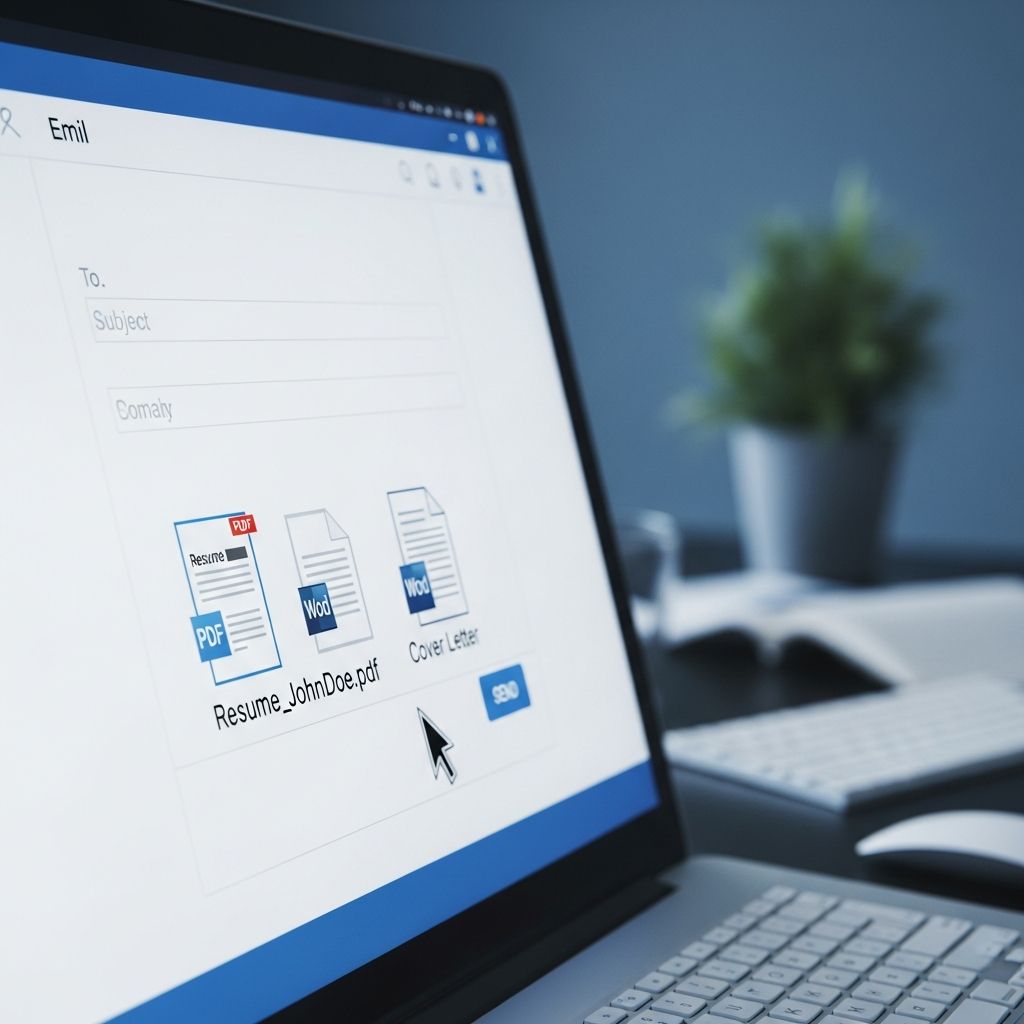
When applying for jobs, the way you submit your resume and cover letter can impact how hiring managers perceive your professionalism and attention to detail. Whether you’re sending documents via email or uploading them to an online application system, understanding the proper format and submission method is essential for making a strong impression. This comprehensive guide covers everything you need to know about sending resume and cover letter attachments effectively.
Understanding File Format Standards
One of the most critical decisions when preparing your application materials is choosing the right file format. The standard format for submitting resumes and cover letters in today’s professional landscape is PDF rather than Microsoft Word documents. PDF formatting preserves your document’s appearance across different computers and devices, ensuring that hiring managers see exactly what you intended them to see, regardless of what software they use to open the file.
When you submit a Word document (.doc or .docx), several formatting issues can arise. The recipient’s version of Microsoft Word may differ from yours, causing text to reflow, fonts to change, or formatting to shift unexpectedly. Additionally, if a hiring manager opens your Word document, their spell-check system may flag words not recognized as standard English with red underlines, creating an unprofessional appearance. If you absolutely must submit a Word document, finalize it to prevent recipients from accidentally editing your content.
PDF files eliminate these compatibility concerns while also offering protection against accidental modifications. Most importantly, PDFs are universally recognized as the professional standard in recruitment, demonstrating that you understand contemporary business practices.
Single vs. Multiple Attachments
When submitting your application materials, you face another important decision: should you combine your resume and cover letter into one PDF file, or send them as separate attachments? Industry professionals generally recommend sending two separate PDF files rather than combining them into a single document. This approach provides several advantages.
Separate attachments allow hiring managers and applicant tracking systems (ATS) to process your documents independently. Some online application systems may have dedicated upload fields for resumes and cover letters, making separate files necessary. Additionally, when recruiters forward your materials internally or archive them in their database, having distinct files makes organization easier and ensures nothing gets lost in translation.
When submitting two separate files, maintain clear organization and professional naming conventions. Rather than generic filenames like “Resume.pdf” or “Document1.pdf,” use descriptive names such as “FirstName_LastName_Resume.pdf” and “FirstName_LastName_CoverLetter.pdf.” This naming strategy ensures your documents are easily identifiable and demonstrates your attention to detail.
Submission Method: Email Body vs. Attachments
How you incorporate your cover letter when submitting via email depends on the context and your communication strategy. Two primary approaches exist: inserting the cover letter into the email body itself, or attaching it as a separate file.
Cover Letter in Email Body
Many recruitment professionals recommend placing your cover letter directly in the email body rather than as an attachment. This approach has several advantages. First, it ensures the hiring manager reads your cover letter immediately upon opening the email, rather than having to download and open an additional attachment. Your cover letter essentially becomes the email itself, creating a more direct and personalized communication. This method treats the email as a formal letter to the recruiter, cutting through the middle step of asking them to review attachments.
Additionally, placing your cover letter in the email body reduces the number of attachments a hiring manager needs to manage. Since your resume is attached as a PDF, including only one attachment streamlines the submission and makes it easier for recipients to organize their inbox.
Cover Letter as Attachment
Some job seekers prefer attaching both the resume and cover letter as separate PDF files. This approach treats both documents equally and provides clear organization. However, professionals who have tracked response rates often report slightly better outcomes when the cover letter is incorporated into the email body, as it ensures immediate visibility and engagement.
If you choose to attach your cover letter, use the same professional naming conventions as your resume: “FirstName_LastName_CoverLetter.pdf.” Ensure both documents use consistent formatting and the same professional font.
Online Application Systems vs. Direct Email
Your submission method depends significantly on whether you’re applying through a company’s online application portal or sending materials directly to a recruiter or HR contact.
Online Application Systems
Most corporate websites and job boards feature dedicated application systems with separate upload fields for resumes and cover letters. In these instances, both your resume and cover letter should be submitted as PDF documents when possible. The system typically guides you through uploading each file separately, which streamlines the process and ensures both documents are properly recorded in the company’s database.
Online application systems often employ applicant tracking software that scans documents for specific keywords, industry terminology, and company names. While some older systems might theoretically process Word documents more effectively for keyword searching, modern systems handle PDFs just as efficiently. If a company specifically requires Word format, follow their instructions precisely.
Direct Email Submissions
When emailing directly to recruiters, hiring managers, or HR departments, the recommended approach is to place your cover letter in the email body and attach your resume as a PDF file. This method respects the recipient’s inbox space, ensures your cover letter receives immediate attention, and demonstrates professional communication etiquette.
Your email should include a brief introduction in the message body if your cover letter isn’t embedded. A simple greeting such as “Dear [Hiring Manager’s Name], Please find my resume attached for the [Position Title] role” is sufficient, though embedding your full cover letter is preferable for maximizing engagement.
Best Practices for Document Formatting
Beyond choosing the right file format and submission method, proper document formatting ensures your materials present you in the best possible light.
Font Selection and Consistency
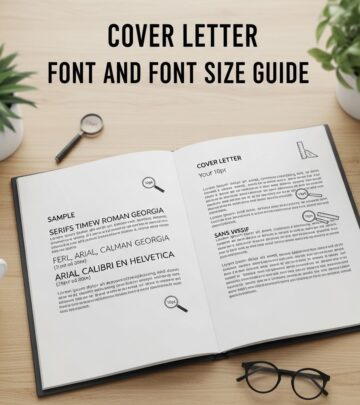
Use professional, readable fonts such as Arial, Calibri, Times New Roman, or Helvetica. Maintain consistent font choices across both your resume and cover letter. Font size should generally range from 10 to 12 points for body text, ensuring readability on both screen and print. Avoid decorative or unusual fonts that may not render properly on different devices.
White Space and Layout
Maintain balanced white space throughout both documents. Overcrowded pages appear cluttered and are difficult to read, while excessive white space looks sparse. Use standard margins (typically 1 inch) and appropriate line spacing (1.15 or double-spaced) to create professional-looking documents that are easy to scan.
Color and Styling
Keep your resume and cover letter in black text on a white background for maximum readability and print compatibility. While subtle use of color can add visual interest, excessive coloring may not reproduce well in PDFs or print formats. Bold and italics should be used sparingly for emphasis, such as section headers or job titles.
Naming Conventions and Organization
How you name your files sends an implicit message about your professionalism and organizational skills. Generic filenames like “Resume” or “Cover Letter” fail to distinguish your materials from dozens of other applications.
Instead, use the format: FirstName_LastName_DocumentType.pdf. Examples include:
– Jennifer_Smith_Resume.pdf
– Jennifer_Smith_CoverLetter.pdf
– Michael_Johnson_Resume.pdf
– Michael_Johnson_CoverLetter.pdf
This naming convention ensures your documents are immediately identifiable in hiring managers’ email inboxes and file systems. If a company requests a specific naming format, always follow their instructions precisely.
Compatibility Considerations
While PDF is the standard format, certain circumstances may warrant alternative approaches. Some applicant tracking systems, though rare, may process certain file types differently. However, if a company doesn’t specify a particular format requirement, PDF remains the optimal choice.
If you have specific concerns about how your documents will be processed by a particular company’s system, you can contact the recruiter or HR department directly to ask about their preferred file format. Most companies will appreciate your initiative in confirming their preferences.
Email Subject Line Best Practices
Your email subject line plays an important role in ensuring your application gets proper attention. Use clear, descriptive subject lines such as:
– “Application for [Position Title] – [Your Name]”
– “[Your Name] – [Position Title] Application”
– “Resume: [Your Name] – [Position Title]”
Avoid vague subject lines like “Job Application” or “Resume.” A specific subject line helps hiring managers quickly identify and organize your submission among dozens of applications.
Common Mistakes to Avoid
Using Outdated File Formats
Sending Word documents when PDFs are expected can result in formatting issues that undermine your professionalism. Stick with PDF unless specifically instructed otherwise.
Poor File Naming
Generic filenames make your application harder to track and suggest careless preparation. Always use descriptive, professional naming conventions.
Inconsistent Formatting
Ensure your resume and cover letter use the same fonts, formatting style, and professional tone. Inconsistency suggests a lack of attention to detail.
Overly Long Emails
If including your cover letter in the email body, keep your email introduction brief and professional. Let your cover letter content speak for itself without excessive explanation.
Sending Without Proofreading
Always proofread both documents before sending. Typos, grammatical errors, and formatting mistakes create negative first impressions.
Frequently Asked Questions
Q: Is PDF really necessary, or can I send a Word document?
A: PDF is the professional standard and eliminates formatting risks across different devices and software versions. While Word documents aren’t dealbreakers, PDFs demonstrate your understanding of modern professional practices and prevent compatibility issues.
Q: Should I send my cover letter in the email body or as an attachment?
A: Both approaches work, but placing your cover letter in the email body generally produces slightly better response rates, as it ensures the hiring manager sees your message immediately rather than having to download an attachment.
Q: How should I name my resume and cover letter files?
A: Use descriptive names like “FirstName_LastName_Resume.pdf” and “FirstName_LastName_CoverLetter.pdf.” This naming convention ensures your documents are easily identifiable and organized in hiring managers’ file systems.
Q: What should I do if a company requests a specific file format?
A: Always follow the company’s specific instructions. If they request Word documents or any other format, comply with their request, as they may have specific requirements for their applicant tracking system.
Q: Can I combine my resume and cover letter into one PDF?
A: While technically possible, sending them as two separate files is generally preferred. Separate files allow for better organization in hiring managers’ systems and align with how most online application portals are structured.
Q: What fonts should I use in my resume and cover letter?
A: Professional fonts such as Arial, Calibri, Times New Roman, or Helvetica are recommended. Use 10-12 point font size and maintain consistency across both documents for a polished appearance.
Q: Should I include color in my resume and cover letter?
A: Keep text in black for maximum readability and print compatibility. While subtle use of color can add visual interest, it may not reproduce well in PDFs. Stick with standard black text unless the role specifically requires creative design demonstration.
References
- Standard for Resume Attachment in Email — Wall Street Oasis. Accessed 2025-11-29. https://www.wallstreetoasis.com/forum/investment-banking/standard-for-resume-attachment-in-email
- Resume and Cover Letter Guide — United States Senate Employment Office. 2023-02. https://employment.senate.gov/wp-content/uploads/2023/02/Resume-and-Cover-Letter-Guide.pdf
Similar Articles








Read full bio of Sneha Tete