Plain Text Resume: Comprehensive ATS-Friendly Guide
Master the art of crafting a clean, ATS-friendly plain text resume that lands interviews in the digital job market.
In today’s digital job market, a plain text resume is essential for online applications. Unlike formatted PDFs or Word documents, plain text (ASCII) resumes ensure compatibility with Applicant Tracking Systems (ATS), email clients, and various browsers, preventing formatting glitches that could bury your qualifications. This comprehensive guide covers every step to create a professional, scannable plain text resume that gets you noticed by recruiters.
Why You Need a Plain Text Resume
Before diving into preparation, understand the necessity. Many job sites parse resumes automatically, stripping fancy formatting. A plain text version cuts to the substance, making it simple and direct—proven effective for job searches. Recruiters skim thousands of applications; a clean text resume with ample white space stands out, as busy employers prefer well-spaced, readable documents over cluttered ones.
Maintain a formatted print version for interviews, but prioritize plain text for submissions. It accommodates keyword screening by HR departments and ensures your content displays correctly across platforms, from Windows Notepad to Linux vi editors.
1. Choose a Text Editor
Your options are limitless—select any program that saves in plain text or ASCII format. Popular choices include:
- Notepad on Windows: Simple, ubiquitous, and reliable.
- Emacs or Vi on Linux: Powerful for precise control.
- EditPad or web-based editors: Convenient for quick edits without installation.
Avoid word processors like Microsoft Word unless exporting to .txt, as they embed hidden formatting. Test saves to confirm pure text output—no bold, italics, or fonts.
2. Page Width
Limit each line to
80 characters
maximum. Most editors offer text wrap, but disable it and manually insert line returns (Enter key). Why? Different programs wrap text variably; some don’t wrap at all, resulting in endless single lines that ruin readability.This 80-character standard mimics traditional terminal widths, ensuring compatibility. Count characters including spaces—tools like word counters help. Short lines enhance scannability on mobile devices or narrow screens.
| Line Length | Pros | Cons |
|---|---|---|
| Under 80 chars | Universal readability, ATS-safe | May feel sparse |
| Over 80 chars | Denser info | Wraps poorly, hard to scan |
3. Spacing and Alignment
Indent and align with
spaces, never tabs
—tabs render inconsistently across readers. Keep paragraphs short: 3-5 lines max, separated by blank lines for breathing room. This creates white space, vital since average resumes lack it, deterring busy readers.Example structure:
Your Name Phone | Email | LinkedInWORK EXPERIENCE Job Title Company, City, Dates - Achievement one with quantifiable result. - Skill demonstration in action.
Use consistent spacing: 2-4 spaces for indents. Blank lines between sections prevent monolithic blocks.
4. Emphasis on Text
Without bold or italics, get creative:
- Capitalize headers: e.g., “EDUCATION”, “SKILLS”, “WORK EXPERIENCE”. Never capitalize entire paragraphs—it’s shouting.
- Bullets with symbols: Use asterisks (*), hyphens (-), or plus signs (+). Avoid fancy Unicode; stick to typewriter-safe characters.
Example:
QUALIFICATIONS:* Internet savvy* Customer service specialist* Sales background
Or:
QUALIFICATIONS:-Internet savvy-Customer service specialist-Sales background
Both work; test for your audience. All caps headings draw eyes quickly.
5. Run Spellcheck
Spellcheck is non-negotiable, yet easily overlooked in plain text editors lacking built-in tools. Copy-paste into Word, Google Docs, or online checkers like Grammarly (text mode). Catch typos, as errors undermine professionalism regardless of format.
Pro tip: Read aloud—awkward phrasing jumps out. Proofread headers too; “EXPERINCE” kills credibility.
6. Test Your Resume
The ultimate check: Copy-paste into an email, send to yourself across clients (Gmail, Outlook, Yahoo). View on multiple platforms (PC, Mac, mobile). Does it look clean? No merged lines or shifted bullets?
Additional tests:
- Paste into job application fields.
- Open .txt in browsers or ATS simulators (free online tools mimic parsing).
- Print without formatting—should still impress.
If issues arise, tweak spacing or symbols. A robust test ensures your resume arrives perfectly.
Additional Best Practices
Keep it concise: One page ideal, focusing on relevance. Use action verbs (“Led”, “Optimized”) and quantify achievements (“Increased sales 30%”). Tailor keywords from job descriptions for ATS.
Sections to include:
- Contact info (no full address for privacy).
- Summary (3-4 lines).
- Work Experience (reverse chronological).
- Education.
- Skills (with proficiency, e.g., “Spanish: Full professional”).
Avoid graphics, tables, or colors—they vanish in text.
Frequently Asked Questions (FAQs)
Q: What’s the difference between plain text and Word resume?
A: Plain text (.txt/ASCII) has no formatting, ensuring ATS compatibility. Word retains styles but risks parsing errors.
Q: Can I use Google Docs for plain text?
A: Yes, export as .txt. Or share a public link with text body in email as backup.
Q: How do I handle multiple pages?
A: Rare for text; consolidate. Use page breaks sparingly (/n/n).
Q: Are symbols like em-dashes safe?
A: No—stick to hyphens (-), asterisks (*). Typewriter characters only.
Q: Should I include a photo?
A: Never in text resumes; omit entirely for US jobs to avoid bias.
Sample Plain Text Resume
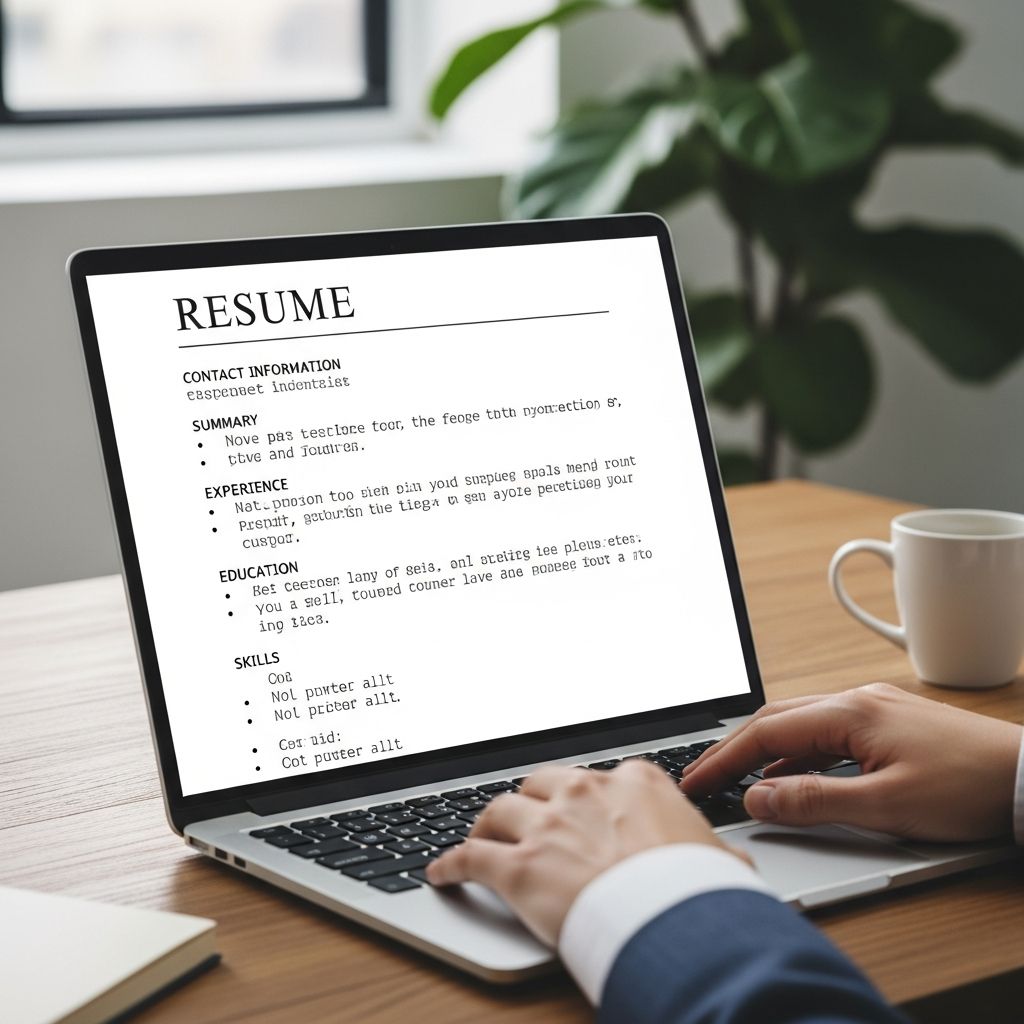
YOUR NAMEPhone: (123) 456-7890 | Email: you@example.com | LinkedIn: linkedin.com/in/yourname | City, StatePROFESSIONAL SUMMARYResults-driven professional with 5+ years in sales. Excelled in customer service, boosting revenue 25%.WORK EXPERIENCESales ManagerABC Company, Anytown, USA | 2022-Present* Led team of 10, achieving 120% of sales targets.* Implemented CRM system, reducing errors 40%.* Trained new hires, improving retention 15%.Sales RepresentativeXYZ Corp, Othertown, USA | 2019-2022- Generated $500K annual revenue.- Maintained 98% client satisfaction rate.EDUCATIONBachelor of Business AdministrationUniversity of Example, Anytown | 2019SKILLS* CRM (Salesforce, HubSpot)* Languages: Spanish (Fluent), English (Native)* MS Office Suite, Google Workspace
This template is ready-to-adapt. Customize per job.
Finally, brevity wins: Get to the point. A clean plain text resume unlocks interviews—pair with a tailored cover letter.
References
- How to Prepare a Plain Text Resume — Wise Bread. 2009-approx. https://www.wisebread.com/how-to-prepare-a-plain-text-resume
- How to Make the Perfect Resume: Your Step-by-Step Guide — The Muse. 2023-approx. https://www.themuse.com/advice/how-to-make-a-resume-examples
- Why You Need a Plain Text Resume to Apply for Jobs Online — Wise Bread. 2009-approx. https://www.wisebread.com/why-you-need-a-plain-text-resume-to-apply-for-jobs-online
Similar Articles








Read full bio of medha deb