Paying With Your Phone: 5-Step Setup For Secure Mobile Payments
Unlock the future of seamless transactions by using your smartphone for quick, secure payments anywhere you go.
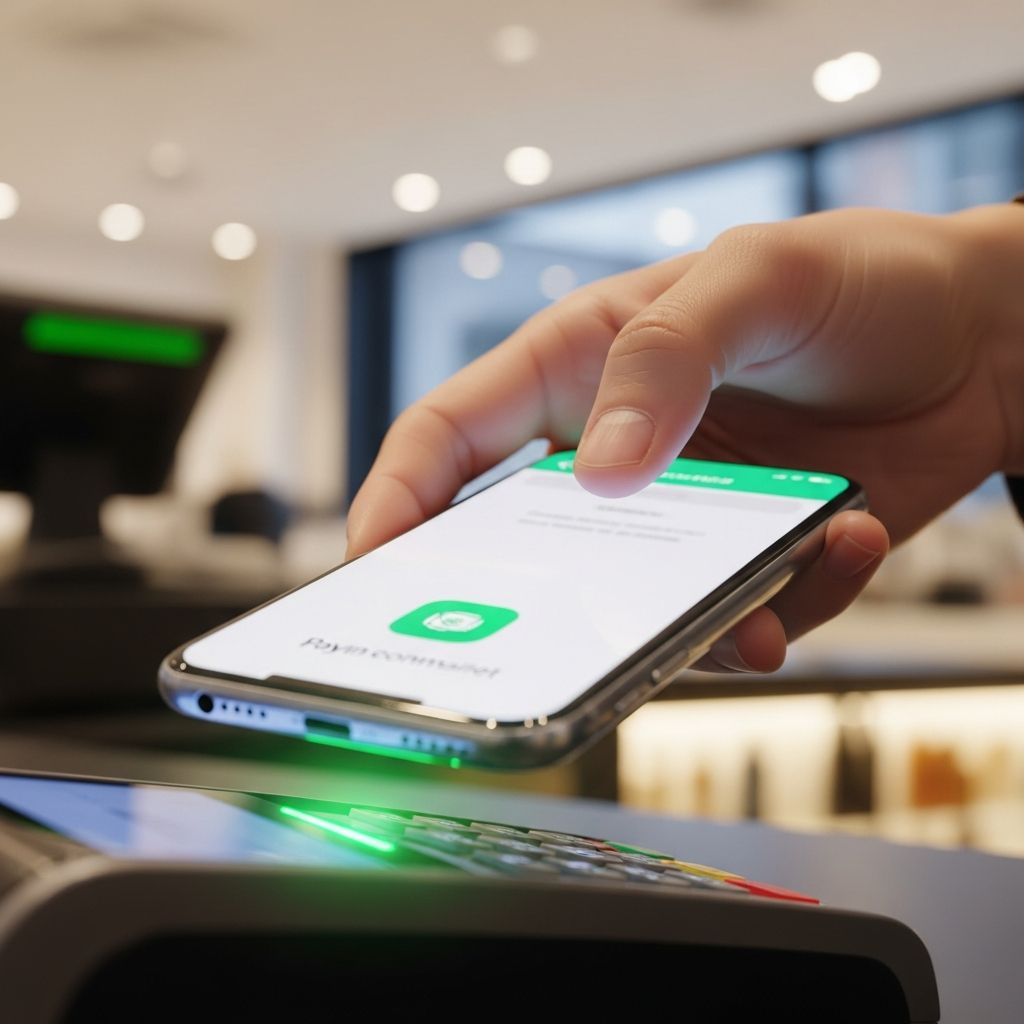
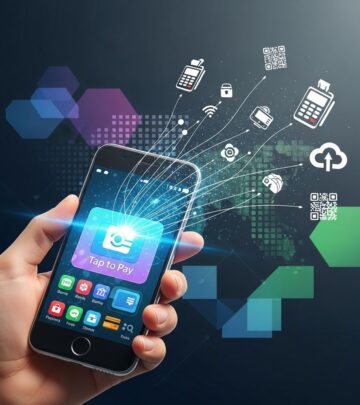
Modern smartphones have transformed how we handle everyday purchases, allowing users to leave wallets behind and complete payments with a simple tap or scan. This shift to phone-based payments leverages advanced technologies like near-field communication (NFC) and digital wallets, offering speed and enhanced security over traditional methods.
Understanding Mobile Payment Technologies
Mobile payments encompass any transaction conducted via a smartphone, tablet, or wearable device, bypassing cash, checks, or physical cards. These methods rely on secure data transfer protocols to ensure funds move swiftly from buyer to seller.
Key technologies powering these systems include:
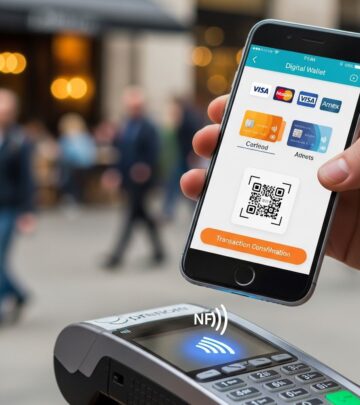
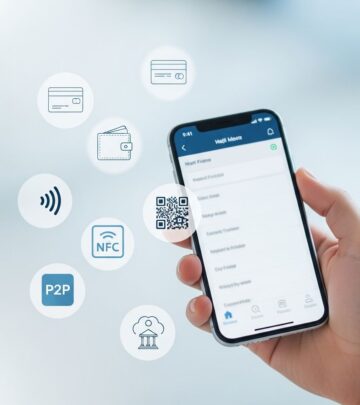
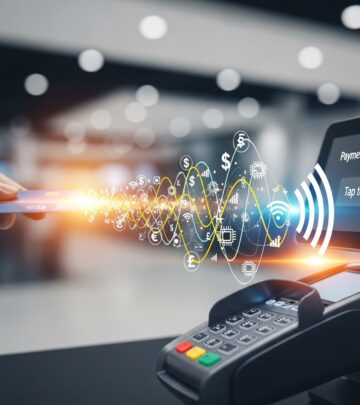
- NFC (Near Field Communication): Enables contactless exchanges over short distances, ideal for in-store checkouts where devices communicate with payment terminals.
- QR Codes: Users scan unique codes to link their payment app to the merchant’s system, facilitating quick transfers.
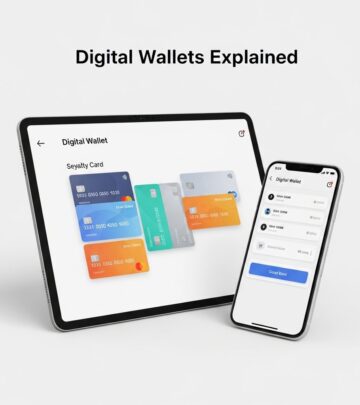
- Mobile Wallets: Apps that store encrypted card details, allowing one-tap purchases both online and offline.
These tools integrate with point-of-sale (POS) systems, processing transactions in seconds while applying encryption to protect sensitive information.
Popular Digital Wallets and Apps
Several leading apps dominate the mobile payment landscape, each tailored to specific devices and ecosystems. Here’s a breakdown of the top options:
| Wallet/App | Compatible Devices | Key Features | Availability |
|---|---|---|---|
| Apple Pay | iPhone, Apple Watch, iPad | Biometric auth, in-app purchases, transit tickets | Worldwide, 79+ countries |
| Google Pay | Android, Wear OS | No fees, Google integration, online/in-store | 79 countries |
| Samsung Pay | Samsung Galaxy devices | NFC + MST, POS conversion for merchants | Selected regions |
| PayPal | All smartphones | P2P transfers, online shopping, QR scans | Global |
| Zelle | Most banking apps | Instant bank-linked transfers | US-focused |
Apple Pay stands out for its seamless integration within the Apple ecosystem, storing card info in a secure digital vault accessible via Face ID or Touch ID. Google Pay excels in versatility, pairing effortlessly with Android services for fee-free transactions. Samsung Pay adds unique magnetic secure transmission (MST) for older terminals.
Step-by-Step Setup for Phone Payments
Getting started is straightforward and takes minutes. Begin by ensuring your device supports NFC—most models from the last five years do.
- Download the App: Install your preferred wallet from the app store (e.g., Wallet app on iOS, Google Wallet on Android).
- Add Payment Methods: Open the app, select ‘Add Card,’ and snap a photo or enter details manually. Banks often verify via SMS or app push.
- Enable Biometrics: Link fingerprint, face recognition, or PIN for approval on each transaction.
- Set as Default: In phone settings, designate the wallet for NFC payments.
- Test It: Try a small purchase at a supported retailer to confirm functionality.
For online or in-app use, saved details auto-fill during checkout, streamlining e-commerce.
Security Layers Protecting Your Transactions
Phone payments prioritize safety through multiple defenses. Unlike swiping a card, which exposes full details, mobile systems use tokenization—replacing card numbers with unique digital tokens.
- Biometric verification (fingerprint/face ID) ensures only you authorize payments.
- Device-level encryption scrambles data during transmission.
- One-time transaction codes prevent replay attacks.
- Remote wipe features in wallets erase data if your phone is lost.
These measures make mobile payments more secure than physical cards, with fraud rates significantly lower due to real-time monitoring.
In-Store vs. Online: Where Phone Payments Shine
In-Person Checkouts
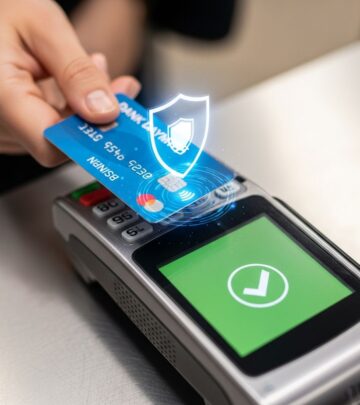
At retail, transit, or restaurants, tap your unlocked phone on the terminal. NFC handles the rest, often faster than inserting a chip. Public transport systems increasingly support tap-to-ride, eliminating ticket lines.
Online and App-Based Purchases
For e-commerce, wallets enable one-click buys. Subscription services like streaming or ride-sharing use stored info for recurring payments, with biometrics adding approval layers.
Peer-to-Peer Transfers
Apps like Zelle or PayPal allow instant money sends to friends via phone number or email, perfect for splitting bills.
Benefits for Consumers and Merchants
Users enjoy unparalleled convenience—no fumbling for cards or exact change. Transactions complete in under 10 seconds, boosting satisfaction.
Businesses benefit from quicker checkouts, reduced cash handling, and real-time deposits that improve cash flow. Loyalty programs integrate directly, auto-applying rewards.
Projections show digital wallets handling 61% of global e-commerce by 2027, underscoring their rise.
Potential Drawbacks and Solutions
While robust, challenges exist:
- Battery Dependency: Low power may disable NFC—carry a charger.
- Merchant Acceptance: Not universal yet; check symbols at stores.
- Compatibility: Older phones lack support—upgrade if needed.
Most issues resolve with software updates, and adoption grows yearly.
Future Trends in Mobile Payments
By 2026, expect AI-driven fraud detection, embedded finance in apps, and expanded real-time global transfers. Wearables will proliferate, with smartwatches handling more transactions. Biometric advancements and loyalty-embedded wallets will further personalize experiences.
Frequently Asked Questions (FAQs)
What devices support phone payments?
Most recent iPhones, Androids, and Samsung Galaxies with NFC chips. Check settings for ‘Contactless Payments.’
Is paying with my phone safe?
Yes, tokenization and biometrics make it safer than physical cards. Lost phones can be remotely secured.
Can I use it internationally?
Many wallets work globally where NFC is accepted; notify your bank of travel.
Are there fees for mobile payments?
Typically no for consumers; merchants may incur small processing fees.
How do QR code payments work?
Scan the merchant’s code with your wallet app to initiate transfer—great for pop-ups or online.
References
- Mobile Payment Options for Small Businesses 2026 — TowneBank. 2026. https://www.townebank.com/business/resources/sb/mobile-payment-options/
- Mobile Payments: A Guide (2026) — Salesforce. 2026. https://www.salesforce.com/commerce/online-payment-solution/mobile-payments/
- Most Popular Mobile Payment Methods in 2026 — Invoice Simple. 2026. https://www.invoicesimple.com/blog/mobile-payment-methods
- 6 Best Digital Payment Options for Small Businesses in 2026 — Ready Credit Corp. 2026. https://www.readycreditcorp.com/resources/blog/digital-payment-options-small-business/
- Top 9 payment trends for 2026 — Checkout.com. 2026. https://www.checkout.com/blog/top-9-payment-trends-for-2026
- Emerging Payment Trends in 2026 — Paragon Edge. 2026. https://www.paragonedge.com/blog/emerging-payment-trends-in-2026
Similar Articles








Read full bio of medha deb