How To Pay Online With A Credit Card: Secure Step-By-Step Guide
Master secure online credit card payments with our comprehensive guide to methods, safety tips, and best practices.
How to Pay Online With a Credit Card
In today’s digital age, paying online with a credit card has become one of the most convenient and widely accepted payment methods. Whether you’re shopping for everyday items, booking travel, paying bills, or making purchases from your favorite retailers, understanding how to securely pay online with a credit card is essential for modern consumers. This comprehensive guide will walk you through everything you need to know about online credit card payments, from the basics to advanced security practices.
Understanding Online Credit Card Payments
Online credit card payments allow you to purchase goods and services from merchants on the internet using your credit card information. Unlike traditional in-person transactions where you physically swipe or insert your card, online payments require you to enter your card details through a secure payment gateway. The process has been refined over decades to balance convenience with security, making it safer than ever to shop online.
When you make an online purchase with a credit card, you’re essentially authorizing the merchant to charge your account for the purchase amount. The payment is processed through a series of secure networks that verify your card information, check for available credit, and complete the transaction. Most reputable online merchants use encryption technology to protect your sensitive information during this process.
Methods for Paying Online With a Credit Card
Direct Website Payment
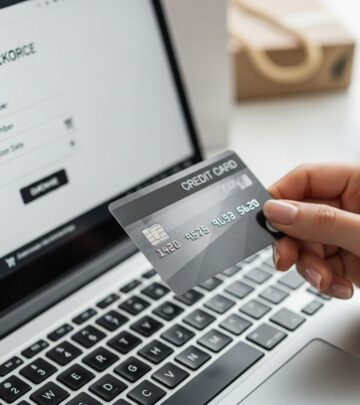
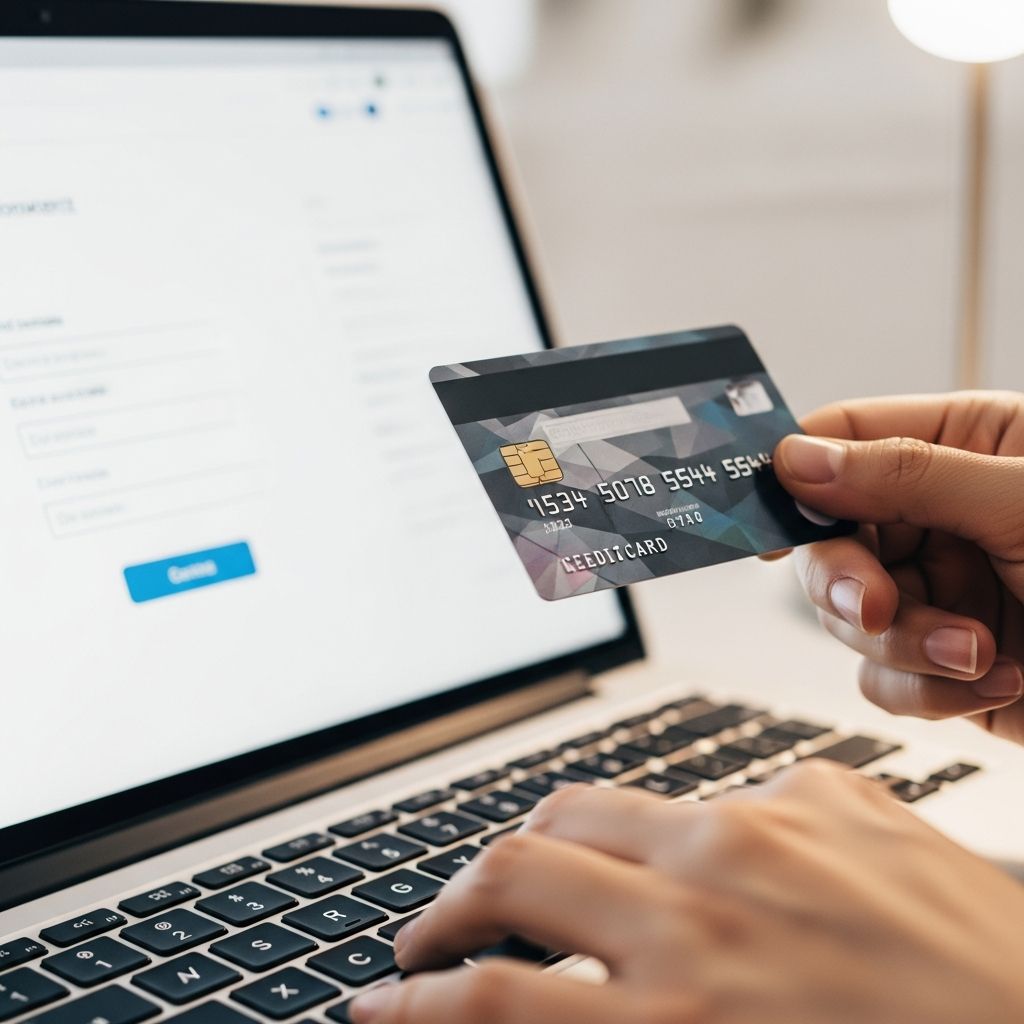
The most common way to pay online with a credit card is directly through a merchant’s website. When you proceed to checkout, you’ll typically find a payment section where you can enter your credit card information. Most websites ask for your card number, expiration date, CVV (Card Verification Value), and billing address. Fill in these details carefully and ensure the website uses HTTPS encryption, indicated by a padlock icon in your browser’s address bar.
Digital Wallets
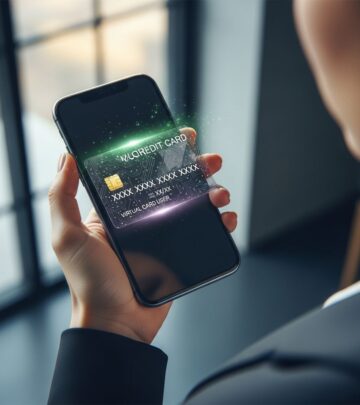
Digital wallets have revolutionized online payments by storing your credit card information securely on your device. Popular digital wallet services include Apple Pay, Google Pay, and Samsung Pay. These services use tokenization, a security process that replaces your actual card number with an encrypted token. When you pay using a digital wallet, the merchant never receives your actual card information, significantly reducing fraud risk. Simply authorize the payment using your device’s authentication method, such as Face ID, fingerprint, or a PIN.
Payment Platforms and Aggregators
Services like PayPal, Square Cash, Venmo, and similar payment platforms allow you to link your credit card and make payments online. These platforms store your card information securely and process payments on your behalf. They’re particularly useful for peer-to-peer payments, online marketplaces, and small business transactions. Many platforms offer buyer protection policies that add an extra layer of security to your transactions.
One-Click Checkout Options
Many online retailers offer one-click or express checkout options. If you’ve shopped with them before and saved your payment information, you can complete purchases with minimal information entry. While convenient, ensure you trust the retailer and have reviewed their privacy policies before saving your card details.
Key Information You’ll Need
When paying online with a credit card, be prepared to provide the following information:
– Card Number: Your 16-digit credit card number (typically)- Expiration Date: The month and year your card expires- CVV/CVC: A three or four-digit security code on the back of your card- Cardholder Name: The name printed on your card- Billing Address: Your current residential address- Billing Zip Code: The postal code associated with your billing address- Phone Number: A contact number for verification purposes- Email Address: For payment confirmation and receipts
Security Best Practices for Online Credit Card Payments
Verify Website Security
Before entering your credit card information, always verify that the website is secure. Look for the HTTPS protocol at the beginning of the URL and a padlock icon in your browser’s address bar. These indicators show that the website encrypts data transmitted between your device and their servers. Avoid making payments on websites that use HTTP without the ‘S,’ as these connections are not encrypted.
Use Strong, Unique Passwords
Create strong passwords for any accounts where you store payment information. Use a combination of uppercase and lowercase letters, numbers, and special characters. Avoid using easily guessable information like birth dates or names. If possible, use a password manager to generate and store complex passwords securely.
Monitor Your Statements Regularly
Review your credit card statements monthly to identify any unauthorized charges. Most credit card issuers allow you to view your statement balance and current balance through their online banking portals or mobile apps. Your statement should show all transactions from your billing cycle, helping you spot any suspicious activity early.
Enable Two-Factor Authentication
Many online retailers and payment platforms offer two-factor authentication (2FA). This security feature requires you to verify your identity using a second method, such as a code sent to your phone or generated by an authentication app. Enabling 2FA significantly reduces the risk of unauthorized access to your accounts.
Avoid Public Wi-Fi for Payments
Never make online credit card payments using public Wi-Fi networks. These networks are often unsecured, making it easier for hackers to intercept your data. Always use secure, password-protected networks or mobile data when making purchases online.
Keep Your Device Updated
Maintain current software and security patches on your computer, smartphone, and tablet. Outdated devices may have security vulnerabilities that criminals can exploit. Enable automatic updates whenever possible.
Understanding Payment Processing
Authorization Process
When you submit your payment information online, the merchant sends your data to a payment processor. The processor verifies that your card is active, that sufficient credit is available, and that the transaction appears legitimate. This process typically takes just seconds. If approved, the merchant receives authorization to complete the transaction.
Billing Cycle and Charges
Your credit card operates on a billing cycle, typically 28 to 31 days. During this period, all transactions you make are recorded. At the end of your billing cycle, you receive a statement showing your balance, which is the total amount charged during that period. Your statement will also indicate a minimum payment amount—the smallest amount you must pay to keep your account in good standing—and a payment due date.
Grace Period
Most credit cards offer a grace period, typically 21 to 25 days after the statement closing date. If you pay your full statement balance during this grace period, you won’t be charged any interest on your purchases. Understanding your grace period helps you avoid unnecessary interest charges.
Common Online Payment Methods Comparison
| Payment Method | Security Level | Speed | Best For | Requirements |
|---|---|---|---|---|
| Direct Card Entry | Medium | Fast | One-time purchases | Card information |
| Digital Wallets | Very High | Very Fast | Frequent shoppers | Device with app |
| Payment Platforms | High | Fast | Multiple merchants | Account setup |
| One-Click Checkout | High | Fastest | Repeat customers | Saved payment |
Protecting Yourself From Fraud
Recognize Phishing Attempts
Be cautious of emails or messages claiming to be from your bank or credit card company asking you to verify payment information. Legitimate financial institutions will never ask you to provide sensitive information via email. If you’re unsure, contact your card issuer directly using the number on the back of your card.
Check for Secure Checkout
Reputable retailers invest in secure payment systems. Look for trust badges from organizations like VeriSign, Norton Secured, or McAfee Secure. While these badges don’t guarantee absolute security, they indicate that the merchant takes payment security seriously.
Understand Your Rights
Federal law protects you against unauthorized credit card charges. In the U.S., your liability for fraudulent transactions is typically limited to $50, and many credit card issuers offer zero liability policies. Report unauthorized charges to your card issuer immediately.
Save Receipts and Confirmations
Always save your order confirmations and payment receipts. These documents provide proof of your transaction and are invaluable if you need to dispute a charge or follow up on a missing order.
Mobile Payments and Apps
Mobile payment technology has made online credit card payments even more accessible. Most credit card issuers now offer dedicated mobile apps where you can manage your account, view statements, and make payments. These apps typically use bank-level encryption and biometric authentication to protect your information.
In-app purchases within mobile applications also support credit card payments. Many apps integrate digital wallets or tokenized payment methods, allowing you to make purchases without entering your full card information each time.
International Online Payments
When making online purchases from international retailers, be aware of additional considerations. Your credit card issuer may charge foreign transaction fees, typically ranging from 1% to 3% of the purchase amount. Some cards offer no foreign transaction fees, making them ideal for international shopping. Additionally, currency conversion rates applied by merchants may differ from your card issuer’s rates. Always check the final amount before confirming your purchase.
Setting Up Payment Preferences
Many online retailers and service providers allow you to save your payment preferences for future transactions. If you frequently purchase from the same merchants, saving your information can expedite checkout. However, only do this with merchants you trust completely. Remember that you can always update or remove saved payment information from your account settings.
Troubleshooting Payment Issues
Declined Payments
If your payment is declined, it could be due to insufficient available credit, an incorrect card number, or fraud protection triggered by the merchant or your card issuer. Contact your card issuer to understand why the payment was declined and resolve the issue.
Duplicate Charges
Occasionally, a transaction may appear twice on your statement. This is usually temporary, and the duplicate will be removed within one to three billing cycles. If it persists, contact your card issuer to dispute the charge.
Missing Credit for Returns
If you return an item you purchased online, the refund may take several business days to appear on your statement. During this time, the original charge may still show as pending. Be patient; refunds typically post within 3 to 5 business days.
Frequently Asked Questions
Q: Is it safe to pay online with a credit card?
A: Yes, paying online with a credit card is generally safe when you use reputable merchants and follow security best practices. Modern encryption technology protects your information, and federal law limits your liability for fraudulent charges.
Q: What information do I need to provide when paying online with a credit card?
A: You typically need your card number, expiration date, CVV, cardholder name, and billing address. Some merchants may also request your phone number and email address.
Q: Can I get my money back if I’m charged fraudulently?
A: Yes. Federal law limits your liability to $50 for unauthorized charges, and many credit card issuers offer zero liability protection. Report unauthorized charges to your issuer immediately.
Q: What’s the difference between my statement balance and current balance?
A: Your statement balance is the total amount owed at the end of your last billing cycle. Your current balance includes all transactions up to today, including purchases made after your statement closed.
Q: Are digital wallets safer than entering my card directly?
A: Yes, digital wallets use tokenization to replace your actual card number with a secure token, reducing fraud risk. The merchant never sees your real card information.
Q: What should I do if I see an unauthorized charge on my statement?
A: Contact your credit card issuer immediately to report the unauthorized charge. Most issuers have fraud departments that can help dispute the charge and investigate the transaction.
Q: How long does it take for an online payment to process?
A: Most online payments are processed instantly or within seconds. However, it may take one to three business days for the charge to appear on your statement, depending on your card issuer.
Q: Should I use public Wi-Fi to make online credit card payments?
A: No, always avoid making credit card payments on public Wi-Fi. Use a secure, password-protected network or mobile data to protect your information from potential interception.
References
- Credit Card Payments and Statements FAQ — Bank of America. 2025. https://www.bankofamerica.com/credit-cards/credit-card-payments-statements-faq/
- How Credit Cards Work: A Beginner’s Guide — Navy Federal Credit Union. 2025. https://www.navyfederal.org/makingcents/credit-debt/credit-card-basics.html
- How to Make a Credit Card Payment — YouTube. https://www.youtube.com/watch?v=5wAwbzkqBiw
- How Do Credit Card Payments Work? — Citi. 2025. https://www.citi.com/credit-cards/understanding-credit-cards/how-do-credit-card-payments-work
Similar Articles








Read full bio of Sneha Tete