How to Organize Coupons Like a True Expert in 3 Simple Steps
Master coupon organization with proven binder systems, digital apps, and smart strategies to maximize savings effortlessly.
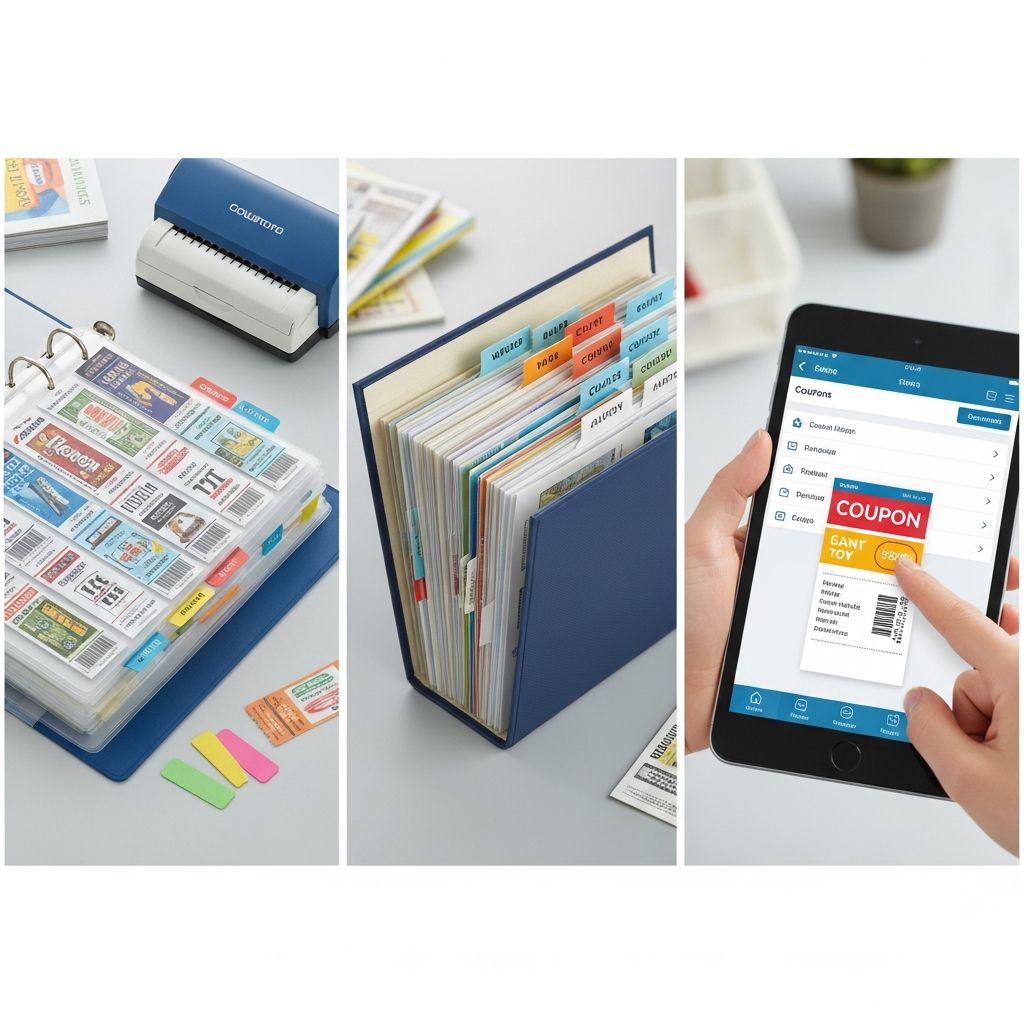
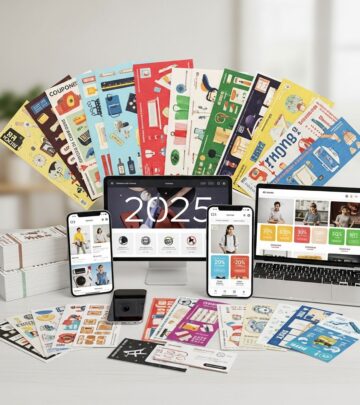
Organizing coupons efficiently transforms overwhelming piles of clippings into a streamlined system that saves you significant money on everyday purchases. By implementing a structured approach, you can match coupons to shopping lists seamlessly, reducing waste and maximizing discounts at stores like grocery chains and pharmacies.
Couponing has evolved with digital tools, but traditional paper coupons from newspapers and mailers remain valuable. The key is combining physical organization with online resources to cover all bases, ensuring you’re never caught without a deal. This guide breaks it down into three core steps, drawing from proven methods used by seasoned savers.
1. How to Organize Coupons With a Binder System
The binder system is a timeless favorite for managing paper coupons, allowing quick access without hauling stacks to the store. Start by selecting a sturdy binder—repurpose one from school supplies, thrift stores, or garage sales for minimal cost. Opt for a colorful one to spot it easily on your shelf.
Next, invest in coupon sleeves (clear plastic pages with slits for inserting coupons) and binder dividers. These keep everything protected and visible. Customize categories based on your shopping habits, such as:
- Beauty: Makeup, skincare, hair products
- Home goods: Cleaning supplies, paper towels, trash bags
- Pet: Food, treats, litter
- Food: Groceries, snacks, beverages
- Medicine: Over-the-counter drugs, vitamins
- Cleaning supplies: Detergents, disinfectants
- Restaurants: Takeout and dining deals
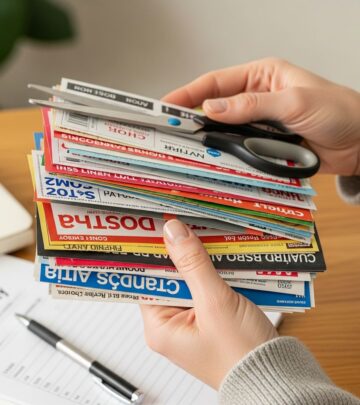
Clip coupons from newspapers, store circulars, or mailers like Valpaks, then file them into the appropriate sleeves by expiration date (newest in front). This setup lets you grab only relevant sections for a shopping trip—say, food and cleaning sleeves for a grocery run—saving time at checkout.
Pro Tip: Use baseball card sleeves for smaller coupons or photo sleeves for larger ones. Regularly purge expired coupons to keep your binder lean; aim for a weekly review. This method shines for coordinating with shopping lists: jot needs on paper, pull matching sleeves, and shop confidently.
Binders aren’t just functional—they’re customizable. Add a front pocket for store loyalty cards or a shopping list notepad. Families report saving 20-50% on bills by staying organized this way, avoiding impulse buys without coupons.
2. Use Savings Websites to Find More Discounts
While newspapers offer local deals, online platforms explode with printable coupons and promo codes, far surpassing print volume. Integrate these into your binder or digital routine for comprehensive coverage. Bookmark reliable sites and check weekly.
| Website/App | Key Features | Best For |
|---|---|---|
| Coupons.com | Printable coupons for everyday items; category browsing | Groceries, household basics |
| RetailMeNot | Printable + promo codes; store-specific deals | Online shopping, retail chains |
| Qponsr | Aggregates online coupons, daily deals (Groupon/LivingSocial); local tracking | Digital binder alternative, grocery lists |
Coupons.com requires browsing categories since item-specific search is limited, but yields high-value printables for brands like cereal or shampoo. Print, clip, and sleeve them in your binder.
RetailMeNot excels in promo codes for sites like Amazon or Walmart, plus expanding printables. Search your favorite stores; refresh if no deals appear—they update frequently.
Qponsr acts as a dashboard: track newspaper inserts, local offers, and build grocery lists with projected savings. Sign up free, input your zip code, and consolidate everything digitally.
Expand to competitor coupon sites like Krazy Coupon Lady or Coupons.com for deal matchups. These decode insert codes (e.g., ‘RP 5/31’ for Red Plum May 31) and calculate final prices post-sale stacking.
3. Leverage Coupon Apps for Effortless Savings
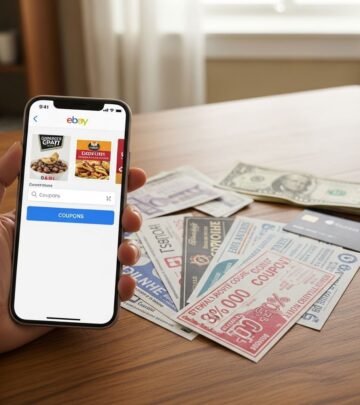
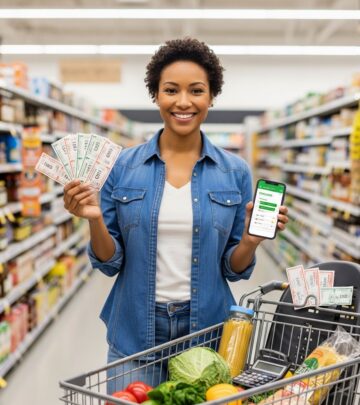
Apps bridge paper and digital worlds, offering cash-back, scannable coupons, and barcode deals without printing. They’re ideal for on-the-go management, complementing your binder.
Ibotta: Sign up with email, browse geo-targeted offers (e.g., $0.50/gallon milk, $1/graham crackers). Shop normally, scan receipts post-purchase via app photos, and cash out to PayPal or gift cards. Offers rotate weekly—link to your binder for hybrid use.
Target Cartwheel: No paper needed. Browse/add items or scan barcodes in-store, generating a single scannable barcode at checkout. Personalizes deals on apparel, groceries, and more. Stack with binder coupons where policies allow.
Other apps like store loyalty programs (CVS ExtraCare) print exclusive coupons at entry kiosks or via email. Sign up for newsletters—retailers send stackable exclusives atop sales.
Master stacking: Combine manufacturer coupons (from binder) with store apps/sales. Check policies—print and carry them to resolve issues. Sort coupons pre-checkout in an empty aisle; verify math against receipts for accuracy.
Common Pitfalls to Avoid in Coupon Organization
- Disorganization: Leads to expired coupons or full-price buys. Weekly purges essential.
- Wrong Store Use: Separate store-specific from universal manufacturers.
- Missing Stacks: Pair store + manufacturer coupons; add loyalty cards.
- Large Size Bias: Coupons often yield better unit prices on small sizes.
- No Loyalty Cards: Miss personalized offers and emails.
Track savings: Apps like Ibotta tally totals; manually log binder wins. Aim for organization before extreme couponing to stay sane.
Frequently Asked Questions (FAQs)
Q: How often should I update my coupon binder?
A: Weekly—clip new inserts Sunday, purge expired, and file printables. This keeps it under 2 inches thick for portability.
Q: Can I stack app deals with paper coupons?
A: Yes, in most stores (e.g., Target Cartwheel + manufacturer). Always confirm policy at customer service.
Q: What’s the best beginner app?
A: Ibotta—simple receipt scans, no in-store hassle, redeemable anywhere.
Q: How do I handle competitor coupons?
A: Ask at service desk; many accept them. Check online first via Krazy Coupon Lady.
Q: Are digital coupons better than paper?
A: Not always—paper for binders, digital for convenience. Use both for max savings.
Implementing these steps streamlines couponing into a rewarding habit. Start small: build your binder this weekend, download two apps, and watch savings grow without overwhelm.
References
- How to Organize Coupons Like a True Expert in 3 Simple Steps — The Penny Hoarder. 2023-05-15. https://www.thepennyhoarder.com/save-money/how-to-organize-coupons/
- Here’s How to Start Extreme Couponing Without Getting Overwhelmed — The Penny Hoarder. 2023-08-22. https://www.thepennyhoarder.com/save-money/how-to-start-extreme-couponing/
- Are You Making These 15 Common Couponing Mistakes? — The Penny Hoarder. 2023-11-10. https://www.thepennyhoarder.com/save-money/15-common-couponing-mistakes/
- Simple Ways to Manage Your Budget This Winter with The Penny Hoarder — YouTube/The Penny Hoarder. 2022-12-01. https://www.youtube.com/watch?v=Ts_B2H7XvvM
- 7 Reasons We Always Check The Krazy Coupon Lady Before Shopping — The Penny Hoarder. 2023-07-18. https://www.thepennyhoarder.com/save-money/the-krazy-coupon-lady/
Similar Articles








Read full bio of Sneha Tete