How to Include Contact Information in a Cover Letter
Master the art of presenting your contact details professionally in cover letters.
How to Include Your Contact Information in a Cover Letter
Your cover letter is often your first opportunity to make a positive impression on a potential employer. While the body of your letter showcases your qualifications and enthusiasm for the position, the formatting and presentation of your contact information sets the tone for professionalism. Many job seekers overlook the importance of properly including contact details in their cover letters, but this seemingly simple element can significantly impact whether a recruiter can easily reach you or if your application gets lost in the shuffle.
Contact information serves as the bridge between your qualifications and the hiring manager’s ability to schedule an interview. When presented correctly, it demonstrates attention to detail and respect for the hiring process. This comprehensive guide will walk you through everything you need to know about including your contact information in a cover letter, from formatting best practices to avoiding common mistakes.
Understanding the Role of Contact Information in Your Cover Letter
Before diving into the specifics of how to format your contact information, it’s important to understand why this section matters so much. Recruiters and hiring managers receive hundreds of applications, and many of them use automated systems to sort and organize materials. If your contact information is difficult to locate or unclear, your application may be overlooked, even if your qualifications are excellent.
Your contact information serves multiple critical functions in your cover letter. First, it allows the employer to contact you directly without having to search through the application materials or your resume. Second, it demonstrates that you understand professional business communication standards. Third, it reinforces your personal brand by presenting your information in a clean, organized manner that aligns with your professional image.
Essential Elements of Your Contact Information
Your contact information section should include specific elements that make it easy for employers to reach you. Here are the key components you should always include:
- Full Name: Use your professional name exactly as it appears on your resume and other application materials. Consistency across all documents is crucial for record-keeping purposes.
- Phone Number: Include your primary contact number where you can be easily reached during business hours. Ensure your voicemail greeting is professional.
- Email Address: Use a professional email address. Avoid personal or unprofessional email addresses that could create a negative first impression.
- Physical Address: Include your city and state, though a full street address is optional in modern cover letters. Some employers value knowing your location relative to the job.
- LinkedIn Profile URL: Consider including your LinkedIn profile URL if it’s fully optimized and reflects your professional brand positively.
Formatting Your Contact Information
Standard Position for Physical Copy Cover Letters
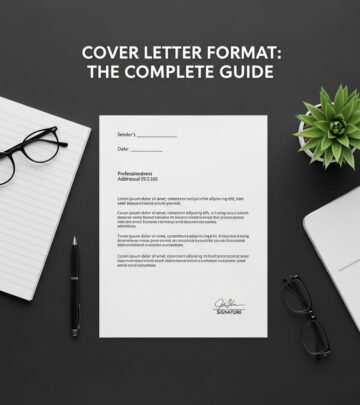
When submitting a printed cover letter, your contact information should appear at the very top of the document, before the date. This follows the standard business letter format that hiring managers expect. Position your name prominently, typically in a slightly larger font than the rest of the letter, making it immediately visible when someone opens the document.
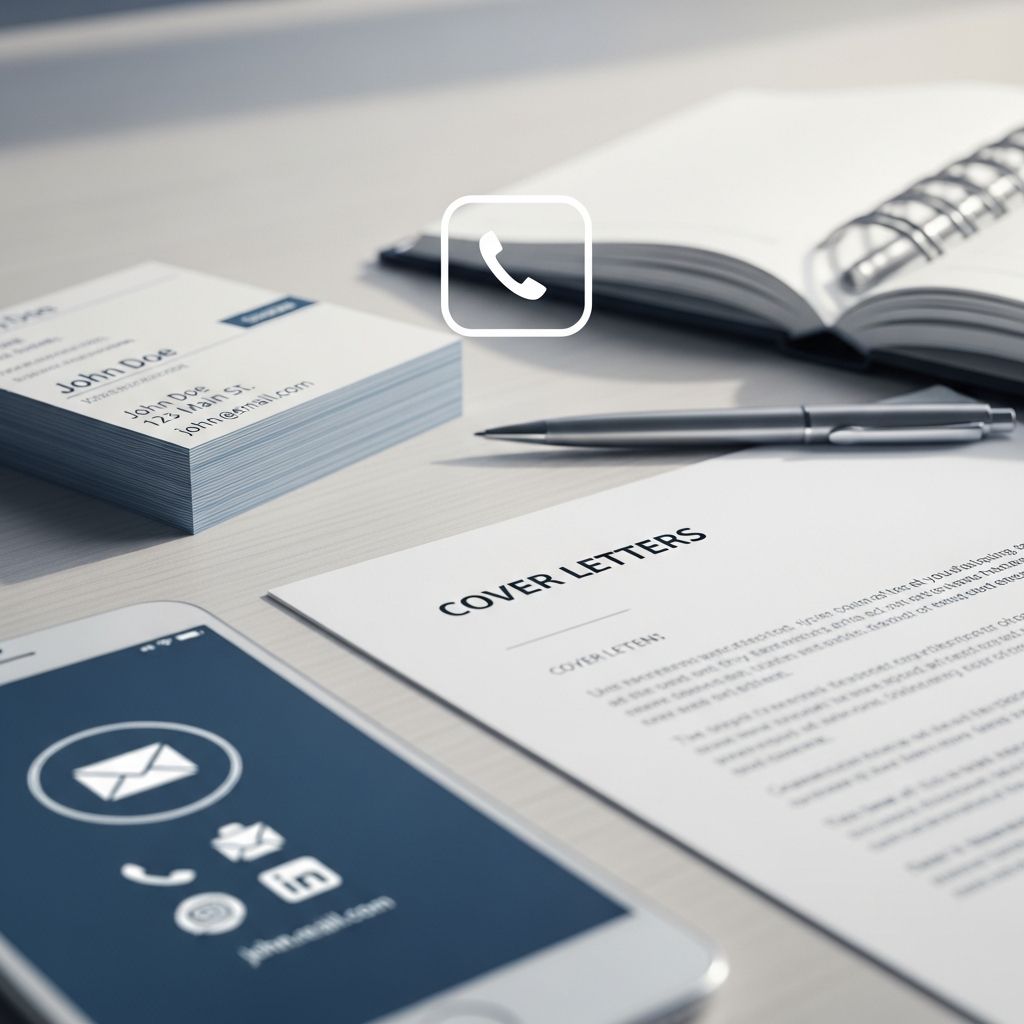
Below your name, list your address (or city and state), phone number, and email address in a stacked format. Each piece of information should be on its own line for clarity. You might format it like this:
Example Format:
Jessica Martinez
New York, NY 10001
(555) 123-4567
jessica.martinez@email.com
Email and Digital Submission Format
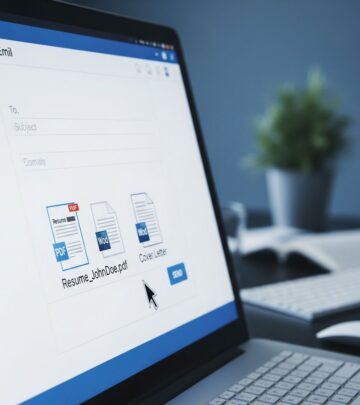
When submitting your cover letter via email or through an online application system, the formatting requirements differ slightly. In digital submissions, you may not need to include your full physical address since the employer can identify your location through other application materials. Instead, focus on including your name, phone number, and email address near the top of the email body or in the document header.
For email submissions, your email signature already contains much of your contact information, so you can streamline the contact section in the letter itself. However, ensure that your email subject line is professional and clearly indicates the position you’re applying for, along with your name.
Spacing and Layout Considerations
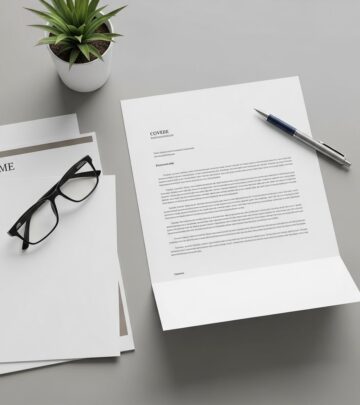
Professional spacing is crucial for readability. After your contact information, place a line of space before including the date. Then, place another line or two of space before the recipient’s contact information. This breathing room makes your cover letter easier to read and demonstrates that you understand professional formatting standards.
Ensure that your margins are consistent throughout the document, typically one inch on all sides. Use a standard, readable font like Arial, Calibri, or Times New Roman in size 10-12 points. Consistency in formatting shows that you’ve taken time and care with your application.
What Information to Avoid Including
While you want to include essential contact information, there are several items you should deliberately exclude from this section. Do not include your date of birth, social security number, or other sensitive personal information. This protects your identity and demonstrates awareness of privacy and security best practices.
Avoid including irrelevant contact information such as personal social media profiles (unless directly relevant to the position), personal website URLs (unless they showcase professional work), or emergency contacts. Stick to information that directly enables the employer to contact you about the position.
Additionally, do not include a photo or headshot in your contact information section unless the job specifically requires it, which is rare in most industries. In the United States, including a photo can create potential bias concerns.
Creating Professional Email Addresses and Phone Numbers
Email Address Best Practices
Your email address is a critical piece of your contact information. Hiring managers will see this address before they even open your cover letter, so it needs to be professional. Your email should ideally be a variation of your name, such as firstname.lastname@provider.com or firstnamelastname@provider.com.
If your name is common and those variations are taken, consider adding a middle initial or a number that relates to your name. Avoid using numbers or special characters that don’t relate to your name, as these can appear unprofessional or difficult to remember.
Choose a reputable email provider such as Gmail, Yahoo, or Outlook. Avoid outdated or obscure providers that could suggest you’re not familiar with current technology. Never use your current employer’s email address for job searching, as this violates professional ethics and could jeopardize your current position.
Phone Number Formatting
Format your phone number consistently with the rest of your professional materials. In the United States, the standard format is (XXX) XXX-XXXX. Ensure that the phone number you provide is one where you consistently answer calls and maintain a professional voicemail greeting.
Test your phone number by having a friend call to confirm that your voicemail message is professional and appropriate for business contacts. Your greeting should include your name and a simple message indicating that you’ll return calls promptly.
Addressing the Employer in Your Cover Letter
While your contact information is your side of the communication, you also need to address the employer correctly. Research the hiring manager’s name and title before writing your cover letter. Address your letter to a specific individual whenever possible, as this shows initiative and respect for the process.
If you cannot find a specific name, use a professional generic salutation such as “Dear Hiring Manager” or “Dear [Department Name] Hiring Team.” Avoid outdated greetings like “To Whom It May Concern.” Include the employer’s full contact information—their name, title, department, company name, and address—below your contact information and above your salutation.
Contact Information in Email Subject Lines
When submitting your cover letter via email, the subject line plays an important role in ensuring your application is noticed and properly filed. Your subject line should include your name, the position title, and indicate that you’re including your resume and cover letter.
For example: “John Smith – Marketing Manager Position – Resume and Cover Letter”
If you’re sending to a general email address but know the hiring manager’s name, you can include “FAO” (For the Attention Of) in your subject line: “FAO Mark Johnson – John Smith – Marketing Manager Position”
Tips for Ensuring Contact Information Accuracy
Double-Check Before Submitting
Before you submit your cover letter, take time to verify that all contact information is accurate and correctly formatted. A single typo in your phone number or email address could prevent a recruiter from reaching you, effectively eliminating you from consideration.
Read your contact information aloud to yourself to ensure it’s clear and easy to understand. Have a trusted friend or colleague review your cover letter to catch any errors you might have missed. Fresh eyes can often spot mistakes that you’ve overlooked after working on the document multiple times.
Consistency Across All Materials
Ensure that your contact information matches exactly on your resume, cover letter, LinkedIn profile, and any other application materials. Inconsistencies can confuse hiring systems and create doubt about your attention to detail. If your address has changed recently, update all materials to reflect your current location.
Update Information Regularly
If you change your phone number or email address during your job search, update all your application materials immediately. Keep a master list of all positions you’ve applied for so you can track which contact information version you used for each application.
How Recipients Can Contact You After Receiving Your Letter
At the end of your cover letter, reinforce that you’re available for further discussion about your application. Include a closing statement that invites contact, such as: “I would welcome the opportunity to discuss how my skills and experience could benefit your organization. Thank you for considering my application, and I look forward to hearing from you.”
This closing serves as a gentle reminder of your availability and maintains a positive, professional tone. It also gives hiring managers confidence that reaching out to you will be welcomed.
Frequently Asked Questions
Q: Should I include my full street address in my cover letter?
A: For physical cover letters, including your full street address is traditional. However, for email submissions, you can simply include your city and state, as employers can identify your location through other application materials. Including a full address is optional but doesn’t hurt, as long as the information is accurate and current.
Q: What if I don’t have a permanent address?
A: If you’re relocating or don’t have a permanent address, include the city and state where you currently reside or where you plan to work. This gives employers enough information to understand your location without requiring a complete street address.
Q: Is it appropriate to include my LinkedIn URL in my contact information?
A: Yes, including your LinkedIn URL is professional and increasingly common, especially for positions that value online professional networking. Ensure your LinkedIn profile is current, complete, and presents a professional image that aligns with your cover letter and resume.
Q: What if the employer is in a different time zone?
A: Include your local phone number and time zone if you’re in a significantly different zone from the employer. In your cover letter, you might mention your availability for interviews despite the time zone difference, showing flexibility and commitment to the opportunity.
Q: Should my contact information in a cover letter match my resume exactly?
A: Yes, absolute consistency is important. Use the same formatting, spelling, and phone number formatting across all application materials. This consistency helps automated tracking systems properly match your materials and prevents confusion during the hiring process.
Q: Can I use a PO Box instead of my home address?
A: While it’s not common, using a PO Box is acceptable if you have privacy concerns. However, most employers prefer a residential address to verify your location. If you use a PO Box, ensure mail will be received promptly since some employers may send offer letters or important documents through the mail.
Key Takeaways for Including Contact Information
Your contact information is a foundational element of your cover letter that deserves careful attention. By following these best practices, you ensure that hiring managers can easily reach you and that your contact details reflect your professionalism.
Remember to keep your information current, formatted consistently across all materials, and professionally presented. Double-check for accuracy before submission, and maintain a professional email address and voicemail greeting that reflect your commitment to the opportunity.
When contact information is handled correctly, it becomes invisible—the hiring manager simply sees it, notes your availability, and moves on to reading the substance of your letter. When it’s handled incorrectly, it can be the reason your otherwise excellent application never receives proper consideration. By mastering this seemingly simple element, you remove a potential barrier between your qualifications and your next career opportunity.
References
- How to write a cover letter — Careers NZ. Accessed November 29, 2025. https://www.careers.govt.nz/job-hunting/cvs-and-cover-letters/how-to-write-a-cover-letter/
- How to Address a Cover Letter: Tips + Examples for Various Types — Coursera. Accessed November 29, 2025. https://www.coursera.org/articles/how-to-address-a-cover-letter
- Cover Letter Writing Guide — McGill University Careers4Engineers. Accessed November 29, 2025. https://www.mcgill.ca/careers4engineers/
- Cover Letter Writing Guide — University of Arizona Career Services. Accessed November 29, 2025. https://career.arizona.edu/resources/cover-letter-writing-guide/
- How to write an effective cover letter — MIT Career Development Center. Accessed November 29, 2025. https://capd.mit.edu/resources/how-to-write-an-effective-cover-letter/
Similar Articles








Read full bio of medha deb