How to Fill Out a Money Order: Complete Step-by-Step Guide
Master the art of filling out money orders with our comprehensive step-by-step guide for secure payments.
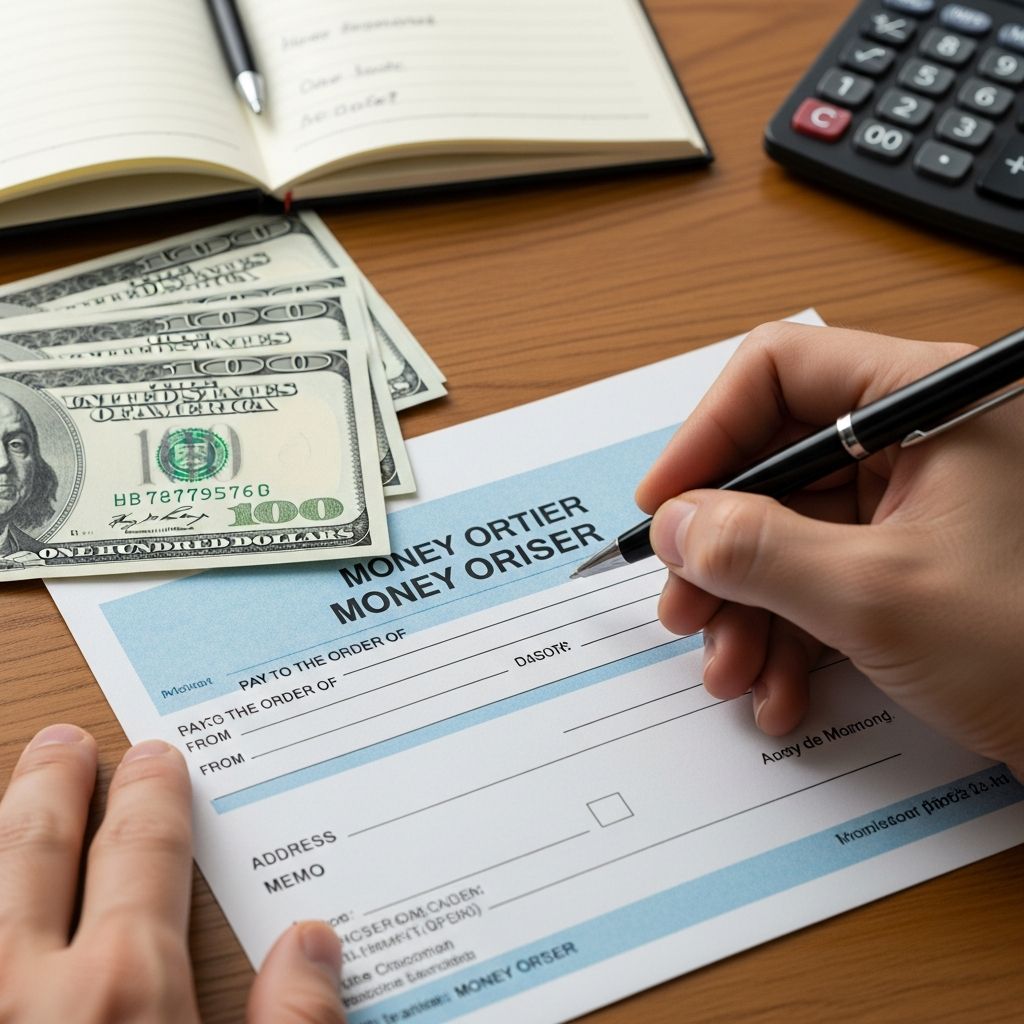
How to Fill Out a Money Order: A Complete Guide
Money orders are a secure and reliable way to send guaranteed funds to individuals or businesses without needing to share sensitive banking information like account numbers or routing codes. Whether you’re paying bills, sending money to family, or conducting business transactions, knowing how to properly fill out a money order is essential. This comprehensive guide will walk you through each step of the process to ensure your money order is completed correctly and reaches its intended recipient without delays or complications.
What Is a Money Order and Why Use One?
A money order is a prepaid financial instrument that functions similarly to a check but offers greater security since the funds are guaranteed by the issuer. Unlike personal checks, which draw from your bank account, money orders require you to pay the full amount upfront when you purchase them. This makes them an excellent option for those without bank accounts, individuals who prefer not to share banking details, or situations requiring proof of payment. Money orders are widely accepted and can be purchased from banks, post offices, convenience stores, and other financial institutions.
Step-by-Step Instructions for Filling Out a Money Order
Step 1: Fill in the Recipient’s Name
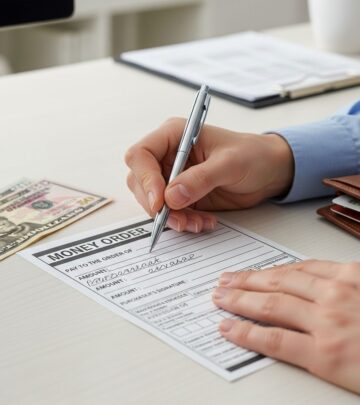
The first and most critical step in filling out a money order is writing the recipient’s name on the line labeled “Pay to the Order Of,” “Pay to,” or “Payee.” This is where you’ll enter the full name of the person or company that will receive the funds. If you’re sending money to a business, use their official business name exactly as it appears on their invoices, signage, or official documentation. For individuals, always use their full legal name, not nicknames or shortened versions.
Why this matters: The recipient listed on this line is the only person or entity authorized to cash or deposit the money order. Double-check the spelling carefully before proceeding. If the name is misspelled, the recipient may encounter difficulties when attempting to cash the money order, potentially causing frustrating delays. Some money order providers won’t allow corrections once the recipient’s name is written, so accuracy from the start is crucial. Complete this step immediately after purchasing the money order to prevent it from falling into the wrong hands if the blank money order is lost or stolen.
Step 2: Enter Your Information in the Purchaser Section
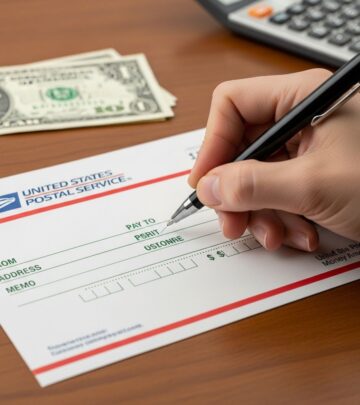
The purchaser section identifies you as the person who bought and is sending the money order. This section may be labeled as “From,” “Purchaser,” “Remitter,” or “Sender” depending on the money order provider. Write your full legal name and current mailing address in this designated area.
Your address serves multiple important purposes: it helps the money order issuer contact you if there are any problems with the transaction, provides a paper trail for your personal records, and allows the recipient to contact you if they have questions about the payment. Make sure to use your complete, accurate address rather than a shortened or alternative version. If the money order is lost, stolen, or if there are any discrepancies, having your correct contact information on file can help resolve issues quickly.
Step 3: Write the Amount of the Money Order
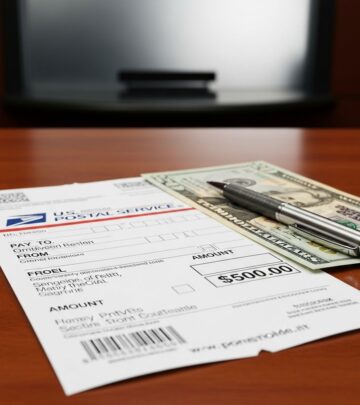
Enter the exact dollar amount you’re sending in two different formats: numerals and words. For example, if you’re sending $500, you would write “500” in the numerical box and “Five Hundred Dollars” in the words section. This dual-entry system helps prevent fraud and ensures clarity. Writing the amount in both formats creates a security checkpoint—if the numbers don’t match, the recipient or financial institution may question the money order’s validity.
Most money orders have a maximum limit, typically around $1,000, though this can vary by provider. If you need to send more than the maximum allowed, you’ll need to purchase multiple money orders. Never attempt to alter or write over the amount once it’s been completed, as this could render the money order invalid.
Step 4: Include Your Account Number if Paying a Bill
If you’re using the money order to pay a utility bill, loan payment, or any other recurring bill, look for a “Memo” or “Reference” field on the money order form. This optional field allows you to include your account number or other identifying information related to the bill. Including this information ensures that the payment is properly credited to your account and helps the billing company process your payment more efficiently.
Be specific and clear in the memo field. For instance, write “Account #12345” or “Invoice #98765” rather than vague descriptions. This small detail can prevent your payment from being delayed or misapplied to the wrong account.
Step 5: Sign the Front of the Money Order
Sign the money order on the front where it indicates “Purchaser’s Signature” or similar labeling. Use the same signature you would use on checks or other financial documents. This signature helps confirm the validity of the money order and authorizes the transaction. It’s important to sign on the designated line on the front of the money order, not on the back—the back is reserved for the recipient’s signature when they cash or deposit the money order.
Never leave the signature line blank. An unsigned money order could be subject to fraud, and the recipient may refuse to accept it. If you make a mistake while signing, ask the seller if you can get a replacement money order rather than attempting to cross out or modify your signature.
Step 6: Keep Your Receipt
Always retain the receipt that comes with your money order. This receipt contains important information including the money order number, the date of purchase, and the amount. Keep it for your records until you confirm that the recipient has successfully deposited or cashed the money order. The receipt serves as proof of purchase and can be invaluable if you need to track the money order, file a dispute, or request a replacement if the original is lost or not received.
Store your receipt in a safe place, such as with other financial documents or in a filing system. If the recipient reports that they didn’t receive the money order, you can use the receipt to investigate what happened and potentially get a replacement issued.
Common Money Order Variations
Different providers may have slight variations in their money order forms, but the basic principles remain consistent across most money orders, including those from Western Union, MoneyGram, Chase, and the U.S. Postal Service. Despite these minor variations, all money orders require the same essential information: recipient name, purchaser information, amount, and signature. Understanding the core steps ensures you can fill out any type of money order correctly, regardless of the provider.
Where to Purchase Money Orders
Money orders can be obtained from numerous locations, including:
- Post offices and USPS locations
- Banks and credit unions
- Convenience stores and supermarkets
- Western Union and MoneyGram agents
- Pharmacies and drugstores
- Check-cashing services
When purchasing a money order, bring cash or a debit card along with the necessary information about the recipient and the amount you wish to send. The seller will provide you with a blank money order form to complete.
Tips for Filling Out Money Orders Correctly
Use pen, not pencil: Always fill out a money order using a pen with blue or black ink. Pencil can be easily erased and altered, making the money order vulnerable to fraud. Never use markers or other writing instruments that might smudge or fade.
Print clearly: Write legibly in print rather than cursive when filling in names and addresses. Clear, easy-to-read handwriting ensures that the recipient’s name is correct and that banking personnel can process the money order without confusion or delays.
Avoid abbreviations: Write out full names and addresses completely. For example, use “Street” instead of “St.” and avoid shorthand notations. This clarity helps prevent misunderstandings or rejection of the money order.
Double-check information: Before finalizing your money order, review all details carefully. Verify the recipient’s name spelling, your address, and the amount one more time to catch any errors before they cause problems.
Don’t leave fields blank: Complete all required fields to prevent the money order from being rejected or misused. An incomplete money order could be problematic if it’s lost or stolen.
What to Do If You Make a Mistake
If you make an error while filling out a money order, such as misspelling the recipient’s name or writing the wrong amount, don’t attempt to fix it by crossing out or writing over the mistake. Instead, contact the vendor where you purchased the money order immediately and request a replacement. Depending on the provider’s policies, you may be able to exchange the incorrect money order for a new one, though some providers might charge a small fee for replacements. Keep your receipt handy when requesting a replacement, as you’ll need the money order number to process the exchange.
Money Order Security Features
Modern money orders include various security features designed to prevent counterfeiting and fraud. These may include watermarks, security threads, special inks, and unique serial numbers. Understanding that these features exist reinforces the importance of treating your money order like cash—keep it safe and protected until it reaches the intended recipient.
Tracking Your Money Order
If you need to track whether your money order has been deposited or cashed, use the receipt and money order number provided at purchase. Contact the issuing institution or visit their website to inquire about the status. This tracking capability is one advantage money orders offer over cash for sending funds securely.
Frequently Asked Questions
What should I do if my money order is lost or stolen?
Contact the money order issuer immediately with your receipt and money order number. You can request an investigation or replacement. Keep your receipt in a safe place to expedite this process if needed.
Can I cancel a money order after I’ve filled it out?
Yes, you can typically cancel a money order if it hasn’t been cashed. Contact the issuer with your receipt and money order number. There may be a small cancellation fee, but you should receive a refund minus that fee.
What’s the maximum amount for a money order?
Most money orders have a maximum limit of $1,000, though this varies by provider. Check with your specific money order issuer for their limit. If you need to send more, purchase multiple money orders.
Whose address goes on a money order—mine or the recipient’s?
Your address (as the purchaser) should go in the “From” or “Purchaser” section. Some money orders also ask for the recipient’s address in a separate field. Check the form to see which addresses are required.
Do I sign a money order before or after giving it to the recipient?
You sign the money order immediately after filling it out and before giving it to the recipient. The recipient will sign the back of the money order when they cash or deposit it.
Can someone else fill out a money order on my behalf?
Technically, yes, but it’s not recommended. If you authorize someone to fill it out, ensure they have all the correct information. However, you should personally sign the money order and keep the receipt. For security purposes, it’s best to fill out and sign your own money orders.
What if the money order amount doesn’t match the words?
If there’s a discrepancy between the numerical amount and the written-out words, the money order may be rejected or questioned. Most institutions will honor the written-out amount as it’s considered more difficult to alter. To avoid this issue, ensure both amounts match exactly before completing the money order.
References
- How to Fill Out a Money Order | Huntington Bank — Huntington Bancorp Incorporated. 2024. https://www.huntington.com/learn/checking-basics/how-to-fill-out-money-order
- How to Fill Out a Money Order Step-by-Step — NerdWallet, Inc. 2024. https://www.nerdwallet.com/banking/learn/how-to-fill-out-money-order
- How To Fill Out A Money Order Step-By-Step — Bankrate, LLC. 2024. https://www.bankrate.com/banking/how-to-fill-out-a-money-order/
- How to Fill Out a Money Order — Experian Information Solutions, Inc. 2024. https://www.experian.com/blogs/ask-experian/how-to-fill-out-a-money-order/
- How to Complete a Money Order — JPMorgan Chase Bank, N.A. 2024. https://www.chase.com/personal/banking/education/basics/how-to-fill-out-a-money-order
- Money order: how to do it and money limit — Western Union Holdings, Inc. 2024. https://www.westernunion.com/blog/en/fill-money-order/
- Money Orders – The Basics – FAQ — United States Postal Service. 2024. https://faq.usps.com/s/article/Money-Orders-The-Basics
Similar Articles








Read full bio of Sneha Tete