How to Download Free Movies With Amazon Prime
Unlock offline viewing: Learn how Amazon Prime members can download thousands of free movies and shows for on-the-go entertainment without extra costs.
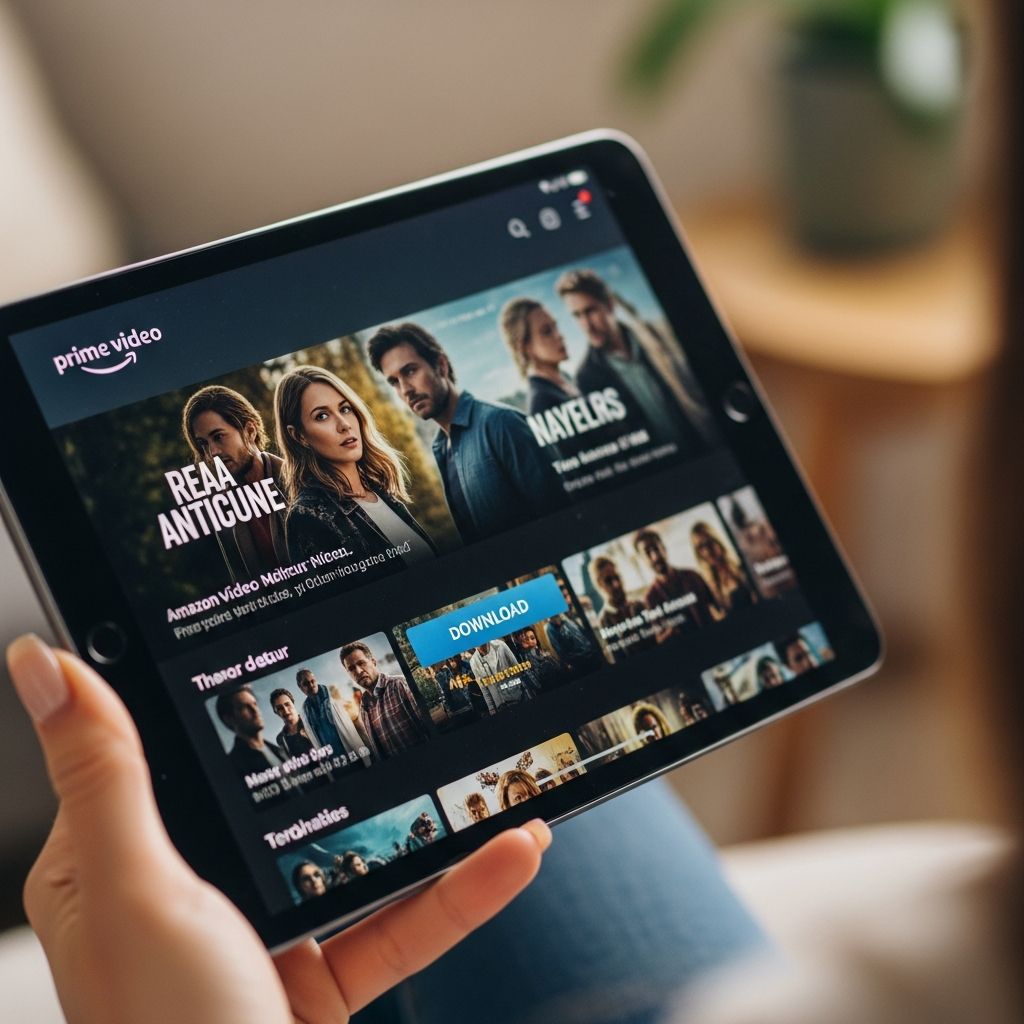
Amazon Prime members have access to thousands of movies and TV shows through Prime Video, and one of the best features is the ability to download content for offline viewing. This allows you to watch your favorite films and series without an internet connection, perfect for travel, commutes, or data-saving scenarios. Whether you’re on a plane, at the gym, or in an area with poor signal, downloading ensures uninterrupted entertainment.
Prime Video’s library includes over 26,000 movies and 2,700 TV series, featuring hits like “The Lord of the Rings: The Rings of Power,” “The Boys,” and classics across genres. This perk comes at no extra cost with your Prime subscription, which costs $14.99 monthly or $139 annually, delivering far more value through streaming, shipping, and other benefits.
Why Download Movies With Amazon Prime?
Downloading content from Prime Video offers several advantages for cost-conscious viewers. First, it saves on mobile data charges, which can be expensive during travel. Second, it provides flexibility for offline scenarios where Wi-Fi isn’t available. Prime members can download up to 25 titles per device, with each title allowing up to 2GB of storage, ensuring ample space for your watchlist.
- Data Savings: Stream without burning through your cellular plan.
- Travel-Friendly: Ideal for flights, road trips, or camping.
- No Ads: Enjoy ad-free viewing on most Prime originals and included content.
- Family Sharing: Up to six family members can download on their devices via Amazon Household.
Compared to competitors like Netflix, Prime Video’s download feature is robust, supporting high-quality resolutions up to HD on compatible devices. Walmart+ offers similar streaming but lacks the depth of Prime’s entertainment library.
Devices Compatible With Prime Video Downloads
Not all devices support downloads, so check compatibility before starting. Mobile apps are the primary method, with tablets and select smart TVs following.
| Device Type | Supported? | Max Downloads | Quality Options |
|---|---|---|---|
| iPhone/iPad (iOS 13+) | Yes | 25 titles | SD/HD |
| Android Phone/Tablet (5.0+) | Yes | 25 titles | SD/HD |
| Fire Tablets (5th Gen+) | Yes | 25 titles | SD/HD |
| Mac/PC (Prime Video App) | Limited (Windows 10+ app) | 25 titles | SD only |
| Smart TVs (Fire TV, etc.) | No direct downloads | N/A | Streaming only |
Fire devices, owned by Amazon, offer the smoothest experience with seamless integration.
How to Download Movies on iPhone or iPad
Apple users can easily download Prime Video content via the app.
- Open the Prime Video app and sign in with your Prime account.
- Search for a movie or show; look for the Download icon (downward arrow) next to eligible titles. Note: Not all content is downloadable due to licensing.
- Tap the icon, select quality (Standard or Higher), and confirm. Downloads save to your device’s internal storage or iCloud if enabled.
- Access downloads via the Downloads tab at the bottom. Content expires after 48 hours once playback starts or 30 days otherwise.
Pro Tip: Connect to Wi-Fi for faster downloads and to avoid data caps. iOS supports background downloads, so you can queue multiple titles.
How to Download Movies on Android Devices
Android offers similar functionality with a few tweaks for storage management.
- Install or update the Prime Video app from Google Play Store.
- Navigate to a downloadable title—filter by “Downloads Available” in search for efficiency.
- Tap Download, choose quality, and select download location if using external storage.
- Manage via the Library > Downloads section. Android allows pausing/resuming downloads.
Ensure your device has at least 2GB free per title. Android 11+ supports scoped storage for better privacy.
Downloading on Fire Tablets and Fire TV Devices
Amazon’s own hardware excels here.
- Fire Tablets: Same app process as mobile; pre-installed on most models. Downloads integrate with FreeTime for parental controls.
- Fire TV Stick/Cube: Limited to streaming, but pair with a mobile download and cast via AirPlay or screen mirroring.
Fire tablets allow unlimited photo storage alongside video downloads via Amazon Photos, another Prime perk.
Troubleshooting Common Download Issues
Encounter problems? Here’s how to fix them:
- No Download Button: Content may not be licensed for offline; try originals like “The Marvelous Mrs. Maisel.”
- Storage Full: Delete old downloads or offload to cloud. Prime offers 5GB video storage free.
- Download Stuck: Restart app/device, check Wi-Fi, update app.
- Expiration Errors: Redownload after expiry; no repurchase needed.
- Multi-Device Limits: Max 6 devices per account, 25 titles each—sign out unused ones.
If issues persist, contact Amazon support via chat in the app.
Maximizing Your Amazon Prime for Free Entertainment
Beyond downloads, Prime packs value:
- Prime Video Channels: Add-ons like Paramount+ at discounts.
- Prime Music: 100M ad-free songs, offline too.
- Prime Reading: Free ebooks, magazines monthly.
- Prime Gaming: Free games, Twitch subs.
Students get Prime for $7.49/month; EBT users $6.99. Compare to Walmart+: Prime wins on entertainment depth.
Prime Video vs. Other Streaming Services
| Feature | Prime Video | Netflix | Walmart+ |
|---|---|---|---|
| Downloads | Yes, 25/device | Yes, unlimited | Limited |
| Movie Library | 26K+ | 17K+ | Basic |
| Cost w/o Ads | $14.99 (bundled) | $15.49 | $12.95 |
| Other Perks | Shipping, Music | None | Gas discounts |
Prime’s bundling makes it superior for multi-use households.
Frequently Asked Questions (FAQs)
Can I download movies on my laptop?
Yes, via the Windows 10 Prime Video app or browser extension, but quality is SD-only.
How long do downloads last?
30 days from download or 48 hours after starting playback.
Do I need Wi-Fi to watch downloads?
No, that’s the point—fully offline.
Can non-Prime members download?
No, requires active Prime subscription.
What’s the data usage for downloading HD movies?
About 1-2GB per hour; always use Wi-Fi.
Are all movies downloadable?
No, only select Prime-included titles; check the icon.
Downloading free movies with Amazon Prime transforms your subscription into a portable cinema. With easy steps across devices and robust troubleshooting, you’ll save money and enjoy endless entertainment offline. Dive into Prime Video today and build your download library.
References
- Do You Get Your Money’s Worth With Amazon Prime? — The Penny Hoarder, Michael Archambault. 2023-10-08. https://www.thepennyhoarder.com/save-money/amazon-prime-worth-it/
- Amazon Prime vs. Walmart Plus: Which is The Better Deal? — The Penny Hoarder. 2024-01-15. https://www.thepennyhoarder.com/save-money/walmart-plus-vs-amazon-prime/
- How to Get Free Stuff on Amazon: 11 Freebies for You — The Penny Hoarder Staff. 2024-10-08. https://www.thepennyhoarder.com/save-money/how-to-get-free-stuff-on-amazon/
Similar Articles








Read full bio of medha deb