How to Check and Change Your Credit Card Billing Address
Complete guide to updating your credit card billing address across major issuers.
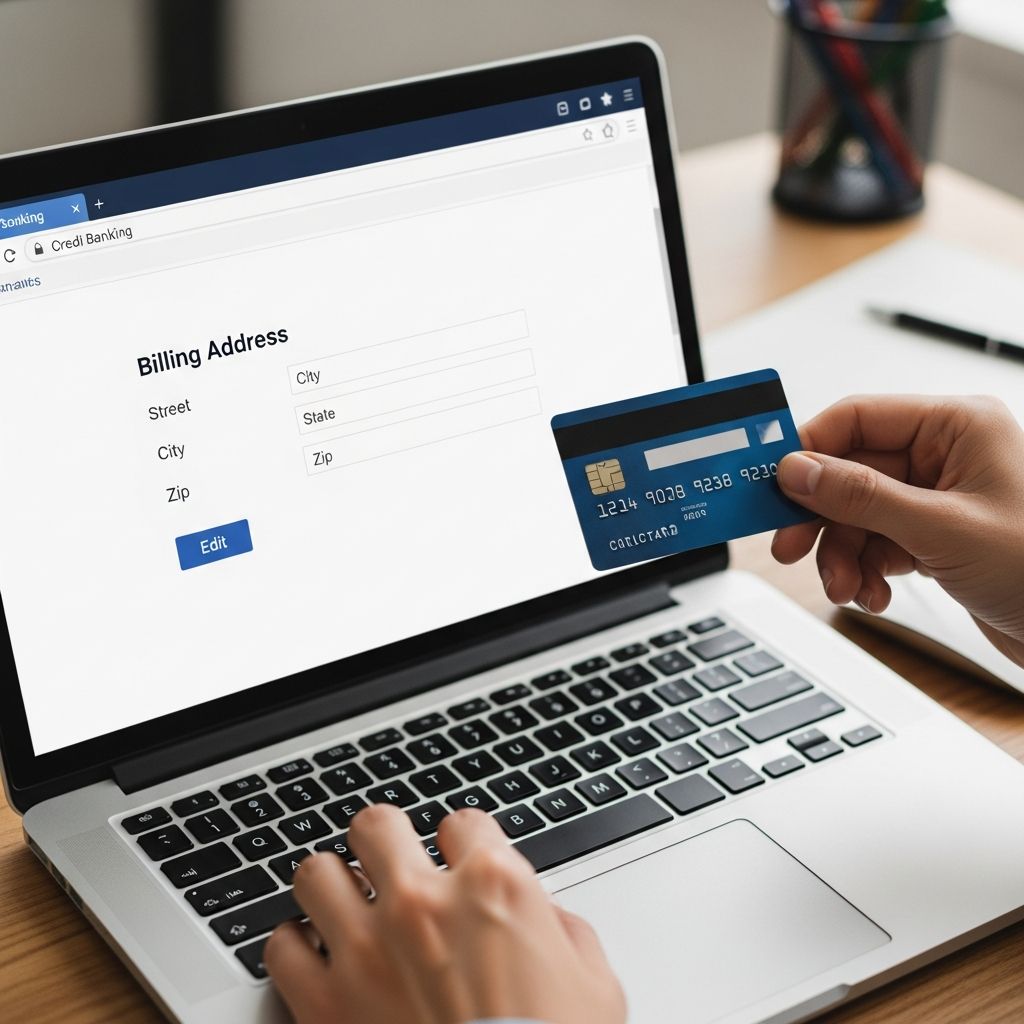
Your billing address is one of the most important pieces of information associated with your credit card account. It’s where your credit card issuer sends your monthly statements, important notices, and promotional materials. If you’ve recently moved, changed residences, or simply need to update your address information, changing your credit card billing address is a straightforward process that typically takes just a few minutes to complete.
Keeping your billing address current is essential for maintaining seamless communication with your credit card company and ensuring you receive critical account information. An outdated address can lead to missed payments, delayed statements, and potential financial complications. Fortunately, most major credit card issuers have made it easier than ever to update this information through multiple convenient channels.
Why You Should Update Your Billing Address
There are several important reasons to promptly update your credit card billing address whenever your living situation changes. The most obvious reason is to ensure you continue receiving your monthly statements and important account notifications at your current location. Missing statements can make it difficult to track your spending and payment due dates, which could lead to late fees and damage to your credit score.
Beyond receiving statements, updating your address protects your financial security. Banks and credit card companies use your billing address as a verification tool when processing transactions and addressing account inquiries. An outdated address could raise security flags or cause delays when you need to access customer support or dispute charges.
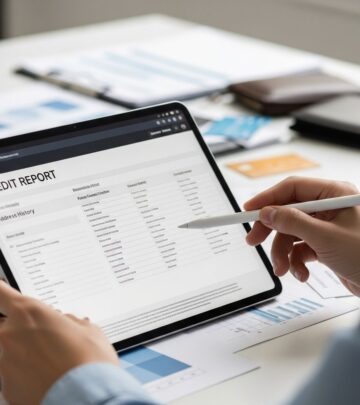
Additionally, your billing address affects your credit profile and may be used in fraud prevention protocols. Credit bureaus maintain address history for verification purposes, and having current information helps protect you from identity theft and unauthorized account access.
Methods to Check Your Current Billing Address
Before making any changes, it’s helpful to verify what billing address is currently on file with your credit card company. There are several easy ways to check your existing address information.
Check Your Monthly Statement
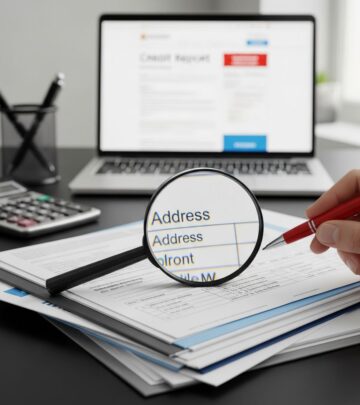
Your printed billing statement is one of the easiest places to verify your current address on file. Your address typically appears in the upper left or right corner of the statement. Simply look at your most recent statement to see what address your credit card company has recorded.
Log Into Your Online Account
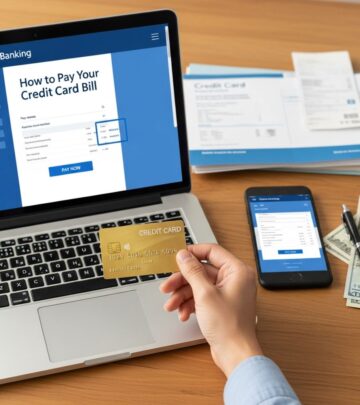
Most credit card issuers maintain online banking portals where you can access comprehensive account information. Sign in with your username and password, then navigate to your account settings or profile section. Your current billing address should be displayed in your personal information area.
Use Your Mobile App
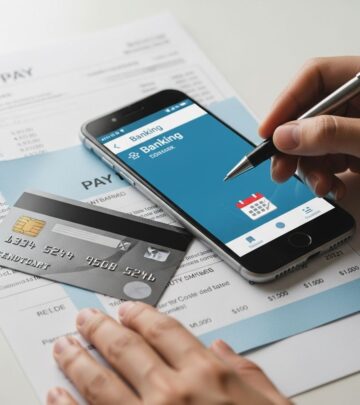
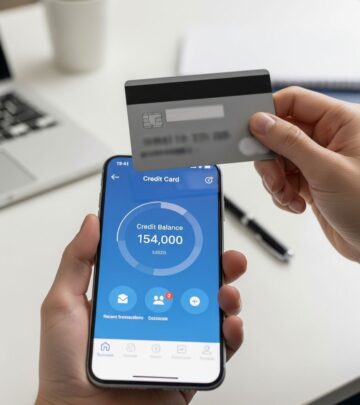
Credit card companies increasingly offer mobile applications that provide quick access to account details. Download your card issuer’s app, log in, and navigate to your profile or settings section to view your billing address.
Contact Customer Service
If you prefer speaking with someone directly, you can call the customer service number on the back of your credit card. A representative can quickly confirm your current billing address and assist you with any updates you need to make.
Step-by-Step Guide to Changing Your Billing Address Online
The online method is typically the fastest and most convenient way to update your billing address. Here’s how to do it with most major credit card issuers:
Step 1: Access Your Online Account
Visit your credit card issuer’s website and log in to your online banking portal using your login credentials. If you don’t have an online account, you can typically create one by following the registration instructions on the issuer’s website. You’ll need your credit card number and other identifying information to set up your account.
Step 2: Navigate to Account Settings
Once logged in, look for sections labeled “Account Settings,” “Profile,” “Personal Information,” or “My Account.” Different issuers use different terminology, but these sections typically contain your address and contact information.
Step 3: Locate the Billing Address Field
Find the billing address field in your account settings. You should see your current address displayed. Click on the option to edit or change your address.
Step 4: Enter Your New Address
Carefully enter your new billing address in all required fields. Make sure to include:
– Street address (including apartment or unit number if applicable)
– City
– State
– ZIP code
– Country (if applicable)
Double-check every character for accuracy, including proper spelling and correct ZIP codes. Even small errors can cause your statements to be misdirected.
Step 5: Confirm and Submit
Review your new address one more time before submitting. Once you’re confident it’s correct, click the confirm or save button to submit your changes.
Step 6: Verify Your Update
Look for a confirmation message on your screen. Most issuers will send you an email confirmation as well. Save or screenshot this confirmation for your records.
Changing Your Address by Phone
If you prefer not to use the online portal, you can update your billing address by calling your credit card issuer’s customer service department. The phone number is typically printed on the back of your credit card. When you call, have the following information ready:
– Your credit card number
– Your Social Security number (last four digits)
– Your current billing address
– Your new billing address
– A government-issued ID for verification purposes
A customer service representative will walk you through the process step-by-step. They may ask security questions to verify your identity before processing the change. The representative can also confirm your new address and provide you with a reference number for your records.
Changing Your Address in Person at a Bank Branch
If your credit card is issued by a bank with physical branch locations, you can update your billing address in person. Visit your nearest branch during business hours and speak with a bank representative. Bring a government-issued ID for verification purposes. The representative will update your address in their system and provide you with confirmation of the change.
Processing Times for Address Changes
The speed at which your address change takes effect depends on the method you use and your credit card issuer’s processing systems.
Online and Mobile App Updates
Address changes made through your issuer’s online portal or mobile app are typically processed almost instantly. You should receive confirmation immediately or within a few minutes. However, it may take a few business days for the change to fully propagate through all of your issuer’s systems.
Phone and In-Person Updates
Changes made over the phone or in person may take 1-5 business days to be fully processed, depending on the issuer’s procedures and systems. Some issuers can process changes immediately, while others may need additional time for verification.
Implementation on Billing Statements
Even if your address change is processed quickly, your new address may not appear on your next billing statement if you change it late in your billing cycle. Typically, address changes take effect on the following billing cycle. If you change your address mid-cycle, you might receive your current statement at your old address and subsequent statements at your new address.
Important Considerations When Changing Your Address
Mail Forwarding Service
When you move, set up mail forwarding with your postal service. This ensures that if your credit card company sends statements to your old address, they’ll be automatically forwarded to your new location. However, don’t rely solely on mail forwarding—update your address directly with your card issuer to ensure uninterrupted service.
Update Other Financial Accounts
When you change your credit card billing address, take the opportunity to update your address with other financial institutions as well. This includes your bank accounts, insurance companies, investment accounts, and other service providers. Consistent address information across all your accounts helps prevent fraud and ensures you receive important financial communications.
Timing Your Update
Update your address as soon as possible after moving. Don’t wait until you miss a statement to make the change. The sooner you update your information, the sooner your statements and other correspondence will start arriving at your correct address.
Verification Requirements
Some credit card companies may require additional verification when you change your address. They might call you at the phone number on file to confirm the change, or they may ask you to provide documentation of your new address. This is a standard security procedure to prevent fraudulent account modifications.
How Major Credit Card Issuers Handle Address Changes
Different credit card issuers have slightly different procedures for updating your billing address. Here’s a general overview of what to expect:
| Update Method | Processing Time | Availability |
|---|---|---|
| Online Portal | Instant to a few minutes | 24/7 |
| Mobile App | Instant to a few minutes | 24/7 |
| Phone | 1-5 business days | During business hours |
| In-Person Branch | Immediate to 1-2 days | During branch hours |
Troubleshooting Common Issues
Address Change Won’t Save Online
If you’re having trouble saving your address change through the online portal, try these solutions:
– Clear your browser cache and cookies and try again
– Try using a different web browser
– Make sure you’re using the official issuer website, not a phishing site
– Call customer service for assistance
Statement Arrives at Old Address After Change
If you receive a statement at your old address even after updating your information, this is likely due to timing. Statements are typically prepared several days before mailing. If you changed your address recently, your next statement should arrive at your new address. If multiple statements arrive at your old address, contact customer service to verify the change was processed correctly.
Unable to Access Online Account
If you can’t log into your online account to make the change, you can use the phone or in-person methods instead. To regain online access, you may need to reset your password or verify your identity through a security prompt.
Security Considerations
When updating your billing address, keep these security tips in mind:
– Only update your address through official credit card issuer channels
– Never respond to emails or texts asking you to update your address—contact your issuer directly
– Be cautious of phishing attempts that mimic your credit card company’s website
– Don’t share your credit card number or personal information with anyone claiming to represent your issuer unless you initiated the contact
– Monitor your account for unauthorized changes
Frequently Asked Questions
Q: How long does it take to change a credit card billing address?
A: Address changes made online or through mobile apps are typically processed instantly or within minutes. Changes made by phone or in person may take 1-5 business days to fully process. Your new address should appear on statements starting with the next billing cycle.
Q: Can I change my billing address without changing my account?
A: Yes, you can update your billing address without making any other changes to your account. Your account settings, credit limit, and rewards program will remain unchanged. Only your mailing address will be updated in the system.
Q: What if I don’t receive confirmation after changing my address?
A: If you don’t receive an email confirmation after updating your address online, check your spam folder. If you still don’t see a confirmation, contact customer service to verify that your change was processed correctly.
Q: Can I have a different billing address and shipping address?
A: The billing address on your credit card is specifically for statements and official correspondence. When making purchases, you can specify a different shipping address for deliveries. However, your billing address will remain the mailing address for statements and important account notices.
Q: What should I do if my address change causes a missed payment?
A: If you miss a payment due to not receiving your statement after an address change, contact your credit card issuer immediately. Explain the situation and ask if they can waive any late fees. It’s also a good idea to enroll in electronic statements or automatic payments to prevent future issues.
Q: Do I need to update my billing address with the credit bureaus?
A: No, you don’t update address information directly with credit bureaus. However, when your credit card issuer reports to the bureaus, your updated address will be reflected in your credit file. You can monitor your credit report through the official site AnnualCreditReport.com to ensure your information is accurate.
Q: Can someone else change my billing address?
A: No, only the account holder can authorize changes to the billing address. Credit card companies require verification of identity before processing any address changes to protect your account security.
Final Recommendations
Updating your credit card billing address is a simple but important task that should be completed promptly whenever you move. The fastest method is typically through your issuer’s online portal or mobile app, which can process your change almost instantly. If you prefer speaking with someone directly, calling customer service is a reliable alternative that takes just a few minutes.
Remember to update all your financial accounts when you move, not just your credit cards. Setting up mail forwarding with your postal service provides a backup solution in case there are any delays with your issuer’s address change processing. By staying proactive with address updates, you’ll ensure uninterrupted access to your statements and important account information.
References
- How to Change Your Address for a Credit Card — ZET App. 2025. https://zetapp.in/blog/how-to-change-your-address-for-a-credit-card
- Credit Card Information: The Basics You Need To Know — Bankrate. 2025. https://www.bankrate.com/credit-cards/advice/credit-card-information-the-basics-to-know/
- How to Check and Change Your Billing Address — Bankrate. February 7, 2025. https://www.bankrate.com/credit-cards/advice/check-and-change-billing-address/
Similar Articles








Read full bio of medha deb