How To Check Your Bank Account Balance: 6 Easy Ways
Master multiple methods to check your bank balance instantly and securely online.
How to Check Your Bank Account Balance
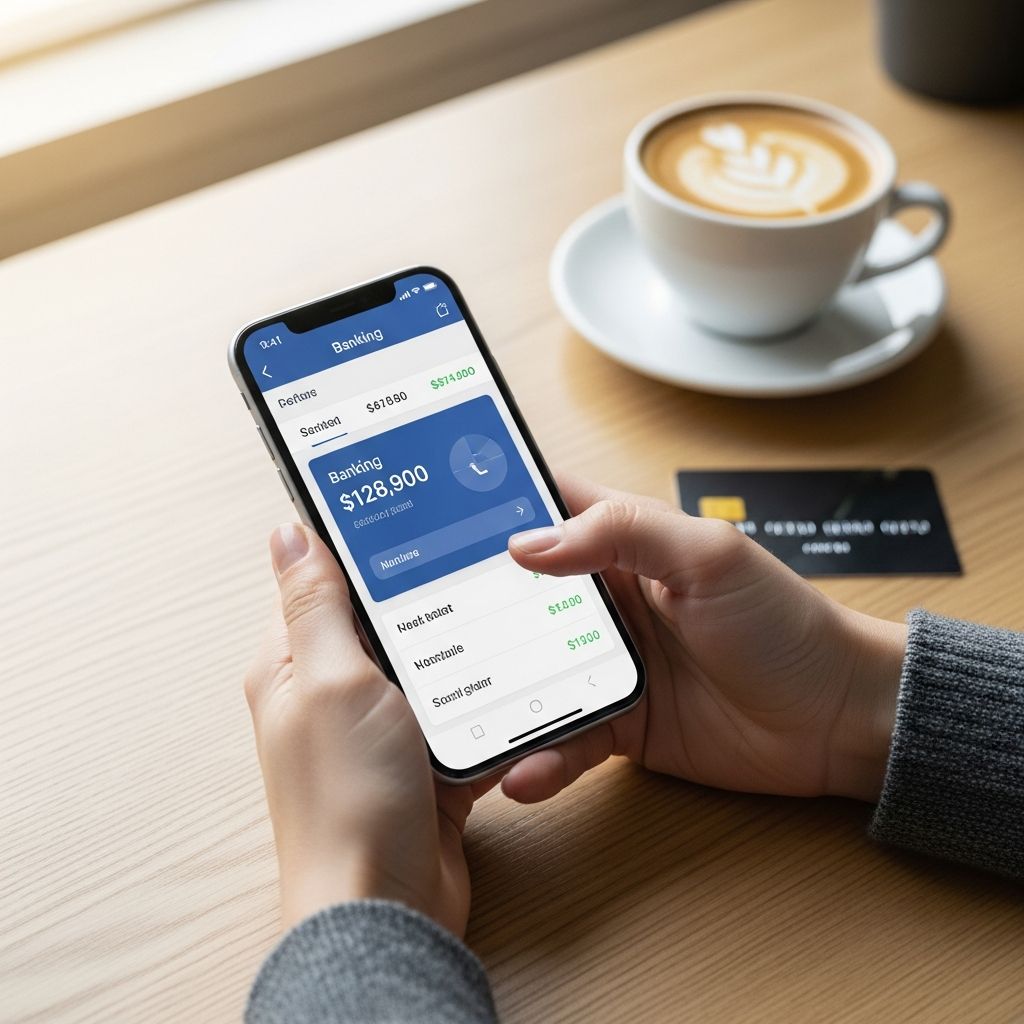
Your bank balance is available instantly through your phone, computer, or even without internet access. In today’s digital banking landscape, checking your account balance has never been easier or more convenient. Whether you’re at home, at work, or on the go, you have multiple options to view your account information in real time. Mobile apps show your balance in seconds, desktop banking gives you detailed transaction history, and ATMs work offline without any internet connection needed. Understanding each method will help you choose the best option for your financial management needs.
Ways to Check Your Account Balance
On Your Bank’s Website
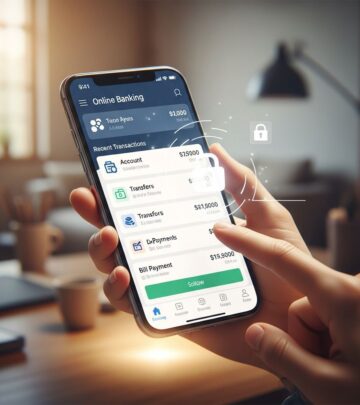
Online banking gives you the full picture — detailed transaction history, downloadable statements and comprehensive account information. It’s the method of choice when you need to do more than just glance at your balance. Desktop banking platforms typically offer the most robust features for account management and financial planning.
How to check your balance through online banking:
– Log into your bank’s official website directly by typing the URL in your browser (never click links in emails to avoid phishing scams)- Enter your username and password plus any required two-factor authentication- Your balance will often display on the dashboard immediately after login- Review your recent transactions and downloadable statements for additional details
On a Mobile Banking App
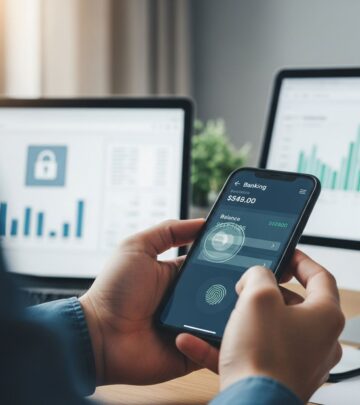
Mobile banking apps have become the de facto standard for balance checking — and for good reason. They deliver instant access, real-time alerts and biometric security that makes checking your balance faster than brewing coffee. With just a tap on your smartphone, you gain immediate visibility into your financial status, making it the most popular choice among modern bank customers.
How to check your balance through your mobile app:
– Download the app from your bank’s website or the app store of your choice- Sign in to your account using the same credentials as you do for your desktop-based online banking system- Navigate to the account information section- Most mobile banking apps provide an up-to-date view of your account balance and recent transactions- Set up real-time alerts for account activity and balance changes
Mobile banking apps typically take less than five minutes to access and provide the quickest way to view your balance on the go. All you need to do is click on the app on your phone and enter your username and password. The convenience factor combined with enhanced security features makes mobile apps an excellent choice for frequent balance checks.
At an ATM
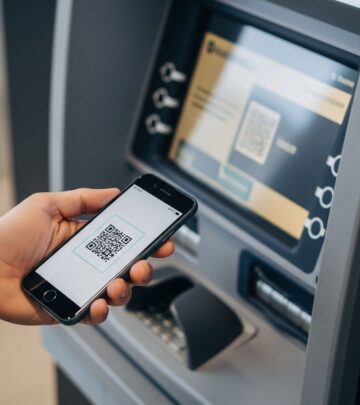
Automated Teller Machines remain one of the most reliable ways to check your account balance, especially when you don’t have internet access or you’re already withdrawing cash. ATMs are widely available at bank branches and throughout communities, making them accessible 24/7 for balance inquiries.
How to check your balance at an ATM:
– Find an ATM that is part of your bank’s fee-free network to avoid getting charged for checking your balance- Insert your debit card into the machine- Enter your PIN while shielding the keypad with your hand to prevent skimming fraud- Select “Balance Inquiry” from the menu- Your balance should appear on screen immediately- You can print a receipt or decline the receipt option
This method works without any internet connection, making it particularly useful in areas with poor connectivity or when you want to verify your balance during banking hours without needing to access online services.
Over the Phone
Most banks still offer telephone banking services, which allow you to check your account balance by phone. This traditional method remains useful for those who prefer voice interaction or encounter technical difficulties with digital platforms.
How to check your balance by phone:
– Call the phone number on the back of your debit card (you can also Google your bank’s general customer service number)- Follow the prompts from the automated voice system to access your account balance- Verify your identity with your account number and PIN- Listen to your balance and recent transaction information- Request additional account details if needed
Phone banking requires no internet connection and can be done from any telephone, making it accessible in virtually any situation. The automated system provides quick access to your balance information without waiting to speak with a representative.
Through Bank Statements
Bank statements aren’t for real-time balance checks — they arrive days or weeks after month-end. They’re best for understanding your spending patterns and reviewing completed transactions, not for knowing what you have available to spend right now. However, they provide valuable documentation of your account activity and are useful for budgeting and financial record-keeping.
How to access your bank statements:
– Log into your online banking platform and navigate to “Statements” or “Documents”- Download electronic statements for immediate access- Paper statements arrive by mail 3-7 business days after month-end- Review transactions to track spending patterns and verify accuracy
At Your Bank Branch
For customers who prefer in-person service, visiting a bank branch remains a viable option for checking your account balance. Bank tellers can provide immediate assistance and additional information about your accounts.
How to check your balance at a branch:
– Visit your bank’s local branch during business hours- Bring your account number, bank card, and photo ID for identity verification- Speak with a teller who can provide your balance verbally- Request printed recent transactions or account statements if needed- Discuss account features or ask questions about your banking services
This method offers personalized service and the opportunity to discuss your banking needs directly with bank representatives. It’s particularly useful if you have questions about your account or need assistance with additional banking services.
Why Checking Your Balance Regularly Matters More Than You Think
Regular balance monitoring isn’t just good practice — it’s one of the highest-return financial habits you can build. Maintaining consistent awareness of your account balance directly impacts your financial health and security in multiple ways.
Avoiding Costly Overdraft Fees
The math is simple and compelling: The average overdraft fee is $26.77, according to recent banking data. If checking your balance twice a week prevents just one overdraft per year, you’ve saved over $25 for less than 5 minutes of total time. Many consumers lose hundreds of dollars annually to overdraft fees that could be easily prevented through regular balance monitoring. By staying aware of your available balance before making purchases or paying bills, you eliminate the primary cause of overdraft situations.
Detecting Fraudulent Activity
Regular balance monitoring serves as an early warning system for unauthorized transactions and identity theft. When you frequently review your account, you can spot suspicious activity within hours rather than days or weeks. Early detection allows you to contact your bank immediately, potentially limiting your liability for fraudulent charges and preventing further unauthorized access to your accounts.
Improving Spending Awareness
Checking your balance regularly helps you understand your spending patterns and identify areas where you might be overspending. This awareness naturally leads to more conscious financial decisions and better budgeting practices. When you see your balance decrease regularly, it reinforces the connection between your purchases and your financial resources, making it easier to stick to spending goals.
Security Tips for Checking Your Balance
When checking your bank account balance online, security should be your top priority. Protecting your financial information requires vigilance and careful attention to banking best practices.
Use Strong Passwords and Two-Factor Authentication
Always use strong, unique passwords for your online banking account and enable two-factor authentication when available. A strong password includes a mix of uppercase letters, lowercase letters, numbers, and special characters. Two-factor authentication adds an extra security layer by requiring a second verification method beyond your password, typically a code sent to your phone or generated by an authentication app.
Avoid Public WiFi Networks
Never check your balance on public WiFi networks at coffee shops, libraries, airports, or other public locations. Public networks lack security protections, making it easier for hackers to intercept your login credentials and financial information. Always use your secure home network or your mobile device’s cellular connection when accessing banking information.
Verify Website Authenticity
Type your bank’s URL directly into your browser rather than clicking links in emails or text messages. Phishing scams attempt to trick you into entering your credentials on fake banking websites that appear identical to legitimate ones. Your bank’s official website address should be secure (starting with https://) and match exactly what you expect.
Monitor Your Accounts Regularly
Set up account alerts through your bank’s mobile app to notify you of unusual activity, large transactions, or balance changes. These real-time notifications help you catch problems immediately and take action before significant damage occurs.
Understanding Your Balance Information
When you check your account balance, you may see two different numbers: your current balance and your available balance. These figures represent different information crucial to your financial management.
Current Balance vs. Available Balance
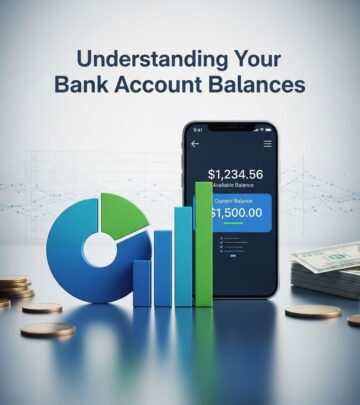
Your current balance represents the total amount of money in your account at any given moment, including recent transactions that haven’t finished processing yet. It’s a running tally of all deposits and withdrawals, even if charges haven’t cleared yet. Your available balance shows the money you can actually use right now for purchases, withdrawals, or bill payments, accounting for pending transactions and holds.
Understanding this distinction prevents overdraft situations. Always base your spending decisions on your available balance rather than your current balance, as your available balance accounts for transactions that will process soon and funds that banks have placed on hold.
Best Practices for Account Balance Management
Check Your Balance Frequently
Establish a routine of checking your balance at least twice weekly. This regular monitoring ensures you always know your financial status and can catch problems quickly. Many people check their balance daily through their mobile app for optimal awareness.
Record All Transactions
Keep accurate records of your deposits and withdrawals, either through your bank’s system or personal tracking methods. This practice helps you reconcile your records with your bank’s statements and spot discrepancies immediately.
Set Up Automatic Alerts
Configure your bank’s mobile app to notify you when your balance falls below a set threshold. This feature makes you aware when you’re in danger of overdrawing your account and helps maintain a healthy balance cushion.
Consider Overdraft Protection
Overdraft protection initiates a transfer from your savings account or an established line of credit whenever a transaction would overdraw your checking account. Some banks charge a fee for overdraft protection transfers, but this fee is typically lower than standard overdraft fees.
Frequently Asked Questions
Q: How often should I check my bank account balance?
A: Financial experts recommend checking your balance at least twice weekly to stay aware of your financial status and catch any irregularities quickly. Daily checks through mobile apps are even better for optimal financial management.
Q: Is it safe to check my balance on my phone?
A: Yes, checking your balance through your bank’s official mobile app on your personal device is secure. However, always use your home WiFi or cellular connection, never public WiFi networks, and ensure your phone has updated security software.
Q: Why does my available balance differ from my current balance?
A: The difference comes from pending transactions, holds, and deposits that haven’t cleared yet. Your current balance includes all transactions, while your available balance shows only money you can actually spend right now.
Q: Do banks charge fees for checking my balance at an ATM?
A: Most banks don’t charge for balance inquiries at ATMs within their network. However, using ATMs outside your bank’s network may result in fees. Stick to your bank’s ATM network to avoid unnecessary charges.
Q: What should I do if I notice fraudulent activity in my account?
A: Contact your bank immediately by calling the number on your debit card. Report the fraudulent transactions and your bank will investigate. Acting quickly minimizes your liability and prevents additional unauthorized charges.
Q: Can I check my balance without internet access?
A: Yes, you can check your balance at an ATM or by calling your bank’s phone banking service, both of which work without internet access. These methods provide 24/7 availability regardless of internet connectivity.
References
- How To Check Your Bank Account Balance — Bankrate. 2025. https://www.bankrate.com/banking/how-to-check-bank-account-balance/
- Available Balance vs. Current Balance: What’s the Difference? — Bankrate. 2025. https://www.bankrate.com/banking/checking/what-is-your-available-balance/
- Why You Should Balance Your Checking Account — Bankrate. 2025. https://www.bankrate.com/banking/checking/why-balance-your-checking-account/
- Consumer Financial Protection Bureau (CFPB) – Checking Accounts Guide — U.S. Government. https://www.consumerfinance.gov/
- Federal Reserve – Payment System Risk — Federal Reserve Board. https://www.federalreserve.gov/
Similar Articles








Read full bio of Sneha Tete