Buy Crypto With PayPal: 3 Easy Methods For 2025
Complete guide to purchasing Bitcoin and crypto using PayPal safely and securely in 2025.
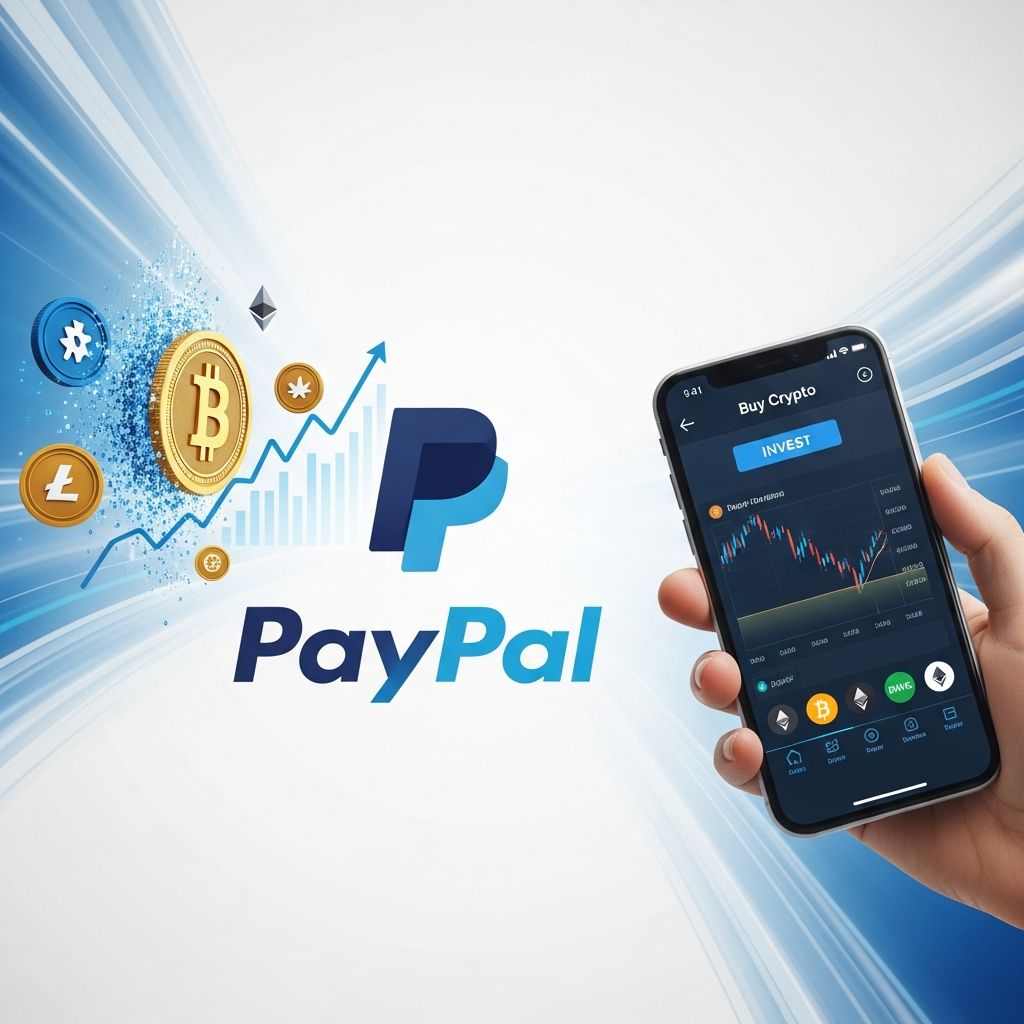
How to Buy Crypto and Bitcoin with PayPal: A Complete 2025 Guide
Cryptocurrency adoption continues to accelerate globally, making digital assets more accessible than ever before. If you’re interested in entering the crypto market but prefer using a trusted and familiar payment method, PayPal offers an excellent solution. PayPal’s integration with cryptocurrency platforms has made buying Bitcoin, Ethereum, and other digital assets straightforward and secure. This comprehensive guide will walk you through everything you need to know about purchasing cryptocurrency with PayPal, including the various methods available, security considerations, and step-by-step instructions for successful transactions.
Why Buy Crypto with PayPal?
PayPal stands out as an ideal platform for cryptocurrency purchases for several compelling reasons. Millions of individuals worldwide already trust PayPal for their online financial transactions, making it a natural and convenient choice for entering the crypto market. The platform combines familiarity with innovation, allowing users to leverage their existing accounts and payment methods for cryptocurrency purchases.
Several key advantages make PayPal an attractive option for crypto buyers:
- Familiar & User-Friendly Interface: With over 400 million active users globally, PayPal’s interface is intuitive and well-known, reducing the learning curve for new crypto investors.
- Fast Transaction Processing: Unlike traditional bank transfers that may require 2-5 business days, PayPal transactions are processed almost instantaneously, allowing you to capitalize on market opportunities quickly.
- Robust Buyer Protection & Security: PayPal employs advanced fraud detection systems and encryption technology to safeguard your transactions and personal information.
- Multiple Funding Sources: You can fund your crypto purchases using your PayPal balance, linked debit or credit cards, or connected bank accounts, providing flexibility in payment options.
Methods to Buy Crypto with PayPal
There are several distinct approaches to purchasing cryptocurrency using PayPal, each with unique advantages and considerations. Understanding these methods will help you choose the most suitable option for your needs.
Method 1: Direct Purchase Through PayPal
PayPal offers a built-in cryptocurrency purchasing feature that allows users in select countries to buy Bitcoin, Ethereum, and other cryptocurrencies directly through their PayPal accounts. This is the most straightforward method for beginners.
Steps to buy directly through PayPal:
- Log in to your PayPal account on the website or mobile app
- Navigate to the “Crypto” or “Digital Assets” section
- Select the cryptocurrency you wish to purchase (Bitcoin, Ethereum, etc.)
- Enter your desired purchase amount
- Review the transaction details and confirm your purchase
- The crypto will be credited to your PayPal wallet immediately
Important Note: Cryptocurrency purchased directly through PayPal cannot be withdrawn to external wallets. This method is ideal for holding or selling within PayPal’s ecosystem. If you need to transfer your crypto to another wallet, you’ll need to consider alternative purchasing methods.
Method 2: Using Third-Party Crypto Platforms
Several cryptocurrency exchanges and on-ramp services have integrated PayPal as a payment method. These platforms typically offer more flexibility, including the ability to transfer purchased crypto to external wallets.
Popular platforms accepting PayPal include:
- BitPay (offers access to 170+ cryptocurrencies)
- MoonPay (integrated with multiple crypto wallets)
- RockItCoin (user-friendly crypto buying experience)
- Bitget (comprehensive trading features)
- Paybis (multiple cryptocurrency options)
When using third-party platforms, you’ll typically complete these steps:
- Create and verify your account on the chosen platform
- Select your desired cryptocurrency and purchase amount
- Choose PayPal as your payment method
- Complete identity verification (KYC requirements)
- Authorize the payment through PayPal’s secure interface
- Provide your cryptocurrency wallet address for delivery
Method 3: Peer-to-Peer (P2P) Platforms
P2P cryptocurrency platforms connect buyers directly with individual sellers who accept PayPal. This method can offer competitive rates and more negotiation flexibility.
How P2P transactions work:
- Register on a reputable P2P platform and complete verification
- Browse available sellers accepting PayPal payments
- Review seller ratings, transaction history, and terms
- Initiate a trade with your chosen seller
- Send payment via PayPal to the seller’s account
- Receive cryptocurrency to your specified wallet address
Safety Consideration: Always use P2P platforms with built-in escrow services. These services hold both the cryptocurrency and funds in neutral custody until both parties confirm the transaction, protecting both buyers and sellers from fraud.
Step-by-Step Guide to Buying Crypto with PayPal
For those choosing to use a third-party platform with PayPal integration, here’s a detailed walkthrough using BitPay as an example:
Via Mobile App
Step 1: Download and Install – Download the BitPay app from your device’s app store (available for iOS and Android).
Step 2: Access the Buy Feature – Open the app and tap the “Buy” button on the home screen to begin the crypto purchase process.
Step 3: Enter Purchase Details – Specify the amount you want to convert to cryptocurrency and select which cryptocurrency you wish to purchase. BitPay supports Bitcoin, Ethereum, Litecoin, Dogecoin, and numerous other cryptocurrencies.
Step 4: Select PayPal – When prompted for your payment method, choose PayPal. You can also use credit cards, Apple Pay, Google Pay, or ACH bank transfers.
Step 5: Complete Payment – You’ll be redirected to MoonPay’s secure payment processor to enter your PayPal credentials and authorize the transaction.
Step 6: Receive Your Crypto – Once payment is confirmed, your cryptocurrency will be transferred to your BitPay wallet.
Via Web Browser
Step 1: Visit the Platform – Navigate to the crypto buying section of platforms like BitPay.com or your chosen provider.
Step 2: Select Cryptocurrency – Choose from available cryptocurrencies and enter your desired purchase amount.
Step 3: Enter Wallet Address – Provide the cryptocurrency wallet address where you want to receive your purchase. If you don’t have a wallet, most platforms allow you to create one for free.
Step 4: Choose PayPal Payment – Select PayPal as your payment method and proceed to the payment gateway.
Step 5: Authenticate and Verify – Complete identity verification as required by regulations, then authorize the payment through PayPal.
Step 6: Confirm and Receive – Review all transaction details one final time, confirm, and await crypto delivery to your wallet.
Important Considerations and Limitations
While PayPal offers convenience for crypto purchases, several factors should be considered before proceeding:
Transaction Limits
PayPal typically imposes daily and monthly limits on cryptocurrency purchases. These limits vary based on your account history, verification status, and geographic location. New users often face lower initial limits that increase over time as your account builds history. Check your specific limits in your PayPal account settings under crypto restrictions.
Geographic Restrictions
Cryptocurrency purchasing through PayPal is not available in all countries. Regulatory requirements vary significantly by jurisdiction. If PayPal crypto features are unavailable in your location, you may still access third-party platforms that accept PayPal payments, though availability varies.
Wallet Compatibility
When purchasing crypto through external platforms, ensure you have a compatible wallet address ready. Invalid addresses can result in lost funds. Use wallet addresses only from cryptocurrency types you’re purchasing (Bitcoin wallets for Bitcoin, Ethereum wallets for Ethereum, etc.). Hardware wallets, software wallets, and exchange wallets all work, but verify compatibility before purchasing.
PayPal Credit Restrictions
PayPal Credit, the “buy now, pay later” feature, is typically not eligible for cryptocurrency purchases. You must use your PayPal balance, linked bank accounts, or credit/debit cards connected directly to your PayPal account.
Security Best Practices for PayPal Crypto Purchases
Protecting your investments and personal information is paramount when purchasing cryptocurrency. Follow these essential security practices:
- Enable Two-Factor Authentication (2FA): Activate 2FA on both your PayPal account and any crypto platform you use. This adds an extra security layer requiring verification beyond your password.
- Use Strong Passwords: Create unique, complex passwords combining uppercase letters, numbers, and symbols for both PayPal and crypto accounts.
- Verify URLs: Always ensure you’re on legitimate websites before entering payment information. Check for secure (HTTPS) connections and exact domain names.
- Keep Software Updated: Regularly update your operating system, browser, and antivirus software to protect against security vulnerabilities.
- Avoid Public Wi-Fi: Don’t conduct crypto transactions on public or unsecured networks where data can be intercepted.
- Document Transactions: Keep detailed records of all purchases, especially for tax purposes and dispute resolution if needed.
- Start Small: Begin with modest purchase amounts to test the process and platform reliability before committing larger funds.
- Transfer to Self-Custody: If possible, transfer purchased crypto to hardware or private wallets you control, rather than leaving it on exchange platforms.
Understanding Fees and Costs
Cryptocurrency purchases typically involve multiple fee components. Fees generally include a platform fee (usually 2-5%), network fees for blockchain confirmation, and PayPal processing fees. The exact fee structure varies by platform and transaction size. Check the specific fee breakdown on your chosen platform before confirming purchases. Larger transactions sometimes offer better fee percentages, while smaller purchases may have proportionally higher fees. During periods of high network congestion, blockchain network fees can increase significantly.
Troubleshooting Common Issues
Transaction Declined: Ensure your PayPal account is fully verified with all required identity information. Try using a different payment method linked to your account or contact PayPal support.
Long Processing Times: Most transactions complete within minutes, but blockchain confirmation can take longer during network congestion. Check your transaction status on the platform dashboard.
Funds Not Received: Verify you provided the correct wallet address. If the address was incorrect, contact the platform support immediately as some may be able to assist.
Withdrawal Restrictions: If you cannot withdraw crypto from PayPal directly, this is intentional. Use third-party platforms for the ability to transfer to external wallets.
Frequently Asked Questions (FAQs)
Q: Is buying Bitcoin with PayPal safe?
A: Yes, buying Bitcoin through PayPal or PayPal-integrated platforms is safe when using official services. PayPal’s fraud protection, combined with established crypto platforms’ security measures, makes it a reliable purchasing method. Always verify you’re on legitimate websites and use strong authentication methods.
Q: Can I transfer Bitcoin purchased through PayPal to another wallet?
A: Bitcoin purchased directly through PayPal’s wallet cannot be transferred to external wallets. However, crypto purchased through third-party platforms accepting PayPal (like BitPay or MoonPay) can typically be transferred to any compatible wallet address you specify.
Q: What are the minimum and maximum purchase amounts?
A: Limits vary by platform and account status. Typically, minimums range from $10-$50, while maximums can range from $500-$50,000+ depending on your verification level and geographic location. Check your specific platform’s limits.
Q: How long does a crypto purchase take?
A: PayPal transactions process almost instantaneously, usually within minutes. However, blockchain confirmation may take additional time depending on network congestion—typically 10 minutes to an hour for Bitcoin.
Q: Are there any taxes on cryptocurrency purchases?
A: Cryptocurrency is typically treated as property for tax purposes. Purchase transactions themselves aren’t usually taxable events, but selling or trading crypto may trigger capital gains tax obligations. Consult a tax professional regarding your specific situation.
Q: Can I use PayPal Credit to buy cryptocurrency?
A: No, PayPal Credit is generally not eligible for cryptocurrency purchases. You must use your PayPal balance or directly linked payment methods.
Q: What cryptocurrencies can I buy with PayPal?
A: Through PayPal directly, you can buy Bitcoin and Ethereum primarily. Third-party platforms like BitPay support 170+ cryptocurrencies including Litecoin, Dogecoin, and various stablecoins.
Q: Is there customer support if something goes wrong?
A: Yes, both PayPal and crypto platforms provide customer support. Most issues can be resolved through account settings or support tickets. Response times typically range from 24-72 hours.
Getting Started Today
Purchasing cryptocurrency with PayPal has never been more accessible. Whether you choose direct PayPal purchases for simplicity or third-party platforms for flexibility, the process is straightforward and secure. Start by selecting a method that aligns with your needs, set up the necessary accounts, and follow the step-by-step instructions outlined in this guide. Remember to begin with small amounts as you become comfortable with the process, and always prioritize security through strong authentication and careful verification practices. As cryptocurrency continues to evolve and adoption increases, PayPal-based purchasing remains an excellent entry point for new and experienced investors alike.
References
- How to Buy Crypto with PayPal in 2025 — RockItCoin. 2025. https://www.rockitcoin.com/blog/how-to-buy-crypto-with-paypal/
- How to Buy Bitcoin with PayPal: A Complete Guide for 2025 — Bitget Academy. 2025. https://www.bitget.com/academy/how-to-buy-bitcoin-with-paypal-step-by-step-guide
- Buy Bitcoin with PayPal via BitPay + MoonPay — BitPay. July 24, 2025. https://www.bitpay.com/blog/buy-bitcoin-with-paypal
- Buy and Sell Crypto | Cryptocurrency Wallet | PayPal US — PayPal Official. 2025. https://www.paypal.com/us/digital-wallet/manage-money/crypto
- 3 Methods to Buy Crypto with PayPal in 2025 — Kyrrex. 2025. https://kyrrex.com/blog/buy-crypto-with-paypal
Similar Articles








Read full bio of Sneha Tete