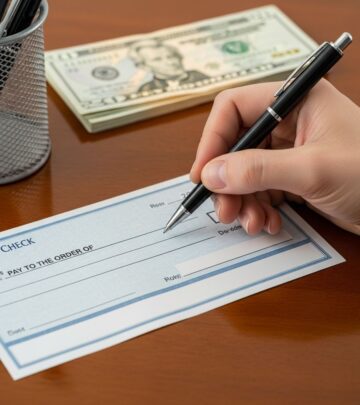
How To Balance A Checkbook In The Digital Age
Learn how to balance a checkbook step by step so you can track your money, avoid overdrafts, and stay fully in control of your finances.
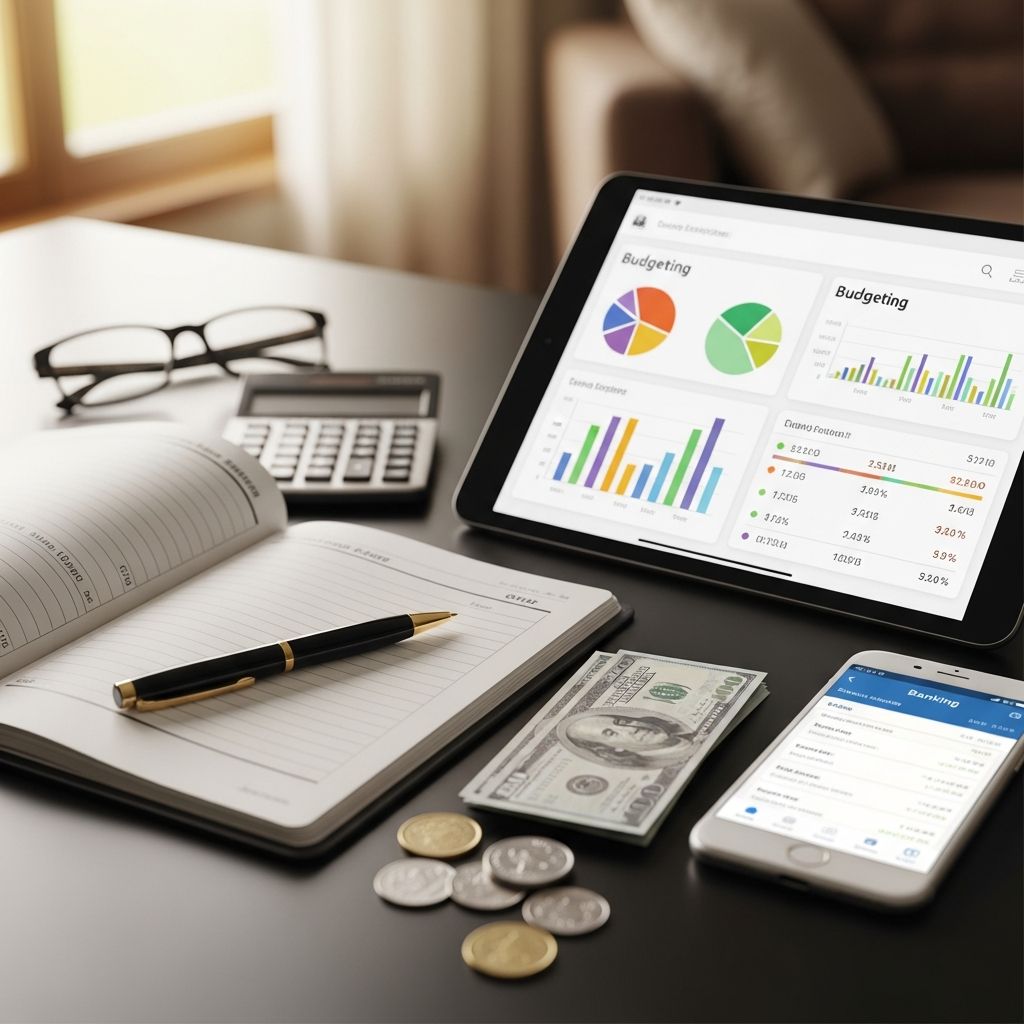
Online banking and budgeting apps are useful, but they do not replace the awareness and control you gain from knowing how to balance a checkbook. When you understand your true account balance at any moment, you can avoid overdraft fees, catch bank errors, and make smarter decisions with your money.
This guide walks you through what balancing a checkbook means, why it still matters today, and the exact steps to follow. You will also learn how to adapt the classic method to digital banking, plus answers to common questions so you can feel confident managing your account.
What Does It Mean To Balance A Checkbook?
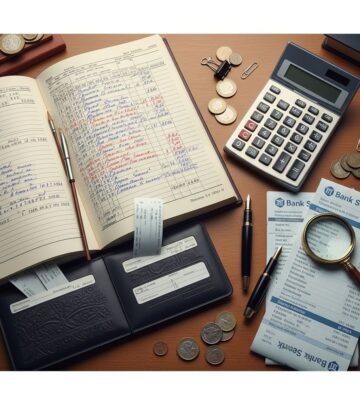
Balancing a checkbook means reconciling your own record of transactions with the official record kept by your bank or credit union. In practice, it is the process of:
- Tracking every transaction that affects your account balance
- Comparing your records to your bank statement or online account activity
- Finding and correcting any differences between the two
The goal is to make sure your personal running balance and the bank’s ending balance match after you account for items that have not cleared yet (such as recently written checks or pending deposits). Financial educators and regulators recommend regular account reconciliation as a core money management habit because it helps detect errors, fraud, and overspending early.
Why Balancing A Checkbook Still Matters Today
Even if you never use paper checks, you are still effectively managing a “checkbook” whenever money flows in and out of your account. Relying only on the number shown in your banking app can be risky, because that number might not reflect:
- Checks you have written that have not been cashed yet
- Automatic payments that have not processed
- Card transactions that are pending or temporarily authorized for a different amount
- Bank fees or interest you have not noticed
Regularly balancing your checkbook offers several benefits:
- Avoid overdraft fees: When you know your true available funds, you are less likely to overspend and trigger overdraft charges, which can be expensive and may compound if multiple transactions occur.
- Catch errors and fraud quickly: If a merchant double charges you or an unauthorized transaction appears, you are more likely to notice it during your reconciliation.
- Stay on top of your budget: Tracking every transaction makes you more aware of where your money is going, which supports better budgeting and saving decisions.
- Confirm deposits and payments: You can verify that your paycheck, refunds, or transfers posted correctly and that bills are being paid as expected.
Modern tools can make reconciliation faster, but the underlying habit of reviewing and confirming your transactions remains essential for financial health.
What You Need To Balance Your Checkbook
You can use either a classic paper method, a spreadsheet, or a budgeting app. Whichever you choose, the basic information you need is the same.
1. Your starting account balance
Begin with the current balance in your checking account. You can find this by:
- Looking at your latest bank statement
- Checking your online banking or mobile app
- Using an ATM to view your current balance
Write this amount at the top of your check register, notebook, or spreadsheet. It will serve as the starting point for your calculations.
2. A system to record transactions
Your “checkbook register” can take several forms:
- A traditional paper register that comes with checkbooks
- A notebook or planner where you list transactions line by line
- A spreadsheet program such as Excel, Google Sheets, or Numbers
- A budgeting or account-tracking app that lets you add and categorize transactions
The key is consistency: choose a system you are comfortable using regularly.
3. Your bank statement or online transaction history
To reconcile your records, you will need the list of transactions your bank has on file for a specific period, typically a month. This could be:
- A paper statement mailed to you
- A PDF statement you download from online banking
- The transaction history visible in your mobile app or website for that date range
Make sure you note the beginning and ending dates of the statement period so you know which transactions to compare.
Types Of Transactions To Track
Every activity that increases or decreases your balance must be recorded. Common transaction types include:
- Deposits: Paychecks, transfers in, cash deposits, refunds, and interest earned
- Checks written: Any paper checks you write to pay bills, individuals, or businesses
- Debit card purchases: In-store or online purchases made with your debit card
- ATM withdrawals: Cash you take out of ATMs, including any associated fees
- Electronic payments (ACH): Automatic bill payments, online bill pay, and subscriptions pulled directly from your account
- Bank fees: Monthly service charges, overdraft fees, ATM surcharges, or other account fees
Regulators emphasize the importance of paying attention to all these categories to spot bank errors and understand your actual cost of using an account.
Step-By-Step: How To Balance A Checkbook
Once you know what to track, balancing your checkbook becomes a straightforward routine. Use these steps for the end of each month or any time you want to reconcile your account.
Step 1: Record every transaction
Each time you spend or receive money, immediately log it in your register or app. For each entry, include:
- Date of the transaction
- Brief description or payee (for example, “groceries” or “rent”)
- Category, if you use one (such as housing, food, transportation)
- Amount spent (payment) or received (deposit)
- Updated running balance
Developing the habit of updating your records as you go reduces the risk of forgotten transactions and surprises later.
Step 2: Gather your bank statement or online history
At the end of the month, or at your chosen interval, download or open your statement for that period. Confirm that the beginning balance on your statement matches the running balance from your records at the start of that period.
Step 3: Compare each transaction line by line
Now, match your records to the bank’s records:
- Place a small check mark next to each transaction in your register that also appears on the statement or in your online history.
- Confirm that the date and amount are the same. Small differences in date may occur due to processing time, but the dollar amount should match.
- Highlight or circle any items that appear in one place but not the other.
You can work through your list manually or use a spreadsheet function to help cross-check amounts and dates.
Step 4: Identify outstanding items
Certain transactions may not yet have cleared the bank. Common examples include:
- Checks you recently wrote that the recipient has not deposited
- Pending debit card purchases that are authorized but not fully processed
- Deposits you recorded but that have not yet posted (for example, a paycheck that will clear on the next business day)
These are called outstanding items. Keep them listed in your register, and do not expect them to appear on your bank statement until they clear.
Step 5: Reconcile your balance
To reconcile, adjust the bank’s ending balance so that it reflects any outstanding items. A simple way to visualize this is with a table:
| Reconciliation Step | Amount |
|---|---|
| Ending balance from bank statement | $X,XXX.XX |
| Plus: Outstanding deposits not shown on statement | + $XXX.XX |
| Minus: Outstanding checks and payments not shown | – $XXX.XX |
| Adjusted bank balance | $Y,YYY.YY |
Next, compare the adjusted bank balance to the balance in your own register after accounting for the same outstanding items. If both numbers match, your checkbook is balanced.
Step 6: Investigate and correct differences
If the two balances do not match, there is a discrepancy to resolve. Possible causes include:
- Accidentally recording the wrong amount for a transaction
- Forgetting to record a fee, deposit, or automatic payment
- Bank errors or unauthorized transactions
Work through your records and the statement carefully, starting with larger transactions or those that look unfamiliar. Correct any mistakes in your register. If you find a transaction or fee you do not recognize, follow your bank or credit union’s dispute process right away; consumer protection rules often give you stronger rights if you report suspicious activity promptly.
How Often Should You Balance Your Checkbook?
There is no single right answer, but many people find that balancing their checkbook:
- Once per month works well if they also review a monthly budget
- Every payday helps them check that income and automatic payments posted correctly
- Weekly is helpful for those managing tight cash flow or many small purchases
The key is consistency. Choosing a regular time—such as the last weekend of the month or the evening you get paid—turns balancing your checkbook into a manageable habit instead of an overwhelming task.
Paper Checkbook vs. Digital Tools
You can apply the same balancing process whether you prefer pen and paper or technology. Each approach has strengths.
| Method | Pros | Cons |
|---|---|---|
| Paper checkbook register |
|
|
| Spreadsheet or budgeting app |
|
|
Regardless of the method, you are still responsible for understanding your account activity and confirming that the bank’s records are accurate.
Tips To Make Balancing Your Checkbook Easier
- Set a recurring reminder: Use your calendar or phone to remind you monthly or weekly to reconcile your account.
- Record transactions immediately: Jot them down as soon as they happen, or capture a quick note on your phone to enter later.
- Use consistent categories: For example, group “groceries,” “restaurants,” and “coffee” under food. This not only helps with balancing but also gives you insight into spending patterns for budgeting.
- Review automatic payments regularly: Check subscriptions and recurring charges at least every few months so you can cancel those you no longer use.
- Keep a buffer: Maintaining a small cushion in your checking account can help protect you if a transaction posts sooner than expected.
Frequently Asked Questions (FAQs)
Q: Do I still need to balance a checkbook if I use online banking?
A: Yes. Online banking shows what the bank has already processed, but it may not reflect pending checks, scheduled payments, or recent transactions. Balancing your checkbook ensures you know your true available funds and helps you catch errors or fraud sooner.
Q: What if I find a bank error or unauthorized charge?
A: Contact your bank or credit union immediately using the phone number or secure message options listed on your statement or website. Consumer protection regulations, such as those enforced by financial regulators, often give you specific timeframes to report errors and request corrections.
Q: Is balancing a checkbook the same as budgeting?
A: Not exactly. Balancing a checkbook focuses on matching your records to the bank’s and verifying your balance. Budgeting is about planning how you will use your money in advance. They work best together: balancing helps you stick to your budget and adjust it based on real numbers.
Q: How long should I keep my bank statements and checkbook records?
A: Many financial educators suggest keeping bank statements and related records for at least one year for everyday reference and for tax purposes if needed. Some people store digital copies for longer if they may need proof of payments or deposits in the future.
Q: Can apps automatically balance my checkbook for me?
A: Apps can import transactions and calculate running balances, but they still rely on your bank’s data. To truly balance your checkbook, you must review those entries, add any missing transactions, and reconcile them against your bank statement yourself. Technology can simplify the process, but your regular review is what keeps your account accurate and secure.
References
- Money Smart for Adults: Participant Guide — Federal Deposit Insurance Corporation (FDIC). 2021-06-30. https://fdic.gov/resources/consumers/money-smart
- Understanding Your Deposit Account — Consumer Financial Protection Bureau (CFPB). 2023-08-15. https://consumerfinance.gov/consumer-tools/bank-accounts
- Overdraft Programs: A Consumer Guide — Federal Reserve Board. 2022-03-01. https://federalreserve.gov/consumerscommunities/overdrafts.htm
Similar Articles








Read full bio of medha deb