How to Avoid Phishing Scams
Master proven strategies to detect and dodge phishing scams that target your money, data, and peace of mind online.
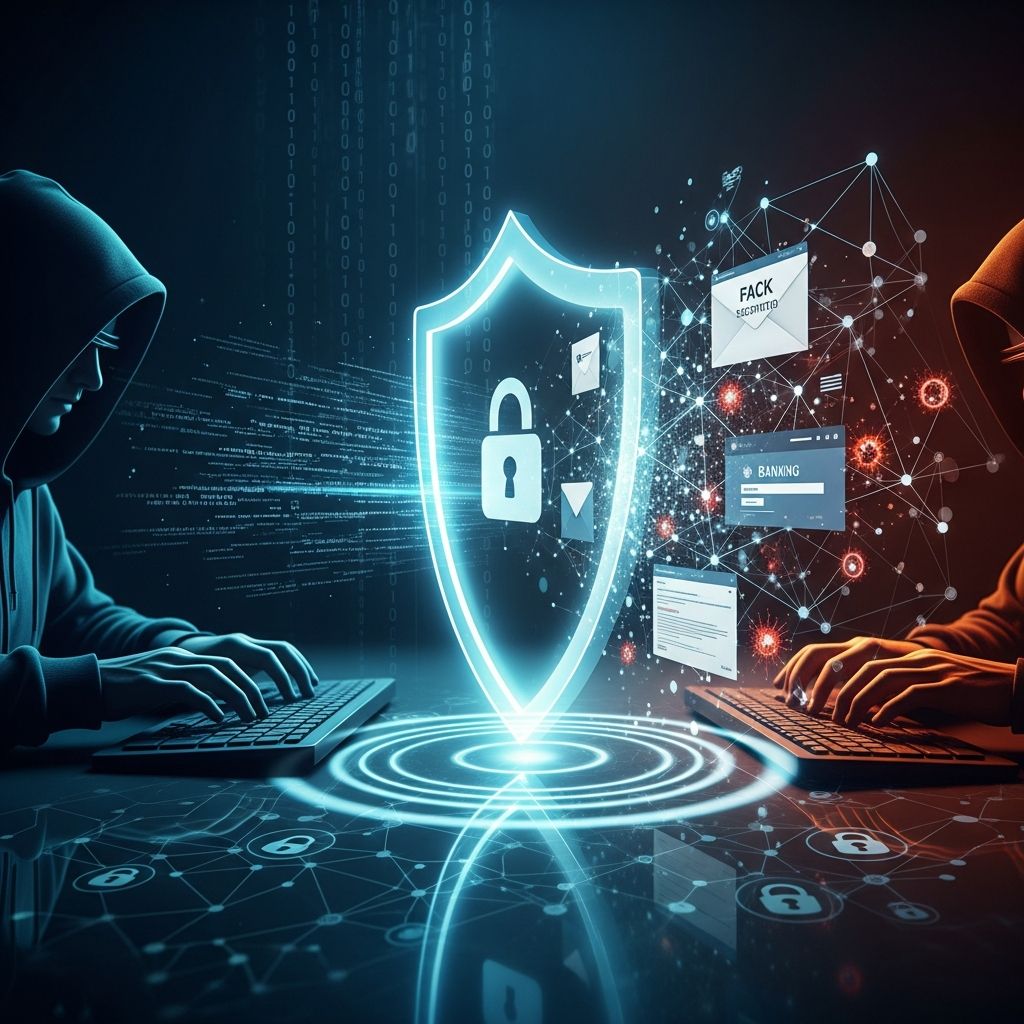
Phishing scams remain one of the most prevalent cyber threats, tricking millions into revealing sensitive information like passwords, credit card numbers, and Social Security details. These attacks impersonate trusted entities via email, texts, or fake websites to steal data or install malware. In 2024 alone, the FBI’s Internet Crime Complaint Center reported over 300,000 phishing incidents, resulting in losses exceeding $18 million.
References
- 2024 Internet Crime Report — FBI Internet Crime Complaint Center (IC3). 2025-03-01. https://www.ic3.gov/Media/PDF/AnnualReport/2024_IC3Report.pdf
- Phishing Activity Trends Report — Anti-Phishing Working Group (APWG). 2025-06-15. https://docs.apwg.org/reports/apwg_trends_report_q1_2025.pdf
- Online Safety Guidelines — Federal Trade Commission (FTC). 2025-09-10. https://consumer.ftc.gov/articles/how-recognize-and-avoid-phishing-scams
- Cybersecurity Framework — National Institute of Standards and Technology (NIST). 2024-02-26. https://doi.org/10.6028/NIST.CSWP.29
- Phishing Defense Guidelines — Cybersecurity and Infrastructure Security Agency (CISA). 2025-01-15. https://www.cisa.gov/news-events/news/phishing-guidance
- Consumer Sentinel Network Data Book — FTC. 2025-04-22. https://www.ftc.gov/system/files/ftc_gov/pdf/CSN-Data-Book-2024.pdf
- Stop. Think. Connect. Campaign — Department of Homeland Security. 2024-11-05. https://www.dhs.gov/stopthinkconnect
What Is Phishing?
Phishing is a cyberattack where scammers pose as legitimate organizations—banks, government agencies, or popular services like Amazon—to deceive you into providing confidential information. The term derives from ‘fishing,’ as attackers ‘bait’ victims with urgent or enticing messages. Common vectors include emails urging account verification, texts claiming package delivery issues, or pop-ups warning of virus infections. According to the Anti-Phishing Working Group, phishing attacks surged 61% in Q1 2025, with over 1.2 million unique campaigns detected.
Attackers exploit human psychology, creating urgency (e.g., ‘Your account will be suspended!’) or greed (e.g., ‘You’ve won a prize!’). Once hooked, victims click malicious links leading to fake login pages that harvest credentials or download ransomware. Spear-phishing targets individuals with personalized details, while whaling aims at executives for high-value data.
Common Types of Phishing Scams
- Email Phishing: Most widespread, mimicking banks or retailers with links to spoofed sites.
- Spear Phishing: Customized attacks using personal info from social media.
- Vishing (Voice Phishing): Phone calls pretending to be tech support or IRS agents demanding payment.
- Smishing (SMS Phishing): Texts with malicious links, often about shipments or alerts.
- Pharming: Redirects legitimate URLs to fraudulent sites via DNS poisoning.
- Clone Phishing: Duplicates legitimate emails with tainted attachments or links.
Business email compromise (BEC) phishing costs U.S. firms $2.9 billion annually, per FBI data. Emerging threats include AI-generated deepfake voices and emails that evade traditional filters.
Red Flags: How to Spot Phishing Attempts
Recognizing phishing requires vigilance. Key indicators include:
- Unexpected requests for personal info, even from ‘trusted’ sources.
- Generic greetings like ‘Dear Customer’ instead of your name.
- Urgent language pressuring immediate action.
- Suspicious URLs: Hover over links to reveal true destinations (e.g., ‘arnazon.com’ vs. ‘amazon.com’).
- Poor grammar, spelling errors, or inconsistent branding.
- Unexpected attachments, especially .exe or .zip files.
- Requests for wire transfers, gift cards, or cryptocurrency.
| Legitimate Example | Phishing Red Flag |
|---|---|
| From: support@bankofamerica.com | From: support@bankofarnenca-support.com |
| Link: https://www.bankofamerica.com/login | Link: https://b0a-security-update.com/verify |
| Calm tone: ‘Please review your statement.’ | Urgent: ‘ACT NOW or lose access!’ |
Protect Yourself: Best Practices to Avoid Phishing
1. Verify Sender and Links
Never click links in unsolicited messages. Manually type URLs or use bookmarks. Use tools like VirusTotal to scan suspicious links. Enable two-factor authentication (2FA) everywhere—phishers can’t bypass it without your phone.
2. Use Security Software
Install reputable antivirus with anti-phishing features, like those from NIST-recommended vendors. Keep browsers and OS updated to patch vulnerabilities exploited in drive-by pharming.
3. Educate and Train
Regularly simulate phishing tests for households or teams. FTC advises discussing scams openly to build awareness, especially for vulnerable groups like seniors.
4. Secure Your Devices
Use VPNs on public Wi-Fi, avoid sharing passwords, and employ password managers for unique, complex credentials. Monitor accounts weekly for anomalies.
5. Report and Respond
Forward phishing emails to reportphishing@apwg.org or spam@uce.gov. If compromised, change passwords, freeze credit (via Equifax, Experian, TransUnion), and notify your bank.
Advanced Phishing Tactics in 2026
Scammers now use AI for hyper-realistic emails and voice clones. QR code phishing (quishing) hides malware in scannable codes. Protect by scanning with trusted apps and avoiding unsolicited codes. Business travelers face hotel Wi-Fi phishing; always use cellular data for sensitive tasks.
Case Studies: Real-World Phishing Examples
- Airbnb Fake Booking: Scammers lure via off-platform comms to phony sites mimicking Airbnb, stealing payments.
- Social Media Hacks: Fake login alerts on Facebook/Twitter lead to credential theft.
- Government Impersonation: IRS scams demand gift cards for ‘back taxes.’
Frequently Asked Questions (FAQs)
Q: What should I do if I click a phishing link?
A: Disconnect from the internet, run antivirus scans, change passwords from a clean device, and monitor accounts for 90 days. Report to FTC at ReportFraud.ftc.gov.
Q: Is phishing only via email?
A: No, it includes SMS (smishing), calls (vishing), apps, and social media. All unsolicited urgent requests warrant caution.
Q: How effective is 2FA against phishing?
A: Highly effective; prefer app-based or hardware keys over SMS, as SIM-swapping attacks target texts.
Q: Can companies phish their own employees?
A: Yes, insiders or hacked accounts enable BEC. Train staff and use email authentication like DMARC.
Q: What’s the cost of phishing to individuals?
A: Average loss per victim is $12,000+, plus identity theft recovery time averaging 200 hours, per FTC data.
Long-Term Strategies for Phishing Resilience
Beyond basics, adopt a zero-trust mindset: Verify everything. Use browser extensions like uBlock Origin and HTTPS Everywhere. For businesses, implement CISA’s phishing defense framework, including employee training and incident response plans. Parents should teach kids safe browsing via DHS’s Stop. Think. Connect. toolkit.
Phishing evolves, but awareness and tools keep you ahead. Stay skeptical of unsolicited contacts, and you’ll thwart most attempts. Empower yourself with knowledge—cybercriminals thrive on ignorance.
Similar Articles







Read full bio of Sneha Tete