Mobile Check Deposit: How It Works, Safety, And Best Practices
Learn how mobile check deposit works, its benefits, limits, safety features, and best practices to avoid delays or rejected deposits.
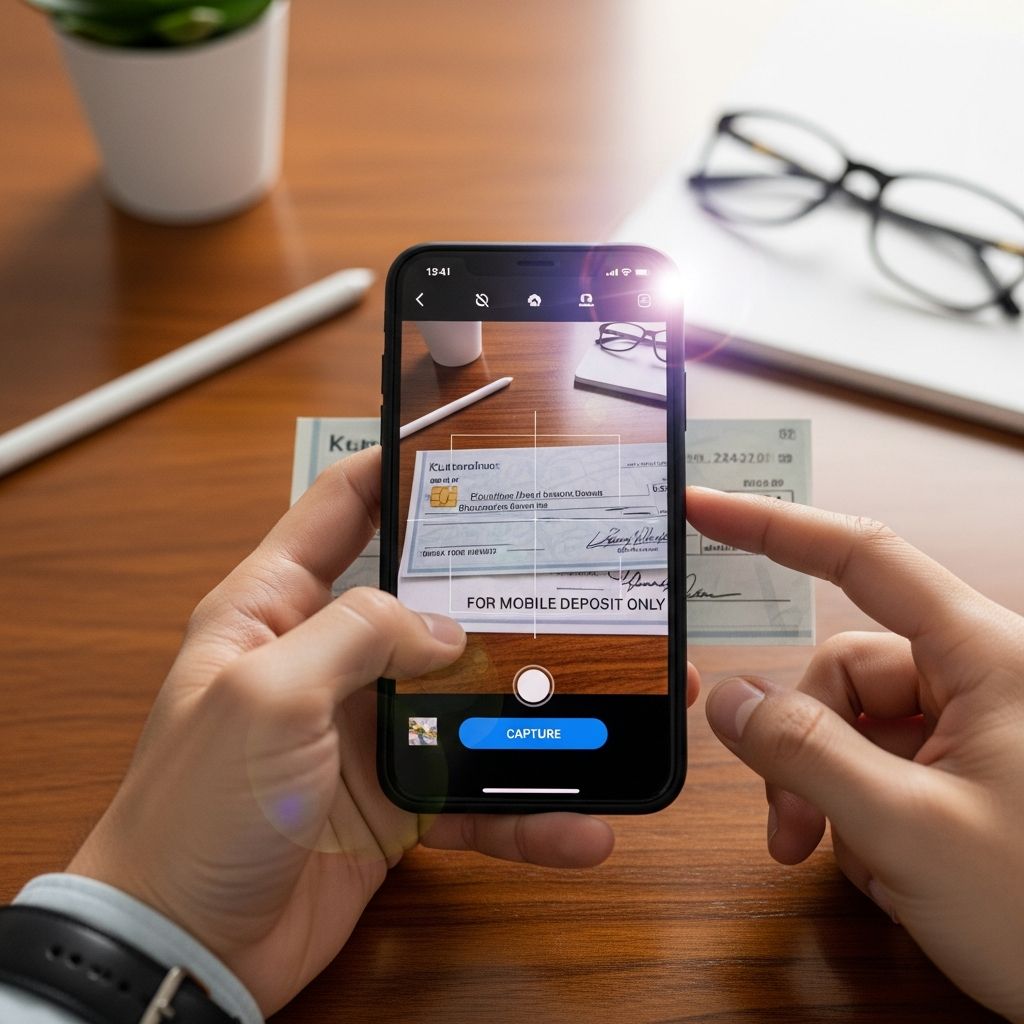
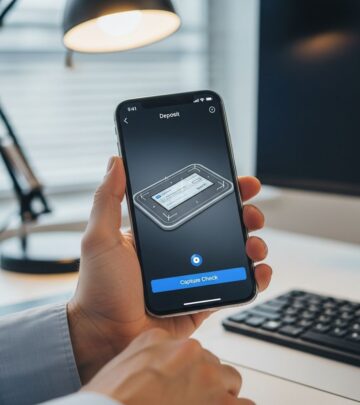
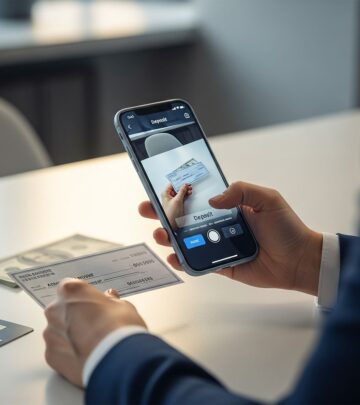
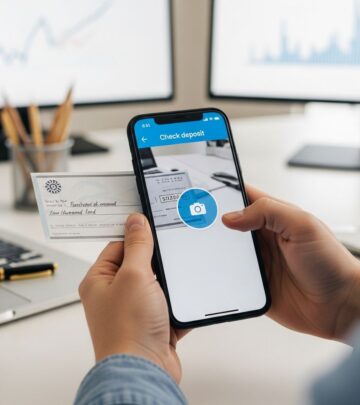
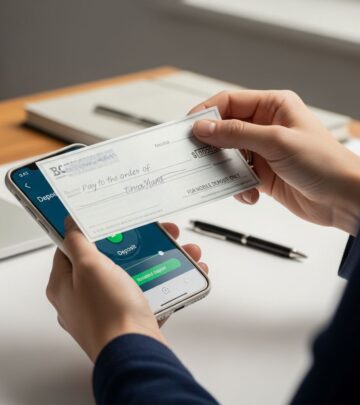
Mobile check deposit is a banking feature that lets you deposit paper checks into your checking or savings account using your smartphone or tablet instead of visiting a branch or ATM. You open your bank’s mobile app, take pictures of the front and back of the endorsed check, confirm the details, and submit the deposit electronically.
Most banks and credit unions now offer mobile check deposit as part of their online and mobile banking services, making it easier to manage your money anywhere you have a secure internet connection.
How Mobile Check Deposit Works
Mobile check deposit relies on a technology known in banking as remote deposit capture (RDC), which lets financial institutions accept scanned images of checks instead of the original paper documents. The bank uses those images to extract the necessary information and process the check under the same rules that apply to in-person deposits.
Step-by-Step: How to Deposit a Check with Your Phone
Although each bank’s app looks different, the mobile deposit process generally follows these steps.
- 1. Log in to your bank’s mobile app
Open your bank’s official app, sign in securely with your username and password (and any required multifactor authentication), and navigate to the option labeled something like “Deposit Checks” or “Mobile Deposit.” - 2. Choose the account and enter the amount
Select the checking or savings account you want to receive the funds, then type in the exact amount written on the check. The app will later compare this with data it reads from the check image. - 3. Endorse the check properly
Sign the back of the check and include any wording your bank requires, such as “For mobile deposit only” and possibly the bank’s name or account type. Some banks may reject checks that lack the correct endorsement. - 4. Take pictures of the front and back
Place the check on a flat, well-lit, plain (often dark) background, then use the app to capture clear images of both sides. Many apps show an on-screen frame to help you fit all four corners in view and will auto-capture when the image is sharp enough. - 5. Review and submit
Confirm the deposit amount, account, and images, then tap “Submit” or “Deposit.” Most apps immediately display a message confirming that your deposit has been received for processing. - 6. Wait for processing and funds availability
Once submitted, the bank’s systems verify the check and process it, typically within one to two business days, though funds availability can vary based on check type, amount, and your account history. - 7. Keep the paper check temporarily
Store the check safely for a short period in case the bank needs to see the original, then shred or securely destroy it after the bank’s recommended retention period (often around 5–30 days).
What Happens Behind the Scenes?
After you submit a mobile deposit, the bank’s systems perform several automated checks before the funds are credited to your account:
- Verify that the images are clear and complete.
- Read key details (such as routing number, account number, check number, and amount) using optical character recognition and magnetic ink character recognition.
- Confirm that the check is genuine and has not already been deposited or cashed elsewhere through electronic check-exchange systems.
- Apply your bank’s funds-availability rules and risk controls, which may include placing a temporary hold on part or all of the check amount.
Requirements for Using Mobile Check Deposit
To use mobile check deposit, you generally need several key components.
- Eligible bank or credit union account
You must have a checking or savings account at a financial institution that offers mobile check deposit within its app. - Smartphone or tablet
A compatible iOS or Android device with a working camera and sufficient resolution is required to capture check images clearly. - Bank’s official mobile app
Download the institution’s own app from the Apple App Store or Google Play Store; avoid third-party apps not affiliated with your bank. - Reliable internet connection
You need mobile data or secure Wi-Fi to upload the check images to the bank’s servers. - Eligible check type
Banks usually accept personal checks, cashier’s checks, and some government or payroll checks via mobile deposit, but may exclude money orders, foreign checks, or third-party checks. - Proper endorsement and compliance with rules
You must follow your bank’s instructions on how to sign, label, and handle the check, and you must not redeposit or cash it elsewhere after a successful mobile deposit.
Mobile Check Deposit Limits and Cutoff Times
Banks set limits and schedules to control risk and manage processing.
Deposit Amount Limits
Most banks place caps on how much you can deposit by mobile device, often with:
- Per-check limits (a maximum for each individual check).
- Daily total limits (a total dollar amount you can deposit per day).
- Monthly limits based on your account type and relationship with the bank.
Higher-tier accounts or customers with longer, positive banking histories may qualify for higher or customized limits.
Cutoff Times and Processing Speed
Banks typically apply a daily cutoff time for mobile deposits. Checks submitted before the cutoff are treated as received that business day; those submitted after the cutoff are processed on the next business day.
Processing generally takes one to two business days, similar to traditional check deposits, but actual funds availability can vary based on factors such as:
- Size of the deposit.
- Type of check (for example, government vs. personal check).
- Your account history and relationship with the bank.
- Whether the bank’s risk systems flag the deposit for additional review.
Is Mobile Check Deposit Safe?
Mobile check deposit is considered a secure way to deposit checks when used with a reputable bank’s official app and on a protected device. Banks encrypt data transmitted from your phone, and the images are generally not stored in your device’s photo gallery.
Security Features
Banks and credit unions use several layers of security to help protect your information and funds:
- Secure login and authentication
Mobile banking apps use industry-standard encryption and often multifactor authentication — such as one-time codes or biometric login — to protect access to your account. - Encrypted transmission of check images
Images and transaction data are encrypted when sent from your phone to the bank’s servers, reducing the risk of interception. - Fraud monitoring and duplicate detection
Banks use automated systems to check for unusual patterns and to avoid accepting the same check more than once across different channels. - Automatic deletion from the app
Many apps do not store actual check images locally on your phone after submission, further reducing exposure.
Protecting Yourself When Using Mobile Deposit
You can help keep your mobile deposits safe by:
- Using only your bank’s official app and keeping it updated.
- Avoiding mobile deposits over public Wi-Fi; using a trusted network or your mobile data instead.
- Locking your device with a strong passcode or biometric login.
- Enabling alerts that notify you of deposits and withdrawals.
- Promptly reporting any suspicious account activity to your bank.
Advantages of Mobile Check Deposit
Mobile check deposit offers several practical benefits.
- Convenience
You can deposit checks from almost anywhere, at any time, without traveling to a branch or ATM. - Time savings
Skipping lines and drive-through lanes saves time, especially if you regularly receive checks. - Speed of confirmation
Banks typically provide instant on-screen confirmation that your deposit has been received for processing, and they may send an email confirmation as well. - Better recordkeeping
Your deposit appears in your transaction history with images or references to the check, helping you track payments more easily. - Reduced reliance on paper handling
You can securely destroy the check after the recommended holding period, reducing clutter and the risk of lost checks.
Drawbacks and Limitations
Despite its benefits, mobile check deposit has some limitations you should understand.
- Deposit limits
Per-check, daily, and monthly limits can restrict how much you can deposit via mobile, especially when you first open an account. - Funds availability delays
Even if your mobile deposit is accepted, the bank may place a hold on the funds until the check clears, particularly for large amounts or new customers. - Image quality issues
Blurry or poorly lit photos can cause deposits to be rejected or delayed, requiring you to retake images or visit a branch. - Eligible check restrictions
Some checks — such as foreign checks, money orders, or third-party checks — may not be eligible for mobile deposit at your bank. - Technology dependence
You need a compatible device, reliable service, and a functioning app; outages or phone problems can temporarily prevent mobile deposits.
Best Practices for Smooth Mobile Deposits
Following a few simple practices can help you avoid errors, delays, or rejected deposits.
Before You Deposit
- Verify that the check is filled out correctly and signed by the issuer.
- Confirm that the check is payable to you (or to any joint account holder) and that you are an authorized signer on the account.
- Review your bank’s mobile deposit rules, limits, and cutoff times.
- Endorse the back with your signature and any required note, such as “For mobile deposit only.”
When Taking Photos of the Check
- Place the check on a flat, dark, non-reflective surface in good lighting.
- Hold your device directly above the check instead of at an angle.
- Ensure all four corners and all printed information are visible.
- Avoid shadows, glare, and any objects that could cover parts of the check.
After You Deposit
- Wait for confirmation in the app and, if provided, by email that your deposit has been received.
- Keep the original check in a secure place for the retention period your bank recommends (often 5–30 days), then shred it to prevent misuse.
- Monitor your account to confirm when the funds become available and that the deposit is posted in the correct amount.
Comparison: Mobile Deposit vs. ATM vs. Branch
| Method | Where You Deposit | Typical Convenience | Funds Availability | Best For |
|---|---|---|---|---|
| Mobile check deposit | Anywhere with a secure internet connection | Very high; no travel or branch hours | Often 1–2 business days, subject to holds and cutoff times | Everyday deposits and small to medium checks |
| ATM deposit | Bank or network ATMs | High; wide availability but must travel to machine | Similar to branch; some banks offer partial immediate credit | Larger deposits, cash plus checks, or when mobile limits are reached |
| Branch/teller deposit | Bank branches during business hours | Lower; requires travel and timing | Often fastest access, especially for large or special-case checks | Very large checks, complex transactions, or when you need in-person help |
Frequently Asked Questions (FAQs)
Q: How long does a mobile check deposit take to clear?
A: Processing usually takes about one to two business days, similar to deposits made at a branch or ATM, but your bank’s funds-availability rules and cutoff times can affect when you can spend the money.
Q: Can a mobile check deposit be rejected?
A: Yes. Deposits can be rejected for reasons such as unclear images, missing endorsement, exceeding deposit limits, ineligible check types, suspected fraud, or insufficient funds in the payer’s account. If this happens, your bank will typically notify you and may ask you to visit a branch.
Q: Do banks charge fees for mobile check deposit?
A: Many major banks do not charge additional fees for standard mobile deposits, but you should check your institution’s fee schedule and watch for any special services, such as expedited availability, that might carry a charge.
Q: Is mobile check deposit available for all types of checks?
A: No. While personal checks, payroll checks, and many government or cashier’s checks are often allowed, some banks block money orders, foreign checks, and third-party checks from mobile deposit. Review your bank’s eligible-item list before depositing.
Q: What should I do with the paper check after depositing it by phone?
A: Store the check in a safe place until your bank confirms that the deposit has fully cleared and any holds are lifted, then securely destroy it — for example, by shredding — to prevent it from being lost or misused.
References
- How to Deposit Checks Online Using the Mobile Banking App — Bank of America. 2024-01-01 (page updated date or current content year as indicated). https://info.bankofamerica.com/en/digital-banking/mobile-check-deposit
- What is mobile check deposit and how to use it — Bankrate. 2023-05-26. https://www.bankrate.com/banking/facts-everyone-should-know-about-mobile-check-deposit/
- What Is Mobile Check Deposit? — Citibank. 2023-11-15. https://www.citi.com/banking/personal-banking-guide/basic-finance/what-is-mobile-check-deposit
- Mobile Check Deposit FAQs — Wells Fargo. 2024-03-01. https://www.wellsfargo.com/help/mobile-features/mobile-deposit-faqs/
- Mobile check deposit — U.S. Bank. 2024-02-01. https://www.usbank.com/online-mobile-banking/mobile-check-deposit.html
- What is a mobile check deposit? Here’s what you need to know — Stripe. 2023-09-14. https://stripe.com/resources/more/what-is-a-mobile-check-deposit-here-is-what-you-need-to-know
- What is mobile check deposit and how does it work? — Mitek Systems. 2021-08-10. https://www.miteksystems.com/blog/what-is-mobile-check-deposit-and-how-does-it-work
Similar Articles








Read full bio of Sneha Tete