Google Spreadsheet Budget Template: Save 60% With 5 Rules
Discover the Epic Google Budget Template that helped one family save 60% of their income last year with simple tracking rules.
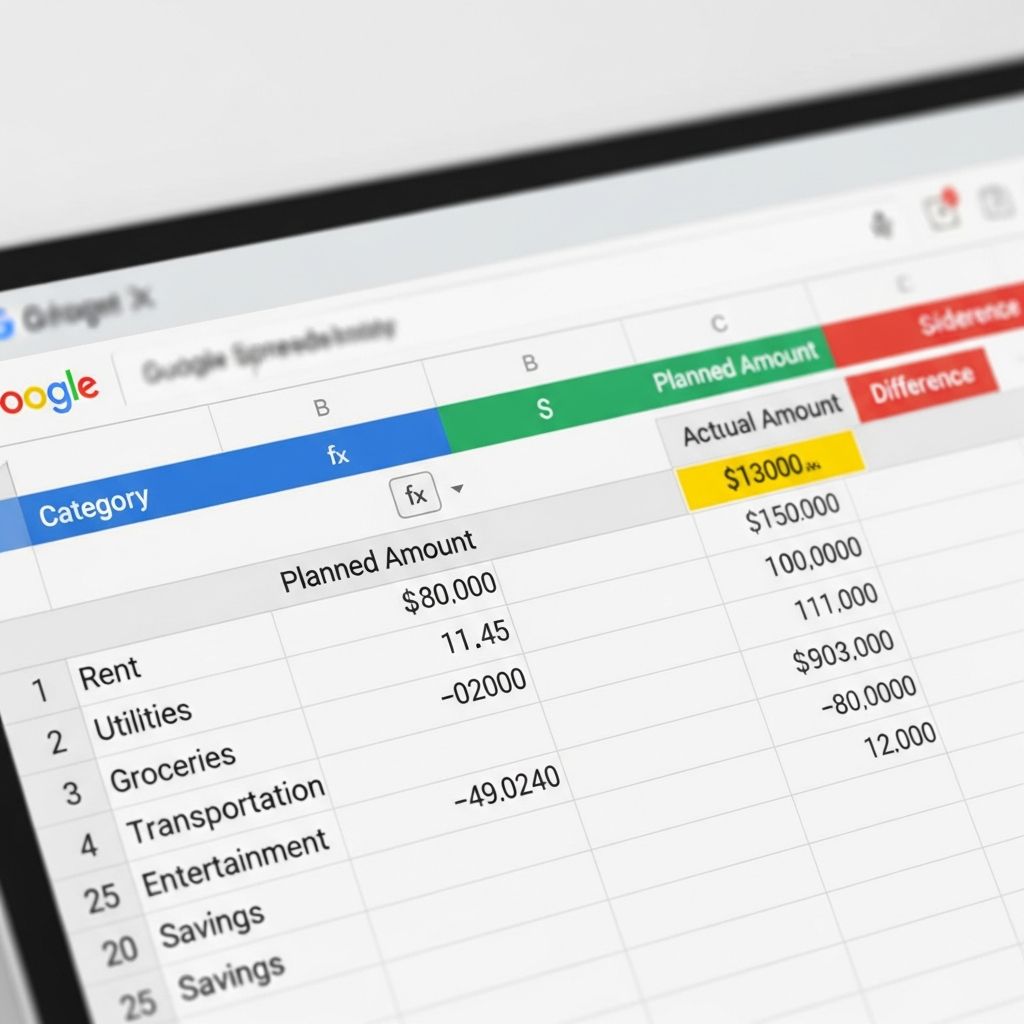
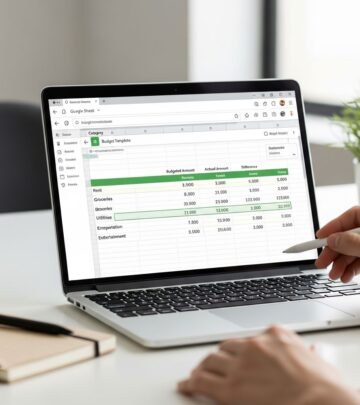
Imagine transforming your financial life with a simple, free tool that tracks every penny and propels you toward massive savings. That’s exactly what happened for one family who used a custom Google Spreadsheet budget template to save approximately 60% of their income in a single year. Before adopting this system, spending felt effortless during employed times, but job loss forced a rigorous shift. The result? They not only survived but thrived, saving $6,000 more than anticipated by year’s end. This template, combined with five straightforward rules, made it possible without sacrificing joy or necessities.
The beauty lies in its accessibility—anyone with a Google account can download and customize it. No fancy apps or paid software required. Built-in formulas automatically calculate variances between budgeted and actual spending, providing real-time insights across categories, months, and the entire year. Whether you’re starting from scratch or refining an existing budget, this approach emphasizes discipline, visibility, and balance. In the sections below, we’ll break down the template’s features, the five essential rules, and practical tips to replicate these results.
1. Track Every Expense
The cornerstone of this budgeting success is meticulous tracking. Every expense goes into the budget—every last penny. From a $2 parking fee to a $3 coffee, nothing escapes entry. This manual process might seem tedious, but it builds awareness and accountability. The template’s formulas instantly reveal how each transaction impacts your monthly and yearly totals, highlighting overspending before it spirals.
Why manual entry over apps? The family ditched data plans, saving over $1,200 annually, making the extra few minutes worthwhile. Smartphone apps automate tracking but often require subscriptions or data usage that erode savings. Instead, this spreadsheet fosters intentionality—pausing to log each spend reinforces mindful choices.
- Key benefits of tracking everything:
- Immediate visibility into category performance (e.g., groceries vs. dining out).
- Year-over-year comparisons to spot trends.
- Prevents ‘expense creep’ where small purchases accumulate unnoticed.
- Encourages questioning non-essential buys in real-time.
To implement: Open the template, navigate to the transactions sheet, and input date, amount, description, and category. Formulas propagate data to summary views, charts, and dashboards automatically.
2. Keep All Receipts
Receipts are your financial audit trail. Save every receipt, digital or physical, to verify entries and catch discrepancies. Snap photos with your phone and store them in a dedicated Google Drive folder linked to the spreadsheet. This practice ensures accuracy, simplifies tax time, and provides proof for returns or reimbursements.
Pro tip: Categorize receipt folders by month and expense type (e.g., ‘2026-Jan-Groceries’). When reconciling weekly, cross-check receipts against logged transactions. This habit uncovered forgotten charges for the family, reclaiming hundreds in overlooked refunds.
- Why receipts matter:
- Verify expense accuracy and prevent double-entry errors.
- Support warranty claims and business deductions.
- Build a historical record for budgeting adjustments.
- Reduce fraud risk by monitoring statements.
3. Strike a Balance
Budgeting isn’t about deprivation—it’s equilibrium. Balance saving aggressively with splurges that recharge you. The family allocates 60% to savings/investments first, then covers needs, and permits guilt-free wants within limits. This ‘pay yourself first’ philosophy prioritizes long-term wealth while honoring lifestyle.
In the template, savings sit at the top row, visually committing funds before spending. Remaining income splits into essentials (50%), discretionary (30%), and buffers. Adjust percentages based on goals—aim for 20-60% savings depending on income and debt levels.
| Category | Percentage | Example Allocation ($5,000 Income) |
|---|---|---|
| Savings/Investments | 60% | $3,000 |
| Needs (Housing, Food, Utilities) | 25% | $1,250 |
| Wants (Dining, Entertainment) | 10% | $500 |
| Debt/Buffer | 5% | $250 |
This structure mirrors proven methods like the 50/30/20 rule, adapted for high savers.
4. Review Weekly and Adjust
Weekly reviews keep momentum. Gather as a family Sundays to compare actuals vs. budget, discuss wins, and tweak allocations. If groceries overrun, cut entertainment. The template’s charts visualize progress, motivating adjustments.
This ritual turned budgeting into a team sport, fostering shared accountability. They celebrate under-budget categories with small rewards, sustaining enthusiasm.
5. Automate Where Possible, But Stay Manual-Core
While core tracking is manual, automate summaries via Google Sheets formulas and scripts. Link bank exports (CSV) for bulk import, but review each line. This hybrid maximizes efficiency without losing touch.
- Automation tips:
- Use IMPORTRANGE for multi-sheet syncing.
- Conditional formatting flags overspends in red.
- Google Apps Script for email alerts on thresholds.
Why This Template Outshines Apps and Other Sheets
Unlike rigid apps, this Google Sheet is infinitely customizable. Add tabs for debt payoff, net worth tracking, or goal simulators. Free forever, collaborative for households, and offline-capable. Compared to Excel, Sheets offers real-time mobile edits and seamless sharing.
Google’s native monthly budget template provides a solid start with summary and transactions tabs.
However, the Epic version expands it: annual views, investment trackers, and savings-first layout.
Frequently Asked Questions (FAQs)
Q: How do I download and set up the template?
A: Click the link in the original article, make a copy to your Google Drive, then customize categories and input your data. Formulas activate instantly.
Q: Is this suitable for beginners?
A: Yes—start with defaults, track for a month, then refine. No advanced skills needed.
Q: Can I use it for business or just personal?
A: Adaptable for both; add profit/loss tabs for business use.
Q: What if I prefer automation fully?
A: Import bank CSVs weekly, but manual review ensures accuracy and mindfulness.
Q: How much time does daily tracking take?
A: 2-5 minutes per entry; batch evenings for efficiency.
Q: Does it work with the 50/30/20 rule?
A: Perfectly—preset columns allocate percentages automatically.
Hoarding pennies doesn’t mean living poor. Steal this Epic Google Budget Template, follow the five rules, and balance saving with splurging. Your turn: How do you track expenses? Share in comments how it’s helped stick to budgets.
References
- Consumer Financial Protection Bureau – Budgeting Basics — U.S. Government (CFPB). 2024-06-15. https://www.consumerfinance.gov/consumer-tools/budgeting/
- 50/30/20 Budget Rule — Consumer Financial Protection Bureau. 2023-11-20. https://www.consumerfinance.gov/consumer-tools/50-30-20-budget/
- Google Sheets Template Gallery — Google LLC. 2025-01-01. https://docs.google.com/spreadsheets/u/0/?ftv=1&tgif=1
- Financial Industry Regulatory Authority – Savings Goals — FINRA.org. 2024-09-10. https://www.finra.org/investors/personal-finance/saving-spending/savings
- IRS – Recordkeeping Guidelines — Internal Revenue Service. 2025-03-05. https://www.irs.gov/taxtopics/tc305
Similar Articles








Read full bio of medha deb