10 Free Library Programs to Help You Save Money
Discover 10 incredible free library programs that can save you money on books, movies, internet, education, and more without spending a dime.
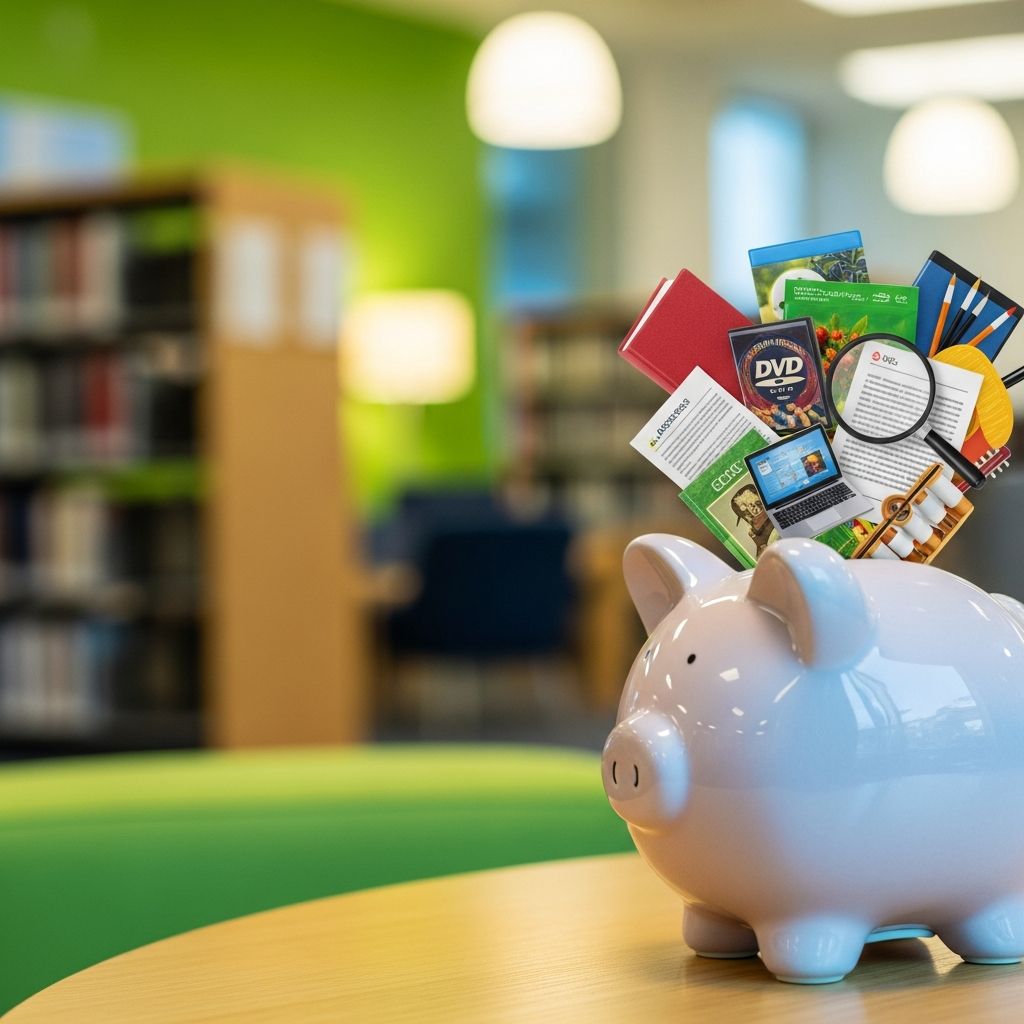
The public library has evolved far beyond a quiet place for reading books. Today, it’s a dynamic hub offering a wide array of
free programs
that can significantly cut your household expenses. From streaming movies and music to accessing high-speed internet, preparing for college, and even using cutting-edge makerspaces, your local library provides resources typically available only through paid subscriptions or services. All you need is a free library card, which most libraries issue quickly online or in-person with basic information like your name, address, and ID. Depending on your library’s budget and community needs, offerings vary, so check your local branch’s website or call ahead. These programs not only save money but also enrich your life with education, entertainment, and practical skills.1. Books, Obviously
Books remain the cornerstone of library services, and leveraging them can save families hundreds annually on purchases. Interlibrary loan programs allow you to reserve even the newest bestsellers for free pickup, though popular titles may involve a wait. E-books and audiobooks are available digitally via apps like Libby (by OverDrive), eliminating the need for physical copies or paid services like Audible.
- E-books and Audiobooks: Popular titles like Taylor Jenkins Reid’s “Malibu Rising” or V.E. Schwab’s “The Invisible Life of Addie LaRue” are often accessible, with wait times shown in the app. Genres like children’s books, young adult fiction, comics, and nonfiction dominate.
- Magazines and Databases: Cancel pricey subscriptions—access hundreds digitally. Research academic journals through library databases, rivaling university access.
- Free Book Swaps and Sales: Many libraries have take-home used book sections or swap shelves. Annual sales offer books for pennies, perfect for building a home library cheaply.
Pro tip: Combine with apps for seamless access at home. This alone can replace $100+ yearly book buys.
2. Movies and Television Shows
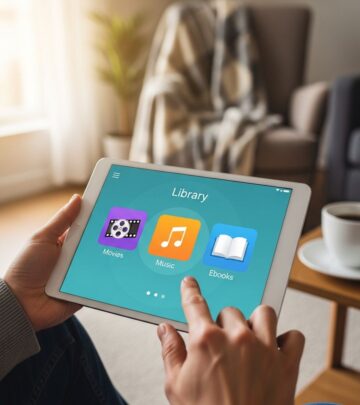
Skip Netflix and streaming fees with library media. Apps like Hoopla and Kanopy provide free movies, TV shows, and more using your library card.
- Hoopla: Stream new releases, classics like Harry Potter e-books, mysteries, romance, music, and comics. Limits vary (e.g., 10 items/month); available on all devices.
- Kanopy: Thousands of documentaries and films like “Lady Bird” and “The Central Park Five.” Ideal for indie cinema fans; no monthly limits in some libraries.
- Physical DVDs/Blu-rays: Borrow for home viewing; many branches stock recent blockbusters.
Using these can save $15/month on streaming, totaling $180 yearly.
3. Internet and Computer Access
High-speed internet bills averaging $60/month? Libraries offer free computers, Wi-Fi, and software like Microsoft Word for resumes or projects. Sign up for timed slots; membership required.
- Computers and Tablets: Pre-loaded with productivity tools; great for job applications or homework.
- Wi-Fi Hotspots: Borrow portable hotspots or tablets for off-site use (waitlists common—plan ahead).
This resource bridges the digital divide, saving on home internet upgrades or data plans.
4. College Prep
Test prep courses cost $1,000+, but libraries provide free alternatives. Access workshops, online activities, and partnerships with Princeton Review.
- Financial Aid Guidance: Tools to choose colleges and apply for aid.
- SAT/ACT Prep: Practice tests, courses, and study materials.
- Scholarship Databases: Search free via library portals.
A library card effectively subsidizes college entry, potentially saving thousands in prep fees.
5. Job Search
Libraries support career transitions with free resume workshops, job fairs, LinkedIn Learning via apps (thousands of courses on skills like Excel), and interview prep.
- Resume Building: Use computers with templates and librarian help.
- Job Databases: Exclusive access to listings and career tools.
- Workshops: Networking events and skill-building classes.
Land a better job without paying for career coaches ($200+/session).
6. Makerspaces
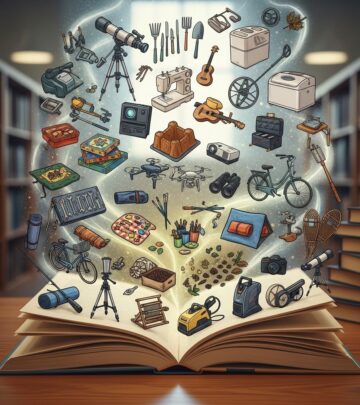
Innovate without buying expensive gear. Makerspaces offer 3D printers, sewing machines, robotics kits, soldering irons, wood carving tools, and podcast studios.
- DIY Projects: Learn sewing, electronics, or 3D design via classes.
- Tech Access: Cricut machines, laser cutters—perfect for hobbies or side hustles.
- Classes: Free sessions on coding, podcasting.
Save $500+ on hobby supplies annually.
7. Events and Classes
Libraries host free author talks, fitness classes, language courses, story hours, and cultural events, replacing paid community center fees. Check calendars online.
- Educational: ESL, coding for kids, book clubs.
- Wellness: Yoga, meditation.
- Family-Friendly: Puppet shows, STEM workshops.
Entertainment value rivals $20/ticket events.
8. Music and Audiobooks
Stream via Hoopla or Libby; cancel Spotify ($10/month). Vast catalogs include albums and narrated bestsellers.
9. Learning New Skills
Platforms like LinkedIn Learning (via library) and BookBoon e-textbooks cover professional development. Skip $413/year textbooks.
10. Museum and Attraction Passes
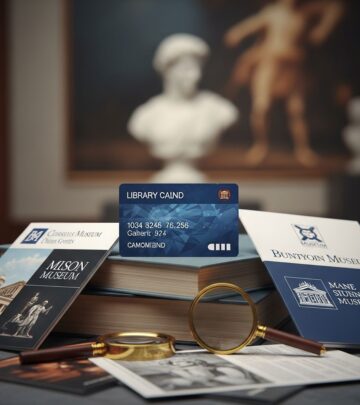
Many libraries lend free passes to museums, zoos, aquariums—e.g., Miami-Dade offers 18 attractions. Saves $50+ per visit.
How to Get Started: Get Your Free Library Card
Search local libraries online, apply with basic info. Instant digital access in many cases.
Frequently Asked Questions (FAQs)
Q: Do I need to live in the library’s district to get a card?
A: Most libraries serve residents; some extend to workers/students. Check eligibility online.
Q: Are there limits on app checkouts?
A: Yes, e.g., Hoopla 10/month; varies by library.
Q: Can I access these remotely?
A: Yes, with a card and internet-enabled device.
Q: What if my library doesn’t offer a program?
A: Use interlibrary loans or try nearby branches.
Q: Are makerspaces free?
A: Access yes; minimal fees for materials sometimes.
Maximize Savings Table
| Program | Potential Annual Savings | Replaces |
|---|---|---|
| Streaming Apps | $180 | Netflix/Spotify |
| Books/E-books | $200 | Bookstore/Audible |
| Internet Access | $720 | Home Wi-Fi |
| College Prep | $1,000 | Test Courses |
| Makerspaces | $500 | DIY Tools |
References
- Save Money on Movies and More With These Free Library Apps — The Penny Hoarder. 2023. https://www.thepennyhoarder.com/save-money/free-library-apps/
- 10 Free Library Programs to Help You Save Money — The Penny Hoarder. 2023. https://www.thepennyhoarder.com/save-money/free-library-programs/
- How to Get a Library Card (and How It Saves You Money) — The Penny Hoarder. 2023. https://www.thepennyhoarder.com/save-money/how-to-get-a-library-card/
- National Center for Education Statistics: Average Undergraduate Textbook Costs — U.S. Department of Education (.gov). 2022-05-15. https://nces.ed.gov/
- Public Libraries Survey: Services and Resources — Institute of Museum and Library Services (.gov). 2024-01-10. https://www.imls.gov/research-evaluation/data-collection/public-libraries-survey
- How to Use Your Library Card to Get Free Museum Passes — The Penny Hoarder. 2023. https://www.thepennyhoarder.com/save-money/free-museum-passes/
Similar Articles








Read full bio of Sneha Tete