Free Library Apps: Save Money on Movies, Music & More
Discover how free library apps let you stream movies, music, audiobooks and learn new skills without expensive subscriptions.
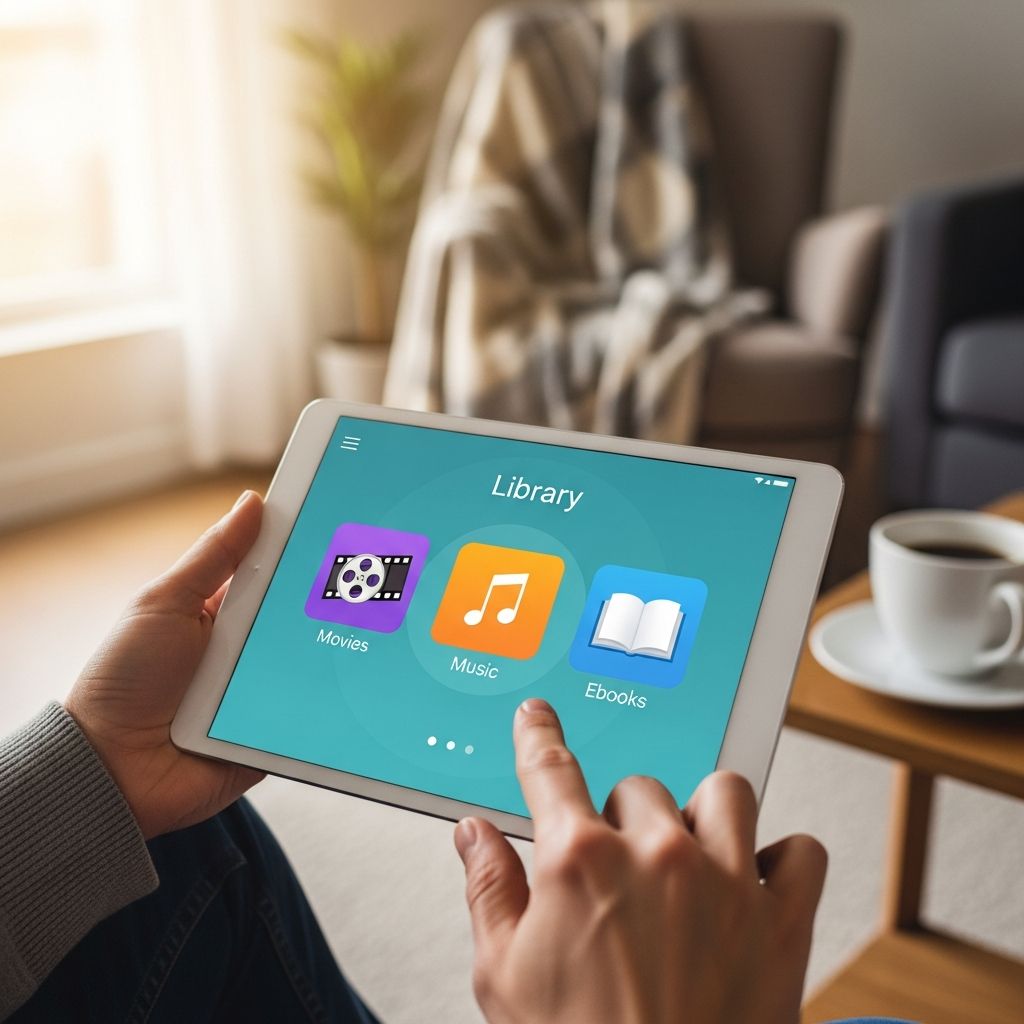
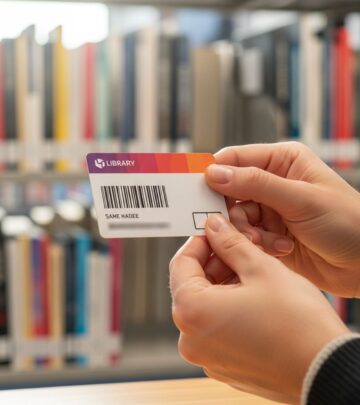
The modern public library has evolved far beyond its traditional role as a simple repository of physical books. Today’s libraries are fully integrated into the digital world, offering an impressive array of free applications and online resources that rival expensive commercial subscription services. Through your local library card, you can access movies, music, audiobooks, e-books, magazines, educational courses and much more—all without paying a single dollar beyond what your taxes already support.
The best part? You don’t even need to visit the library in person to use these services. Once you have your library card, you can access all these digital resources from the comfort of your home, during your commute, or anywhere you have an internet connection. Whether you’re using a smartphone, tablet, laptop or smart TV, these free library apps work across virtually any device. Keep in mind that specific content offerings, such as particular movies or magazine titles, may vary from one library system to another, so it’s worth checking with your local branch to see what they offer.
The Five Best Free Library Apps You Need to Know About
Several outstanding applications have become the go-to platforms for accessing library digital content. Here are the top five free library apps that can significantly reduce your entertainment and educational expenses:
- Hoopla
- Kanopy
- Libby
- LinkedIn Learning
- BookBoon
1. Hoopla: Your All-in-One Entertainment Hub
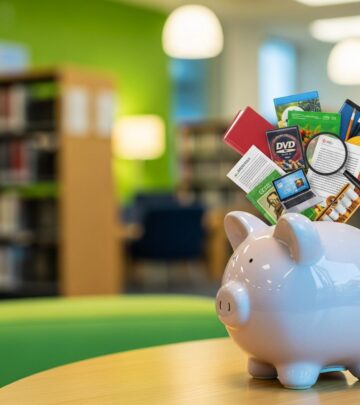
Hoopla stands out as a comprehensive streaming service that puts an impressive variety of entertainment content at your fingertips. Through Hoopla, you can watch movies and television shows, listen to music and audiobooks, and read e-books and comic books. The platform features both brand-new releases and timeless classics, offering something for every taste and preference.
The user interface of Hoopla is particularly noteworthy. Whether you’re accessing it through a web browser on your desktop or using the mobile app available on Apple, Google, and Amazon devices, the platform provides an intuitive and visually appealing experience that makes finding and enjoying content straightforward and enjoyable.
Hoopla’s E-Book and Comics Collection
When it comes to e-books, Hoopla operates similarly to traditional library systems—you may need to wait for certain titles to become available, depending on how many copies your library system has in their digital collection. Once you check out an e-book, you’ll typically have 21 days before it automatically returns to the library’s digital collection and disappears from your device.
The e-book catalog leans heavily toward mysteries and romance novels, though the sheer volume means you’ll likely find multiple titles that appeal to you. Recent offerings include works like “The Woman in the Library” by Sulari Gentill, “George Michael” by James Gavin, and “All the Pretty Girls” by J.T. Ellison. For those who prefer established series, classics like the “Harry Potter” collection remain consistently available.
Hoopla’s Checkout Limits
One important consideration with Hoopla is that your local library may impose limits on how many titles you can check out during a given period. Some library systems are generous, allowing up to 10 items per month, while others may have more restrictive policies. It’s worth checking with your specific library to understand their Hoopla checkout limits.
2. Kanopy: Premium Streaming for Film and Educational Content
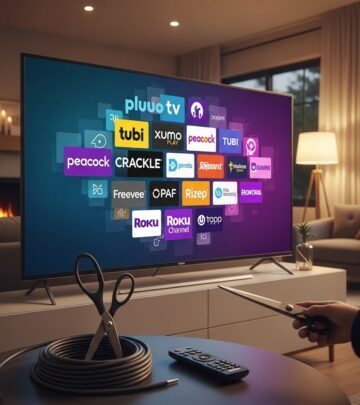
Kanopy represents another excellent option for accessing quality streaming content through your library. While this article focuses primarily on Hoopla, Libby, and other platforms, Kanopy deserves mention as an alternative that many library systems offer. It typically specializes in curated films and educational documentaries that you won’t find on mainstream commercial streaming platforms.
3. Libby: Your Gateway to Millions of Books and Audiobooks
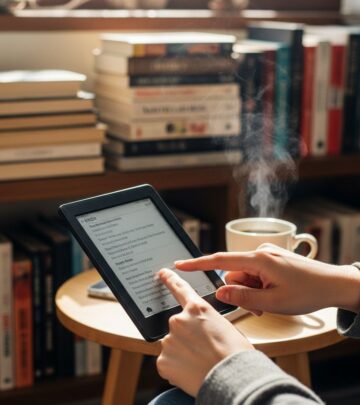
Libby has earned its reputation as the premier app for accessing e-books, audiobooks, and magazines through your library. Built by the same team that created the popular OverDrive app (which was discontinued in May 2023), Libby has seamlessly transitioned into being the go-to platform for digital reading and listening.
Why Libby Excels for Book Lovers
The selection of e-books and audiobooks available through Libby is vast and constantly growing. Many popular titles that would require a long wait if you wanted to borrow a physical copy from the library are often immediately available in digital format. This convenience factor makes Libby particularly valuable for voracious readers who don’t want to wait weeks for a book to become available.
Understanding Libby’s Hold System
Unlike Hoopla’s fixed monthly checkout limits, Libby allows each library system to set its own policies regarding how many items you can borrow and hold at any given time. The app provides transparency that you simply won’t find elsewhere—Libby will tell you exactly how long you’ll need to wait before a specific title becomes available, allowing you to plan your reading accordingly.
Organizing Your Libby Library
Libby includes a helpful emoji-rating system that lets you track your books and share your opinions. You can mark titles with a thumbs-up (loved it), thumbs-down (hated it), or a stack of books (want to read). This feature helps you remember which books impressed you and makes it easy to build a personalized wishlist of future reads. The platform’s collection includes an impressive array of popular titles across all genres.
4. LinkedIn Learning: Upskill for Your Career
Many public libraries now offer free access to LinkedIn Learning through their digital collections. This platform provides thousands of professional development courses covering topics from software skills to creative pursuits, management techniques, and personal development. Access to LinkedIn Learning through your library can save you nearly $40 per month compared to paying for an individual subscription.
5. BookBoon: Affordable Educational Textbooks
For students or parents with children in school, BookBoon provides access to digital textbooks at a fraction of traditional costs. If your library offers this resource, students can save approximately $413 annually on physical textbooks—a substantial amount that can be redirected toward tuition, course fees, or other educational expenses.
How Much Money Can You Actually Save?
The financial impact of using these free library apps is genuinely significant. Consider this breakdown:
| Service Comparison | Commercial Cost | Library Alternative | Potential Monthly Savings |
|---|---|---|---|
| Netflix Streaming | $6.99 – $22.99/month | Hoopla/Kanopy | $10-20 |
| Spotify Music | $11.99/month | Hoopla | $11.99 |
| Audible Audiobooks | $14.95/month | Libby | $14.95 |
| Amazon Prime Reading | Included in $139/year Prime | Libby | Variable |
| LinkedIn Learning | $39.99/month | Library Access | $39.99 |
By strategically using Hoopla and Libby instead of Netflix, Audible, Spotify, and Amazon Books, you could save approximately $35 per month. Over the course of a year, that amounts to $420 in savings. When you factor in the potential $40 monthly savings from LinkedIn Learning access and the $413 annual savings on textbooks through BookBoon, the total savings become even more impressive.
Accessing Content Across Multiple Devices
One of the greatest advantages of modern library apps is their seamless integration across different platforms. Whether you want to start reading an e-book on your smartphone during your morning commute, continue on your tablet during lunch, and finish on your laptop in the evening, these apps synchronize your progress and bookmarks across all your devices. You can also access content on smart TVs for movie and show viewing, making library streaming a truly versatile solution.
Maximizing Your Library Card Benefits
To get the most out of these free library apps, consider following these best practices:
- Download multiple apps to diversify your content options and find what each platform does best
- Set up wishlists and holds in advance so you’re always prepared with something to watch or read
- Check your library’s website regularly to discover new features or apps they’ve added to their digital collection
- Don’t overlook magazine access through Libby and other apps—digital magazine subscriptions can be expensive
- Explore educational content and workshops that your library offers beyond just entertainment
- Ask your librarian for personalized recommendations on apps and content that match your interests
Frequently Asked Questions About Free Library Apps
Q: Do I need a current library card to use these apps?
A: Yes, you’ll need an active library card from your local library system to access these digital resources. Most library cards are free to obtain—simply visit your local library in person with a valid ID and proof of address.
Q: Can I share my library card login with family members?
A: Library card sharing policies vary by library system. Some allow family members living at the same address to use the card for in-library access but have restrictions on digital resource sharing. Check with your library’s policies regarding digital account sharing.
Q: What happens if I return a book late through these apps?
A: Digital items typically have no late fees. Once the loan period ends (usually 21 days for e-books), the title automatically disappears from your device and returns to the library’s collection. There are no overdue charges to worry about.
Q: Why do I have to wait for some e-books and audiobooks?
A: Libraries must purchase licenses for digital content, just as they do for physical books. Publishers often limit how many simultaneous users can access a single title at once, which creates waiting lists during popular releases. This actually protects authors and publishers while keeping library resources sustainable.
Q: Are new releases available on these platforms?
A: Yes, though there may be waiting periods. Hoopla features newer releases like “The Lonely Hearts Book Club” by Lucy Gilmore. However, very recent bestsellers may have longer wait times as many people reserve them simultaneously.
Q: Can I download content to read offline?
A: Most library apps allow you to download books and audiobooks to your device for offline reading or listening. You can typically enjoy the content while traveling on a plane or in areas without internet connectivity.
Getting Started With Your Library’s Digital Resources
If you’re feeling uncertain about diving into these digital resources or wondering whether your specific library offers all of these apps, reach out to your local librarian. Librarians are genuinely enthusiastic about helping patrons discover digital tools and resources. Many libraries now offer virtual librarian chat services—some states like Florida have robust virtual librarian programs—making it easy to get expert guidance without leaving home.
Your library card represents one of the most underutilized money-saving tools available to you. In an era where subscription services seem to multiply constantly, the free digital resources available through your public library offer legitimate, legal alternatives that can significantly impact your household budget while providing access to entertainment, education, and personal development opportunities.
References
- Save Money on Movies, Music and More With These Free Library Apps — The Penny Hoarder. https://www.thepennyhoarder.com/save-money/free-library-apps/
- Public Library Association: Digital Collections and Services — American Library Association. https://www.ala.org/
- 10 Free Library Programs That Enrich Your Life & Your Wallet — The Penny Hoarder. https://www.thepennyhoarder.com/save-money/free-library-programs/
- Why Smart People Still Use Library Cards And How You Can Too — The Penny Hoarder. https://www.thepennyhoarder.com/general/why-smart-people-still-use-library-cards-and-how-you-can-too/
Similar Articles








Read full bio of Sneha Tete