Fixing Contactless Card Payment Failures
Master practical solutions for resolving tap payment issues
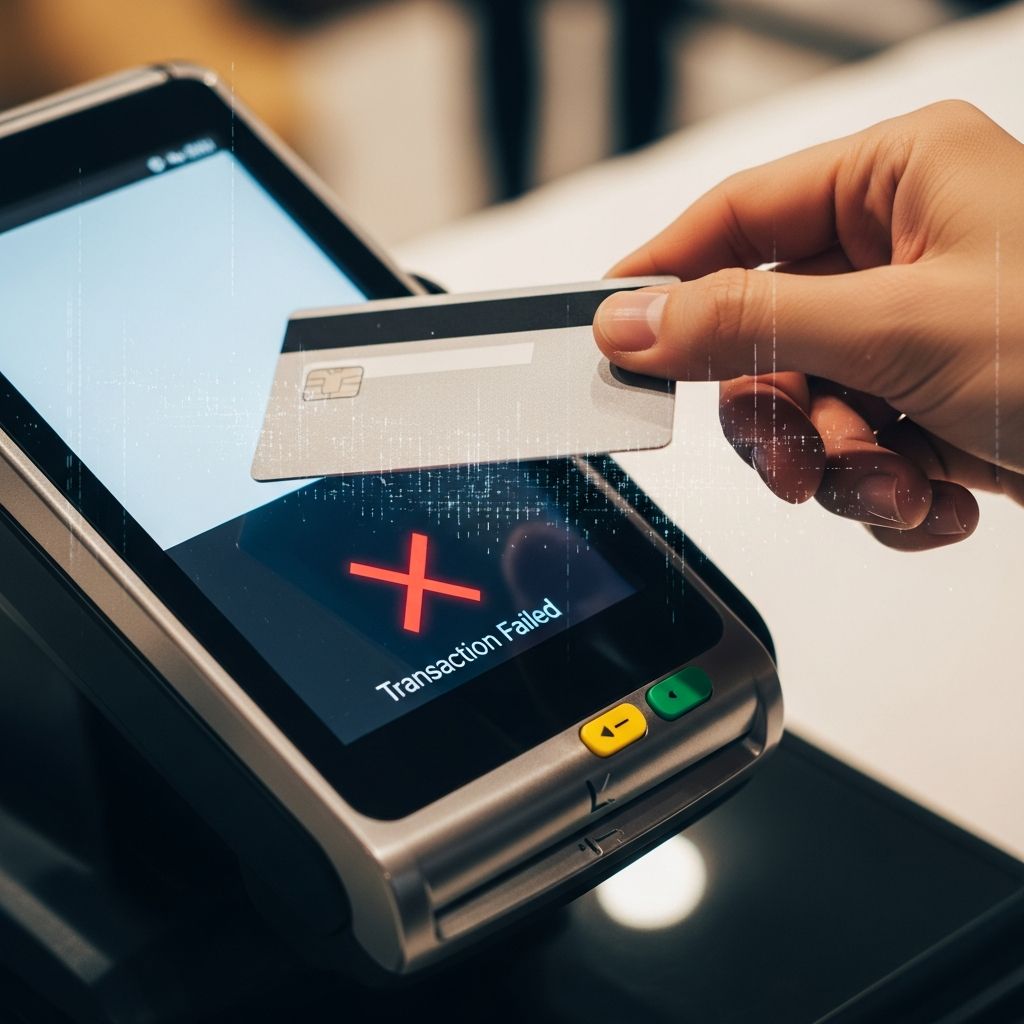
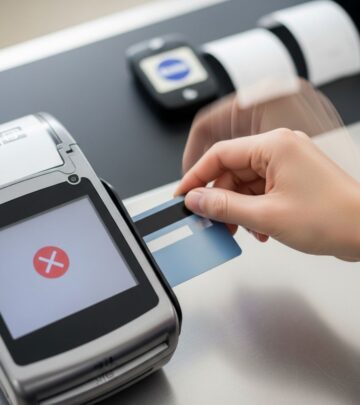
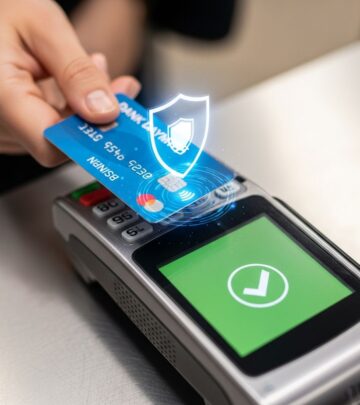
Contactless payment technology has transformed how consumers make everyday transactions, offering speed and convenience at checkout. However, when a tap-to-pay card fails to work, it can create frustration and delay at the point of sale. Understanding the underlying causes of contactless payment failures and knowing how to address them systematically can help you regain confidence in this payment method.
Understanding Why Contactless Payments Fail
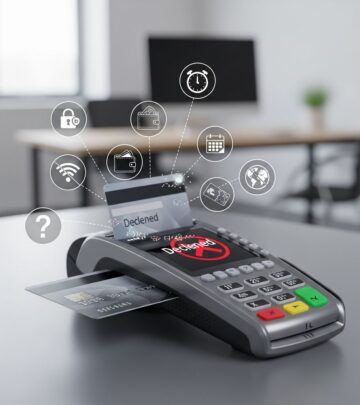
Contactless payment failures typically stem from one of three areas: issues with your card itself, problems with your account status or funds, or incompatibility between your card and the merchant’s payment terminal. Rather than assuming your card is defective, it’s important to diagnose which category your problem falls into before seeking a replacement.
The most common reason for payment rejection involves account-related factors rather than hardware malfunction. These include insufficient account balance, reaching your daily spending limit, or incomplete card activation. Other failures may result from physical card damage, outdated card technology, or terminals that don’t support contactless transactions.
Initial Assessment Steps
When your contactless card isn’t working, start with these fundamental checks before exploring more complex solutions:
- Physically inspect your card for visible damage, bends, scratches, or dirt accumulation on the chip area
- Verify your account has sufficient funds available for the transaction
- Confirm your card has been properly activated, particularly if it’s newly issued
- Check whether you’ve exceeded your daily or per-transaction contactless payment limits
- Ensure the merchant’s terminal actually supports contactless payments
Card Cleanliness and Physical Condition
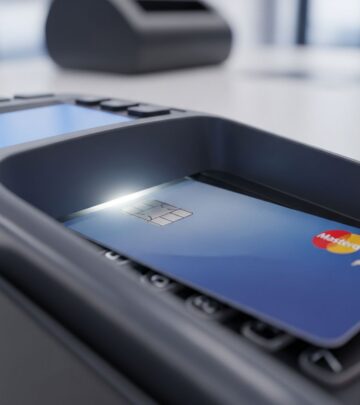
One of the most overlooked solutions involves card maintenance. Contactless cards rely on electromagnetic communication between the card’s chip and the terminal’s reader. When dirt, dust, or residue accumulates on the card’s surface or chip, it can disrupt this communication pathway.
To address this issue, gently clean your card using a soft, dry cloth or tissue. Pay particular attention to the chip area, which is typically located on the front of the card. Wipe away any visible smudges, fingerprints, or debris. This simple maintenance step resolves many contactless payment failures without requiring further intervention.
Beyond cleanliness, examine your card for structural damage. Bent or cracked cards frequently experience functionality problems. Additionally, protective sleeves or wallets that apply excessive pressure can damage the card’s internal antenna, preventing proper signal transmission. If your card shows signs of damage beyond dirt accumulation, contact your bank to arrange a replacement.
Verifying Account Activation Status
New contactless cards often require activation before use, even if they arrive pre-configured by the issuing bank. While many cards activate automatically upon first use, some require manual activation through your bank’s mobile app, website, or customer service line.
To verify your card’s activation status, log into your banking application or call your bank’s customer support team directly. Most activation processes take only minutes and provide immediate confirmation that your card is ready for contactless transactions. Attempting to use an unactivated card will consistently result in payment failures, regardless of other factors being correct.
Checking Your Account Balance and Spending Limits
Payment decline doesn’t always occur due to hardware issues. Your contactless card may stop working because your account lacks sufficient funds to complete the transaction. This is particularly common when making larger purchases or multiple transactions in quick succession.
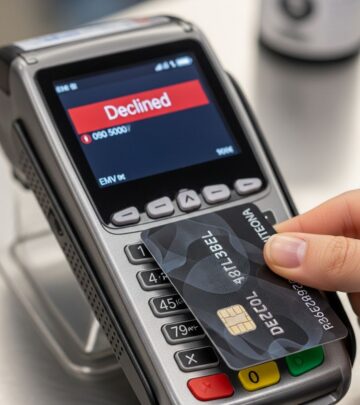
Many banks impose daily spending limits on contactless transactions as a security measure. Once you reach this limit, your card will decline all subsequent tap payments until the limit resets (typically at midnight) or you authenticate through chip and PIN verification instead. To avoid surprises at checkout, regularly monitor your account balance and transaction history through your banking app.
If an insufficient funds message appears during a transaction, verify your available balance before attempting payment again. You may discover that a pending transaction or hold has reduced your immediately available funds below the required amount for your current purchase.
Managing Multiple Contactless Cards
Carrying multiple contactless-enabled cards creates a specific technical problem: payment terminal confusion. When a reader detects multiple contactless signals simultaneously, it cannot determine which card to process, resulting in transaction failure.
To prevent this issue, physically separate your contactless cards before attempting payment. Remove the specific card you intend to use from your wallet and hold it alone near the terminal. This eliminates signal interference and ensures clean communication between your chosen card and the reader.
Transitioning to Chip and PIN Authentication
When contactless payments repeatedly fail, your card’s magnetic strip and chip typically remain functional. Requesting chip and PIN authentication provides a reliable backup authentication method that usually works when contactless features malfunction.
While chip and PIN verification takes slightly longer than tapping, it offers superior security and almost always succeeds when contactless functionality is compromised. Most modern cards support both payment methods simultaneously, allowing you to switch between them as needed.
Understanding Terminal Compatibility Issues
Not all payment terminals support contactless transactions, particularly in smaller retailers, independent merchants, or regions with slower technology adoption. Additionally, some terminals may support contactless payments but use outdated technology incompatible with your specific card type.
Before attempting a contactless payment at an unfamiliar merchant, you can ask staff whether the terminal accepts tap-to-pay transactions. This simple question prevents wasted time attempting impossible transactions. If the merchant’s terminal doesn’t support contactless payments, chip and PIN authentication or cash payment may be your only alternatives.
Exploring Mobile Payment Alternatives
When your physical contactless card continues to malfunction, mobile payment platforms frequently provide a working alternative. Services like Apple Pay and Google Pay function through similar contactless technology but operate independently from your physical card.
These digital wallets often work successfully even when corresponding physical cards fail, as they may use updated technology or different communication protocols than older cards. If you’ve linked your payment card to a mobile wallet, attempting payment through your smartphone may succeed where the physical card fails.
NFC Settings and Mobile Payment Troubleshooting
If you’re using contactless payment through your smartphone, certain device-level settings must be configured correctly. Near Field Communication (NFC) technology requires that your phone’s NFC feature is enabled, your payment app is set as the default payment application, and your device is unlocked during the transaction.
To troubleshoot mobile contactless payments, verify these prerequisites before attempting payment. Additionally, ensure your phone is held correctly relative to the payment terminal—typically with the NFC antenna (often located at the top or middle of your device) positioned toward the reader for several seconds.
When to Contact Your Bank
If contactless payment failures persist despite trying all troubleshooting steps, your situation likely involves one of two scenarios requiring bank assistance. First, your card may have a hardware defect affecting the embedded antenna, which banks can only resolve through card replacement.
Second, your account may have security flags or restrictions that prevent contactless transactions but allow other authentication methods. Your bank can verify your account status and identify any blocks preventing tap payments from processing.
Contact your bank with specific details about when and where your contactless card fails, which other payment methods work at the same locations, and what error messages (if any) the terminal displays. This information helps customer service representatives diagnose your situation more efficiently.
Preventative Maintenance for Long-Term Success
Beyond immediate troubleshooting, several practices help prevent contactless payment failures from occurring regularly. Store your card in protective sleeves or wallets that don’t apply excessive pressure to the card body. Avoid exposing your card to extreme temperatures, moisture, or physical impacts.
Periodically clean your card with a soft cloth to prevent dirt accumulation on the chip. Keep your banking app updated and monitor your account regularly for security flags or spending limit changes that might affect contactless transactions.
Comparison of Troubleshooting Scenarios
| Issue Type | Primary Symptoms | First Solution to Try | Escalation Step |
|---|---|---|---|
| Card Cleanliness | Inconsistent failures at some terminals | Clean card with soft cloth | Try chip and PIN |
| Insufficient Funds | Consistent decline with error message | Verify account balance | Add funds and retry |
| Card Not Activated | Failure on new card’s first use | Activate through bank app | Contact bank support |
| Terminal Incompatibility | Failure only at specific merchants | Ask merchant about contactless support | Use chip and PIN |
| Card Hardware Defect | Consistent failure despite clean card | Try mobile payment app | Request card replacement |
Frequently Asked Questions About Contactless Payment Failures
Why won’t my contactless card work at certain stores?
This typically indicates terminal incompatibility—the merchant’s payment system doesn’t support contactless transactions or uses outdated technology. Some merchants also have spending limits on contactless payments for security purposes. You can use chip and PIN or cash as alternatives at these locations.
Can a dirty card prevent contactless payments?
Yes, absolutely. Dirt or residue on the chip disrupts the electromagnetic signal between your card and the terminal. Gently cleaning your card with a soft cloth often resolves this issue immediately.
What should I do if my card shows an “Unable to Read” error?
First, ensure your card is clean and the chip is positioned correctly toward the terminal reader. If the error persists, try chip and PIN authentication. If neither works, your card may have antenna damage requiring replacement.
Does reaching my contactless spending limit mean my card is broken?
No. Daily contactless spending limits are security features that reset periodically. Once the limit resets or you authenticate through chip and PIN, contactless payments resume normally.
Can I use Apple Pay if my contactless card doesn’t work?
Potentially, yes. Mobile payment apps often use different technology or updated protocols than physical cards. If your physical card fails but you’ve linked it to Apple Pay or Google Pay, mobile payment may succeed.
How long does card activation take?
Card activation usually completes instantly when done through your bank’s app or website. If you activate by phone, the process takes just a few minutes.
Should I replace my card if contactless payments fail once?
Not necessarily. A single failure usually indicates a temporary issue—insufficient funds, terminal incompatibility, or card deactivation—rather than hardware defects. Try troubleshooting before requesting replacement.
References
- Why is contactless payment not working? Common issues explained — One Money Way. 2024. https://onemoneyway.com/en/blog/why-is-contactless-payment-not-working/
- Why your contactless payments might not be working — myPOS. 2024. https://www.mypos.com/en-gb/blog/payments/why-your-contactless-payments-might-not-be-working/
- Troubleshooting: Contactless payment issues — Wirex. 2024. https://www.wirexapp.com/help/article/troubleshooting-contactless-payment-issues-1318
- Fix problems with tap to pay transactions — Google Wallet Support. 2024. https://support.google.com/wallet/answer/12200245
- Tap to Pay on iPhone FAQ — Apple Support. 2024. https://support.apple.com/guide/apple-business-connect/tap-to-pay-on-iphone-faq-abcb71e19fc3/web
Similar Articles








Read full bio of medha deb