Enterprise Resource Planning (ERP): Definition and Benefits
Understand ERP systems: integrated business solutions for streamlined operations and data management.
What Is Enterprise Resource Planning (ERP)?
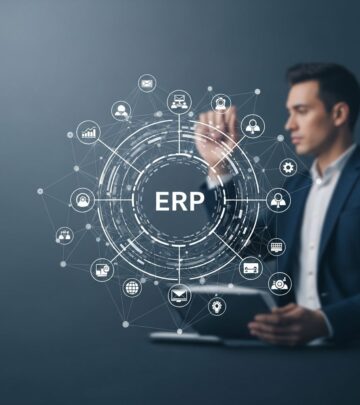
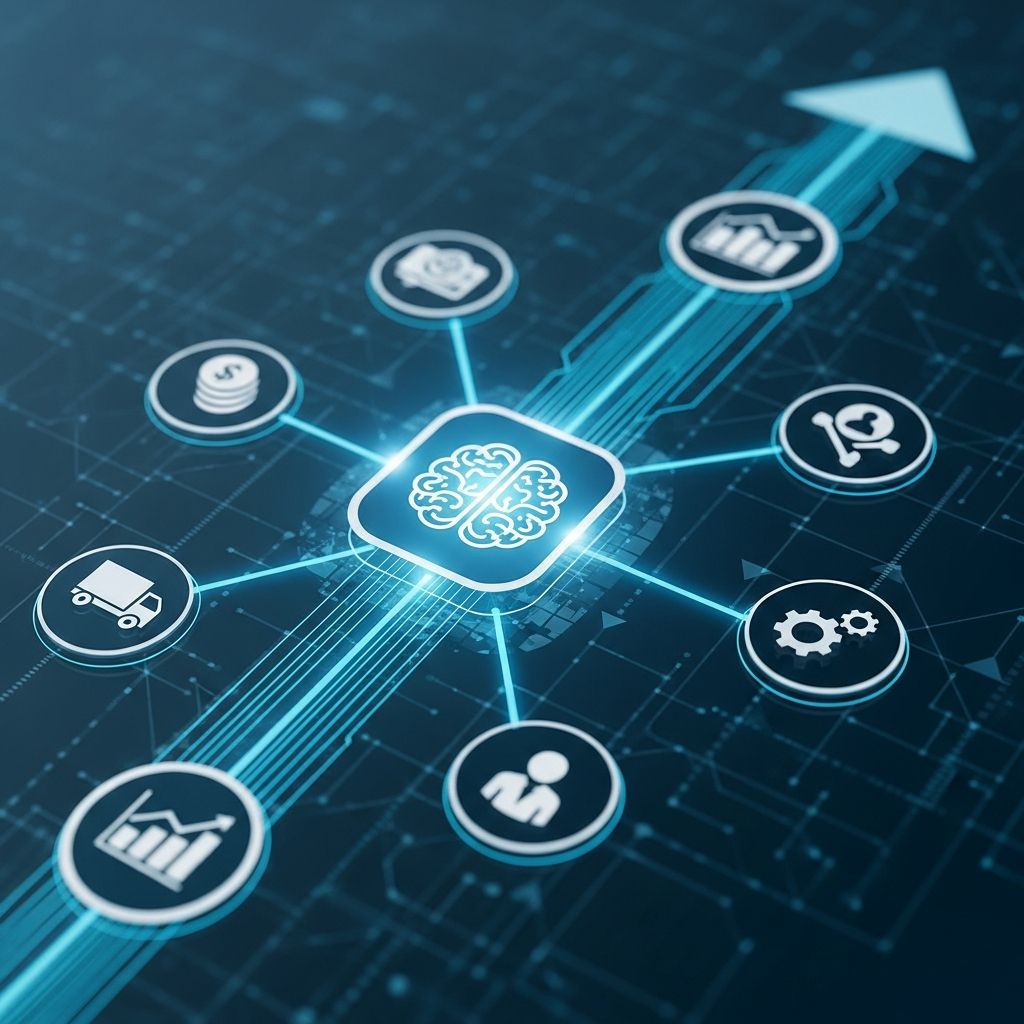
Enterprise Resource Planning, commonly referred to as ERP, is a business management software system designed to integrate and streamline an organization’s core business functions and processes. The term was coined by Gartner in the 1990s to describe a new category of integrated business applications that connect various departments and functions into a single, unified platform. An ERP system serves as the backbone of modern enterprise operations, enabling companies to manage finance, human resources, manufacturing, supply chain, services, procurement, product lifecycle management, and project management all from one centralized location.
At its core, an ERP system draws on a centralized database to manage and automate business processes, provide real-time insights, and enhance internal controls. Rather than relying on separate software applications for different departments, an ERP solution eliminates data silos by creating a single source of truth for organizational information. This integrated approach ensures that all stakeholders across the company are working with the same accurate, up-to-date data.
How ERP Systems Work
ERP systems function by connecting multiple business applications through a common, centralized database. Each application, known as a module or component, focuses on a specific business area such as accounting, human resources, or inventory management. These modules work independently to manage their respective domains but ultimately communicate through the shared database, allowing information to flow seamlessly across the organization.
The architecture of an ERP system allows data entered in one module to automatically populate relevant information in other modules. For example, when a sales order is created in the customer relationship management (CRM) module, that information instantly becomes available to the accounting, inventory, and supply chain modules. This real-time data synchronization eliminates the need for manual data entry across multiple systems and reduces the risk of information discrepancies.
Companies have the flexibility to select and implement only the modules they need, then add additional components as their business evolves. This modular approach means that a small manufacturing company might initially implement finance, HR, and inventory modules, while a large enterprise might deploy a comprehensive suite including CRM, supply chain management, project management, and business intelligence.
Key Components of ERP Systems
Modern ERP systems typically include several core components that address the most critical business functions. Understanding these components helps organizations determine which modules best suit their operational needs.
Accounting and Financial Management
The accounting and financial management component is often the most recognized feature of an ERP system. This module handles the collection, processing, and reporting of all financial transactions, including accounts payable, accounts receivable, general ledger entries, costs, budgets, and forecasting figures. The accounting solution transforms complex transactional data into meaningful profit information and financial insights. It enables organizations to track cash flow, manage expenses, produce financial statements, and maintain regulatory compliance with accounting standards.
Human Resources (HR) and Human Capital Management
The HR module simplifies workforce management by centralizing employee information, payroll processing, benefits administration, and performance tracking. This component supports recruitment, onboarding, training, compensation management, and talent development. By integrating HR data with other ERP modules, organizations can better align workforce planning with production schedules, project staffing requirements, and financial budgets.
Customer Relationship Management (CRM)
The CRM component enables organizations to manage customer interactions, track sales opportunities, and improve client relationships. This module stores comprehensive customer details, monitors communication history, manages leads and support cases, and helps coordinate sales activities across teams. For project-based businesses, CRM functionality tracks resources and potential project needs, providing visibility into business opportunities and the capabilities required to pursue them.
Supply Chain Management and Procurement
Supply chain management (SCM) and procurement modules optimize the flow of materials and goods throughout the organization. The procurement component supports vendor management, purchasing workflows, approvals, contract tracking, and order fulfillment. SCM modules manage inventory levels, coordinate logistics, track shipments, and optimize distribution networks. Together, these components ensure that materials are available when needed while minimizing excess inventory and reducing operational costs.
Manufacturing and Production Management
For manufacturing organizations, ERP systems include modules that manage production planning, scheduling, quality control, and shop floor operations. These components track work orders, monitor equipment utilization, manage bill of materials (BOM), and coordinate production across multiple facilities. Integration with inventory and supply chain modules ensures that raw materials are available when production is scheduled.
Business Intelligence and Reporting
The business intelligence (BI) module compiles data from across the ERP system to generate comprehensive reports, dashboards, and visualizations. This component enables data-driven decision-making by transforming operational data into actionable insights. Organizations can monitor key performance indicators (KPIs), track trends, forecast demand, and identify opportunities for improvement through real-time analytics and customizable reporting.
Project Management
Project management modules track tasks, deadlines, resources, budgets, and progress across ongoing initiatives. This component integrates resourcing, finance, and project scheduling data, allowing project managers to monitor project-specific KPIs such as Estimate to Complete (ETC) and Estimate at Completion (EAC). This enables more proactive project management and timely, profit-related decisions at any stage of the project lifecycle.
Inventory and Warehouse Management
Dedicated inventory management and warehouse management modules provide real-time visibility into stock levels, automate warehouse operations, and optimize storage and retrieval processes. These components track inventory across multiple locations, manage stock movements, handle receiving and shipping, and support barcode scanning and automated picking operations.
Core Benefits of ERP Systems
Organizations that implement ERP systems experience significant operational and financial advantages. The most compelling benefits include:
Improved Operational Efficiency
By eliminating redundant and manual tasks, ERP systems significantly boost productivity and operational efficiency. Automated workflows reduce the time required to complete business processes, allowing employees to focus on higher-value activities. The integration of modules eliminates the need to manually transfer data between systems, reducing errors and accelerating process completion times.
Enhanced Data Accuracy and Consistency
The centralized database ensures that all departments are working with accurate, consistent information. When data is entered once and shared across the organization, the risk of discrepancies and errors is dramatically reduced. This single source of truth improves the reliability of reports and enables more confident decision-making.
Real-Time Visibility and Insights
ERP systems provide real-time visibility into business operations across all departments and functions. Decision-makers can access up-to-date information about financial performance, inventory levels, customer orders, and production status. This enables faster, more informed decision-making and allows management to respond quickly to changing business conditions.
Better Collaboration and Communication
The integrated nature of ERP systems facilitates collaboration and team communication across organizational silos. When all departments share the same database and can access the same information, coordination improves and cross-functional workflows become more efficient. Teams can collaborate more effectively on projects, respond faster to customer needs, and align operations with strategic objectives.
Scalability and Flexibility
Modern ERP systems, particularly cloud-based solutions, offer scalability and flexibility that allow organizations to grow without major system overhauls. Companies can add or remove modules as their business needs change, and cloud-based systems can easily accommodate increased transaction volumes and user growth. This flexibility also extends to industry-specific requirements, as many ERP vendors offer specialized modules or extensions for particular sectors.
Cost Reduction and Profitability Improvement
By streamlining operations, reducing manual processes, and improving efficiency, ERP systems help organizations cut costs and improve profitability. Automation reduces labor costs, optimized supply chain management reduces inventory carrying costs, and better financial visibility enables more effective cost control. Organizations can also negotiate better terms with vendors through centralized procurement data.
ERP Implementation Considerations
Implementing an ERP system is a significant undertaking that requires careful planning and consideration. Organizations should assess their current processes, define clear objectives, select appropriate modules, and allocate sufficient resources for implementation and training. The decision between on-premise and cloud-based solutions depends on factors such as IT infrastructure, budget, security requirements, and desired level of customization.
Success also depends on change management and user adoption. Comprehensive training programs, clear communication about the system’s benefits, and support during the transition period help ensure that employees embrace the new system and use it effectively.
Frequently Asked Questions About ERP
Q: What are the main differences between ERP and traditional business software?
A: Traditional business software typically consists of separate applications for different functions, each with its own database. This creates data silos and requires manual data transfers between systems. ERP systems integrate all functions into a single platform with a shared database, eliminating silos and enabling real-time information sharing across departments.
Q: Can small businesses benefit from ERP systems?
A: Yes. While ERP systems were historically designed for large enterprises, modern cloud-based ERP solutions are increasingly accessible and affordable for small and mid-sized businesses. These companies can implement only the modules they need and scale up as they grow.
Q: What is the difference between cloud-based and on-premise ERP?
A: Cloud-based ERP systems are hosted by vendors and accessed over the internet, offering flexibility, scalability, and lower upfront costs. On-premise ERP systems are installed on company servers and require more IT infrastructure investment and maintenance but may offer greater customization and control.
Q: How long does ERP implementation typically take?
A: ERP implementation timelines vary based on system complexity, organizational size, and scope of customization. Simple implementations for small businesses might take 3-6 months, while comprehensive deployments for large enterprises can take 12-24 months or longer.
Q: What are the key success factors for ERP implementation?
A: Key success factors include strong executive sponsorship, clear business objectives, thorough process mapping, adequate resource allocation, comprehensive user training, effective change management, and realistic timelines with contingency planning.
References
- 8 Main Components of ERP Systems — NetSuite. 2024. https://www.netsuite.com/portal/resource/articles/erp/erp-systems-components.shtml
- What is Enterprise Resource Planning (ERP)? — IBM. 2024. https://www.ibm.com/think/topics/enterprise-resource-planning
- What is ERP? The Essential Guide — SAP. 2024. https://www.sap.com/products/erp/what-is-erp.html
- ERP Features: 6 Core Components of ERP — Deltek. 2024. https://www.deltek.com/en/erp/what-is-erp/features
- What Is Enterprise Resource Planning (ERP)? — Syracuse University iSchool. 2024. https://ischool.syracuse.edu/what-is-enterprise-resource-planning/
Similar Articles








Read full bio of Sneha Tete