Email Subject Lines for Job Applications
Master the art of crafting compelling email subject lines that get your job applications noticed by hiring managers.
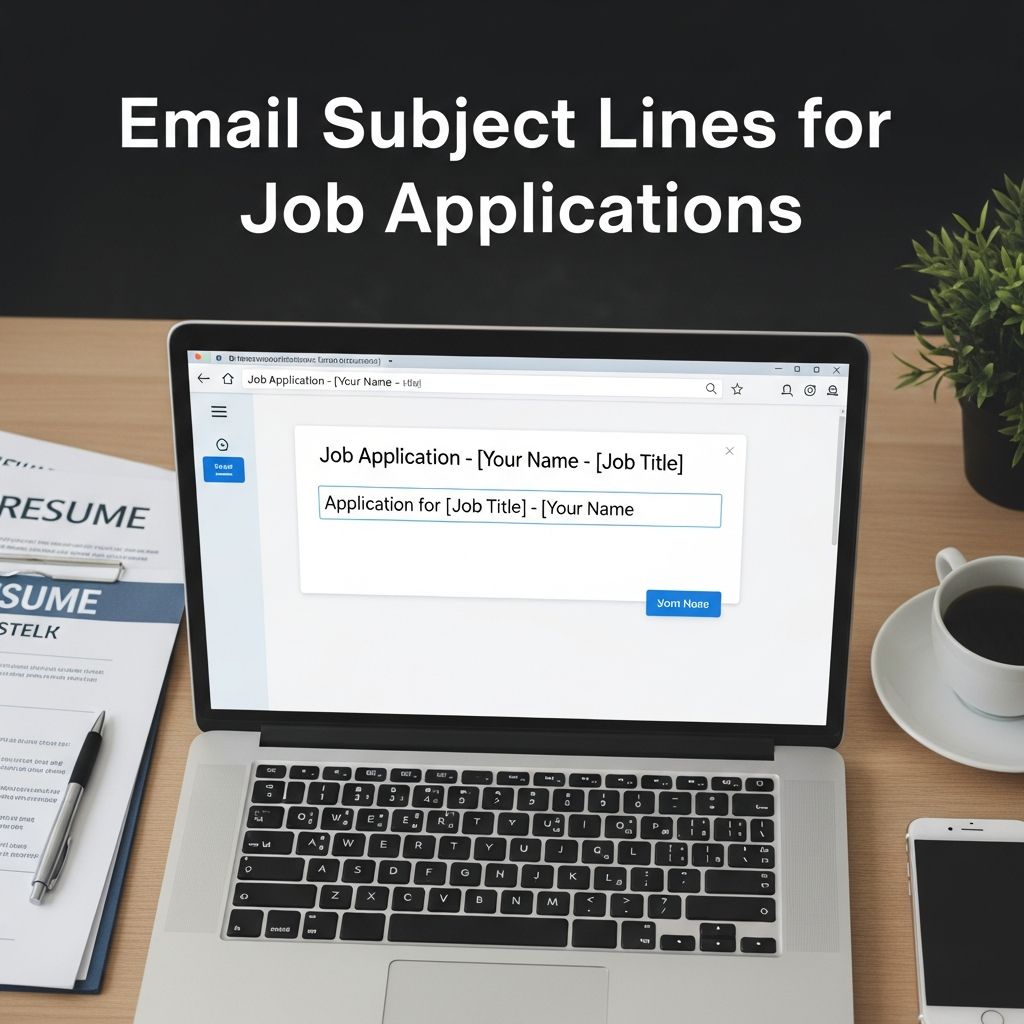
Email Subject Lines for Job Applications: A Complete Guide
When applying for a job via email, your subject line is often the first—and sometimes only—impression you make on a hiring manager. In today’s competitive job market, a well-crafted subject line can mean the difference between your application being opened or ending up in the trash folder. With hiring managers receiving dozens, if not hundreds, of emails daily, your subject line needs to cut through the noise and compel them to take action. This guide will walk you through everything you need to know about creating effective email subject lines that maximize your chances of getting your application noticed.
Why Your Email Subject Line Matters
The subject line is your first opportunity to make a positive impression on a potential employer. Research shows that hiring managers often spend just six seconds reviewing a CV and even less time scanning emails. This means your subject line must immediately communicate who you are and what position you’re applying for. A vague or generic subject line like “CV for role” or “application for consideration” won’t do you any favors and may result in your email being overlooked entirely.
Email subject lines that include numbers see open rates up to 113% higher than subject lines without numbers, according to recruitment data. Additionally, up to 77 percent of emails are now opened on mobile phones, where subject lines are often truncated to just 25-30 characters. This makes conciseness and strategic word placement absolutely critical to your success.
Key Principles for Writing Effective Subject Lines
Keep It Short and Concise
Your email subject line should be brief and to the point. Aim for around 5-7 words, with a maximum of 50 characters whenever possible. Busy professionals scan their inboxes quickly, so get straight to the point. Since email inboxes typically display only about 60 characters of a subject line, and mobile devices display even less, every word counts. If your subject line is too long, important information will be cut off by the email’s preview function, and the hiring manager may never see the most crucial details about your application.
Be Clear and Direct
Your subject line should clearly communicate who you are and what position you’re applying for. Vague subject lines are unlikely to stand out. Instead of writing something generic, be specific about the role. For example, instead of “Software Engineer Application,” write “Senior Python Developer Application – Sarah Mitchell” or “Marketing Manager Application – Chicago – Job ID 2024-156.” This approach immediately tells the hiring manager exactly what you’re offering without them having to open the email.
Include Essential Information
Your subject line should include the following key elements when possible:
- Your name
- The position title
- The position location (if provided)
- The position ID (if provided)
- The reason for your email (application, inquiry, follow-up, etc.)
- Any relevant qualifications or certifications
Front-Load Important Information
With over 66% of emails being read on mobile devices, it’s crucial to front-load your subject line so the hiring manager will see the most important details first. Don’t bury the job title or your name at the end of the subject line. Instead, lead with the role or key qualifications. For example, “Human Resources Manager, FMCG Experienced – David Chen” puts the most critical information right at the beginning where it won’t get cut off on mobile devices.
Best Practices for Subject Line Formatting
Stay Within Character Limits
Email inboxes display approximately 60 characters of a subject line on desktop computers. On mobile devices, this drops significantly to around 25-30 characters. To make the most of this limited space, eliminate unnecessary words and get straight to the point. Use hyphens or commas to separate information clearly. Examples of properly formatted subject lines include:
- “Executive Assistant Application – Dave John”
- “Jessica Walter, Marketing Manager Application”
- “Senior Developer, New York – Jane Smith”
Use Professional Language
Keep your email subject line professional and formal. Don’t use informal words such as “hey,” “howdy,” or “what’s up.” Avoid using text-speak, slang, or shorthand abbreviations unless they are part of the official job title or submission instructions. Recruiters pay close attention to how job candidates communicate, and they use that to inform their hiring decisions. A professional subject line suggests that you take the opportunity seriously.
Proofread Carefully
Before sending your email, proofread your subject line for spelling errors, grammatical mistakes, and punctuation issues. A subject line full of typos sends the wrong message to a hiring manager and may result in your application being rejected immediately. Additionally, research shows that it’s best to use no more than three punctuation marks per subject line. Too many punctuation marks can make your email look like spam and reduce open rates.
Effective Subject Line Examples by Scenario
Standard Job Application
When applying for a posted position, your subject line should include the job title, your name, and any relevant location or job ID information:
- “Applying for Marketing Manager, Houston, Job ID 25, John Smith”
- “Marketing Manager Application – Sarah Johnson”
- “Application: Senior Software Engineer – Boston – Mike Chen”
With a Referral
If you’ve been referred to the position by someone who works at the company, mention that referral in your subject line. This adds credibility and increases the likelihood that your email will be opened:
- “Referred by Jane Doe – Joe Smith, HR Specialist”
- “Job Inquiry – Referred by Tom Wilson – Marketing Manager – Lisa Anderson”
- “Application: Finance Analyst, Referred by Robert Martinez”
Job Inquiry or Cold Application
When inquiring about job opportunities without a specific position posted, be clear about your intent and include relevant experience:
- “Job Inquiry – John Smith, 10+ Years of IT Experience”
- “Inquiry – Jane Doe, PR Specialist Open to New Opportunities”
- “HR Operations Manager Looking for Next Position”
Follow-Up Email
When following up on a previous application, clearly indicate that this is a follow-up and include relevant details:
- “Follow-Up: Marketing Manager Application – Sarah Johnson”
- “Interview Follow-Up – Product Manager Position – Seattle”
- “Application Status Inquiry – Customer Service Representative – David Lee”
Advanced Subject Line Strategies
Use Numbers and Statistics
Numbers can grab attention and stand out in a crowded inbox. Consider using relevant data about your qualifications or the opportunity:
- “10+ Years of Marketing Experience – Manager Position”
- “Top 10% Earning Potential + Career Opportunity at TechCorp”
- “3x Promoted Sales Manager – Looking for New Challenge”
Highlight Specific Skills or Achievements
If you have a particular skill or achievement that directly aligns with the job requirements, mention it in your subject line:
- “Python & Machine Learning Expert – Senior Developer Role”
- “[Skill] Expertise a Perfect Fit for [Job Title]”
- “AWS Certified Solutions Architect – Cloud Engineer Position”
Include Certifications or Qualifications
If you hold relevant certifications or qualifications that strengthen your application, include them in the subject line:
- “CPA – Accountant Application – Boston”
- “MBA Graduate, Project Manager – New Opportunities”
- “PMP Certified, Senior Project Manager – Chicago”
Use Action-Oriented Language
Motivate hiring managers to take the next step with clear calls to action:
- “Ready to Transform Your Marketing Strategy – Senior Marketing Manager”
- “Opportunity at Series C Funded BioTech – Apply Now”
- “Let’s Discuss Your DevOps Challenges – Senior Engineer Available”
What to Avoid in Subject Lines
Don’t Use Vague Language
Avoid vague subject lines that don’t communicate your intent or what you’re applying for. Examples of subject lines to avoid include:
- “Just Checking In”
- “Quick Question”
- “New Opportunities”
- “Application for Consideration”
- “Resume Attached”
Avoid Spammy Language and Tactics
Don’t use excessive punctuation, ALL CAPS TEXT, or overly promotional language that makes your email look like spam. Avoid subject lines with multiple exclamation marks or question marks. Additionally, don’t use clickbait tactics or misleading subject lines that don’t match your email content. Hiring managers can spot manipulation tactics immediately, and they’ll likely delete your email without opening it.
Don’t Neglect Professional Email Address Etiquette
While not technically part of your subject line, your email address is its partner in making a first impression. Many recruiters and hiring managers frown upon unprofessional email addresses and won’t open emails from job applicants who use them. Avoid addresses like “FunAllTheTime@email.com,” “PartyCentral@email.com,” or “NightOwl2024@email.com.” Instead, use a professional email address that includes your name or initials, such as “john.smith@email.com” or “jsmith@email.com.”
Email Subject Line Comparison by Context
| Application Type | Recommended Format | Example Subject Line | Character Count |
|---|---|---|---|
| Standard Application | [Job Title] – [Your Name] | Marketing Manager Application – Sarah Johnson | 48 |
| With Referral | Referred by [Name] – [Your Name], [Job Title] | Referred by Jane Doe – Marketing Manager – John Smith | 56 |
| Job ID Specified | [Job Title], [Location], Job ID [#], [Your Name] | Senior Developer, Boston, Job ID 2024-45, Mike Chen | 54 |
| Cold Application | Job Inquiry – [Your Name], [Key Qualification] | Job Inquiry – Jessica Lee, 8+ Years IT Experience | 50 |
| Follow-Up Email | Follow-Up: [Job Title] – [Your Name] | Follow-Up: Product Manager Application – David Wu | 51 |
Crafting the Perfect Job Application Email
Structure of Your Complete Email
While your subject line is crucial, it’s just one part of an effective job application email. Here’s how to structure your complete email for maximum impact:
Personal Greeting
Address the hiring manager by name if possible. Do research on LinkedIn or the company website to find the right person. Avoid generic greetings like “To whom it may concern.” A personalized greeting shows that you’ve done your homework and take the opportunity seriously.
Strong Introduction
Briefly introduce yourself, mention the role you’re applying for, and explain how you found the opportunity. Keep this section concise but impactful. If you were referred by someone, mention that person’s name here as well.
Tailored Pitch
Highlight why you’re a great fit for the position. Mention key skills, experience, or accomplishments that match the job requirements. Show how you can add value to their team. This section should be 3-4 sentences maximum.
Clear Attachments Mention
Clearly mention that your CV and any other required documents (such as a cover letter or portfolio) are attached. Ensure all attachments are properly named with your name and the document type (e.g., “John_Smith_CV.pdf” instead of “Resume.pdf”).
Call to Action
Politely express your interest in an interview or further discussion. Suggest a time to follow up if appropriate. Make it easy for the hiring manager to contact you by including your phone number and email address.
Professional Closing
Sign off with a formal yet friendly closing such as “Kind regards,” “Best regards,” or “Sincerely,” followed by your full name and contact details.
Email Length and Content Guidelines
Your email should be concise yet informative. Ideally, keep it to 150-200 words. Focus on making your key qualifications and interest in the role clear without overwhelming the hiring manager with too much detail. Your subject line should complement your email body by introducing the same key information in a condensed format.
While it’s tempting to reuse emails for multiple job applications, it’s important to customize each one for the specific role you’re applying to. Tailoring your email to the job, mentioning the company’s name, and aligning your skills with the job description show that you’ve put thought into your application. Generic, mass-produced emails are easily recognizable and significantly less likely to result in an interview.
Frequently Asked Questions About Job Application Subject Lines
How long should my job application email subject line be?
Your subject line should ideally be 5-7 words and no more than 50 characters. This ensures it won’t be cut off on mobile devices and remains concise enough to grab attention quickly. If you must go slightly longer, aim for no more than 60 characters on desktop or 25-30 characters for mobile optimization.
Should I include my name in the subject line?
Yes, including your name in the subject line is generally recommended. It personalizes your email and makes it easier for the hiring manager to identify your application. However, prioritize the job title and position details first, then include your name at the end if space permits.
Is it okay to use creative or casual language in my subject line?
No, it’s best to maintain a professional tone throughout your subject line. While you want to stand out, you should do so through clarity, specificity, and relevant information rather than through casual language or humor. Hiring managers expect professionalism, and creative subject lines may come across as unprofessional or gimmicky.
Should I use punctuation in my subject line?
Use punctuation sparingly. Limit yourself to no more than three punctuation marks per subject line, and use them strategically to separate information (such as hyphens or commas). Avoid excessive exclamation marks, question marks, or other punctuation that makes your email look like spam.
What if the job posting doesn’t ask for an email application?
If the job posting specifies an application method other than email (such as an online application portal), follow those instructions exactly. However, if email is acceptable or preferred, apply the same subject line best practices discussed in this guide.
Can I reuse the same subject line for multiple applications?
No, you should customize your subject line for each application. While templates can save time, personalizing each subject line to the specific position and company shows that you’ve done your research and are genuinely interested in the role. This customization can significantly improve your open rates and interview chances.
Should I include numbers in my subject line?
Yes, including numbers can increase your open rates by up to 113% compared to subject lines without numbers. Use numbers strategically to highlight relevant qualifications, years of experience, certifications, or job IDs. For example: “10+ Years Marketing Experience – Senior Manager Position” or “AWS Certified – Cloud Architect Application.”
What should I do if I have a referral?
If you’ve been referred by someone at the company, definitely mention that in your subject line. Referrals significantly increase the likelihood that your email will be opened and your application will be seriously considered. Include the referrer’s name and position if possible.
References
- Recruitment Email Subject Lines: Tips That Boost Open Rates — Juicebox.ai. 2024. https://juicebox.ai/blog/recruitment-email-subject-lines
- Writing the Perfect Subject Line When Job Seeking in 2024 — Robert Walters Australia. 2024. https://www.robertwalters.com.au/insights/career-advice/blog/the-perfect-subject-line-when-job-seeking.html
- Email Subject Lines for Resume & Job Application — TopResume. 2024. https://topresume.com/career-advice/best-email-subject-lines-when-submitting-resume
- Best Recruiting Subject Lines (2024) — HeroHunt.ai. 2024. https://www.herohunt.ai/blog/best-recruiting-subject-lines
- Best Practices for Email Subject Lines — Mailchimp. 2024. https://mailchimp.com/help/best-practices-for-email-subject-lines/
Similar Articles








Read full bio of medha deb